English
 简体中文
简体中文
 繁體中文
繁體中文
 Français
 Español
 عربي ،
 русский язык
 Português
 Deutsch

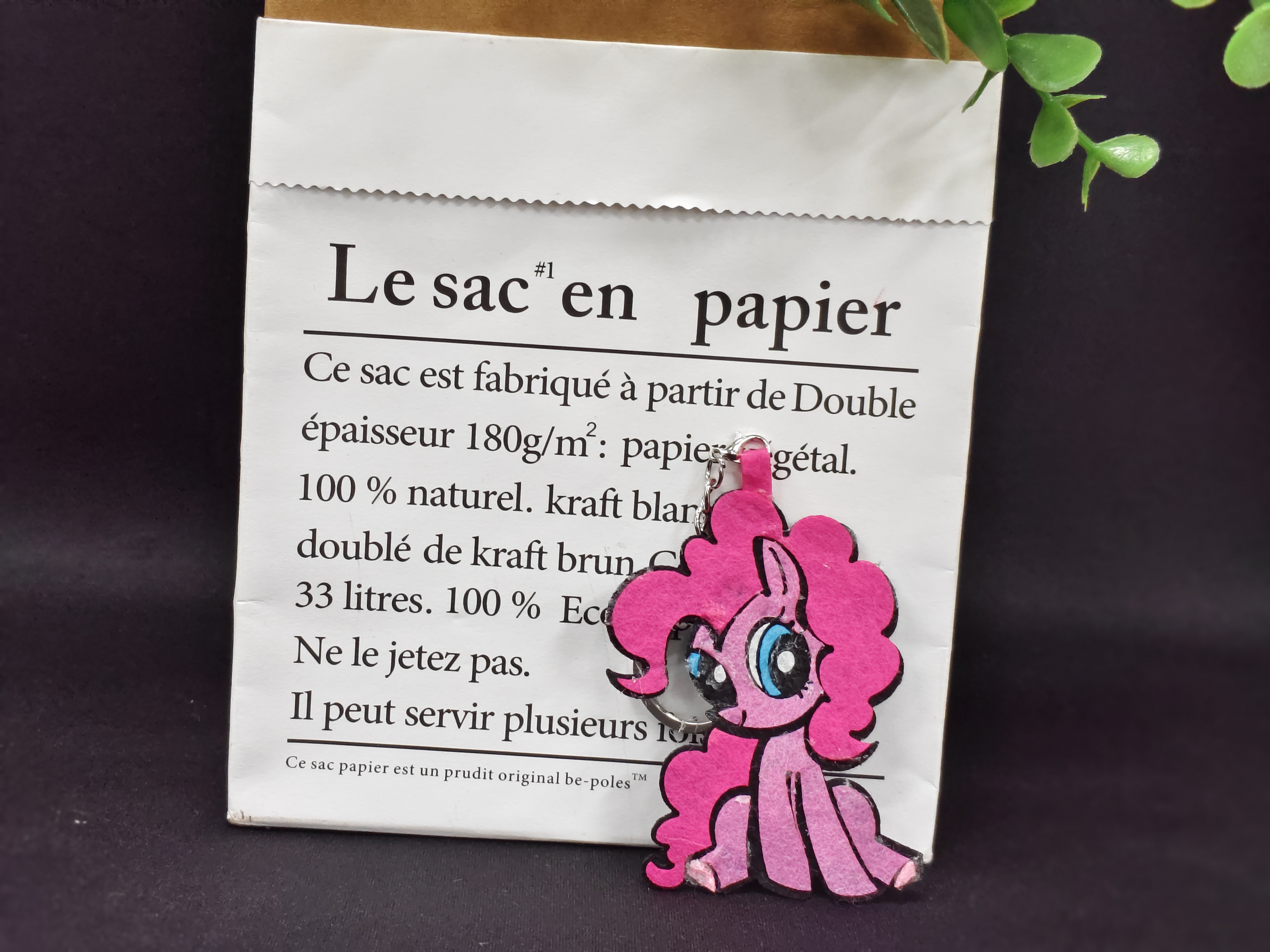
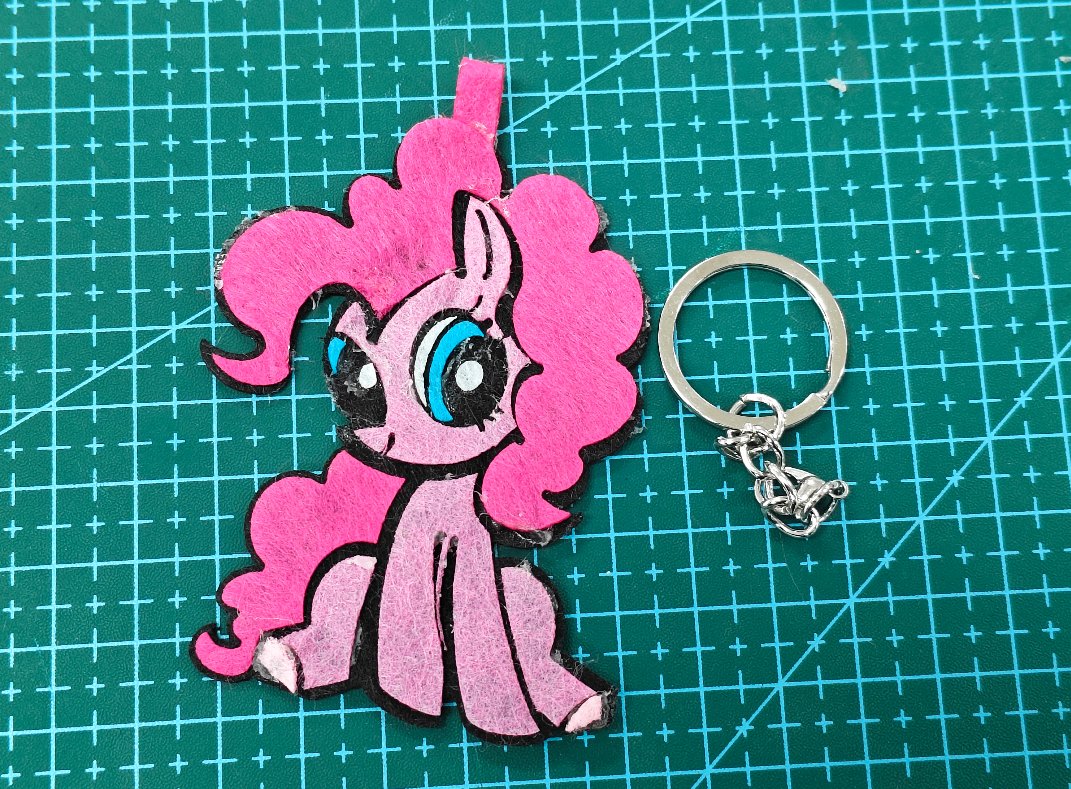
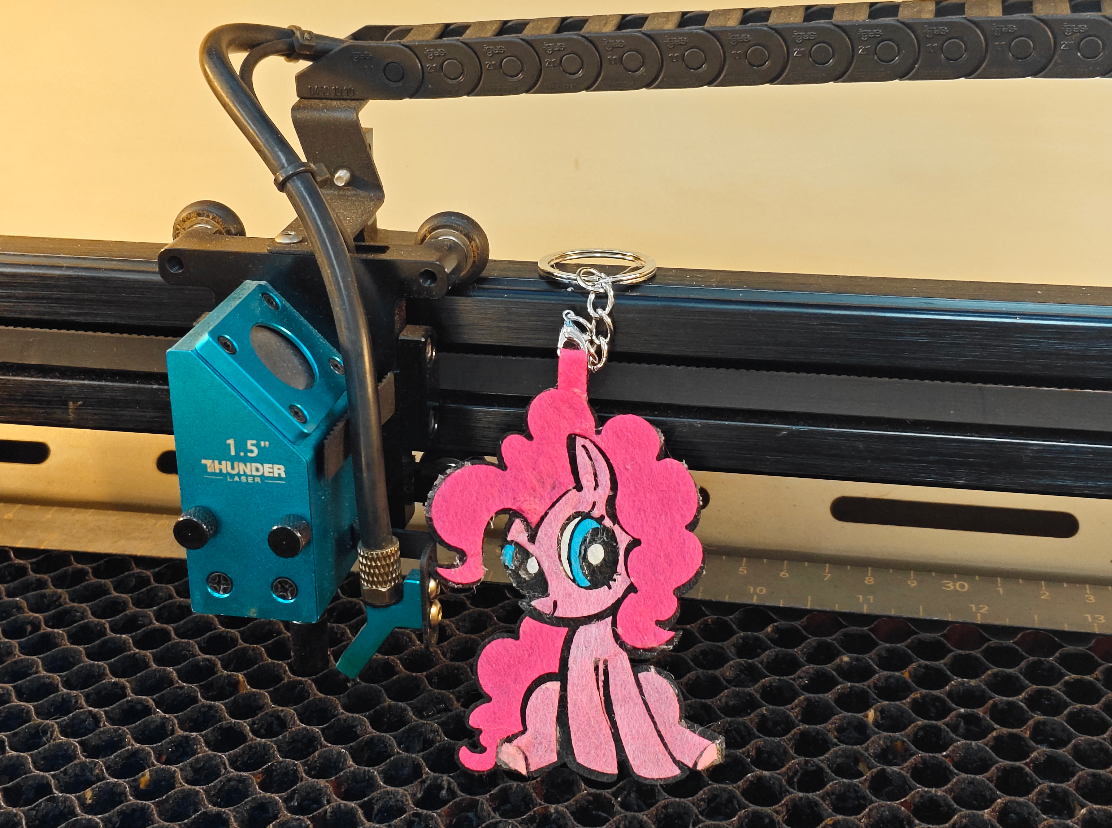
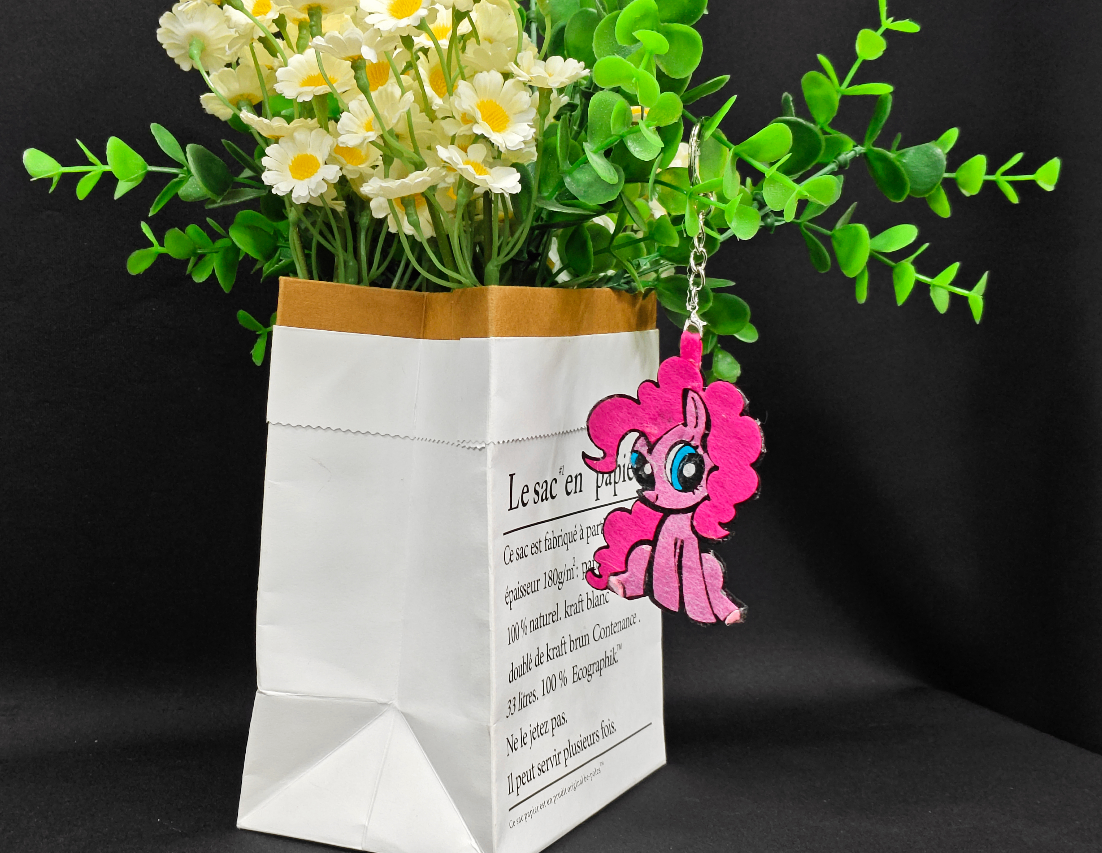
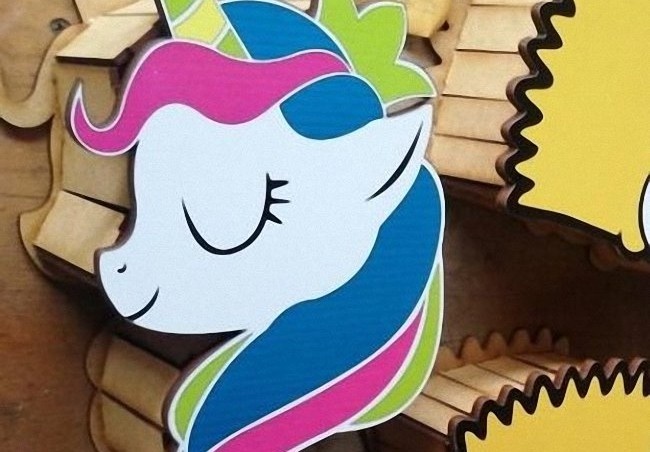
The appearance of Biqi in "Little Pony" features pink fur and cute eyes that exude the vitality of the Year of the Horse. Hang the bag, hang the key, and mark the Year of the Horse Good luck with cuteness Carrying it around~
drawing
My Little Pony-Biqi keychain design project
Drawing Information
lcpx
Little Ma Baoli Biqi
60.00 X 79.49
laser type:
CO2 RF tube
|
power: 30W |
time: 0:4:8minute
Drawing Description
drawing documents
Little Ma Baoli Biqi
Basic Parameters
CO2 RF tube
30W
0:4:8
process parameters
| Processing Technology | processed material | pattern | power(%) | speed(mm/s) | processing times |
|---|---|---|---|---|---|
| cutting | 1mmnon-woven fabric | Horizontal unidirectional | 25 | 300 | 1 |
Bill of Materials
Multi-color non-woven fabric
keychain
hot melt adhesive
Processing equipment:Thunder Bolt Pro ,30W
design process
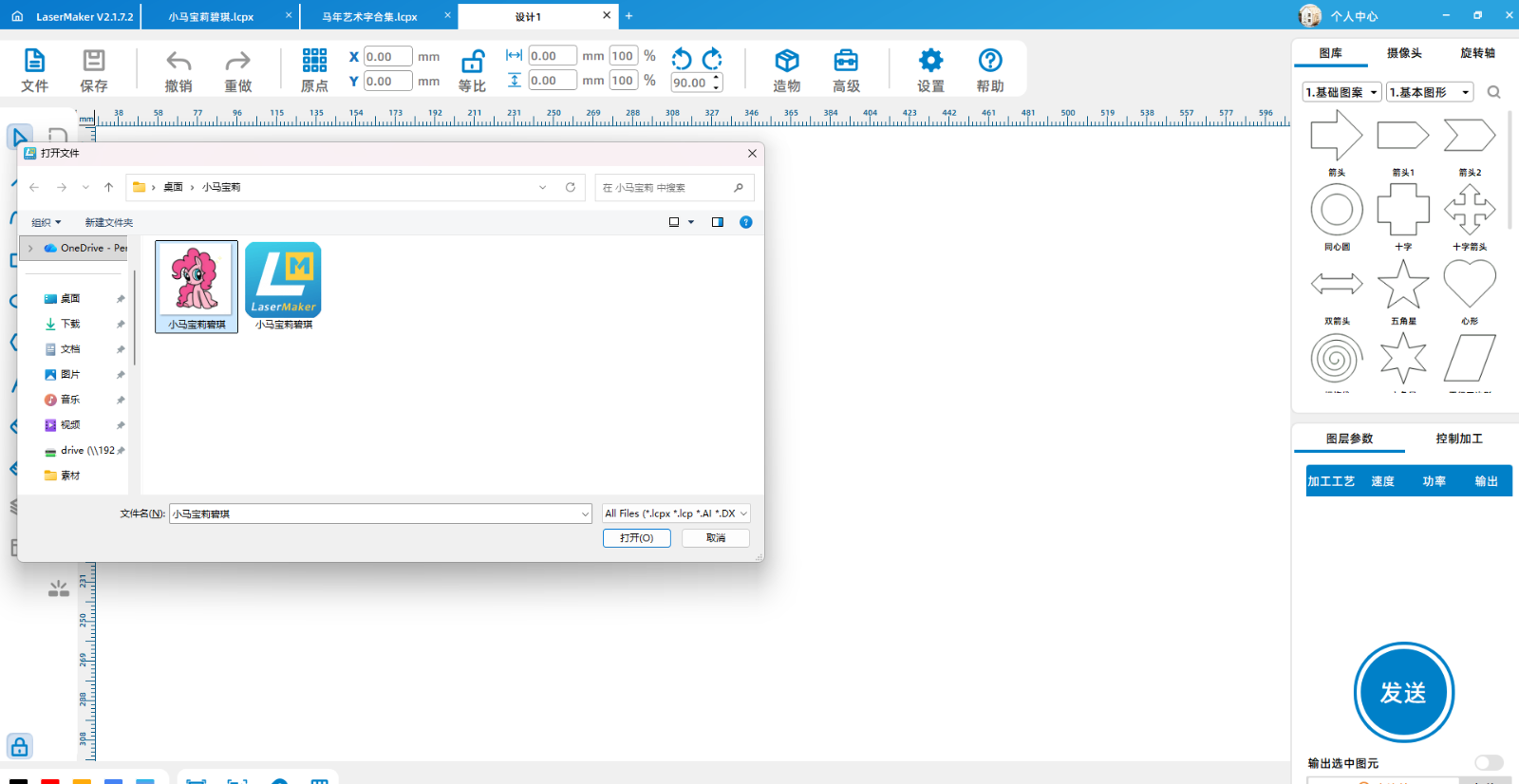
1Open itLaserMakerSoftware, click on file, import image, modify image size
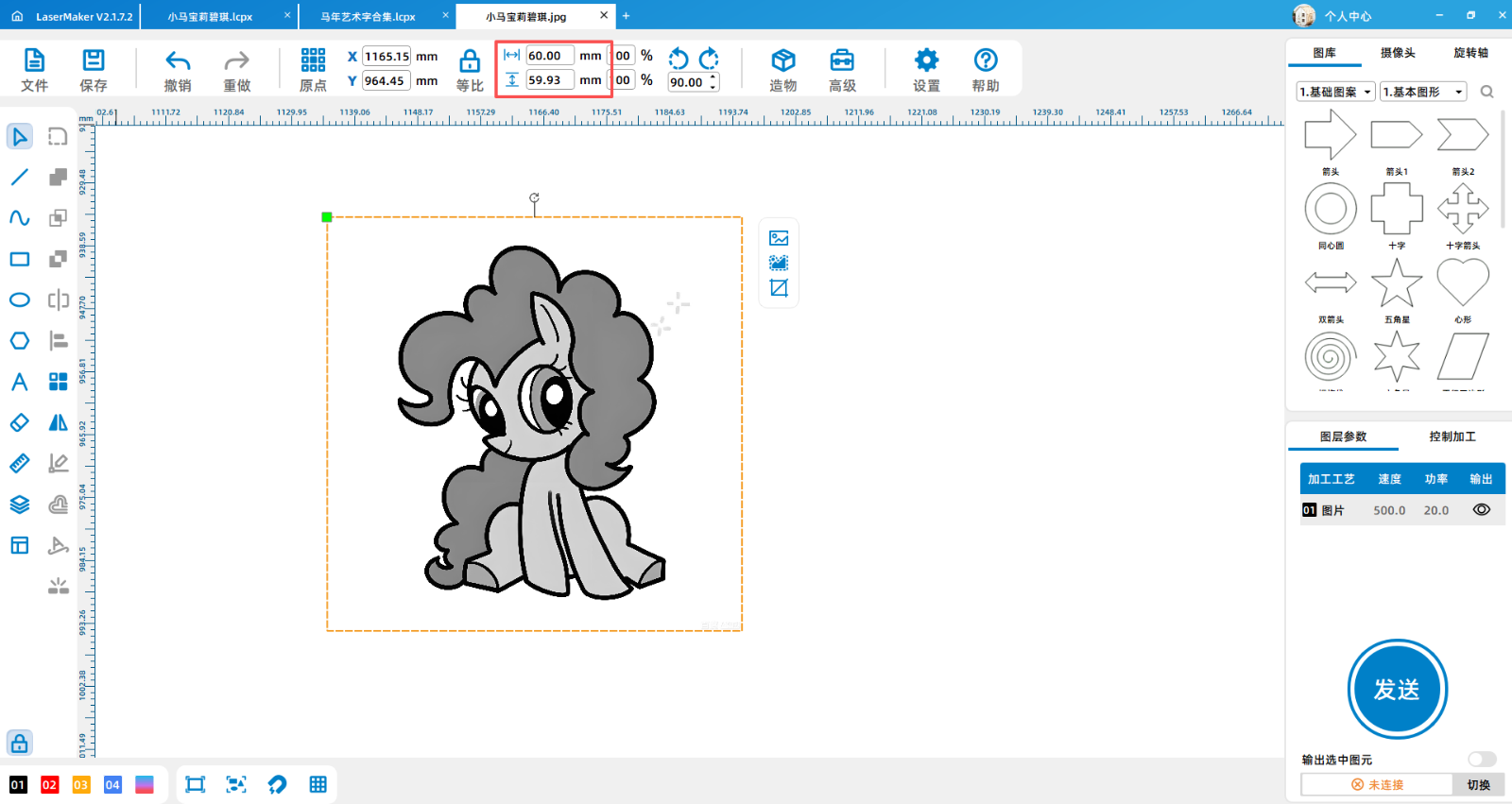
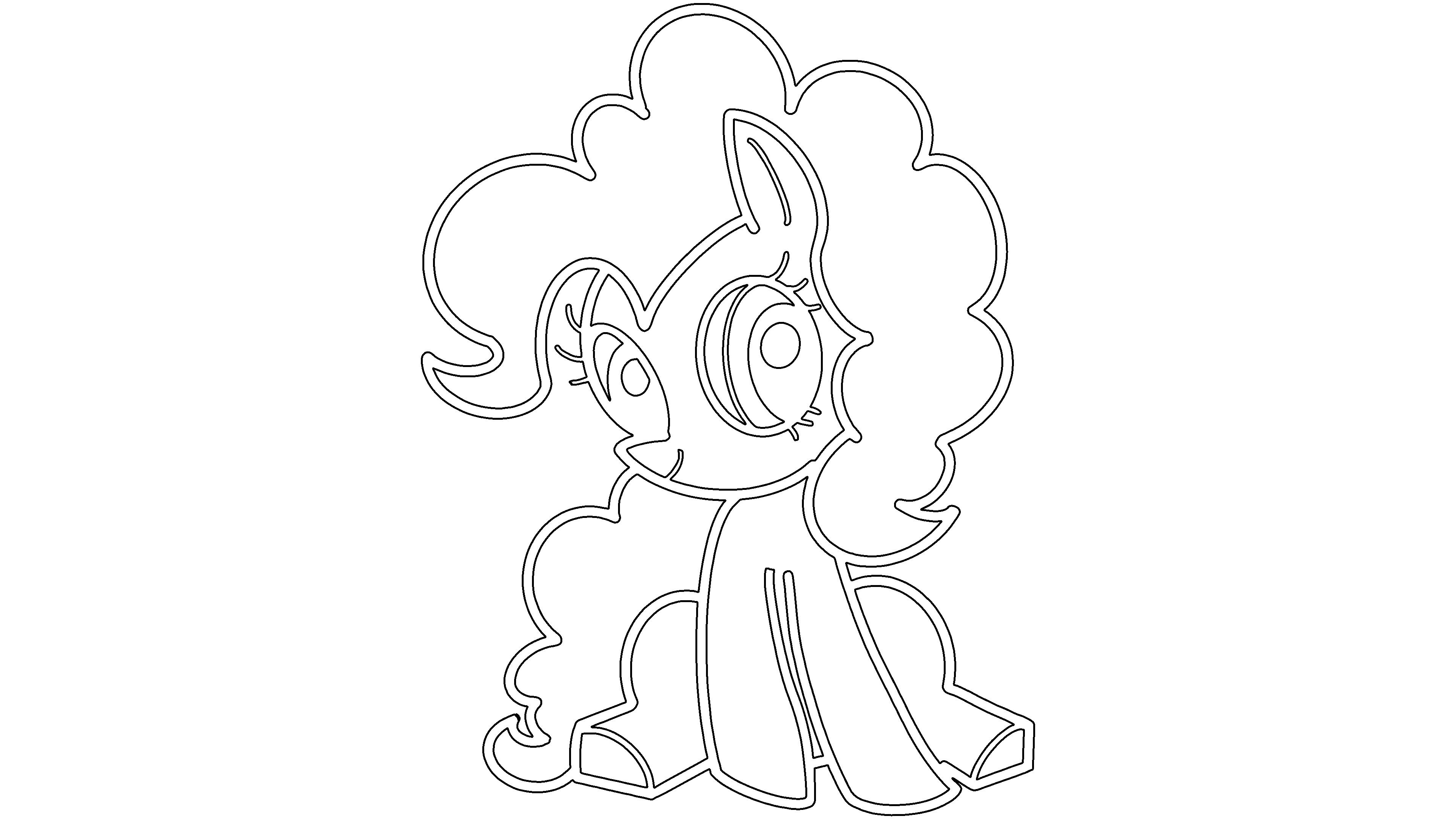
2Click on the contour extraction function in the upper right corner of the image to extract the contour of the image
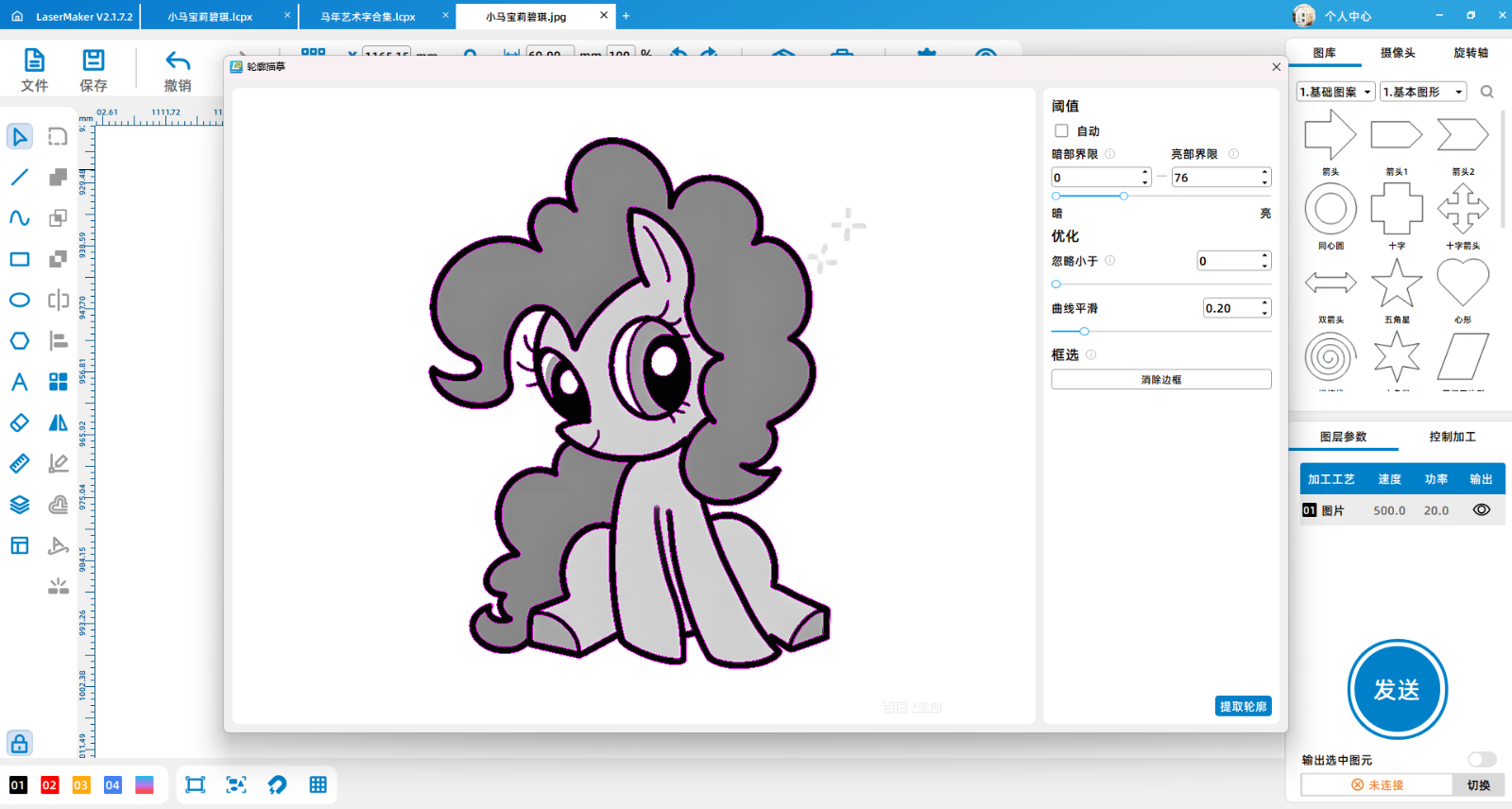
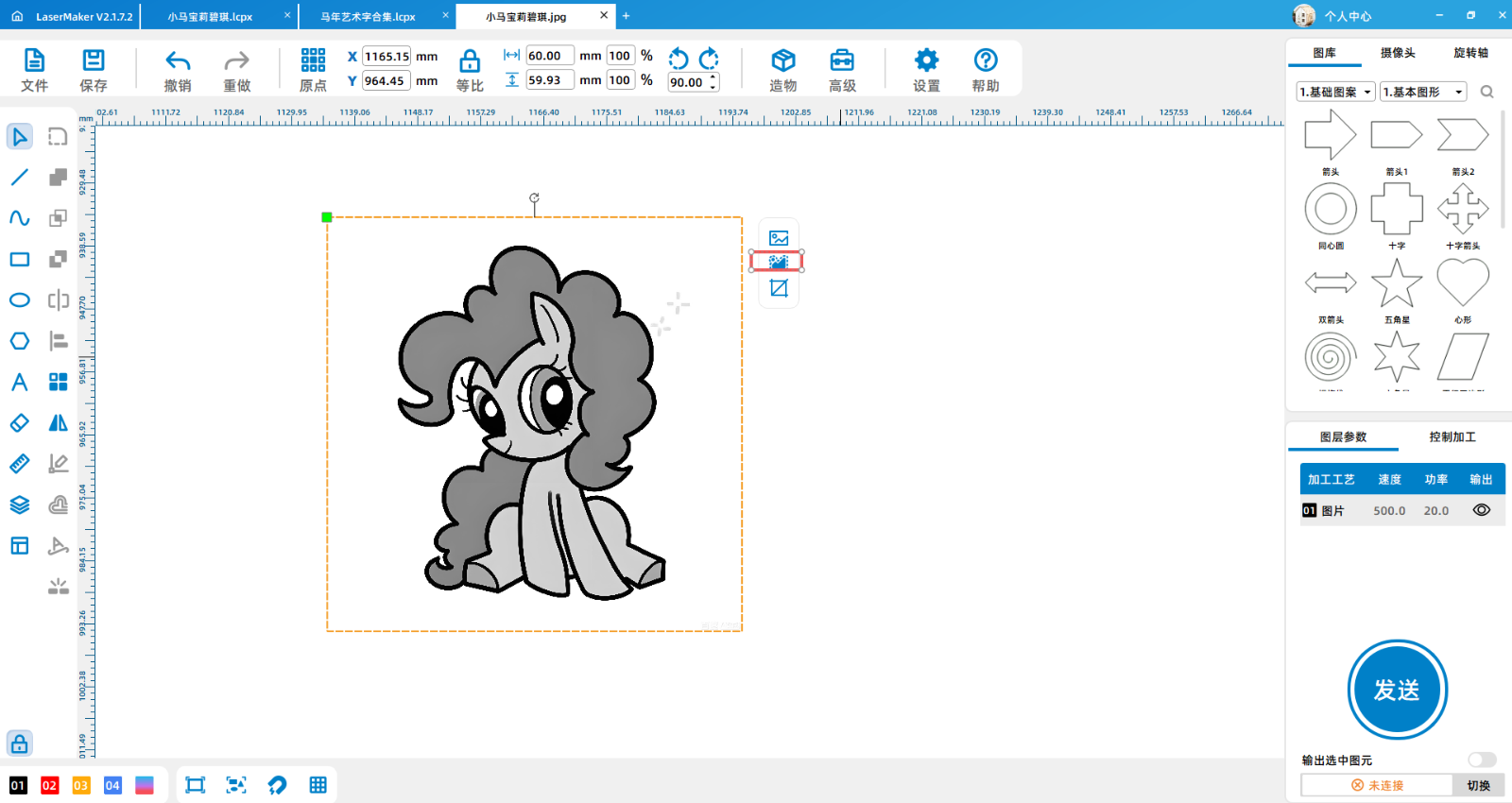
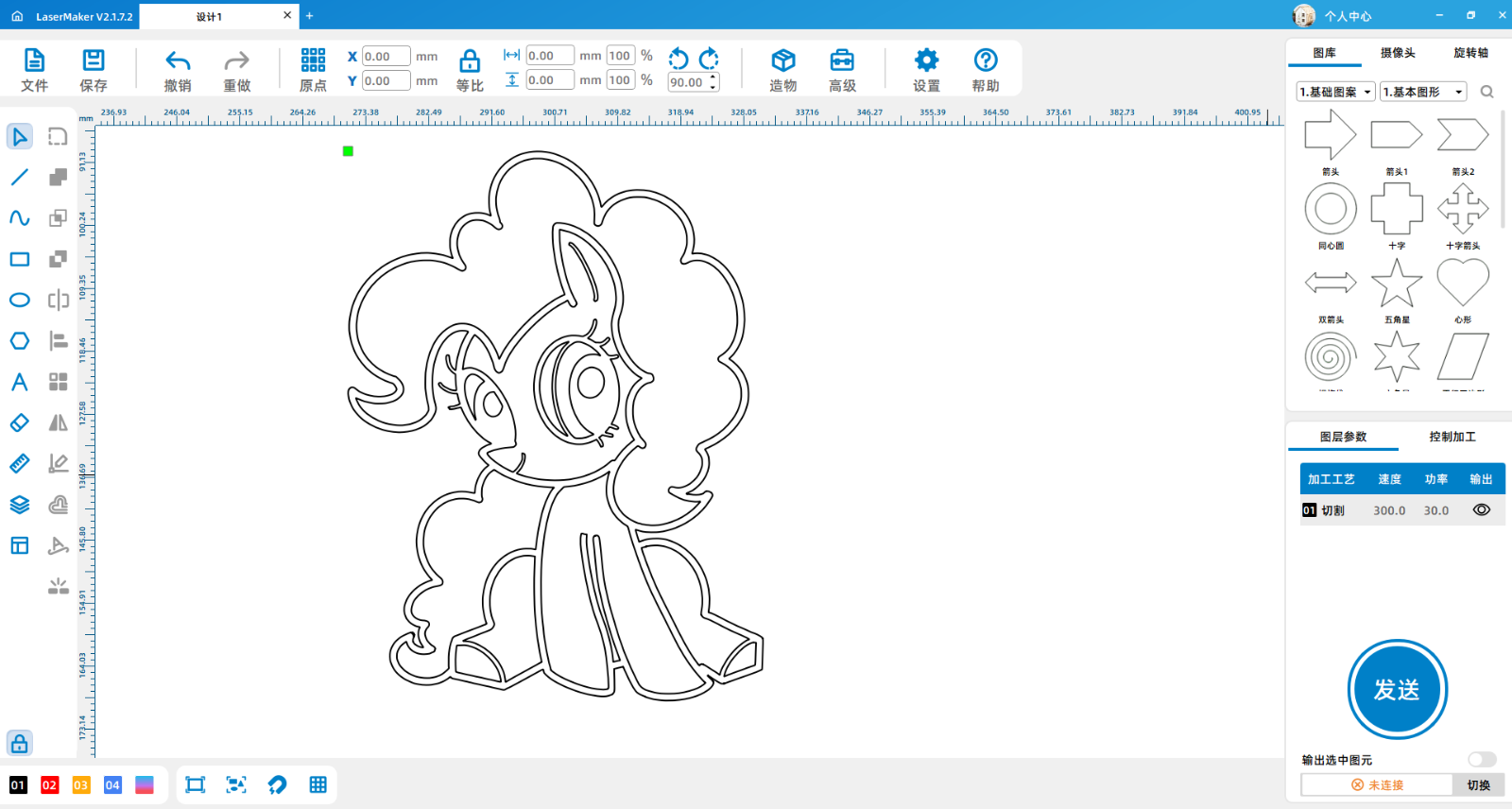
3After extracting the contour, delete the original image, check the extracted contour, and optimize the graphic
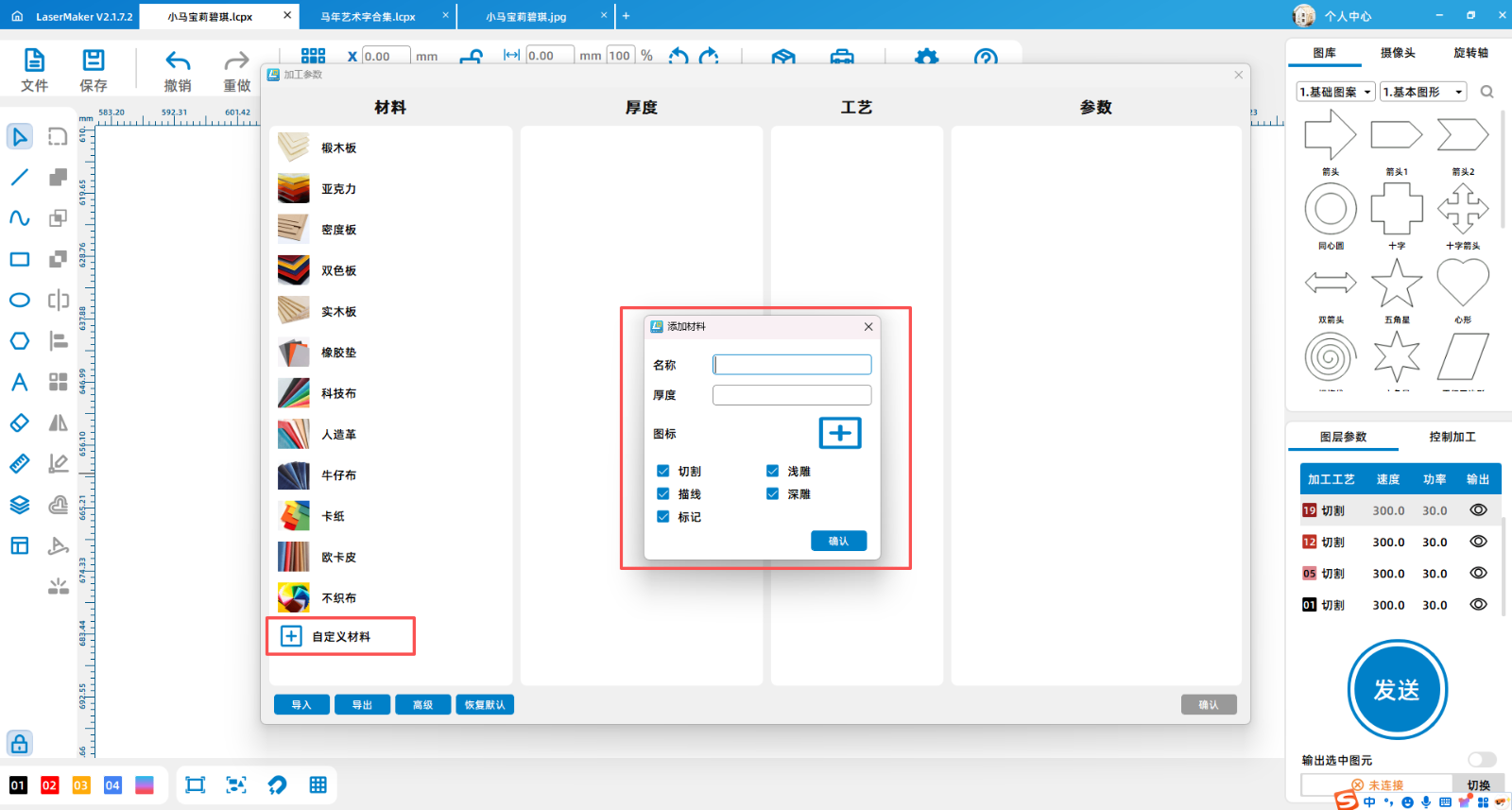
4Add non-woven fabric material in the custom material section
5According to different colors of non-woven fabrics and design graphics, set different color processing layers for easy processing
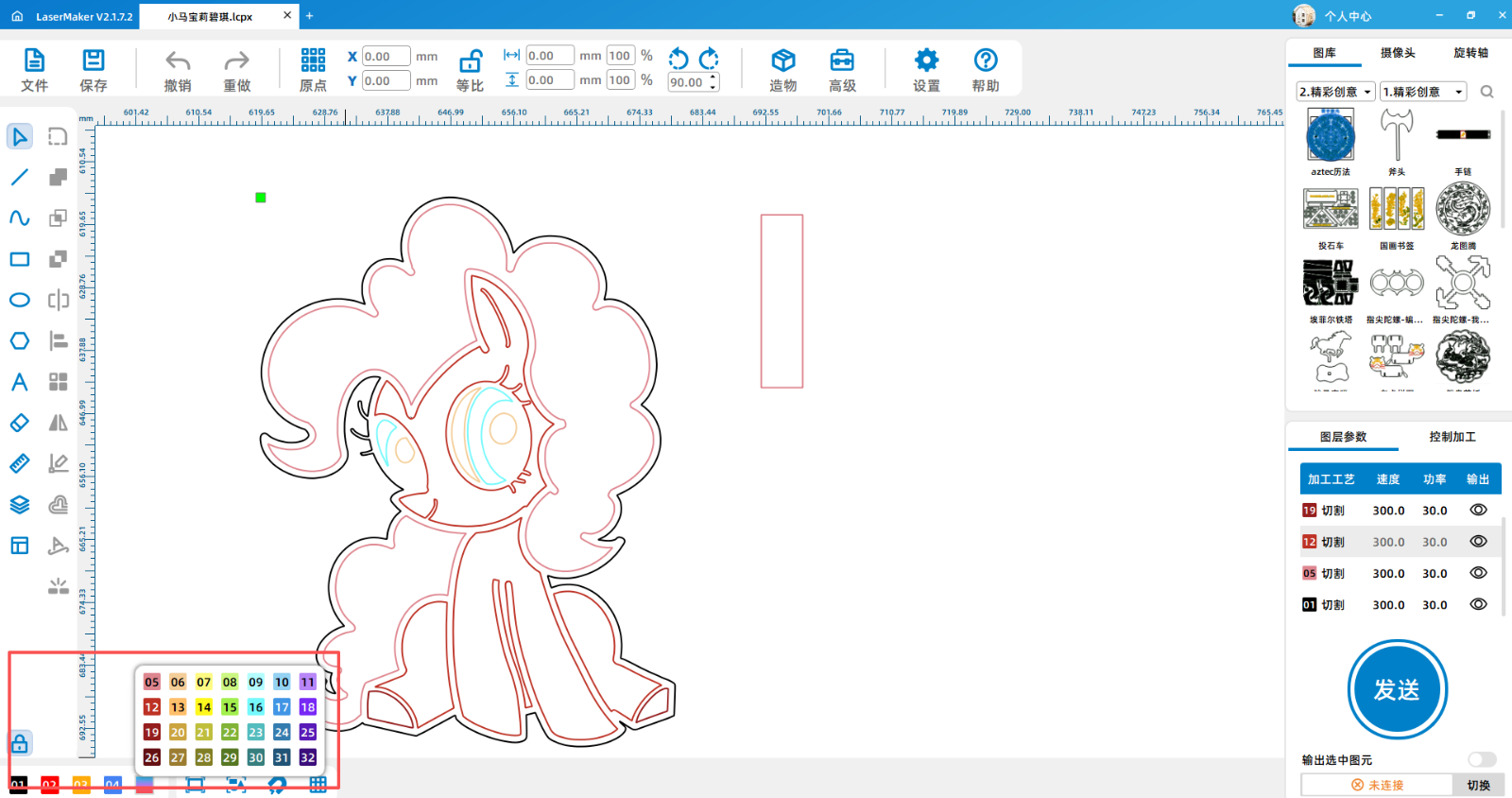
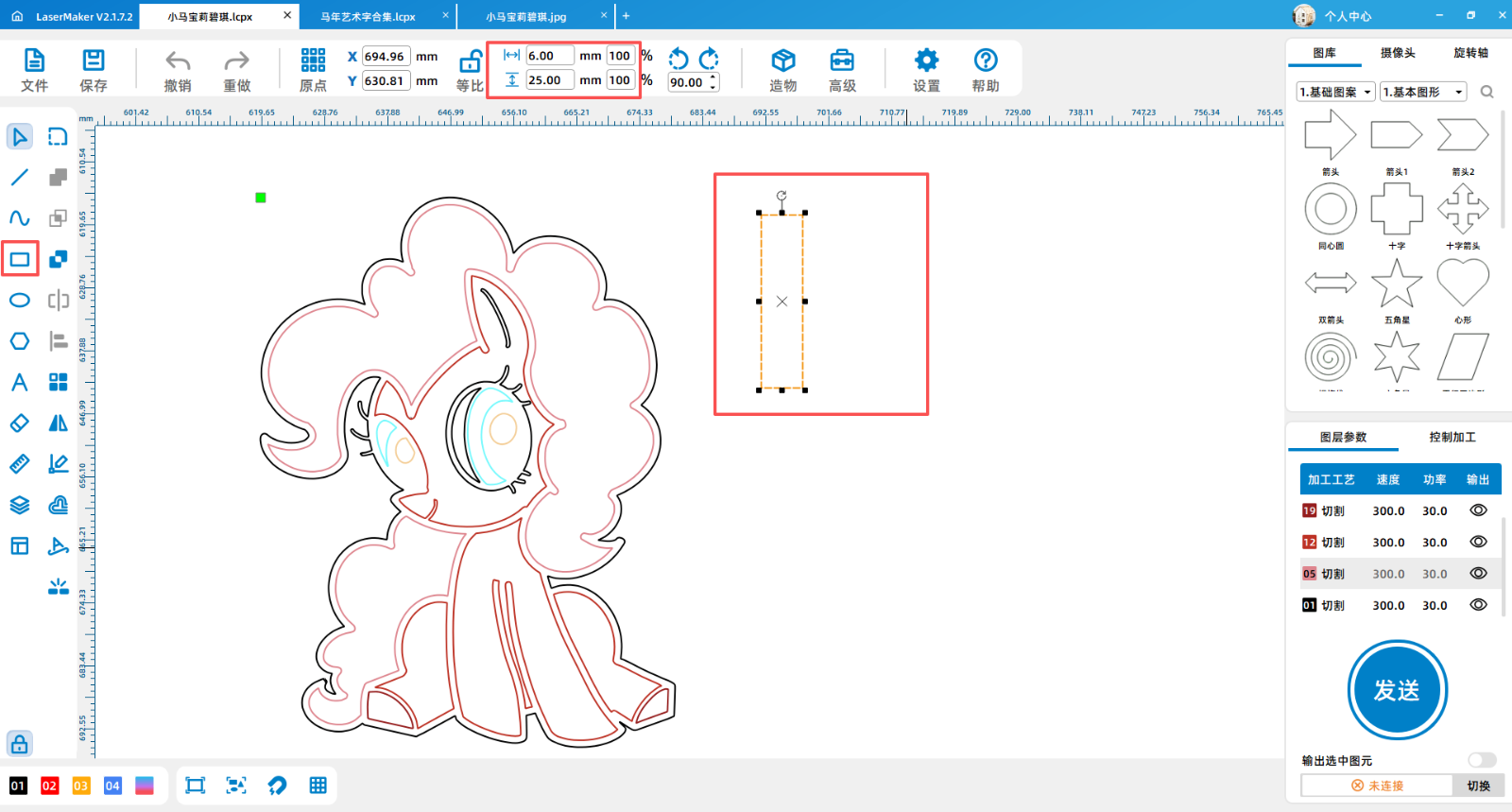
6To facilitate hanging the keychain, a rectangle needs to be added and made into a hook
processing
1After the device is successfully connected, send drawings to the device according to different layers
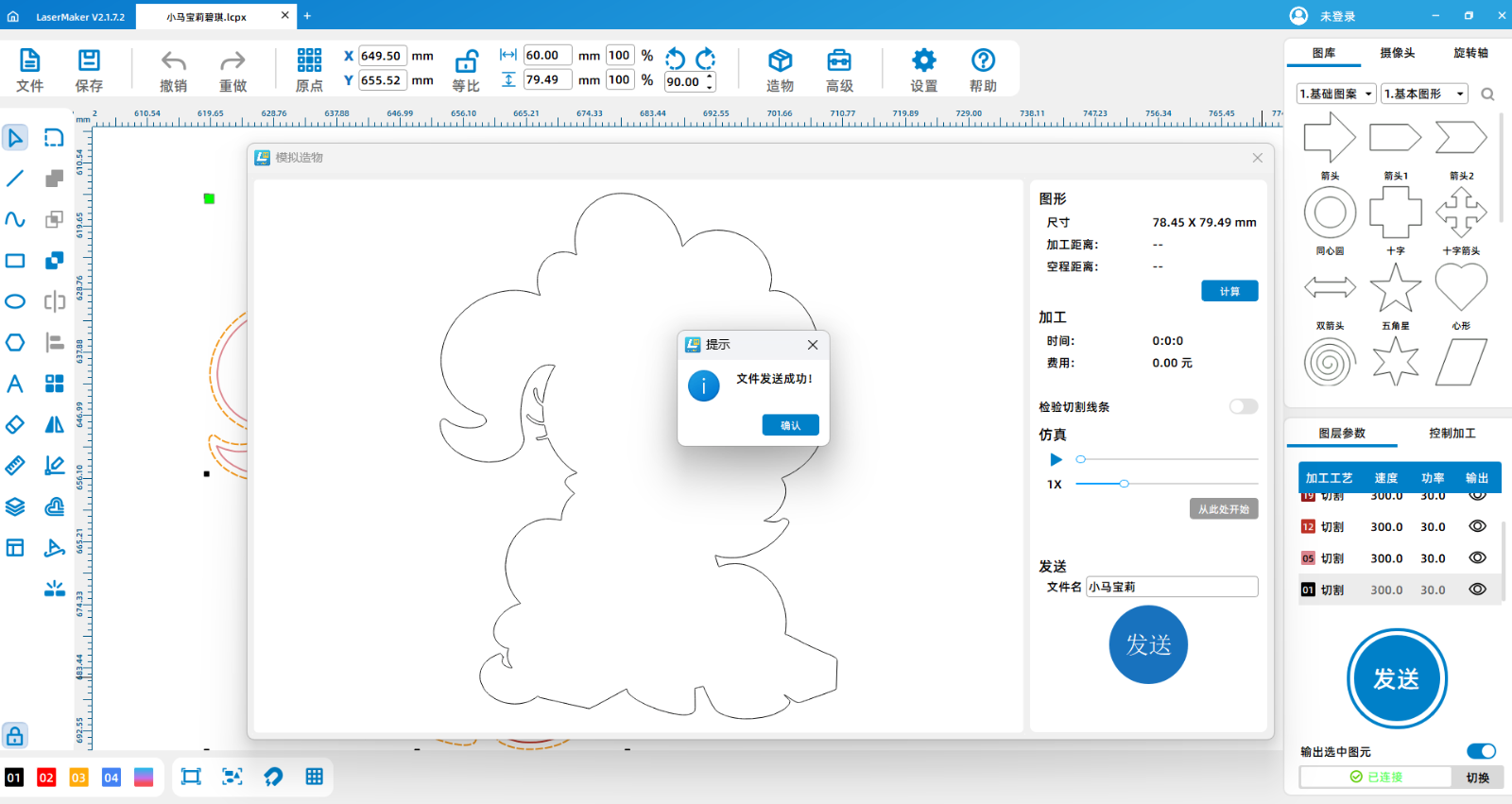
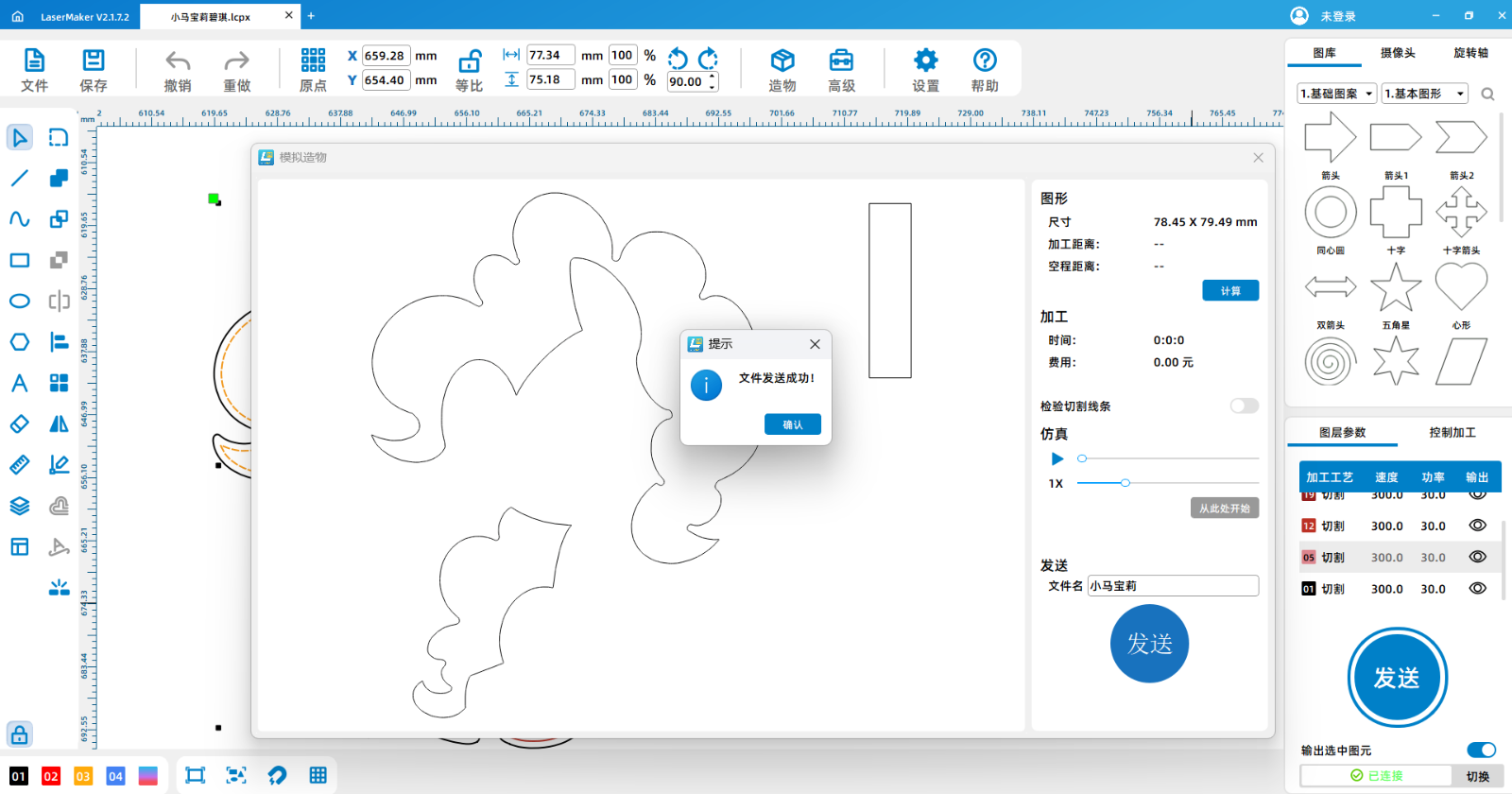
2According to different layers, place non-woven fabrics of different colors separately
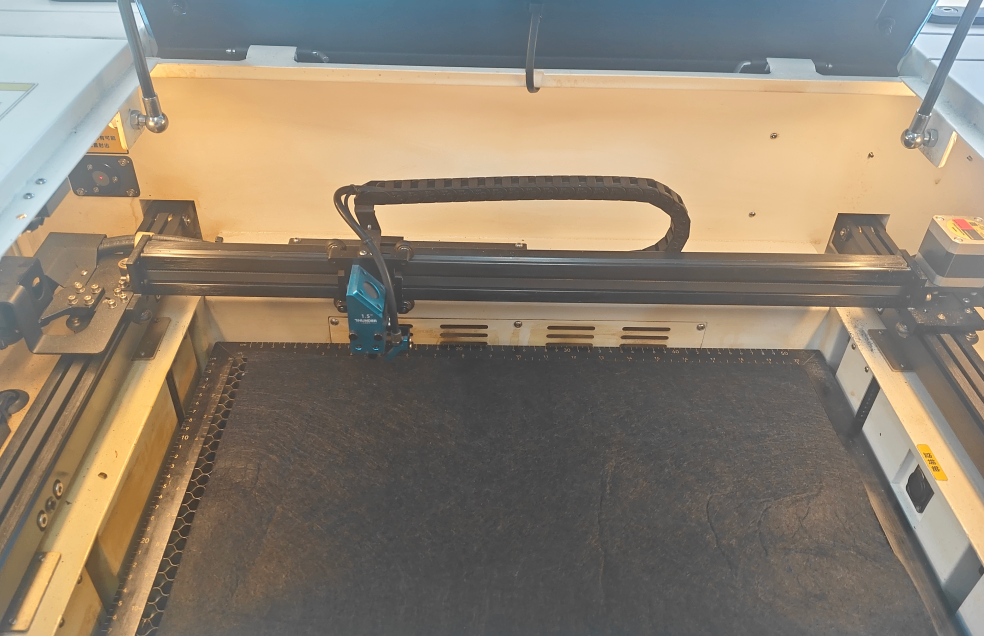
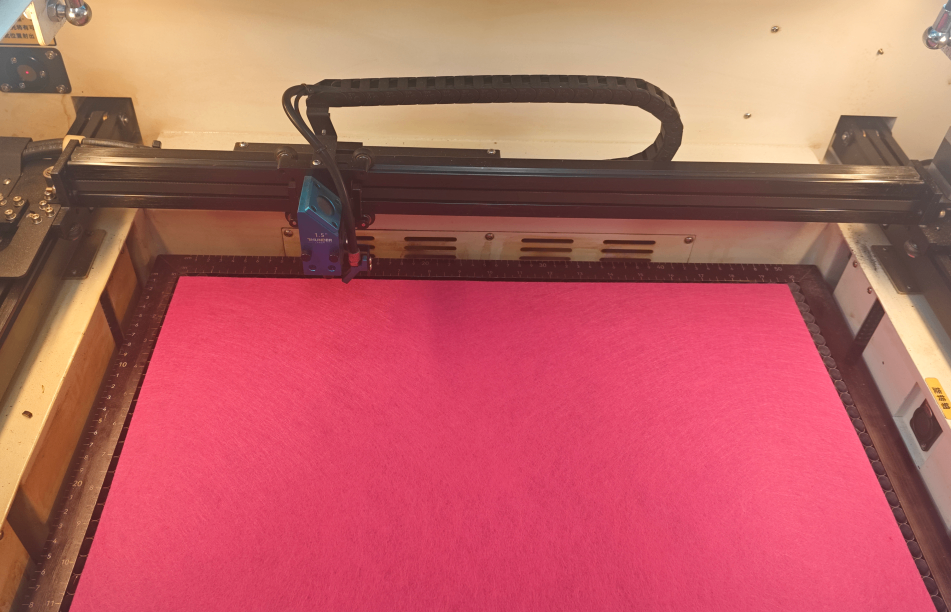
3Focus on materials
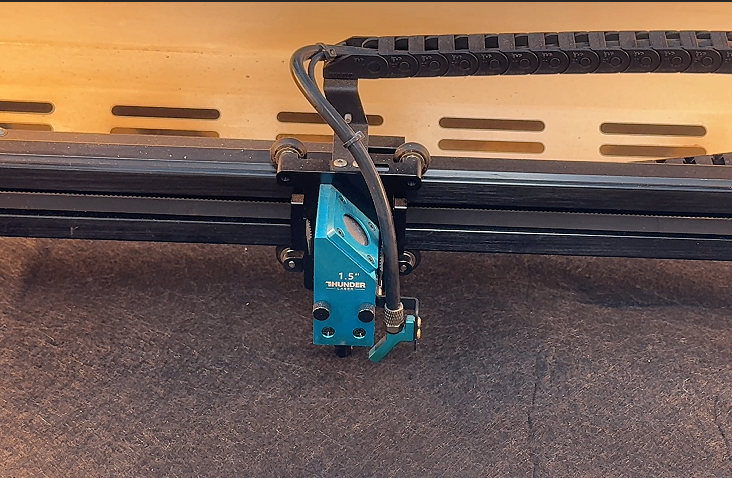
4Positioning of processed materials
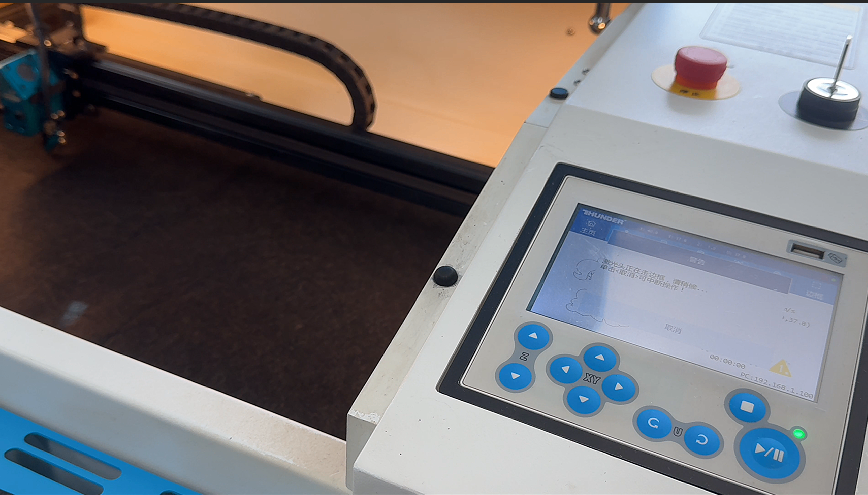
5After ensuring that the settings are correct, you can start processing
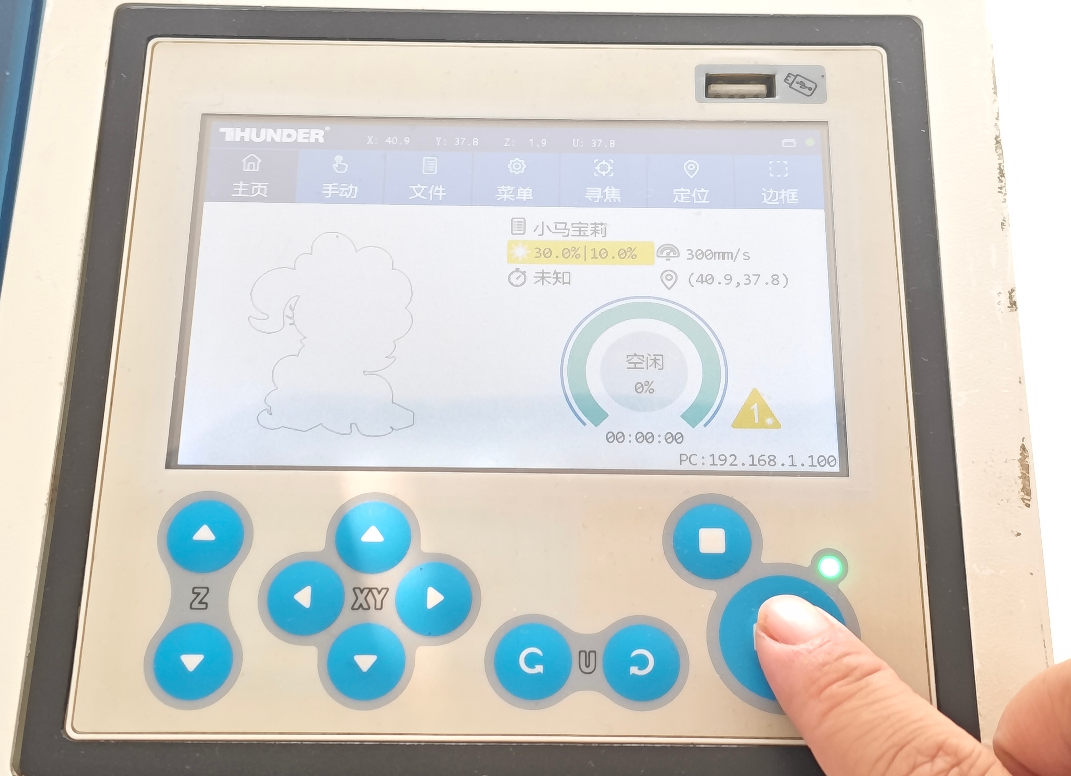
finished product assembly
1After processing, remove the processed parts
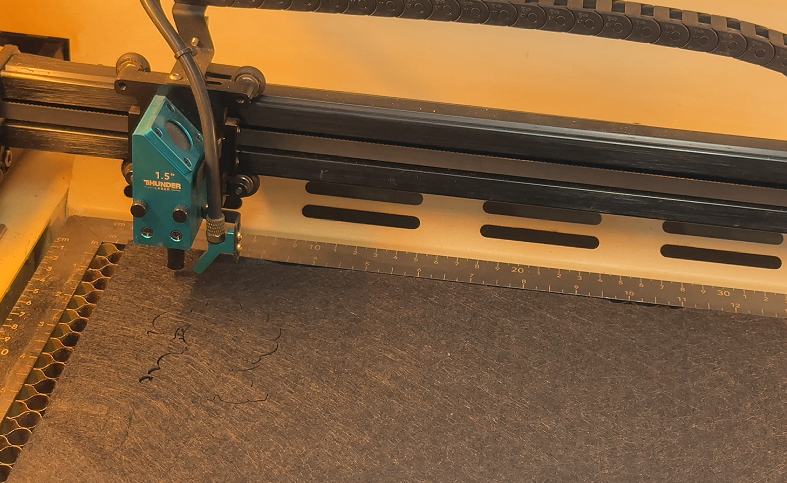
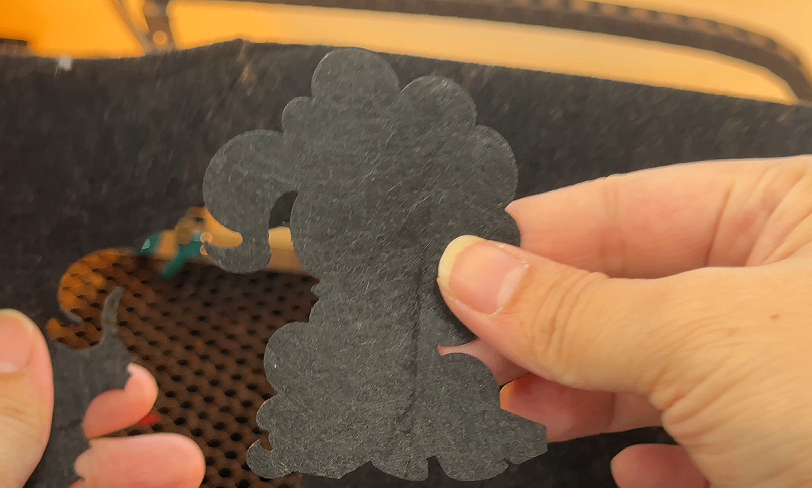
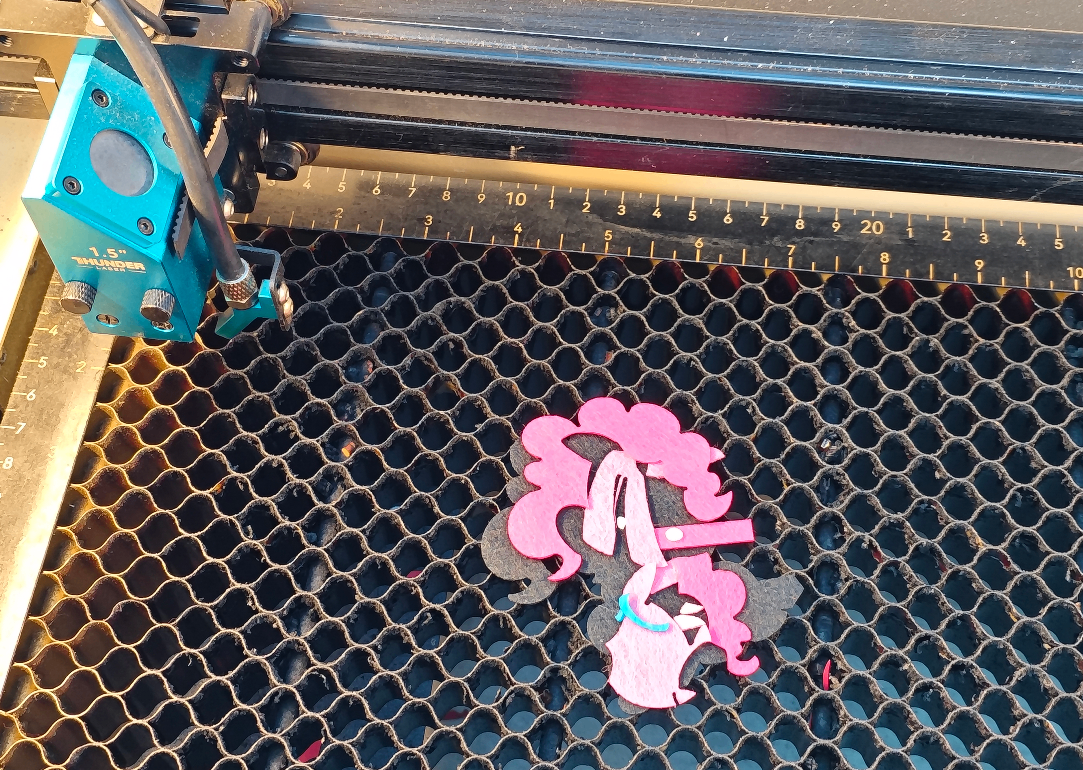
2Using hot melt adhesive to bond various parts together
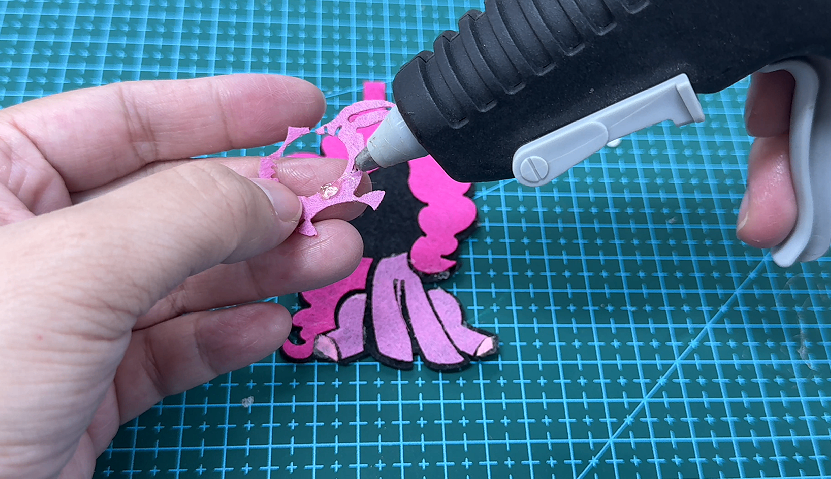
3Finally, install the keychain and complete the finished product
Related Recommendations

164 9
139 0
76 0

comment (0)
My Little Pony-Biqi keychain
drawing ID: SUCAI-1115
2026-1-13 17:46
1
1
0
47
0Contribution points
Purchase points
collection
like
Grade discount

-
copyright
open source licenseCC-BY-NCProhibit commercial use; -
Business License
Further information
Update time
2026-1-13 17:46