English
 简体中文
简体中文
 繁體中文
繁體中文
 Français
 Español
 عربي ،
 русский язык
 Português
 Deutsch

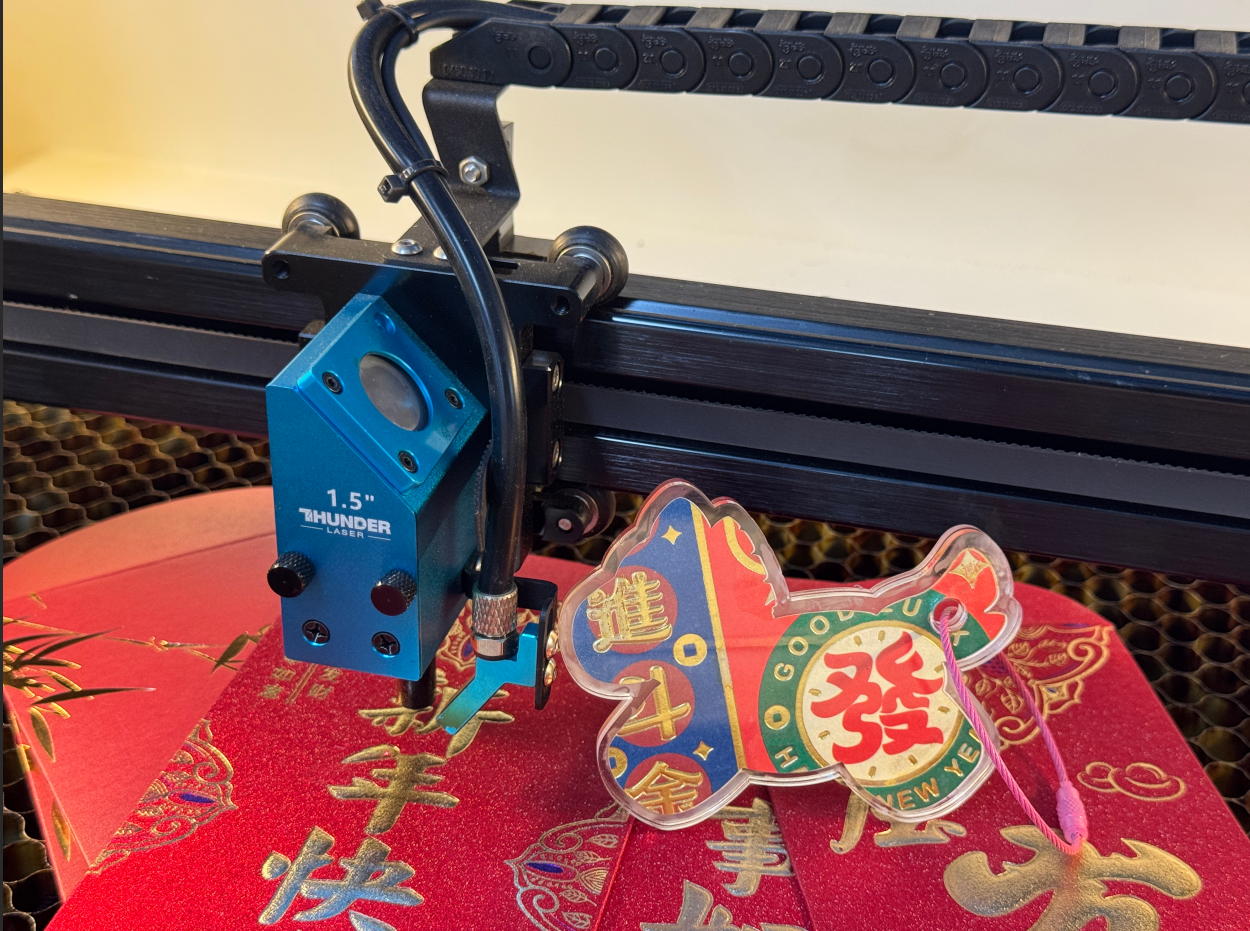
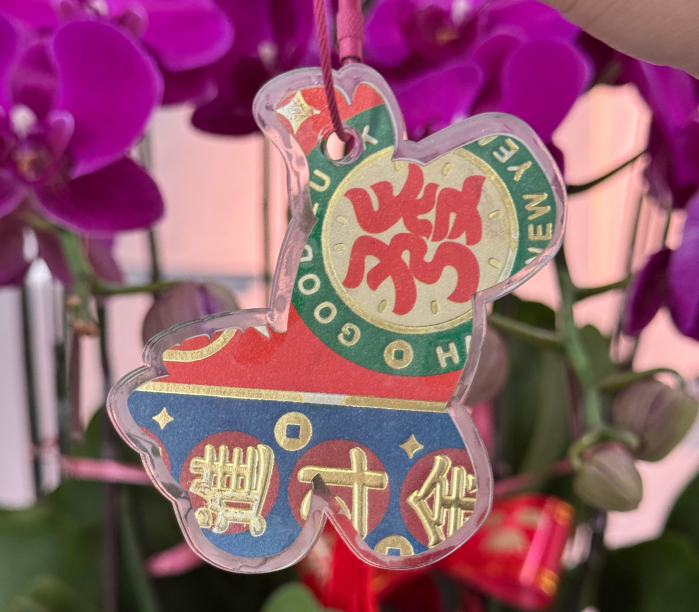
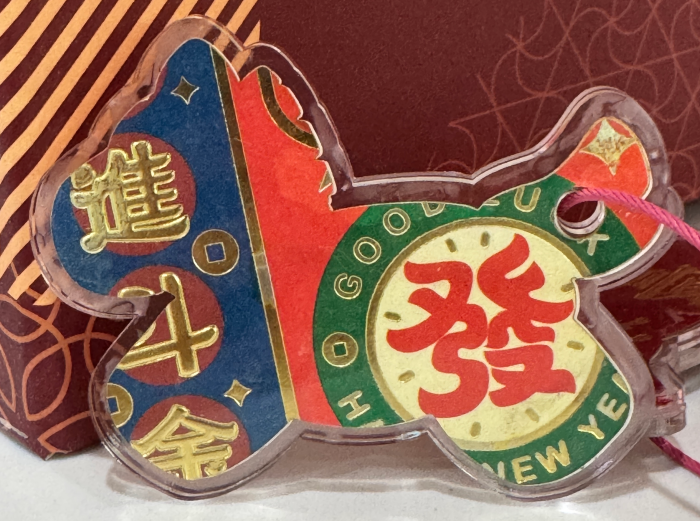
Don't throw away the red envelope after opening it, let the laser give it a second life! This is not an ordinary Spring Festival decoration, it is a precise collision of technology and New Year's flavor. Through precise laser carving, the festive red envelope transforms into a visually stunning acrylic pendant. This not only demonstrates the technological advantages of laser technology in irregular cutting and multi material processing, but also provides innovative ideas for mass production in festival cultural and creative industries.
drawing
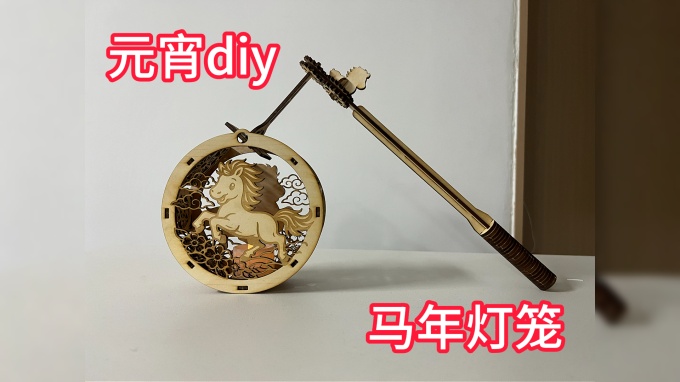
Carving light brings blessings, a new paper is born "- Year of the Horse pendant design project
Drawing Information
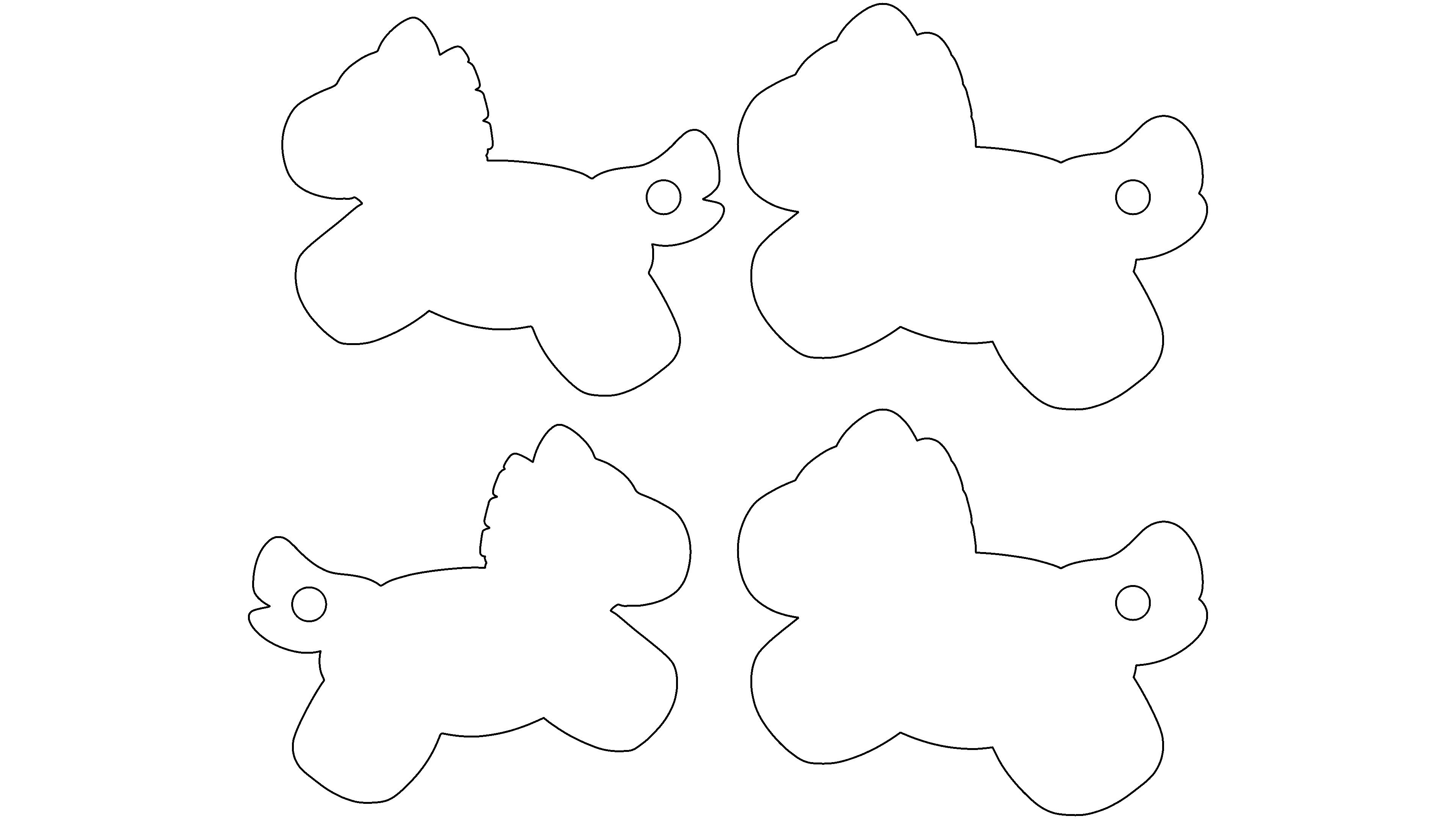
lcpx
pony pendant
173.58 X 146.95
laser type:
CO2 RF tube
|
power: 30W |
time: 0:2:33minute
Drawing Description
drawing documents
pony pendant
Basic Parameters
CO2 RF tube
30W
0:2:33
process parameters
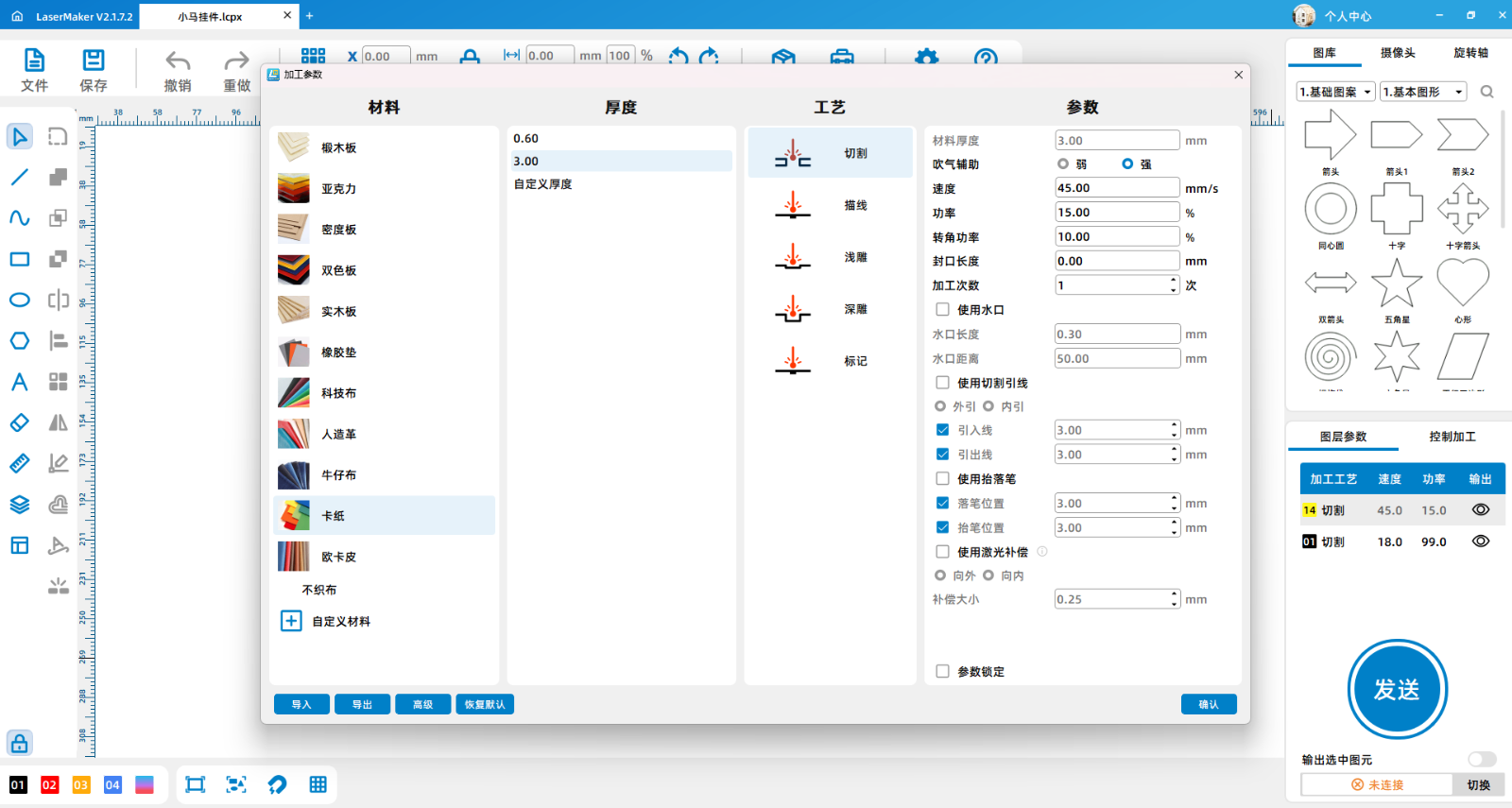
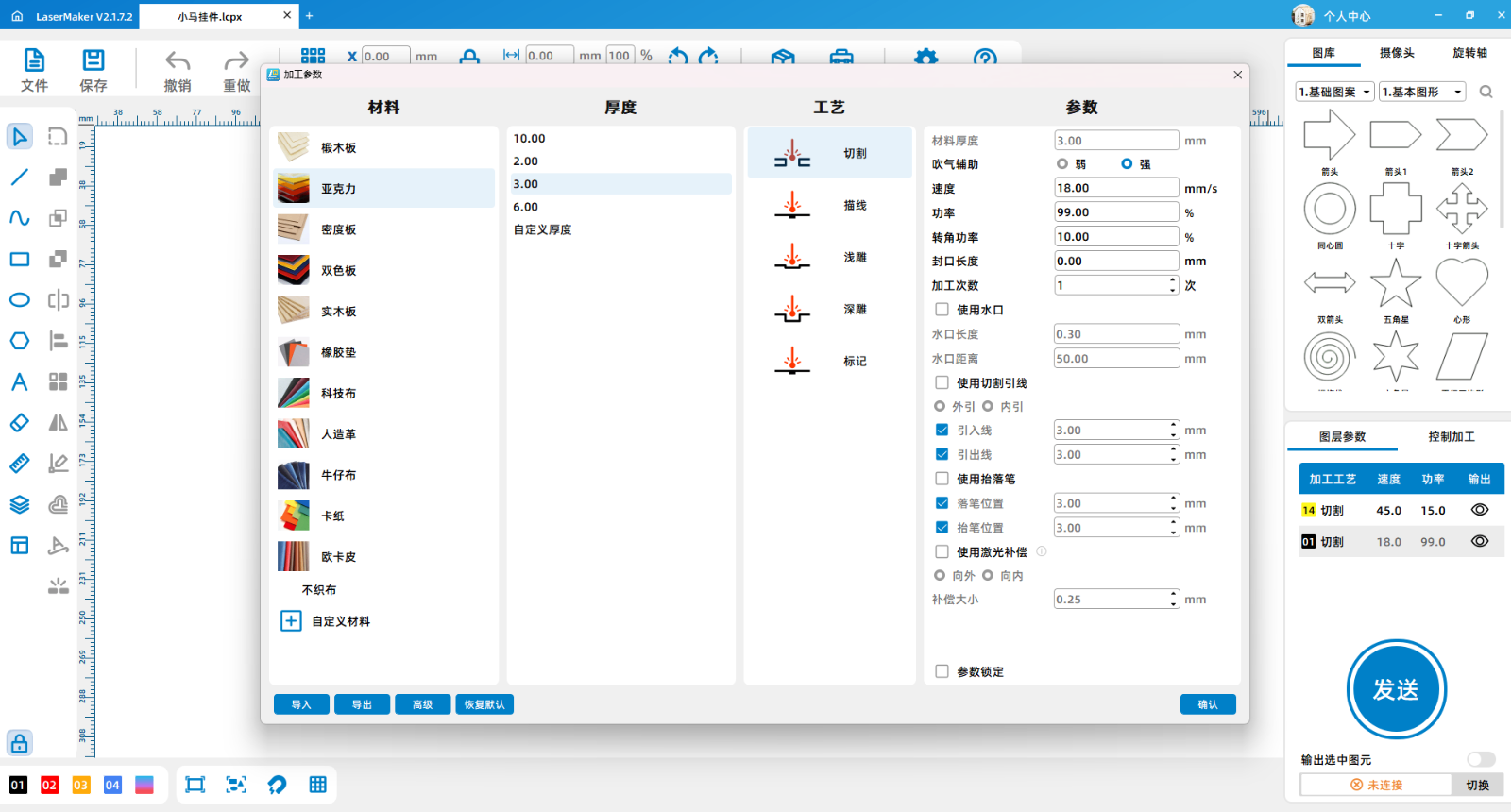
| Processing Technology | processed material | pattern | power(%) | speed(mm/s) | processing times |
|---|---|---|---|---|---|
| cutting | 3mmacrylic | Horizontal unidirectional | 99 | 16 | 1 |
| cutting | Red envelope | Horizontal unidirectional | 15 | 45 | 1 |
Bill of Materials
3mmAcrylic, red envelope, glue
Processing equipment:Thunder Bolt Pro ,30W
design process
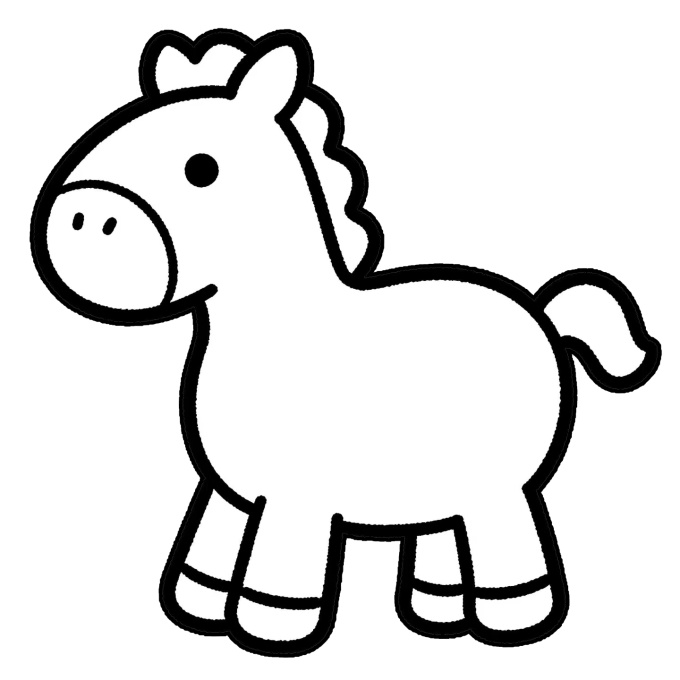
1Open itLaserMakerSoftware, click on the file, import the image
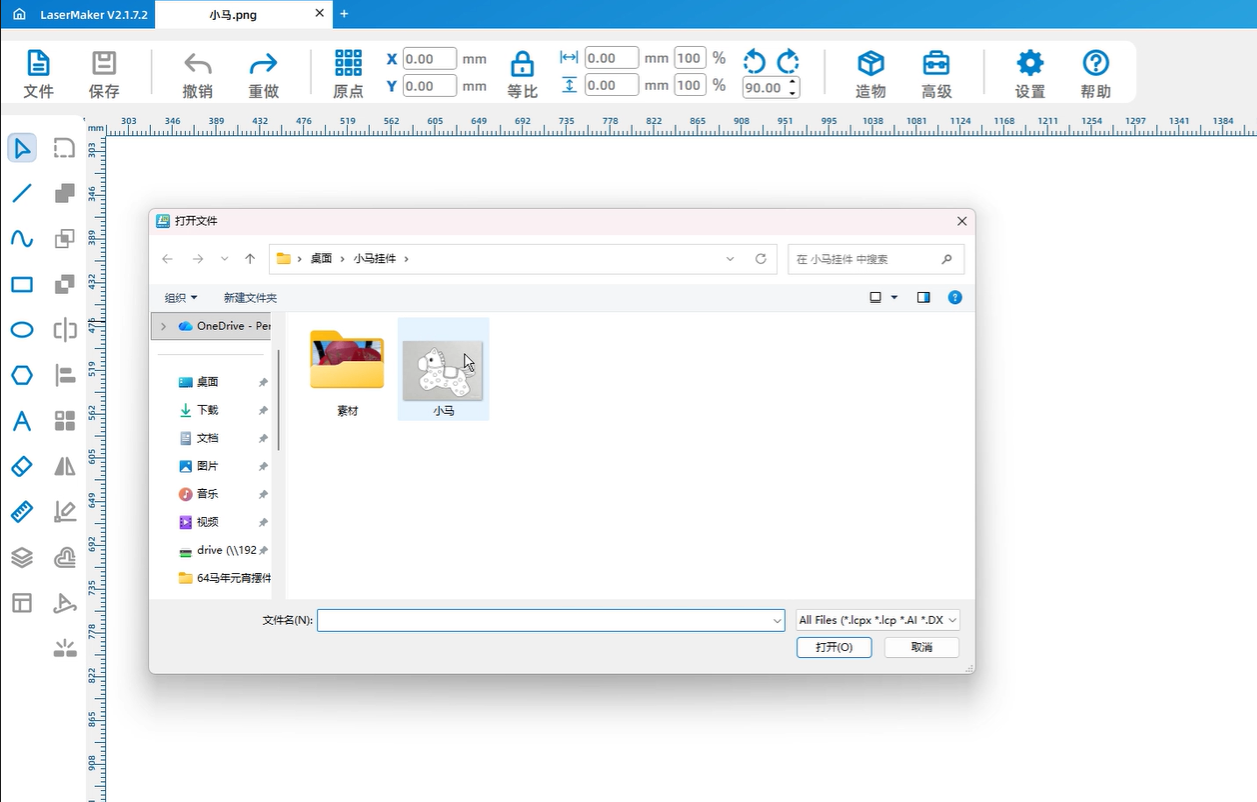
2Click on the contour extraction function in the upper right corner of the image to extract the contour of the image
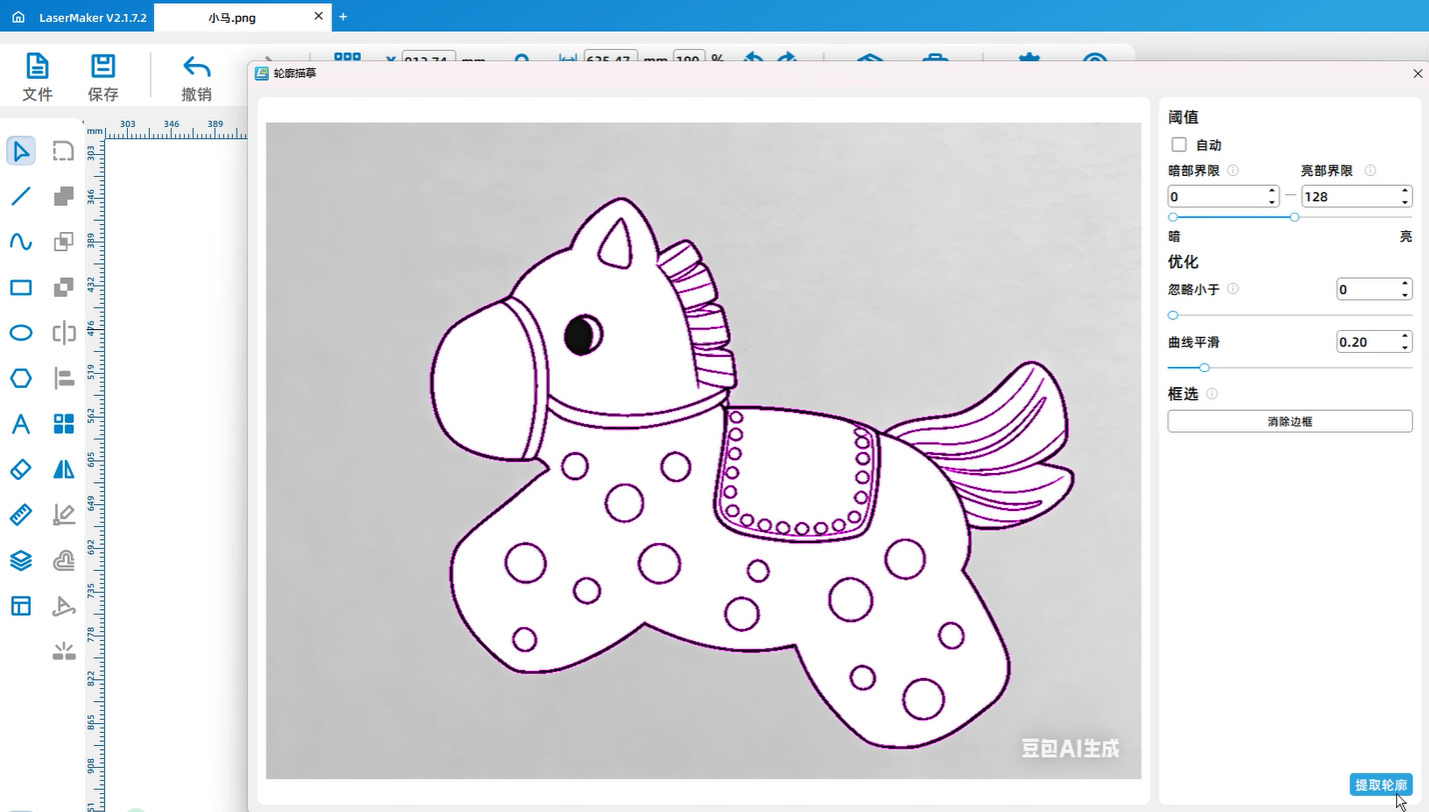
3After extracting the contour, delete the original image, check the extracted contour, optimize the shape, and only need the outermost contour
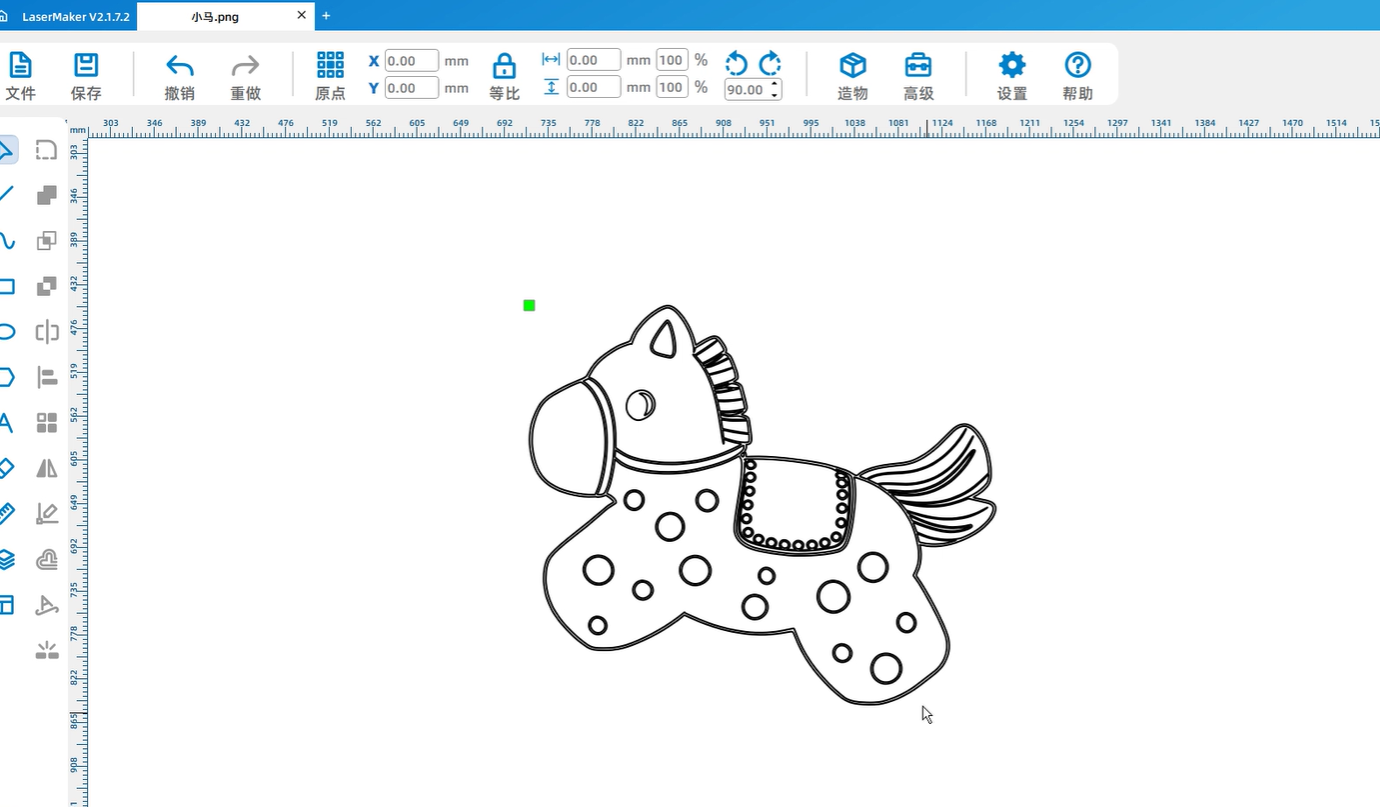
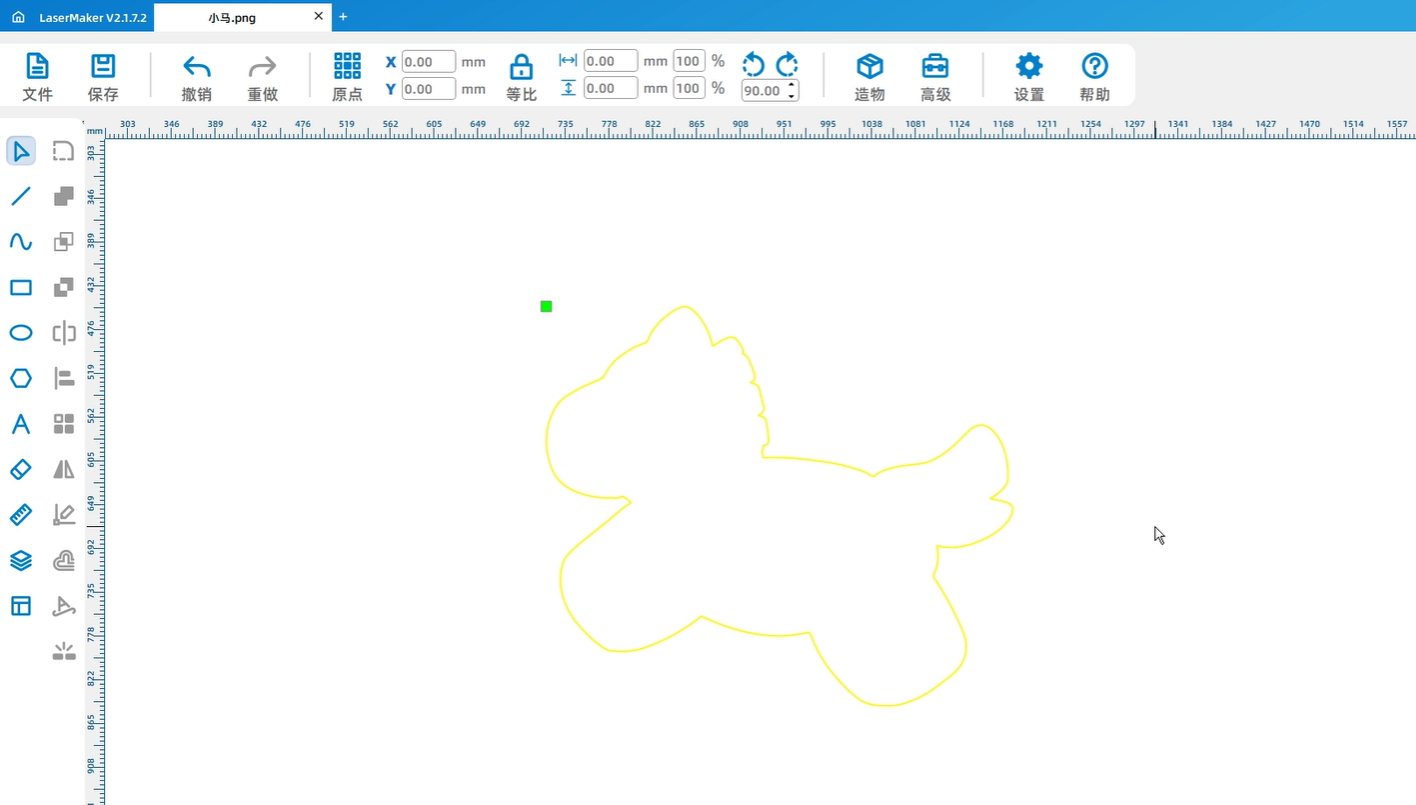
4Modify the dimensions of the graphic
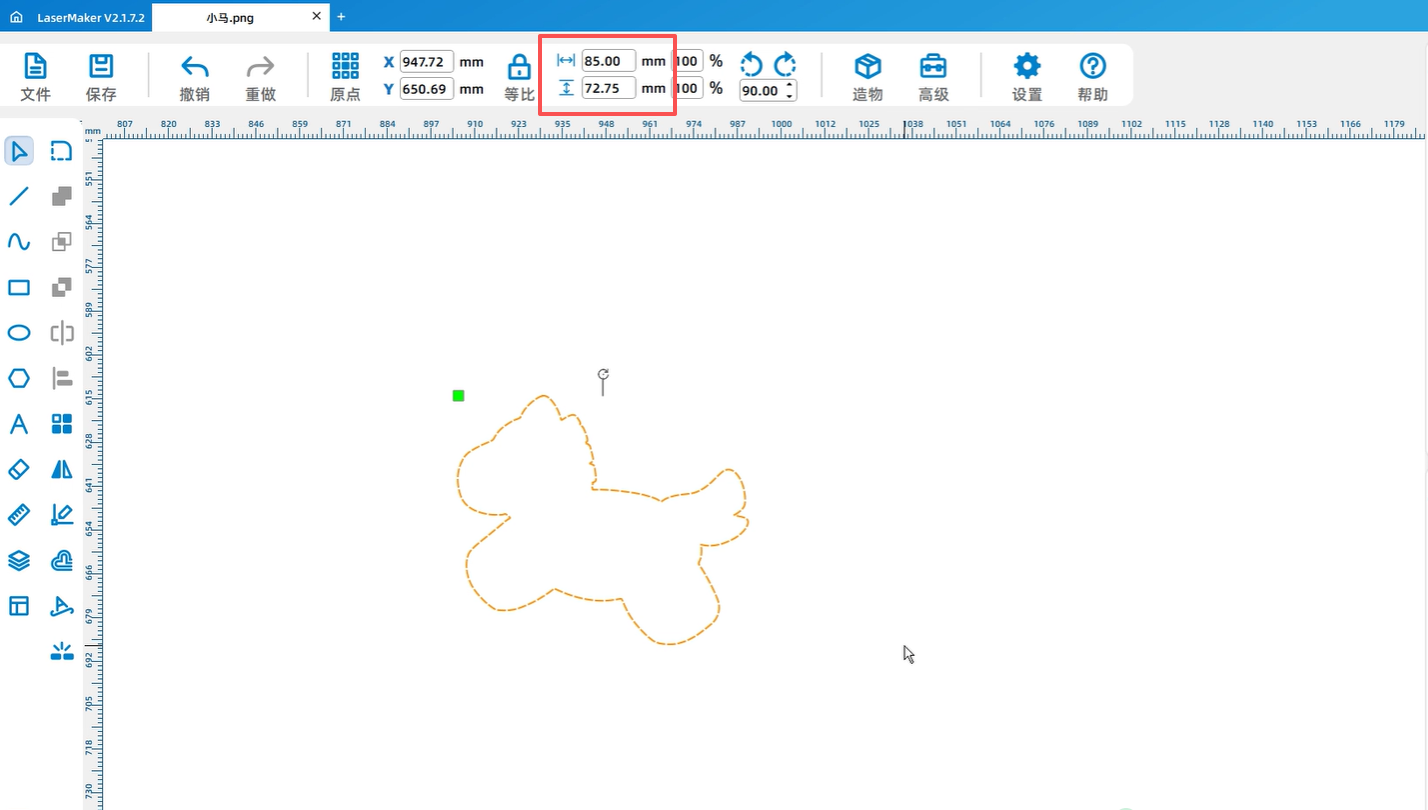
5Use circular tools to draw a circular cut for easy assembly of parts
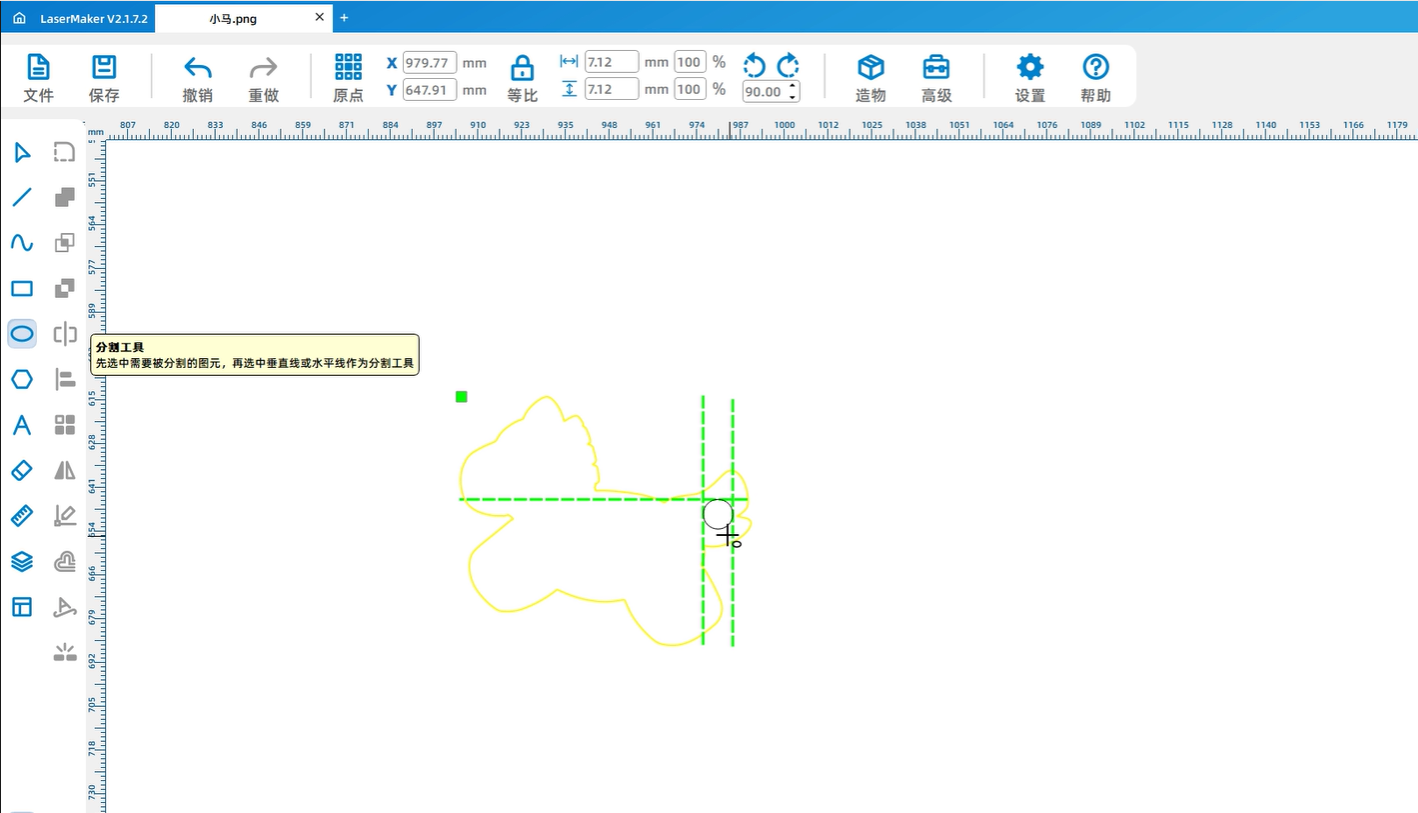
6In order to have patterns on both sides, it is necessary to copy a graphic and then use a mirror image
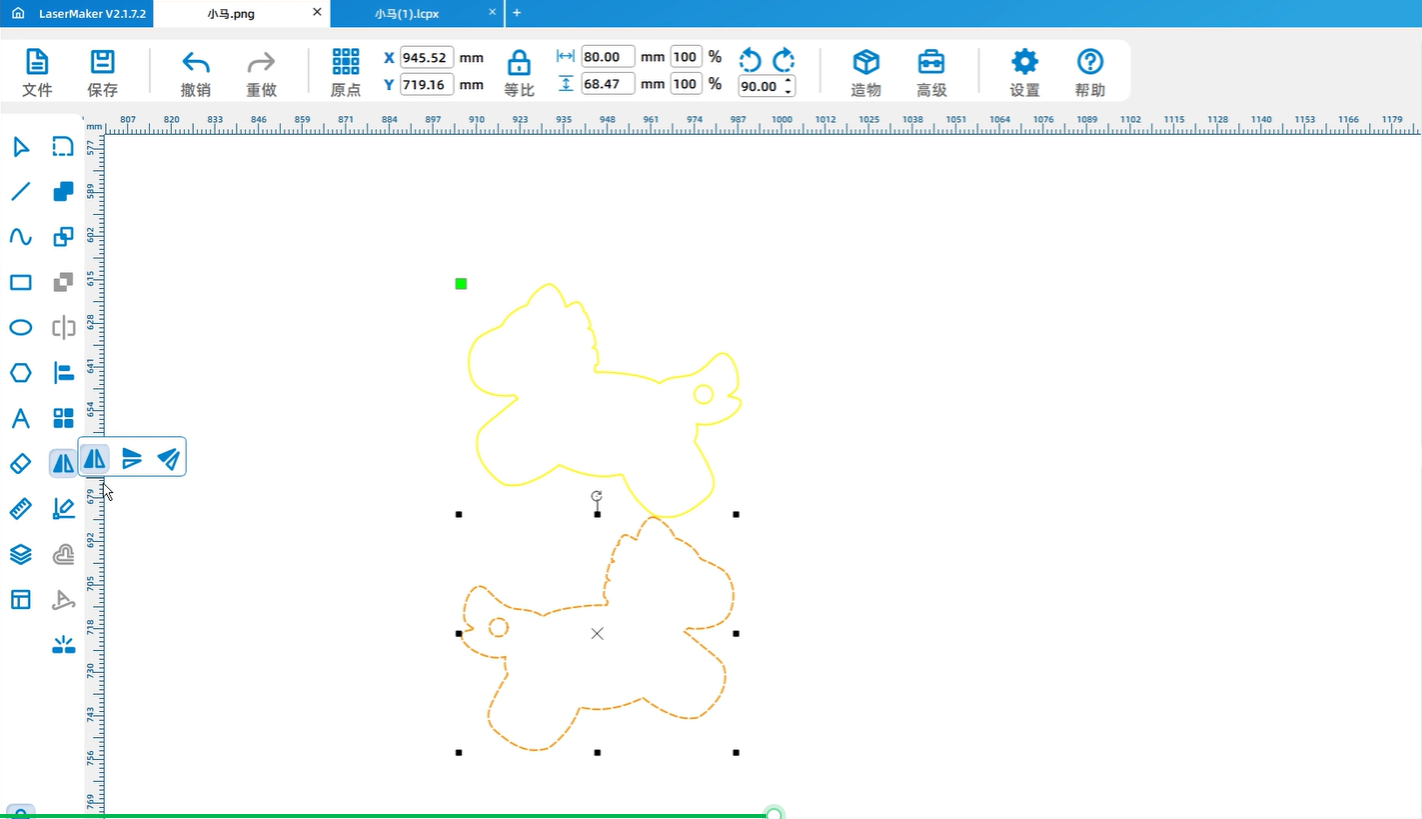
7Copy again2A graphic, because it needs to be2The acrylic block needs to be pasted, so an offset tool is needed to offset it2mmKeep only the outer frame.
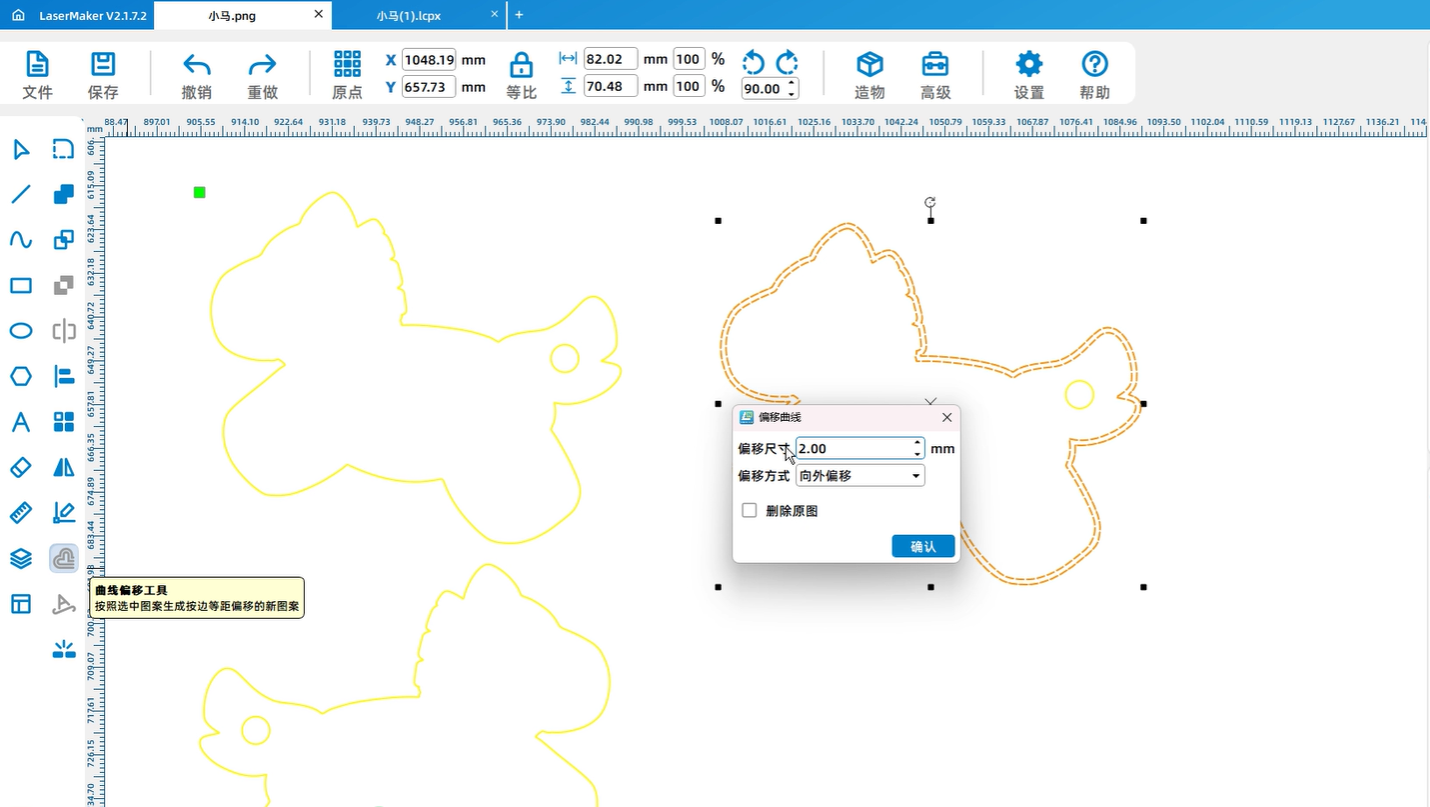
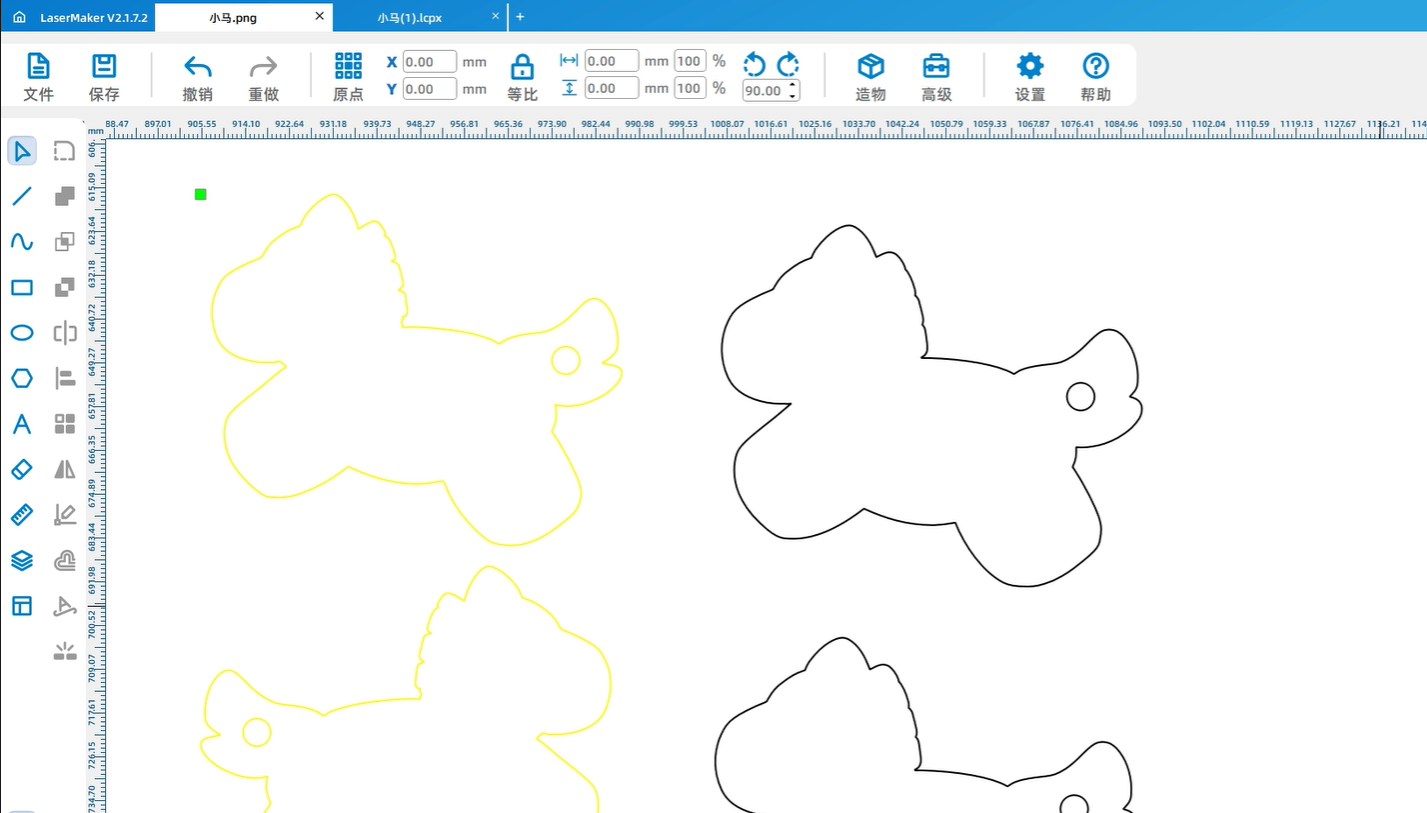
8Set processing parameters and pay attention to distinguishing cutting parameters for paper and acrylic.
processing
1After the device is successfully connected, send the drawings to the devices separately
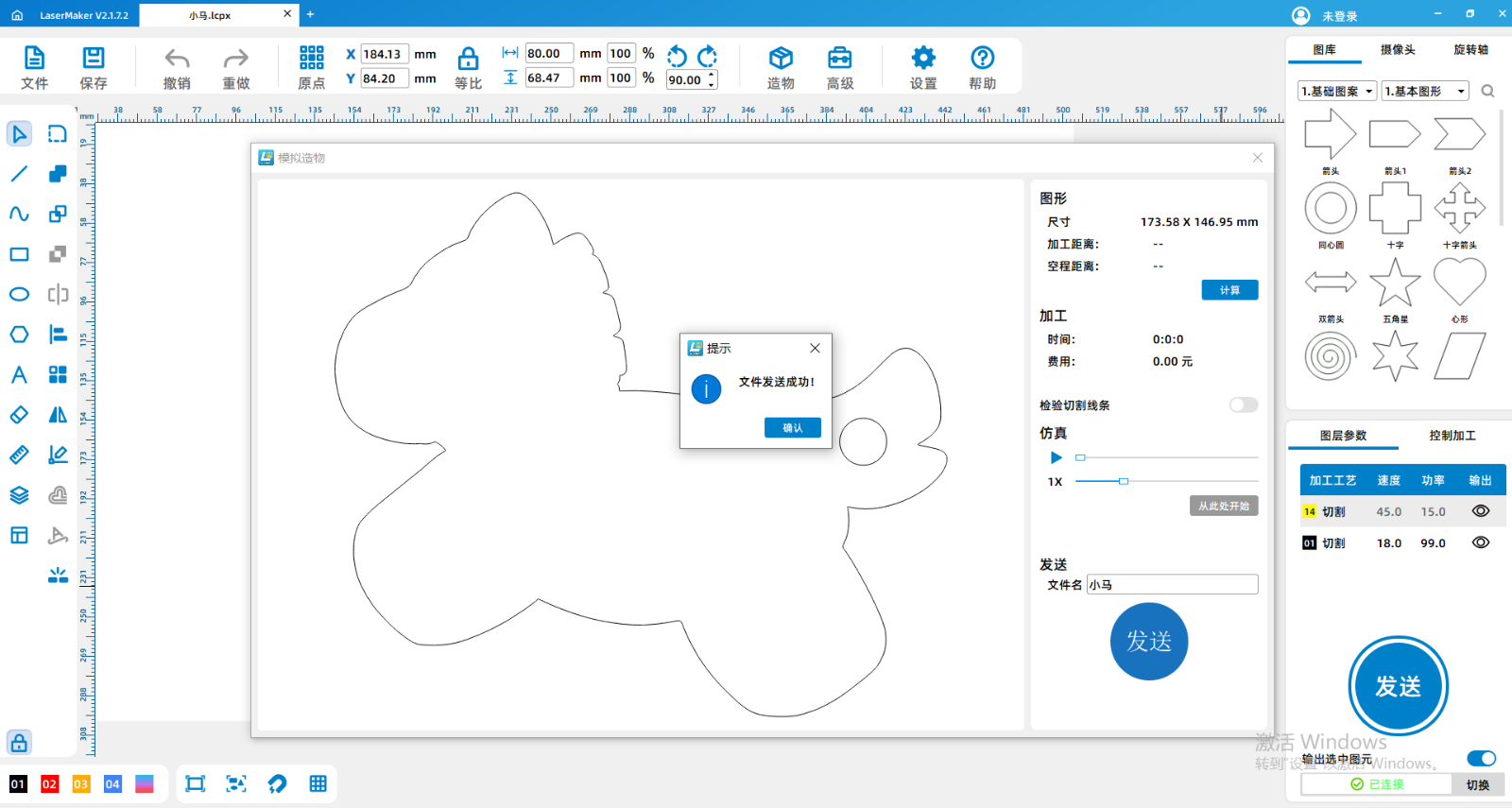
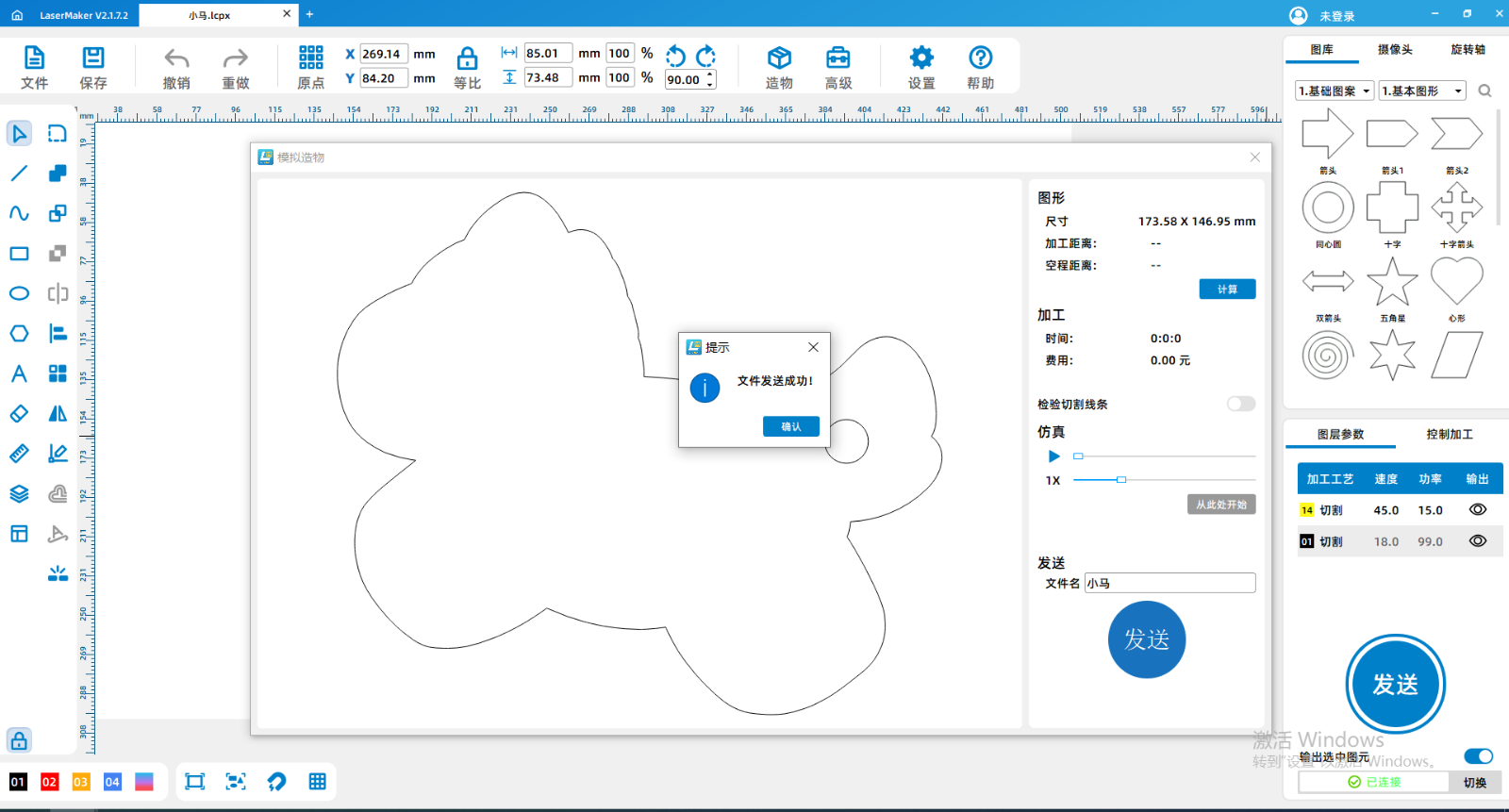
2Put in the processing materials, please note that the red envelope needs to be opened
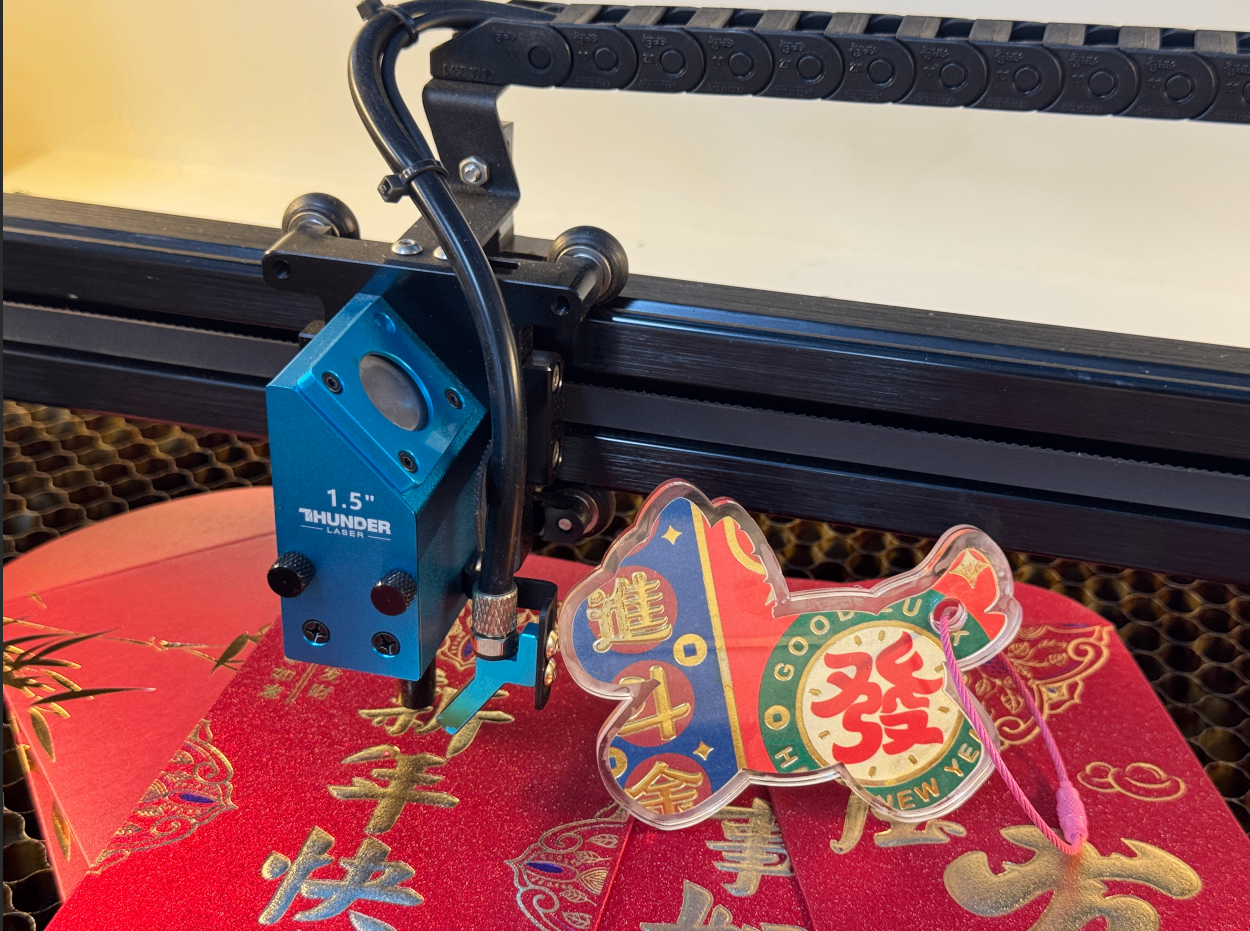
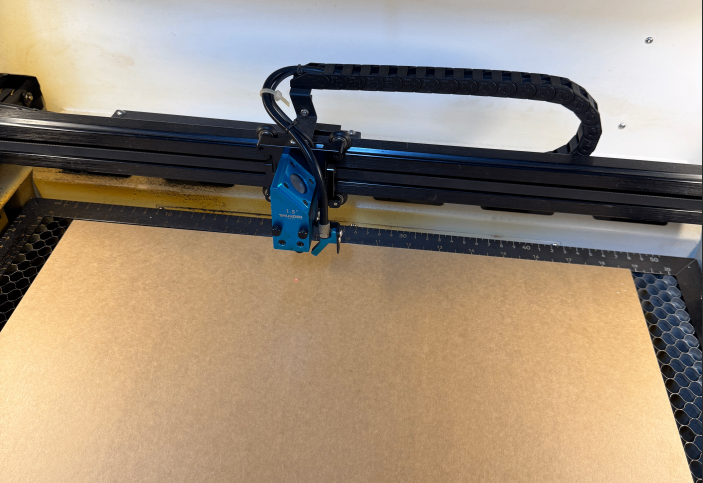
3Focus on materials
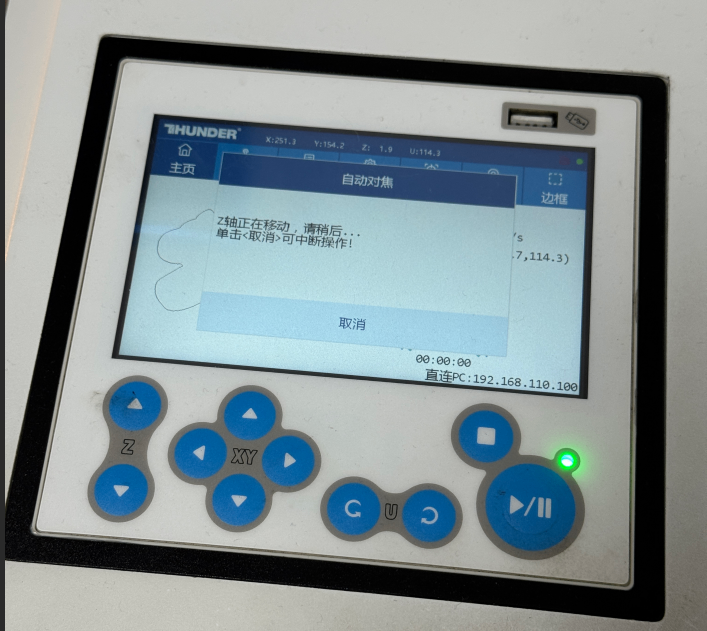
4Positioning of processed materials
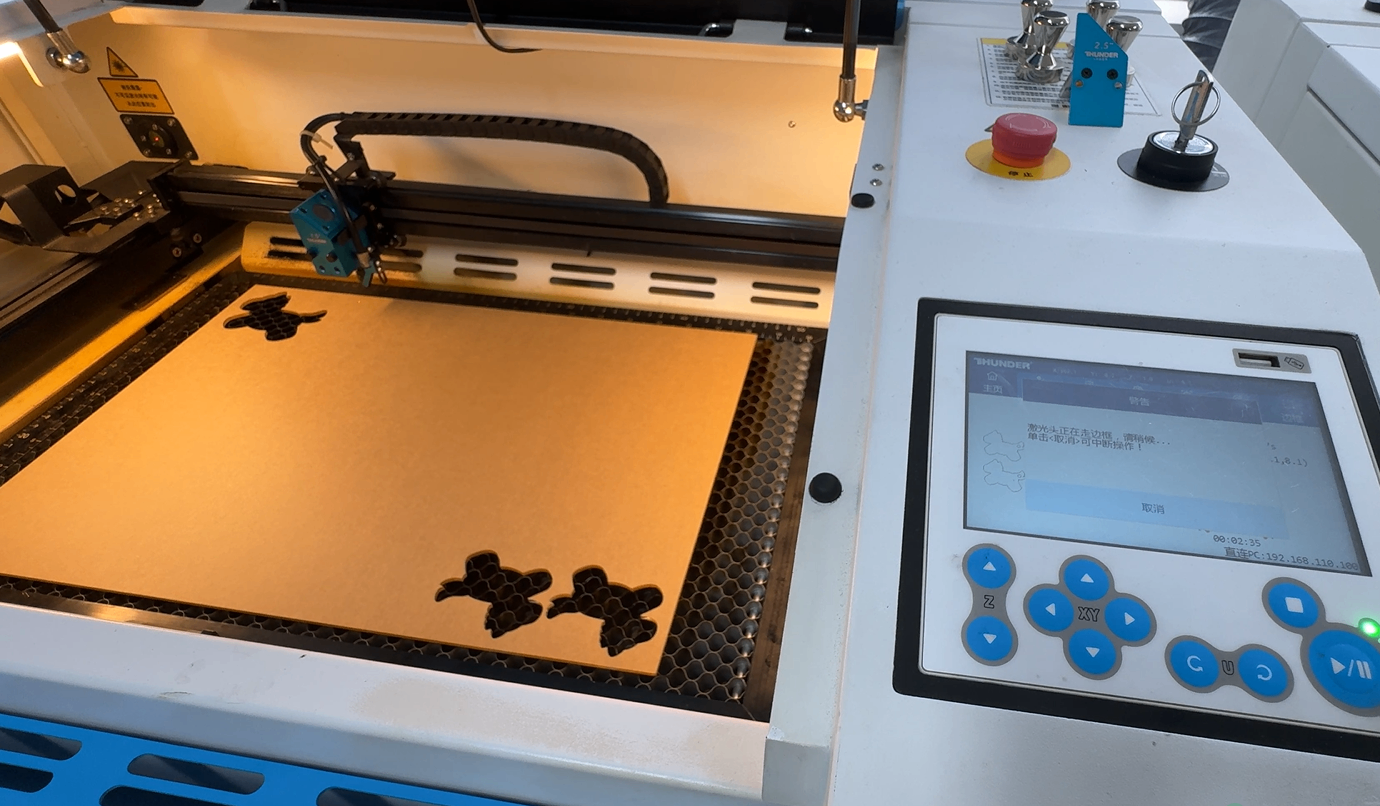
5After ensuring that the settings are correct, you can start processing
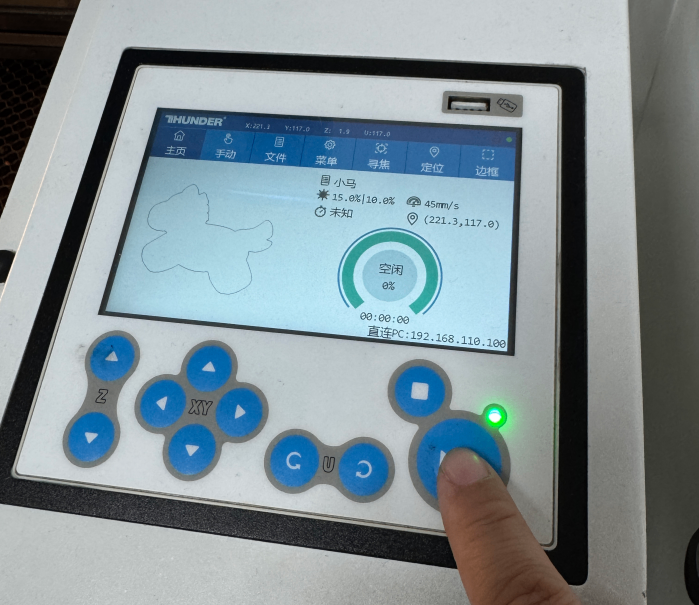
Processing completed
1After processing, remove the finished product
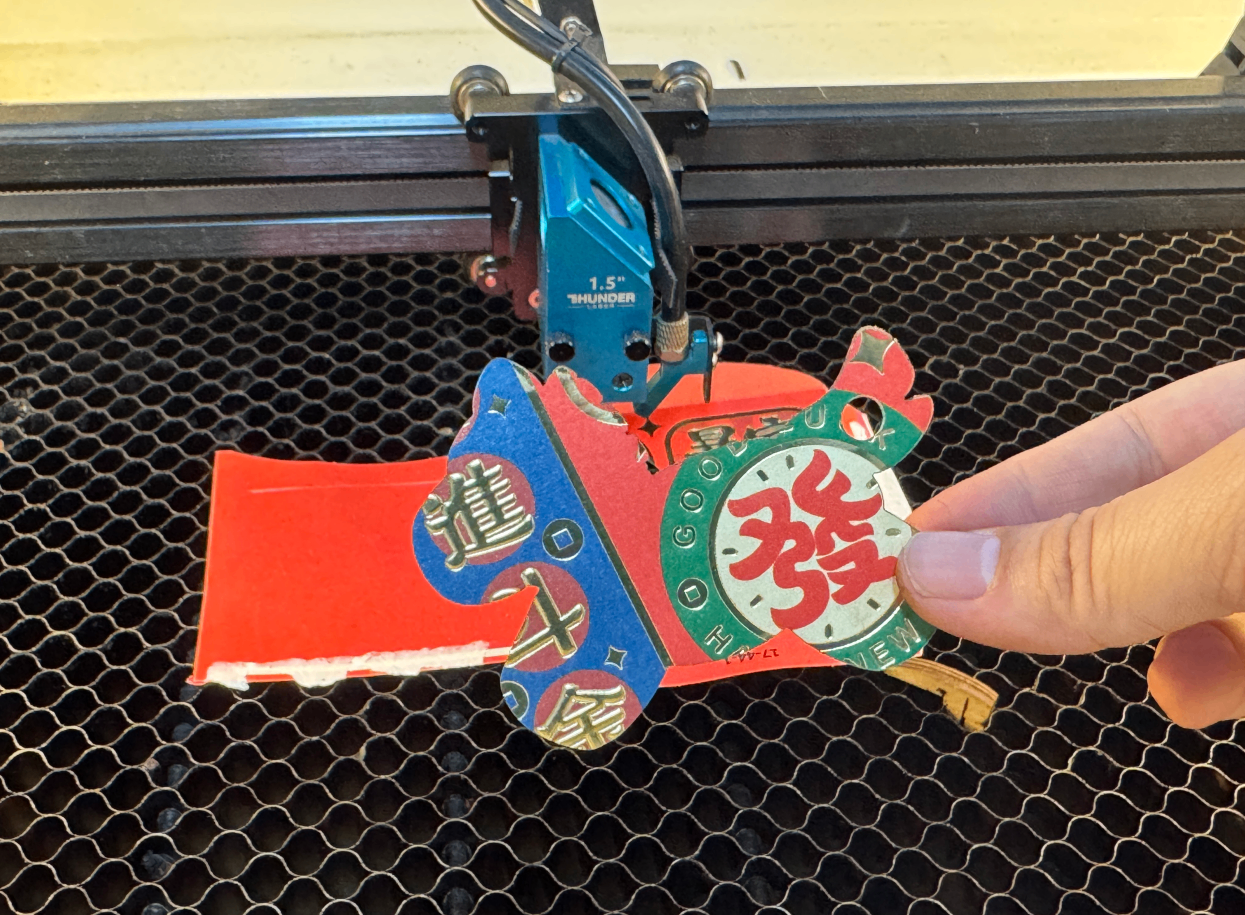
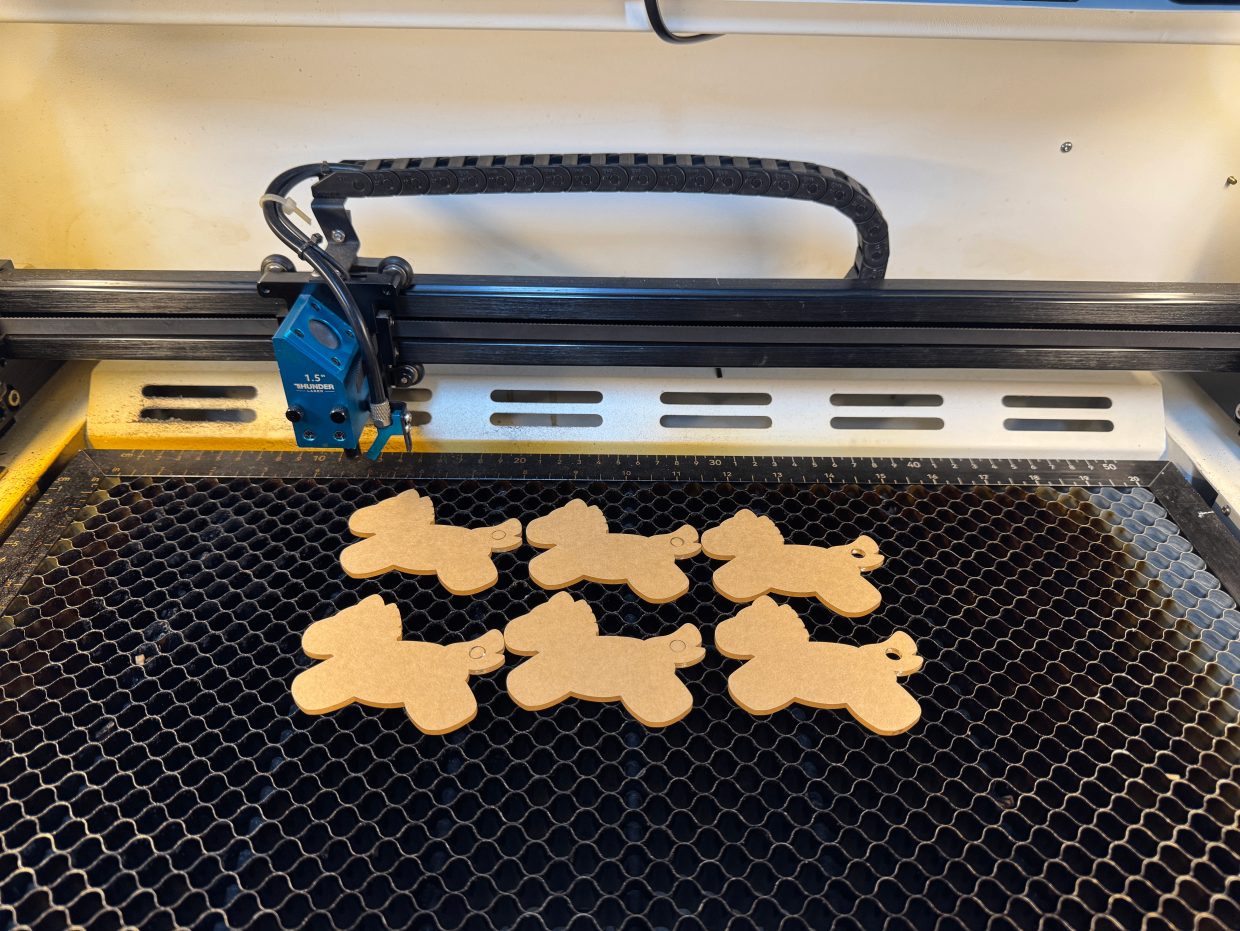
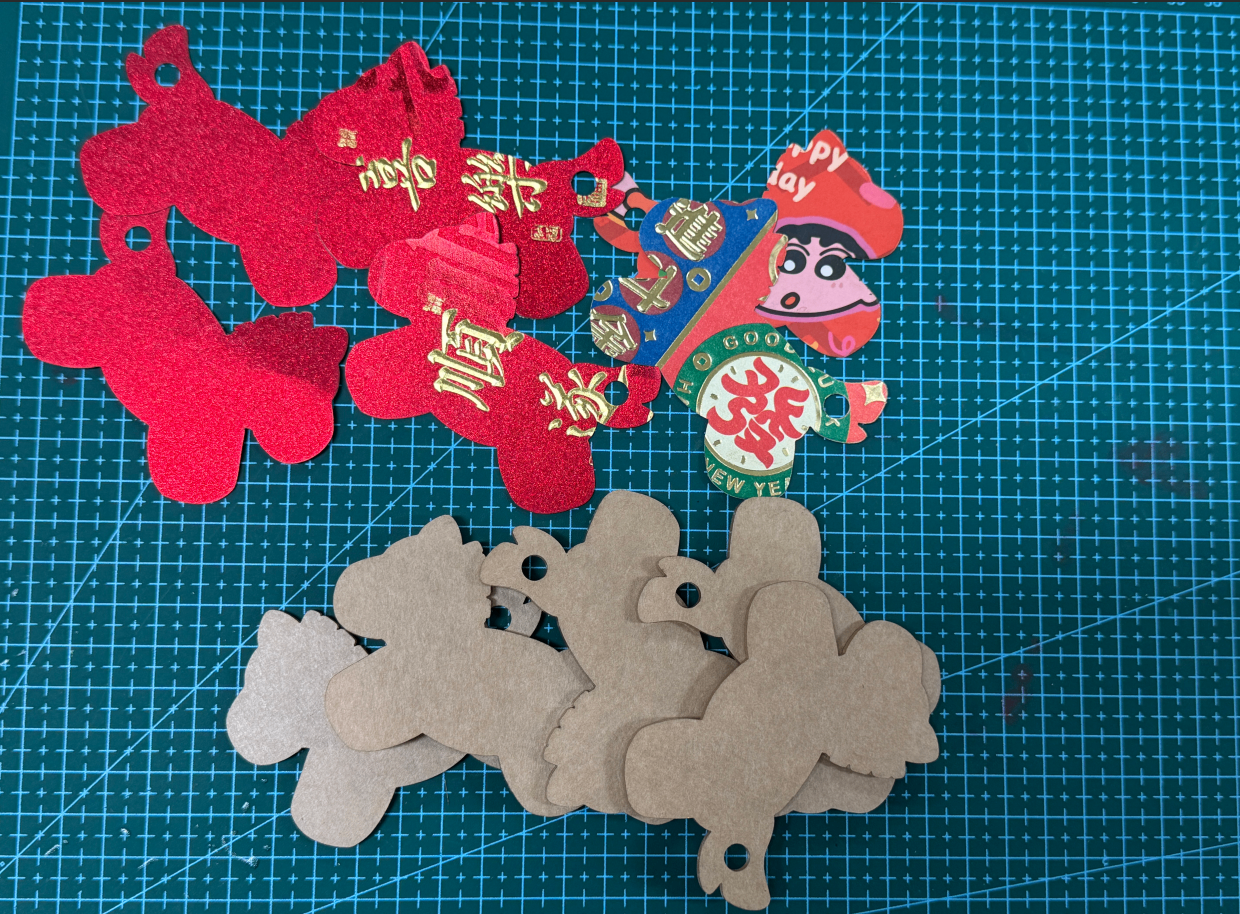
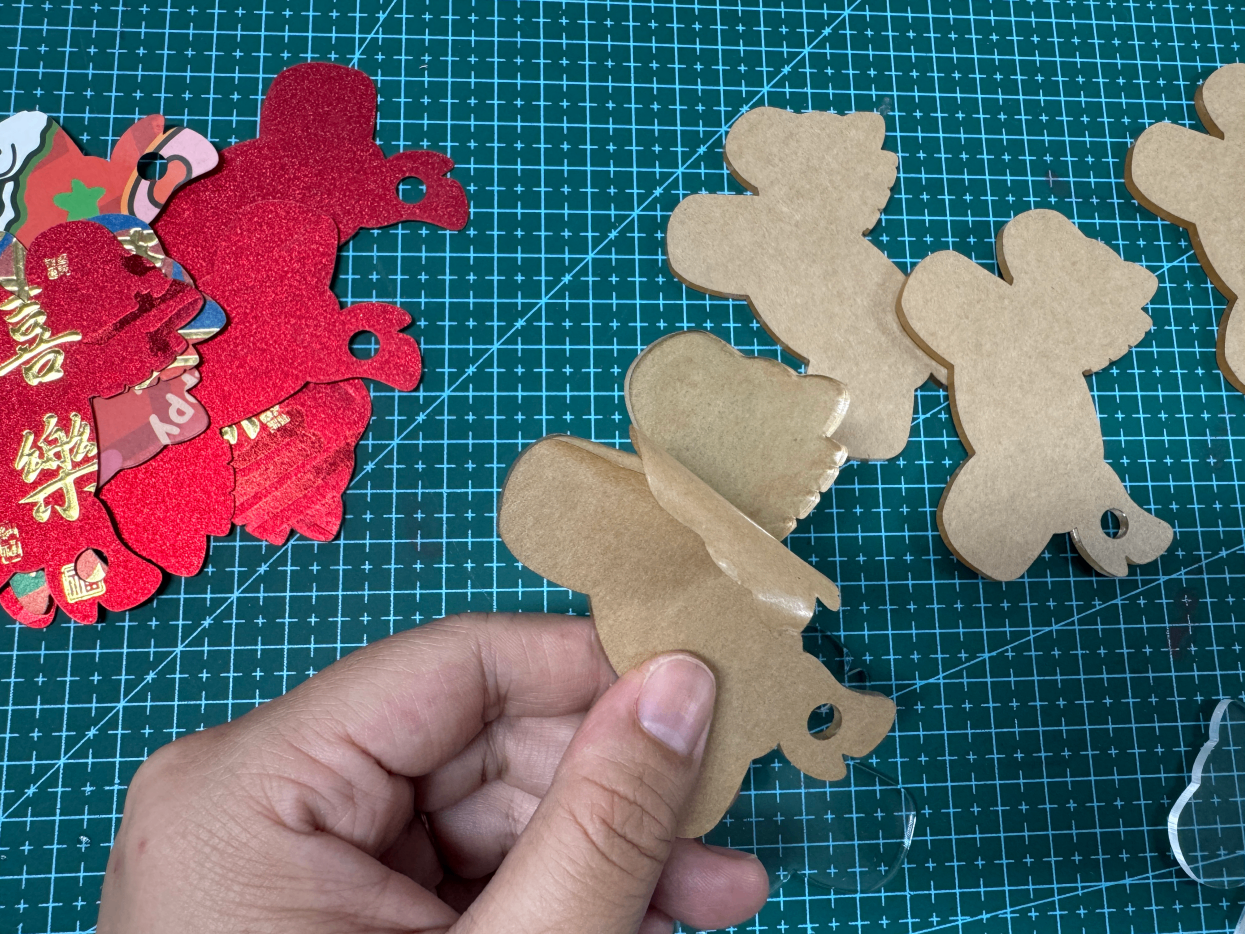
2Tear off the protective film of the acrylic
3Assemble the materials
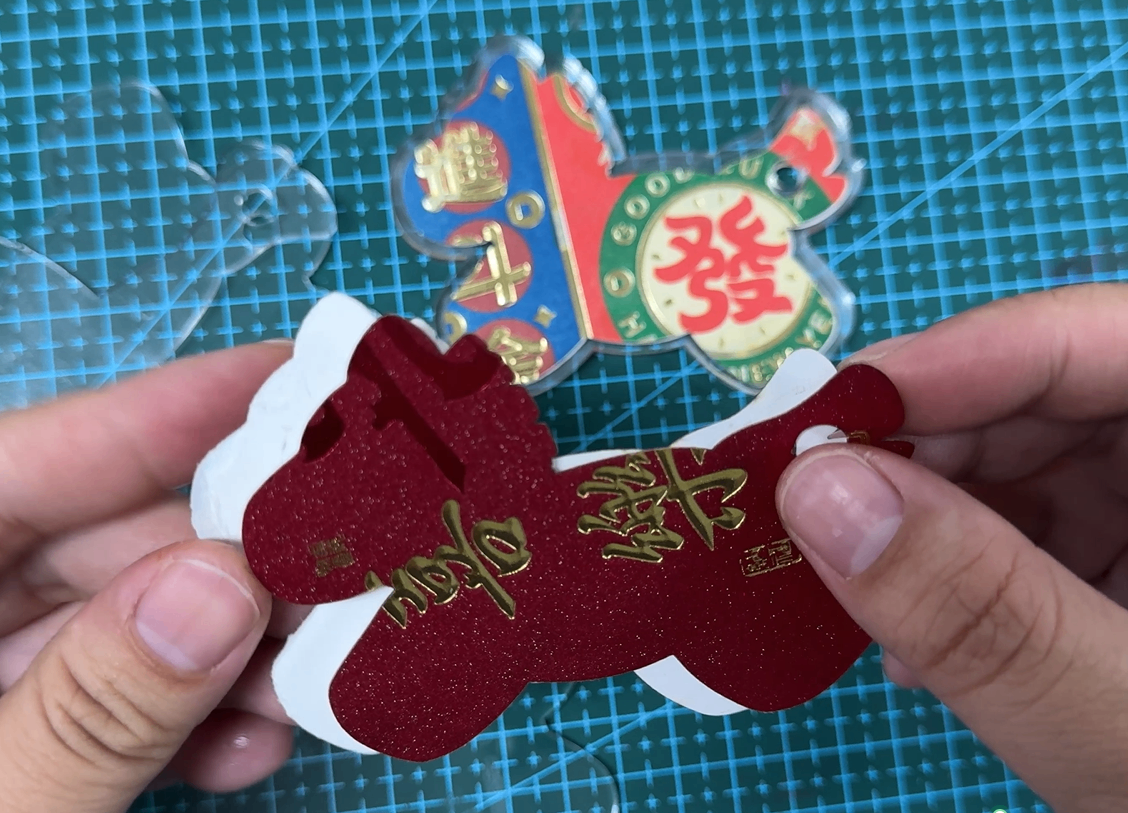
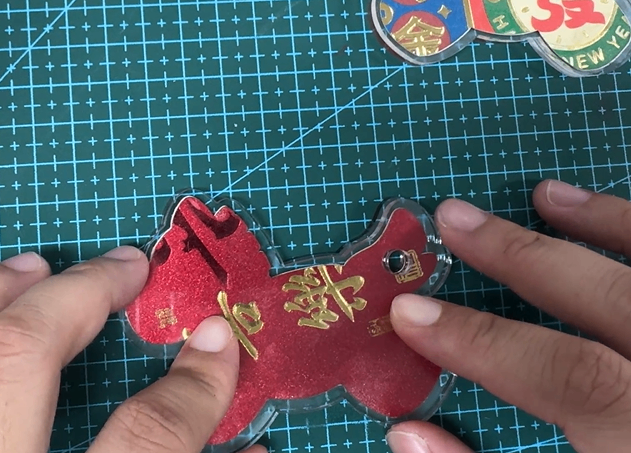
4Work completed
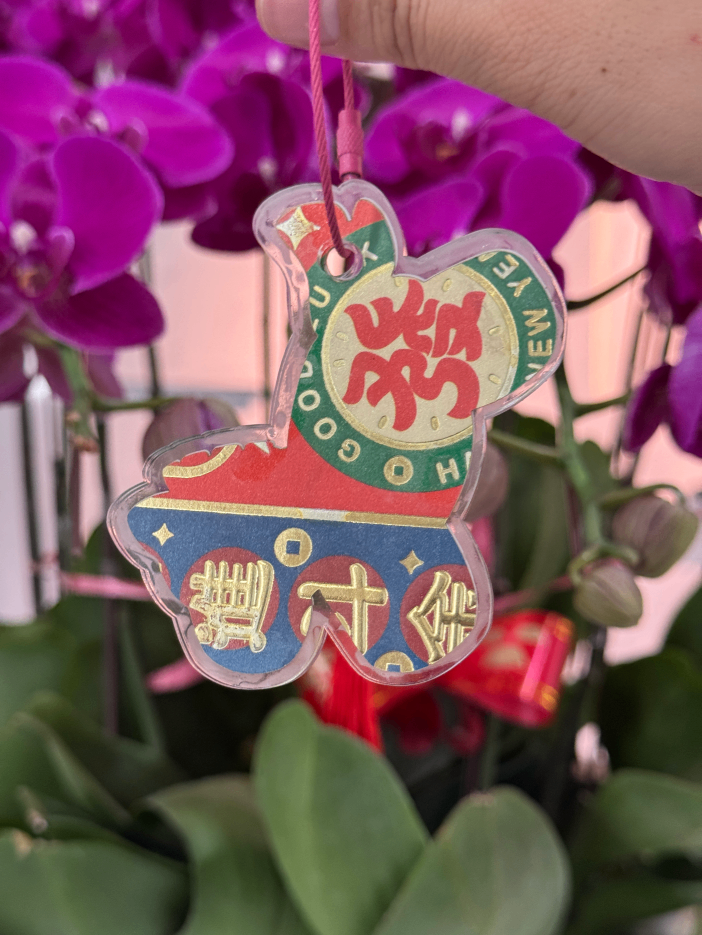
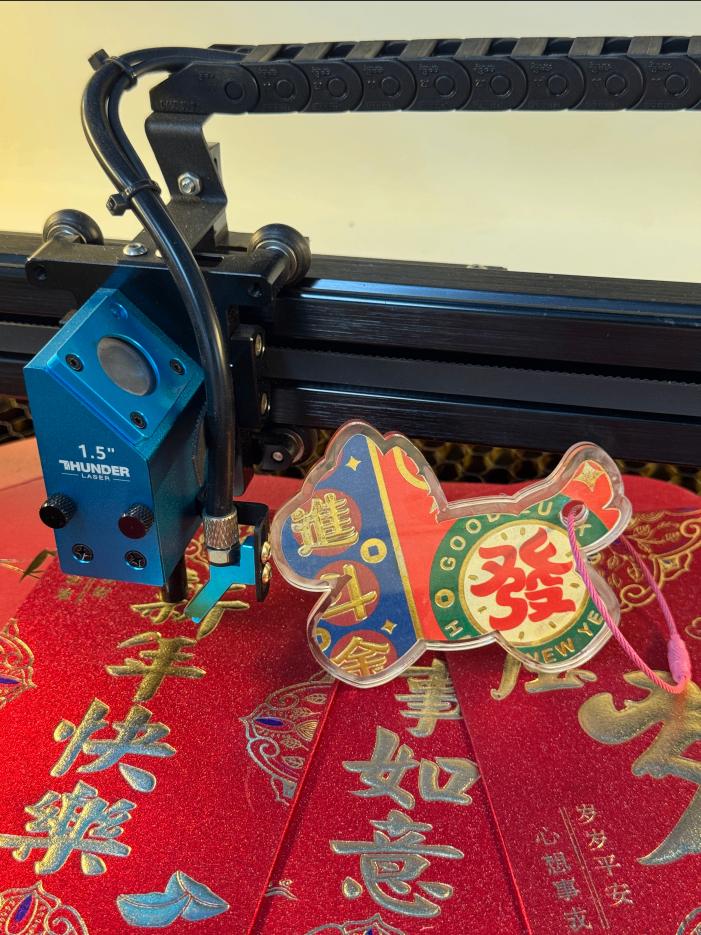
Related Recommendations

204 17

156 1
comment (0)
Carving light brings blessings, a new paper is born "- Year of the Horse pendant
drawing ID: SUCAI-1178
2026-3-2 16:42
0
0
0
11
0Creation Coin
Purchase points
collection
like
Grade discount
-
classification
Spring Festival -
copyright
open source licenseCC-BY-NCProhibit commercial use; -
Business License
Further information
Update time
2026-3-2 16:42