Weihai Nightlight design project

1
2
3

Drawing Description

description
[font=Microsoft YaHei][size=15pt]1、 Design concept:
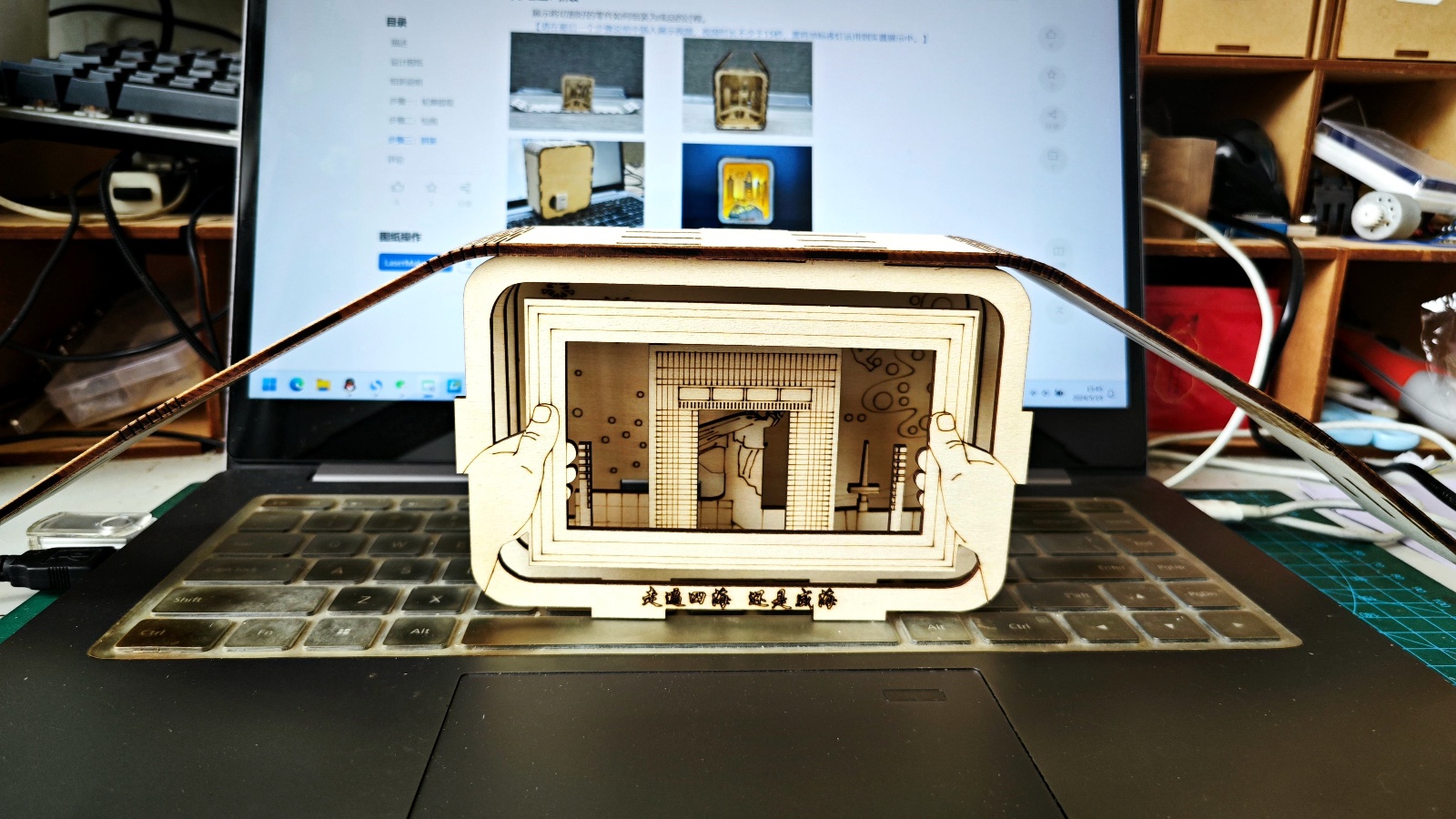
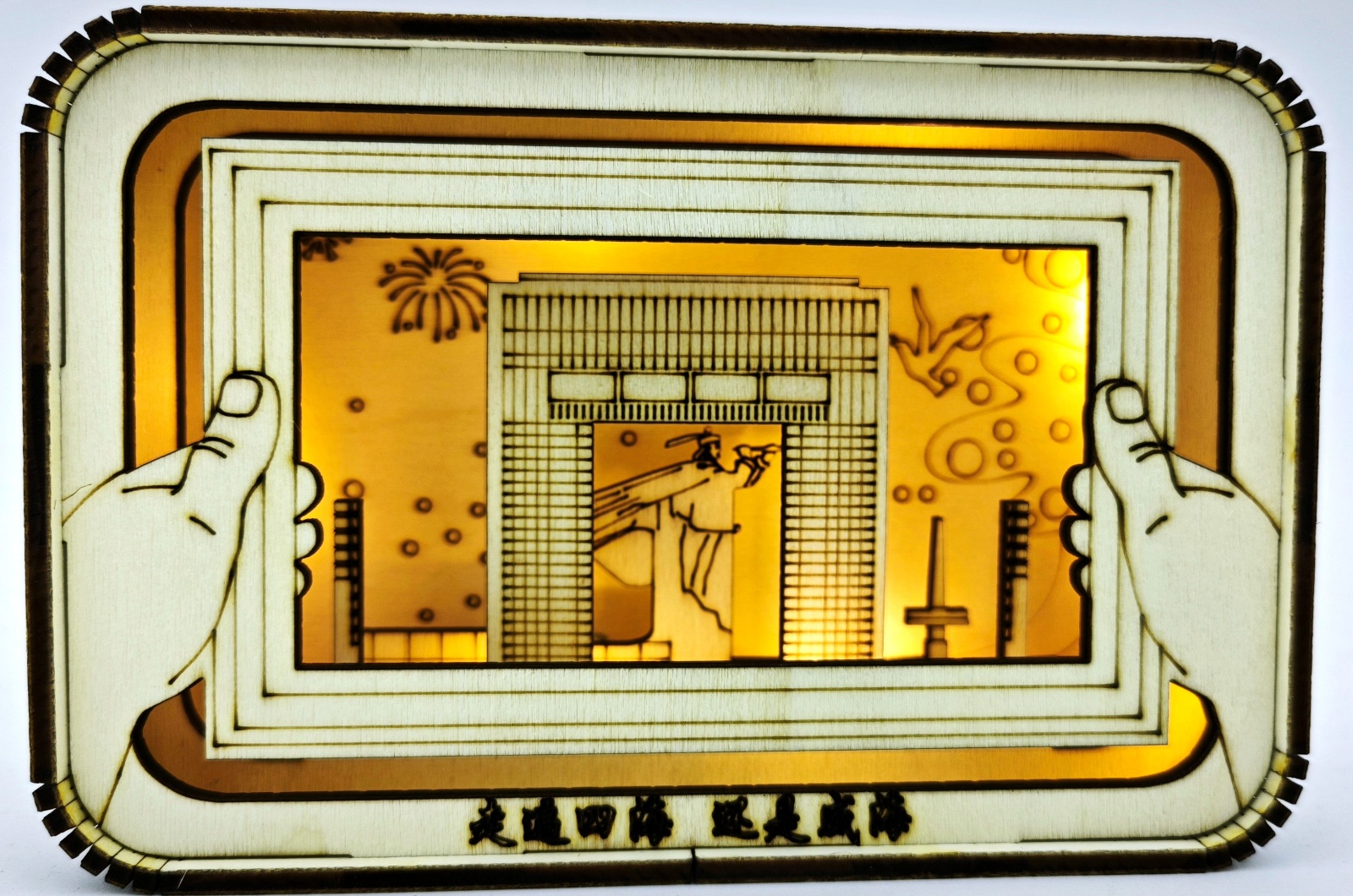
[font=Microsoft YaHei][size=16px] At the easternmost end of the Shandong Peninsula, there is a small city with distinct seasons, comfortable living, beautiful scenery, and clean streets. It is one of the internet famous cities in recent years - Weihai. This project aims to promote this beautiful small city through this event.
[font=Microsoft YaHei][size=15pt]2、 Inspiration source:
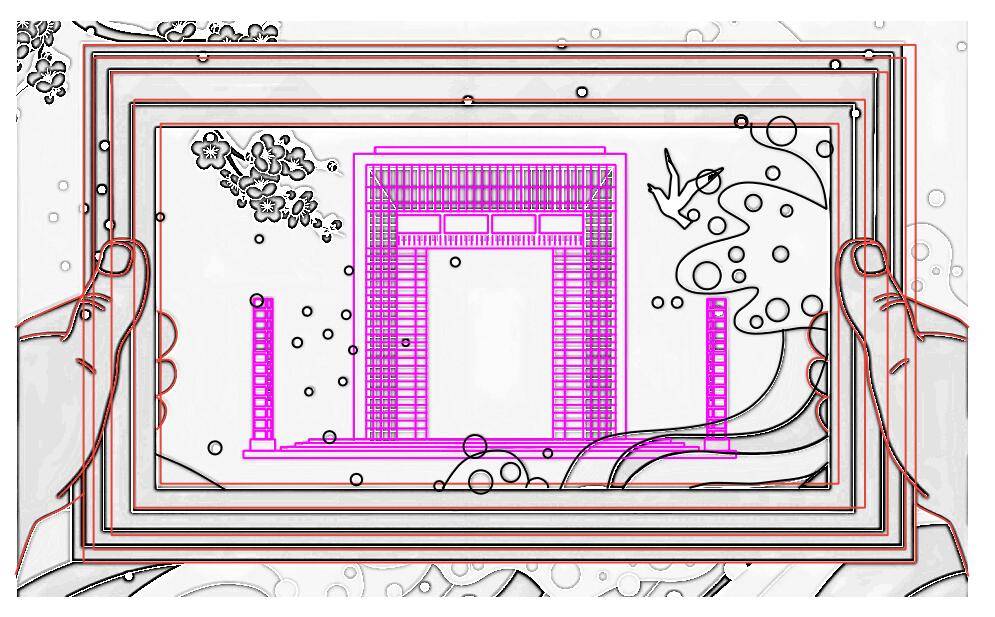
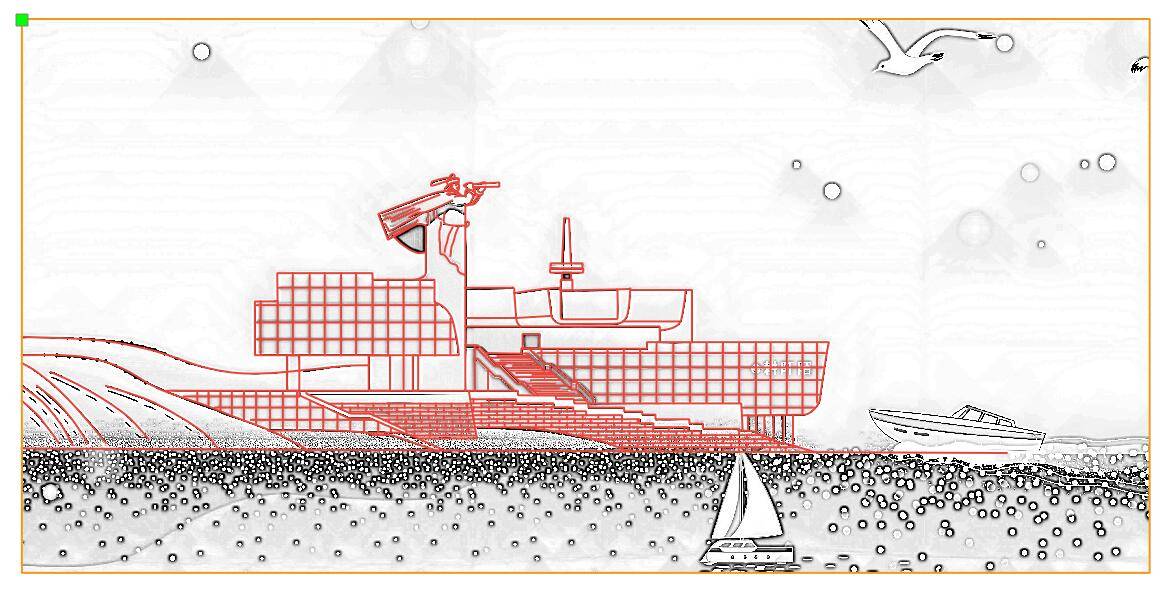
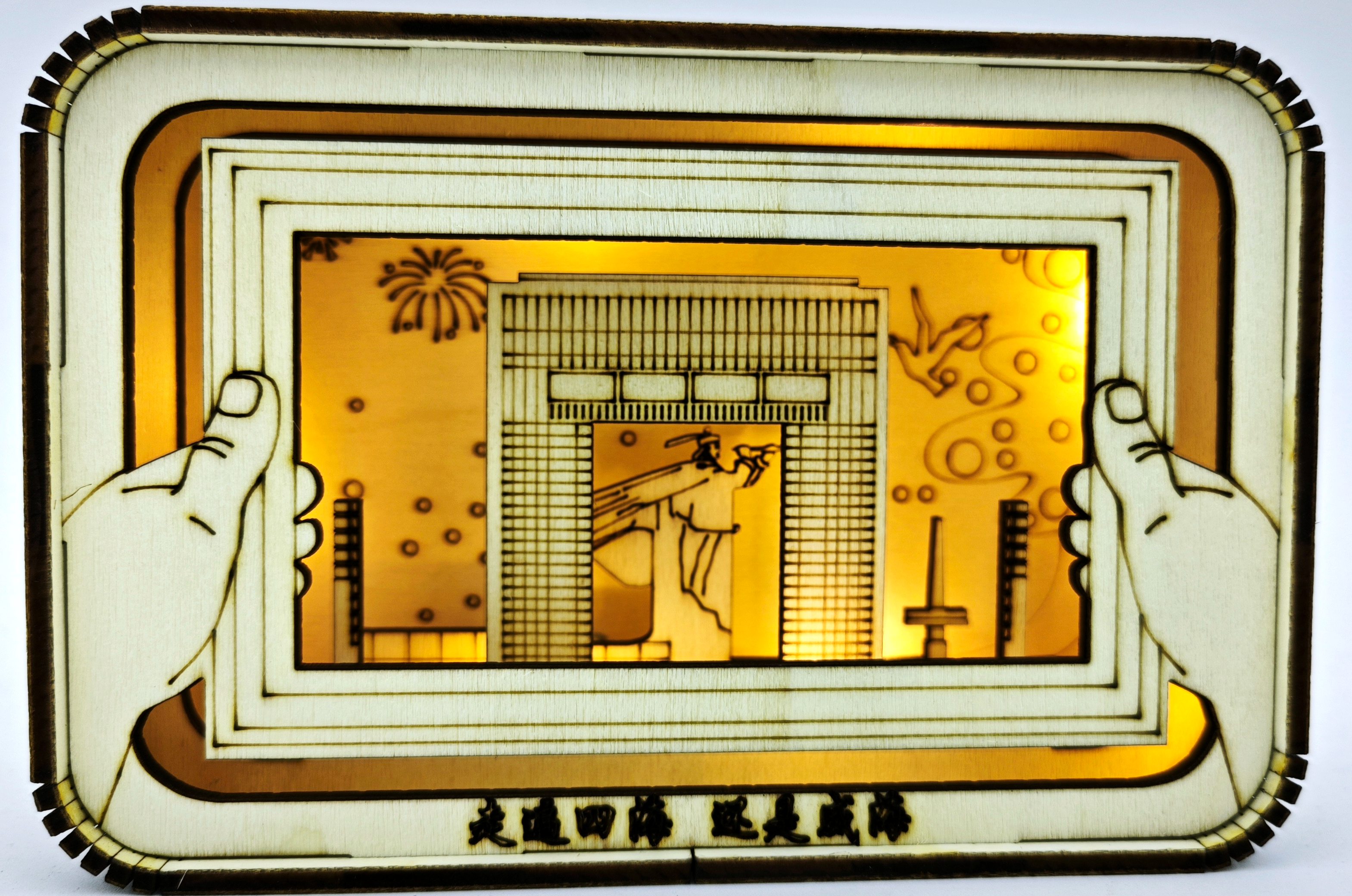
[font=Microsoft YaHei][size=12pt] This project has chosen Weihai3A famous landmark building and also an internet famous attraction, they are the Big Picture Frame, Happiness Gate, and Deng Shichang Statue on Liugong Island. By utilizing the characteristics of the photo frame and door, we have achieved the inclusion of the Happiness Gate within the frame, with a statue of Deng Shichang behind it. While promoting the work in Weihai, placing the statue of Deng Shichang on Liu Gongdao in the deepest part of the small night light is also a consideration for commemorating the martyrs. In modern times, generations of martyrs have sacrificed their lives and shed their blood to resist foreign aggression. Now, we should think that a happy life is hard won. Finally, we welcome friends from all over the world to come to Weihai and travel all over the world. It's still Weihai.
[font=Microsoft YaHei][size=12pt]
IMG_20240517_171728_copy.jpg

drawing documents

Weihai Landmark Nightlight
Drawing Cover - Weihai Landmark Nightlight
Basic Parameters
0:7:22

Step 1: Draw the outline

When searching in the browser with keywords such as Weihai Landmark, Big Picture Frame, Happiness Gate, and hand drawn images of the Jiawu Naval Battle Memorial Hall, no satisfactory hand drawn images were found. Fortunately, two comic style images were found, butlasermakerContour extraction andinkscapeCopying the outline of a bitmap cannot achieve satisfactory results, so based on these two images, use curve tools to depict their contours.

1716103104151677.jpg

1716103108256043.jpg


Step 2: Drawing

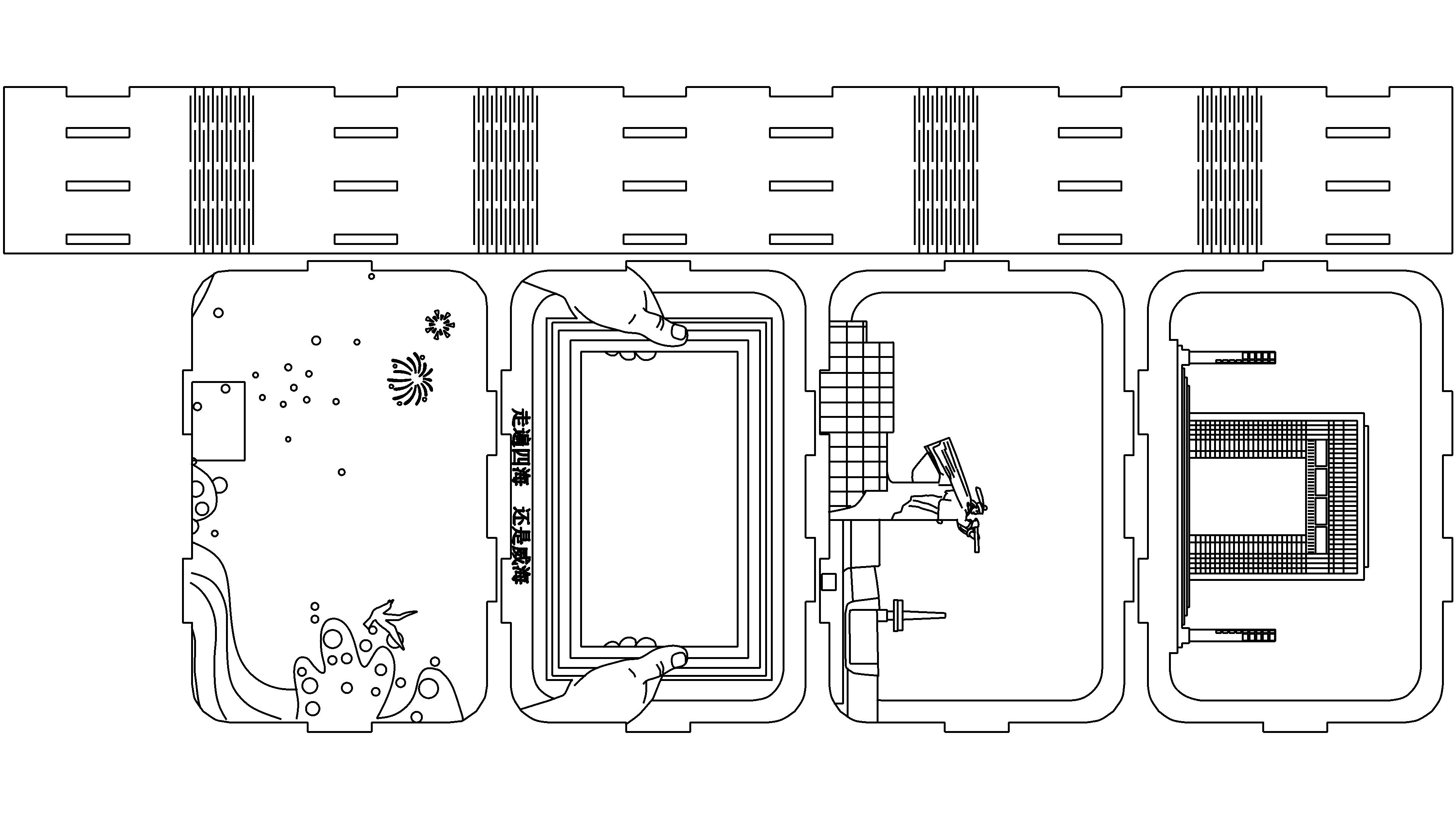
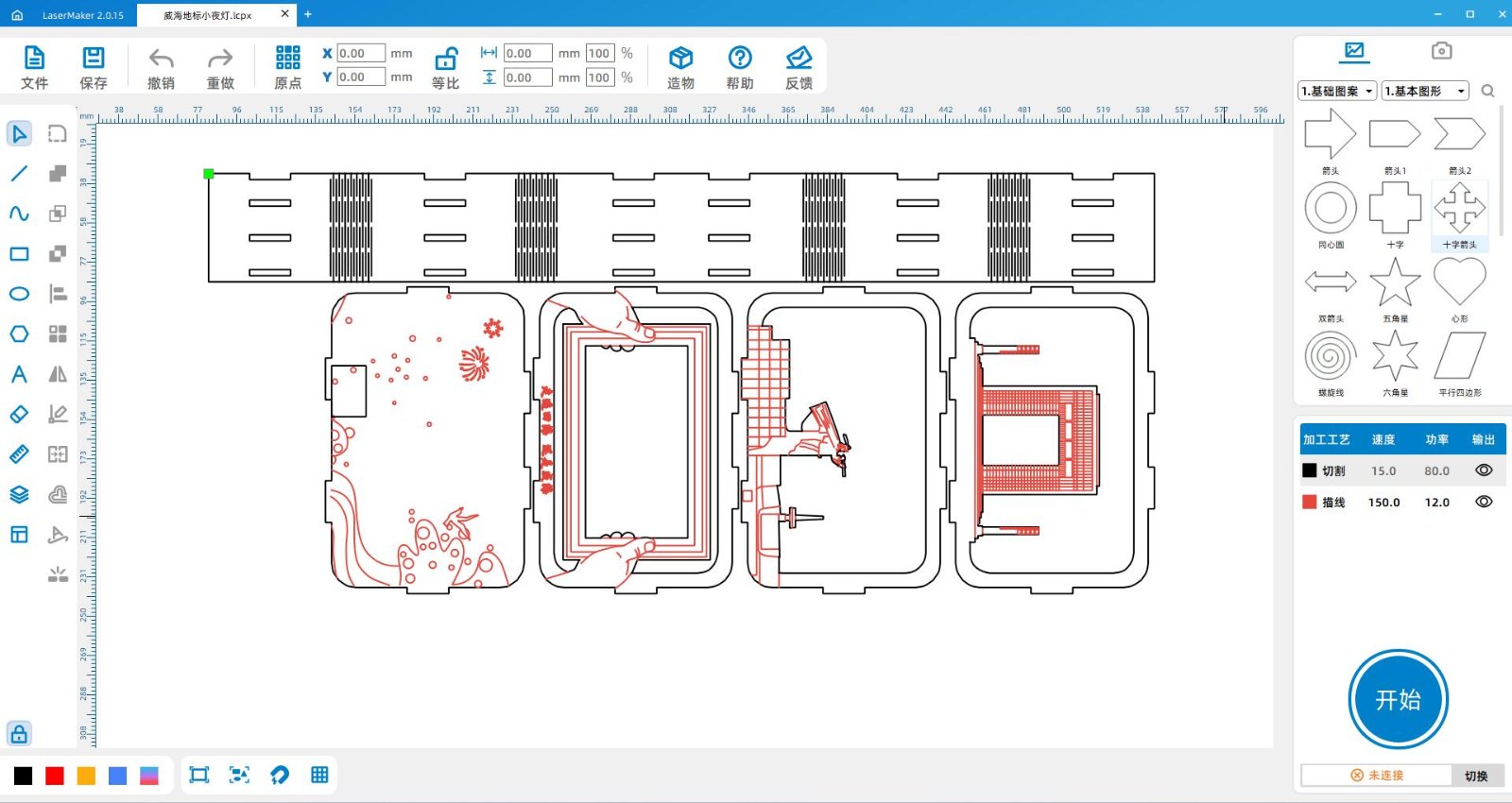
Select a suitable template from the gallery and match the outline drawn in the previous step with4Combine the boards one by one and group them together, aligning them in the center at any time to see the effect. Break and delete any excess lines, then arrange the layout, set the layers and processing parameters, where red represents line drawing and black represents cutting, to obtain the final processing drawing.

QQscreenshot20240519152448.jpg

Step 3: Assembly

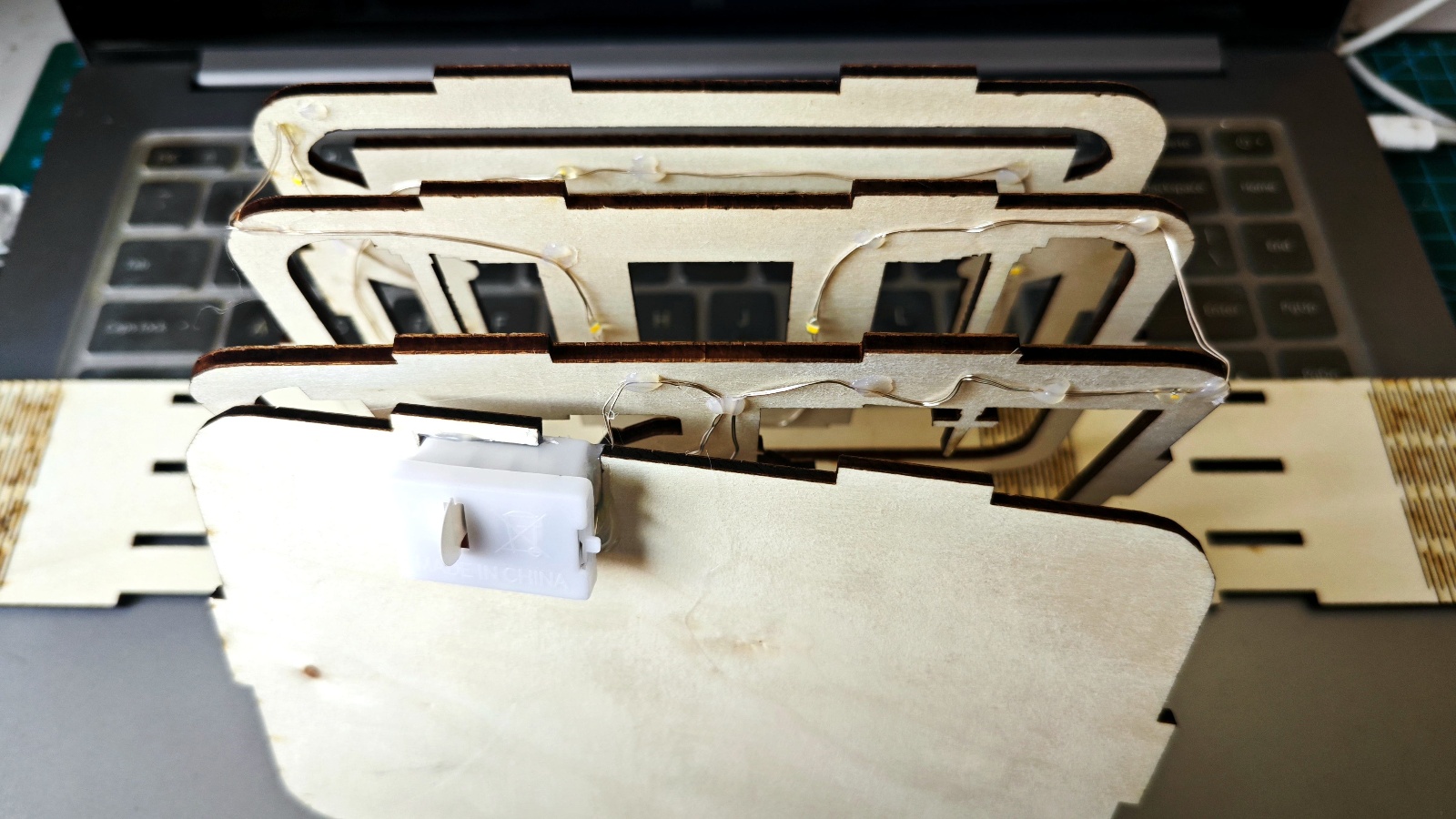
Take out all the cut parts, roughly arrange them, and check the effect. Then, use hot melt glue to stick the small lights from the back board to the front, and try to stick the small lights and wires on the back of the first three boards as much as possible. This way, the small lights and wires can be hidden well, achieving the effect of not seeing the light but seeing the light.

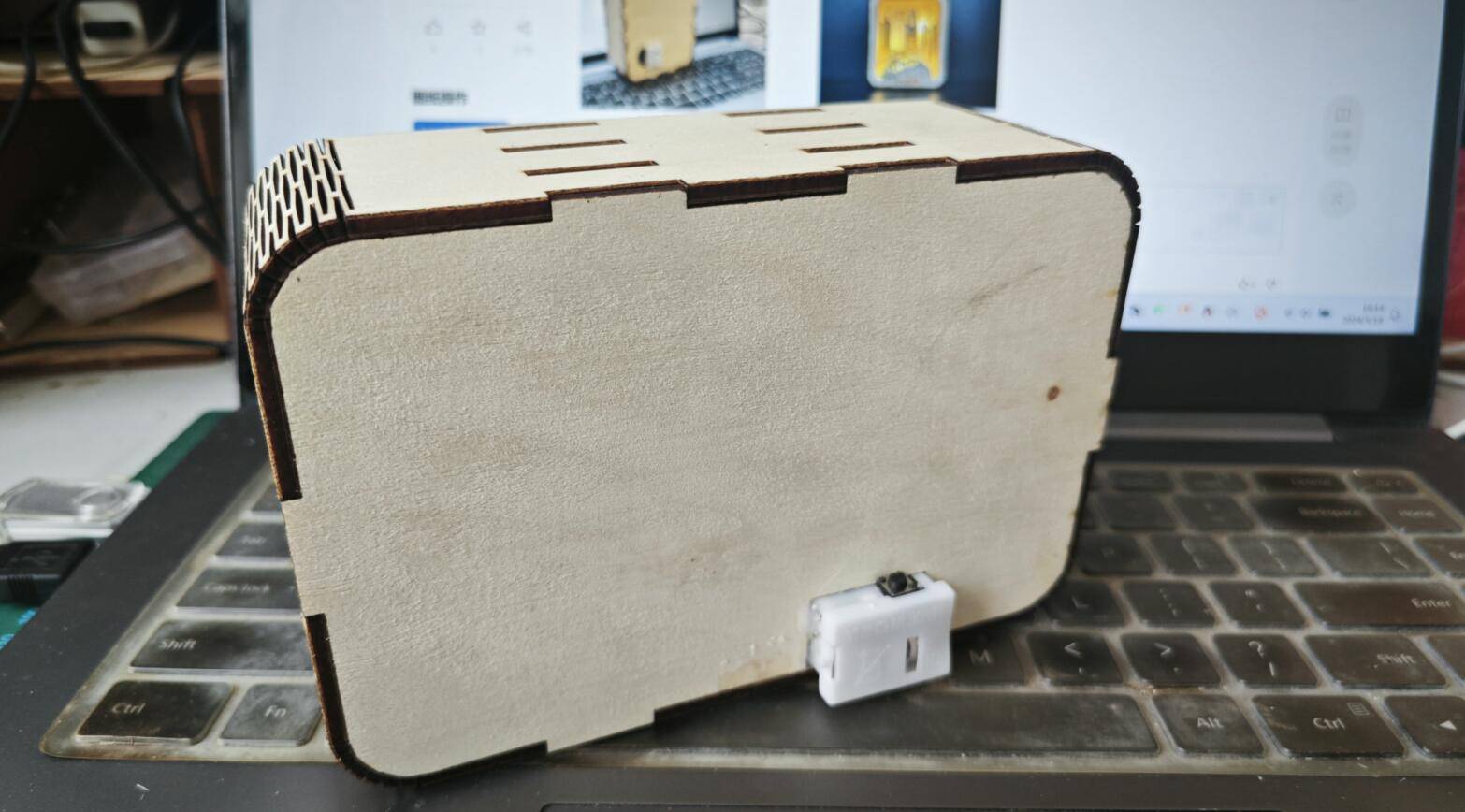
It should be noted that this work is relatively small, although laser compensation is set, placing the opening of the surrounding structure below can make the work more stable; Applying a small amount of glue at the bend can to some extent prevent it from breaking.

1716107168650585.jpg

1716107170199839.jpg

1716107174814256.jpg

1716107177831189.jpg

finished video

comment (0)
支持拖拽上传 · 最多 10 张 · 单张 ≤ 3MB
将图片拖拽到这里或点击“选择图片”上传(支持多张)
Weihai Nightlight
drawing ID: SUCAI-300 2024-5-19 16:27
2
2
0
7
10Contribution points
Purchase points
collection
like
Grade discount
Basic Information
Update time 2024-5-19 16:27
advertisement