English
 简体中文
简体中文
 繁體中文
繁體中文
 Français
 Español
 عربي ،
 русский язык
 Português
 Deutsch

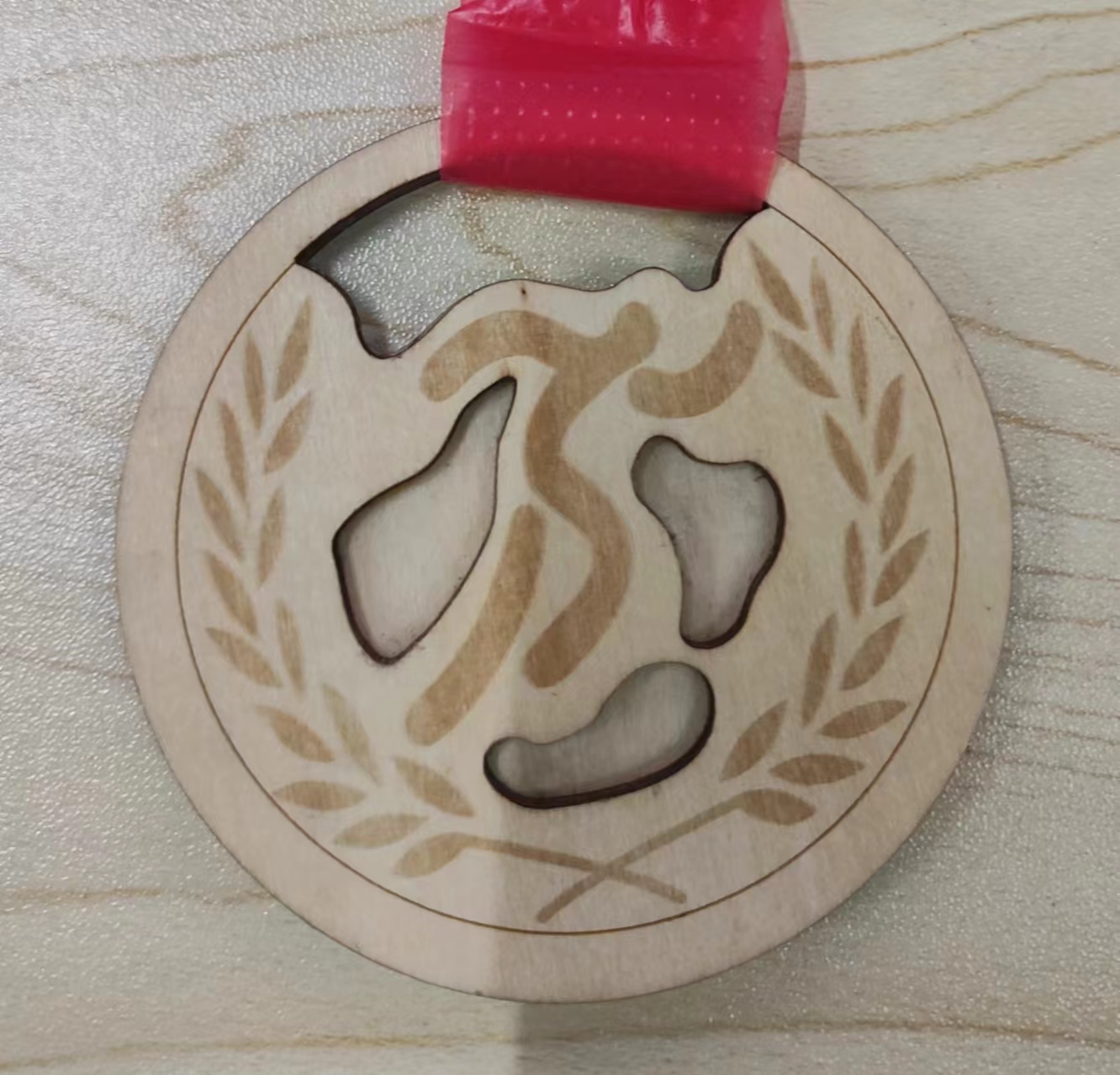
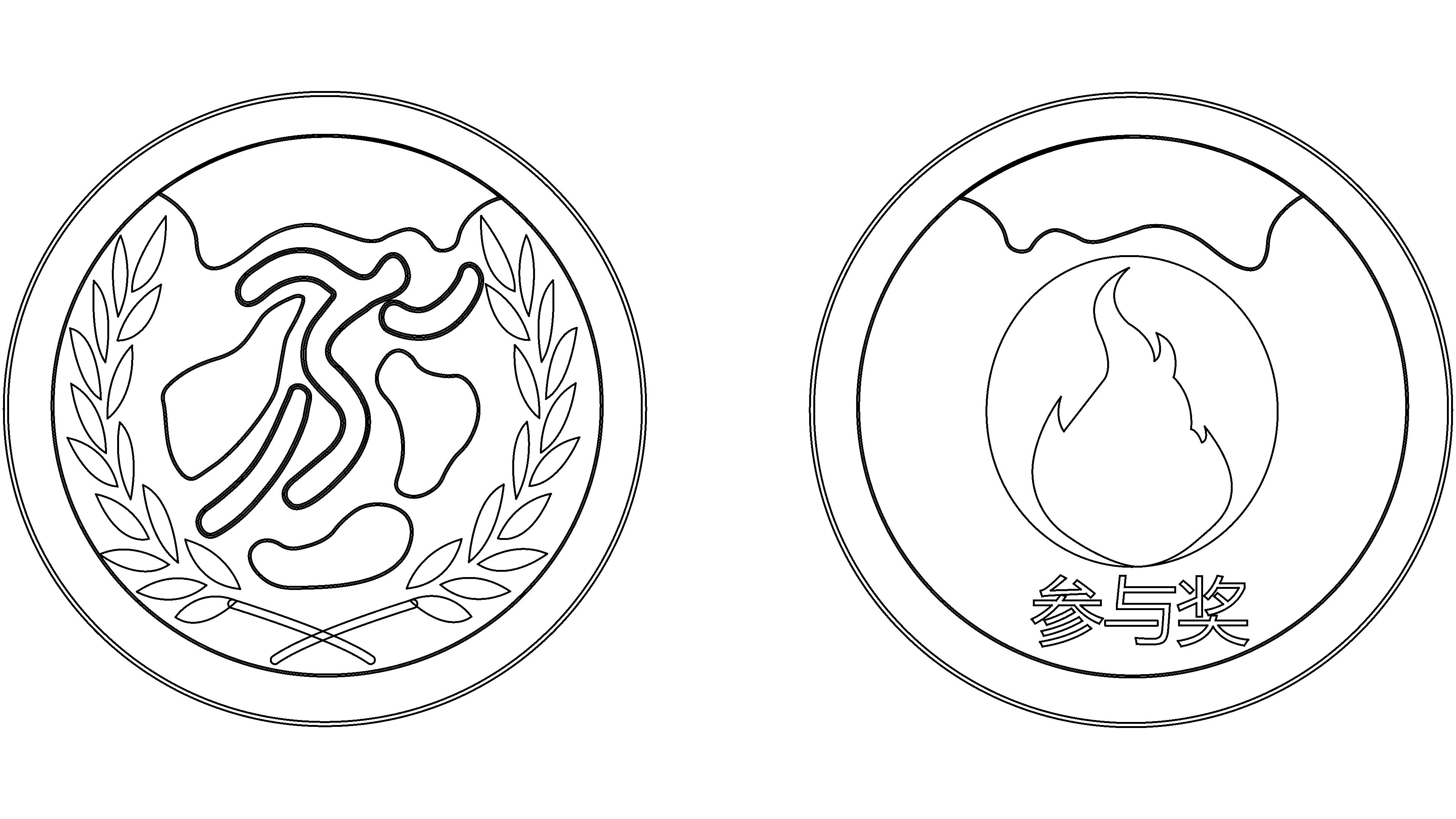
Design concept: Medals are shining symbols of honor and achievement, carrying the dreams and struggles of countless people. It is not just a medal, but also a recognition of the hard work and unremitting efforts of the winners. Each medal embodies the sweat and tears of the winners, witnessing their journey from ordinary to glorious. Every time the winner wears a medal, an indescribable sense of pride and excitement surges in their heart. She represents the tenacious spirit of perseverance, fearlessness, and courage to move forward. Every medal leads people towards a more glorious stage.
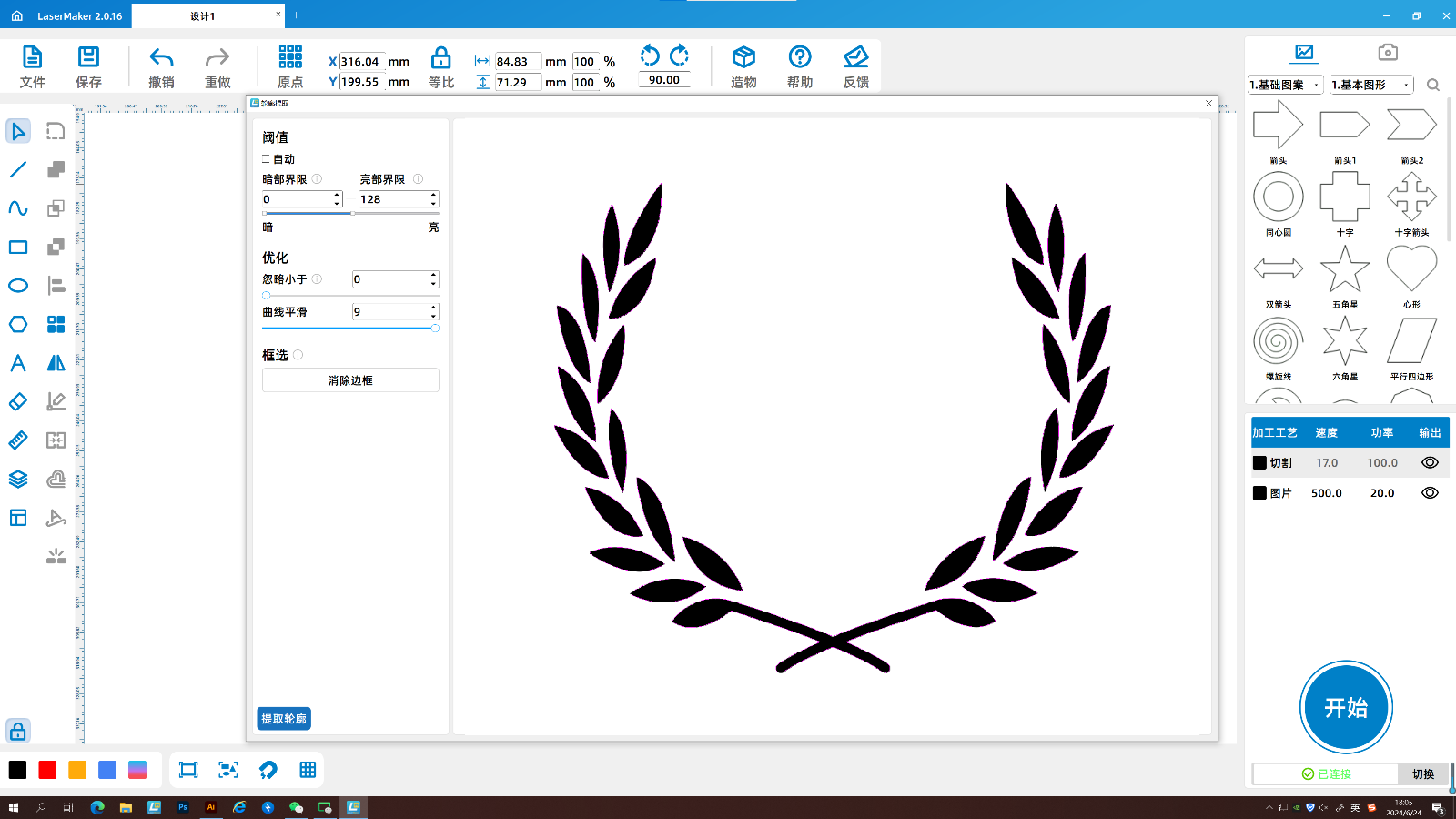
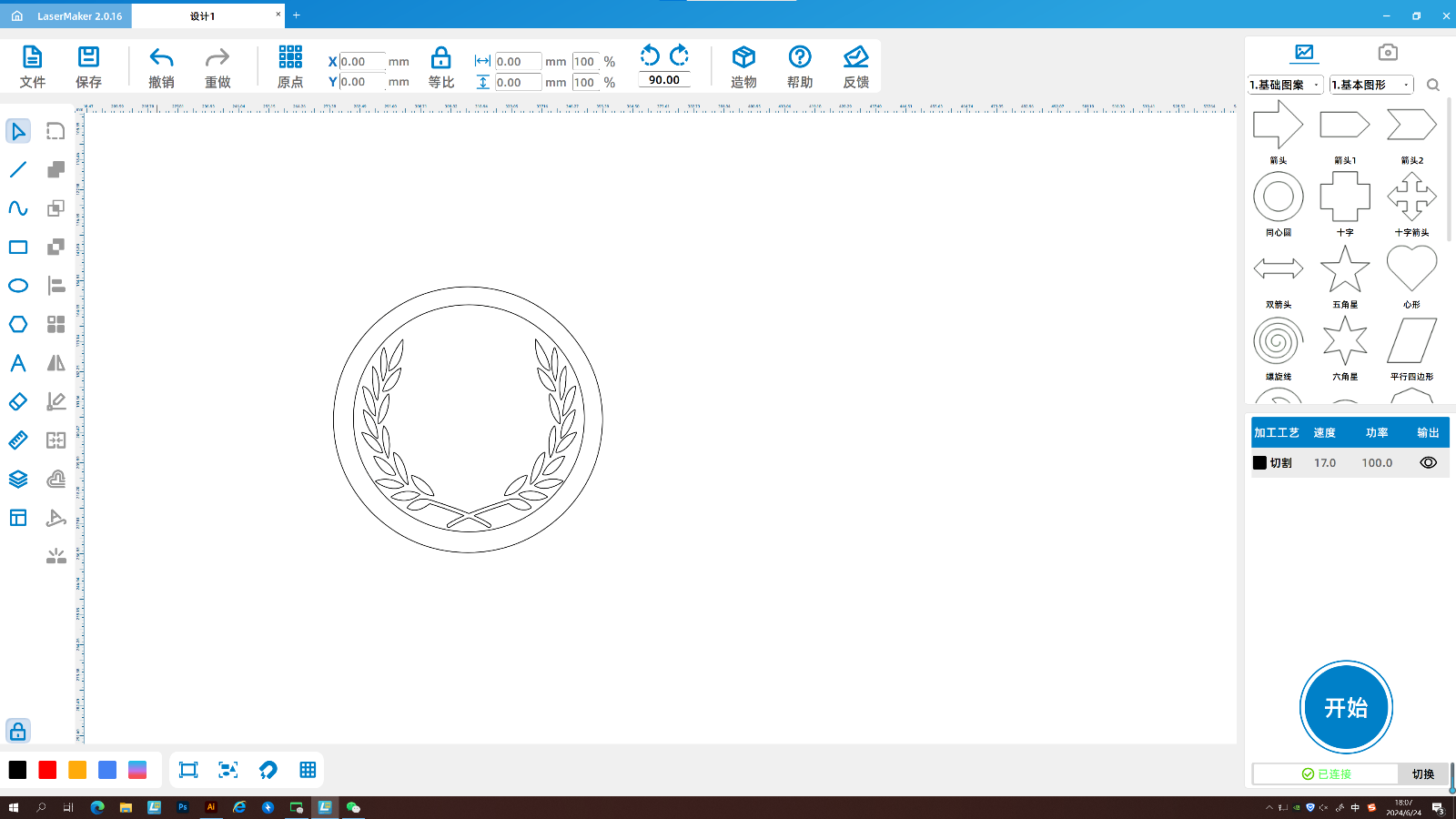
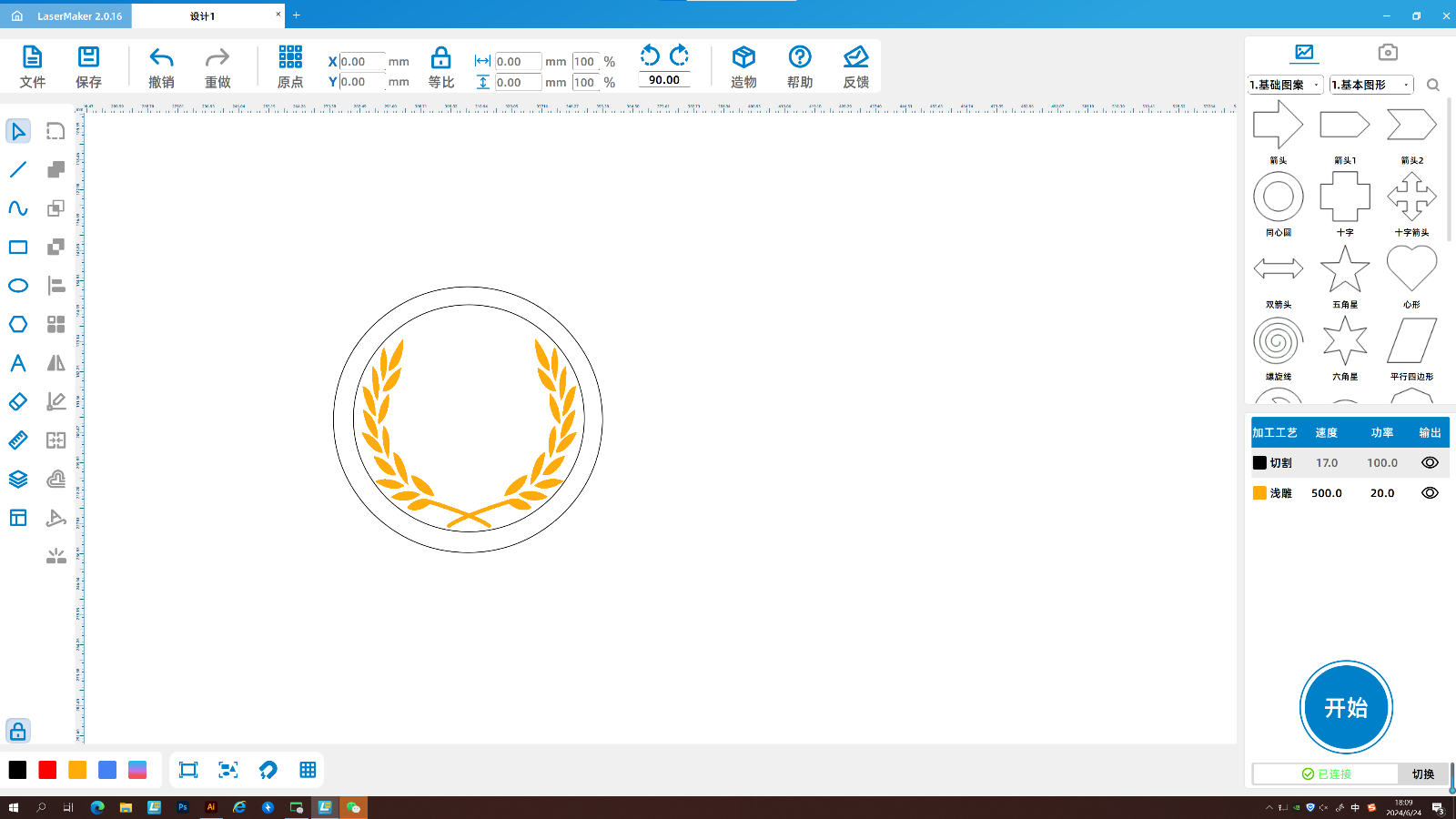
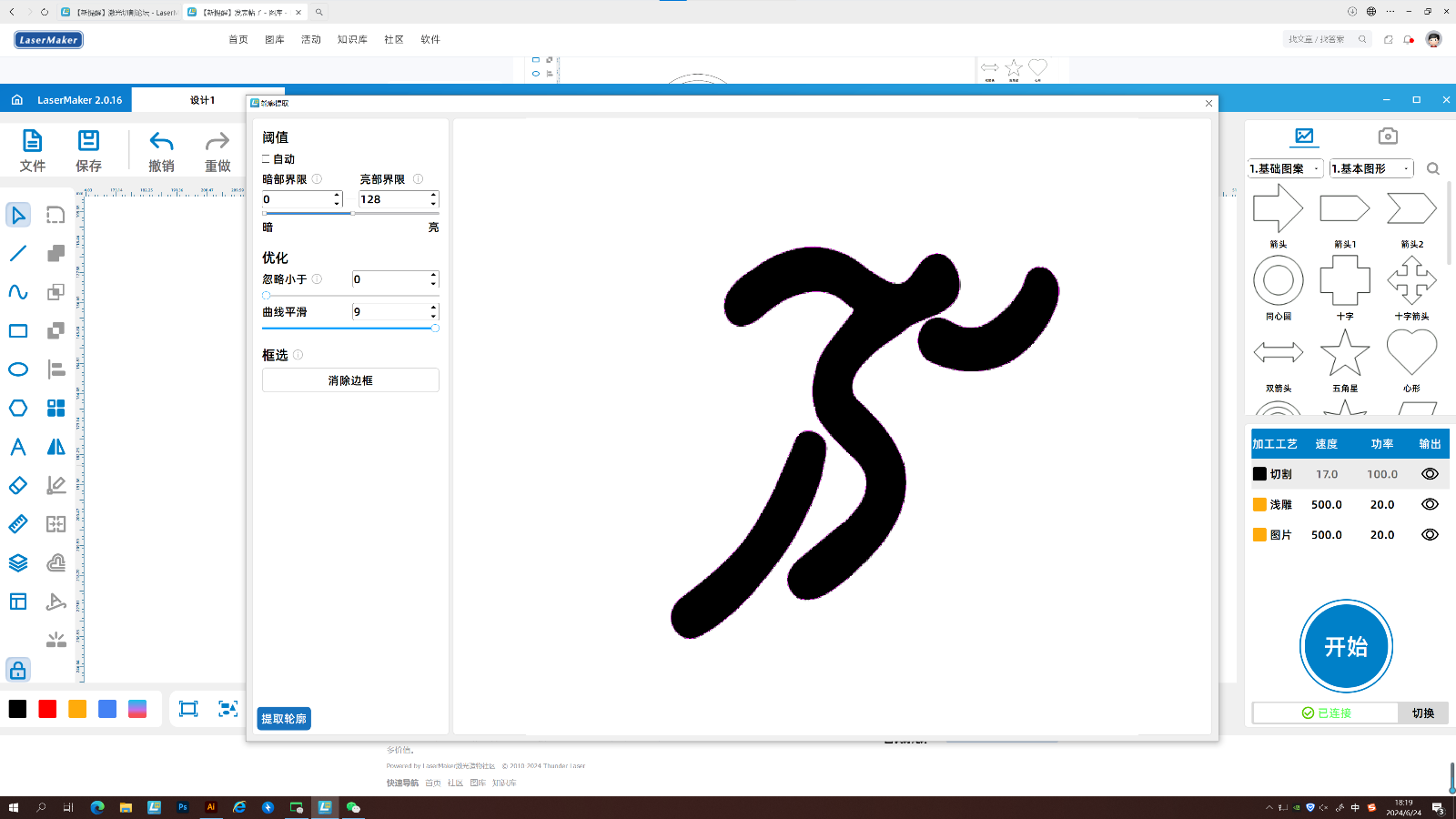
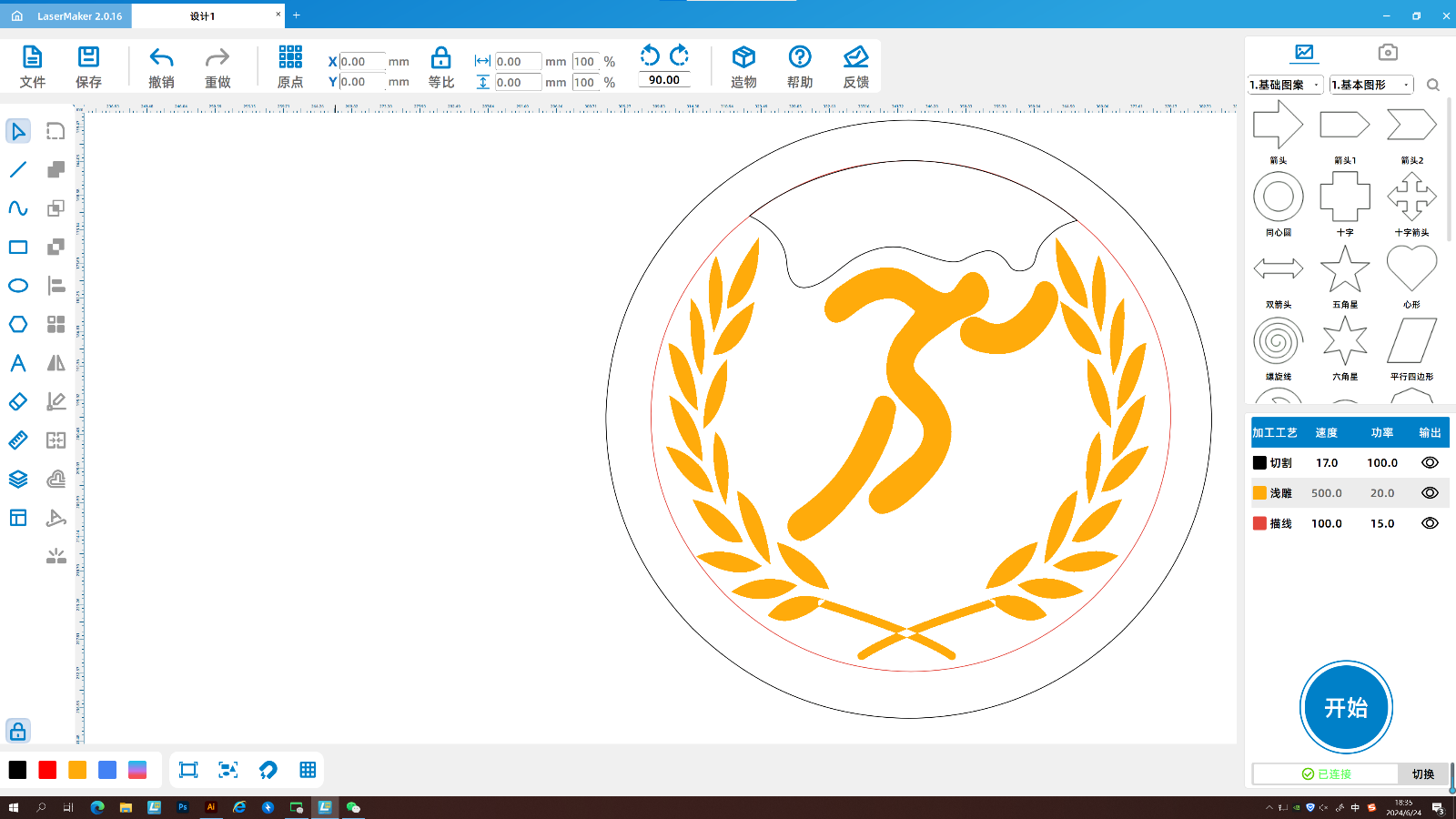
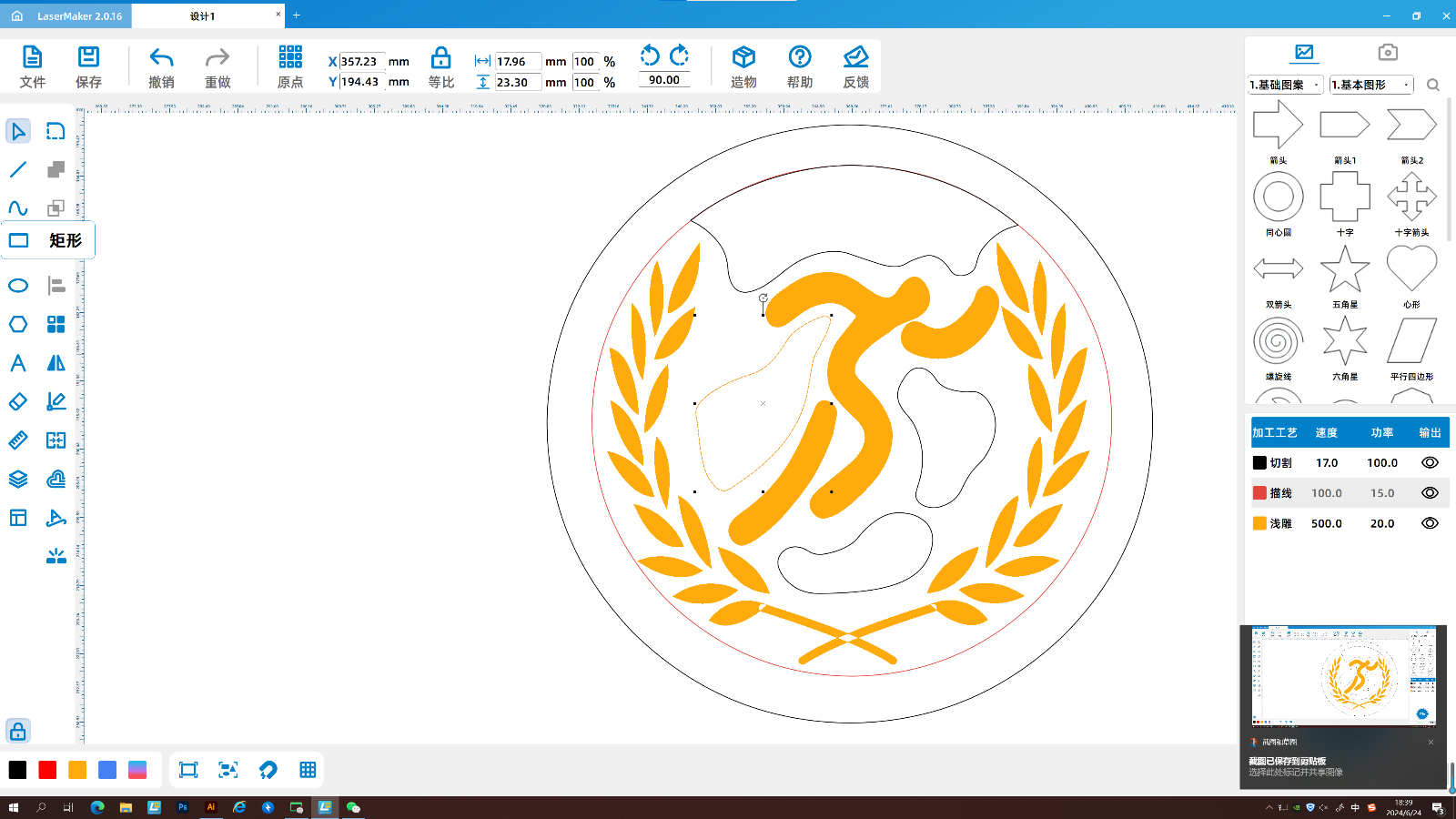
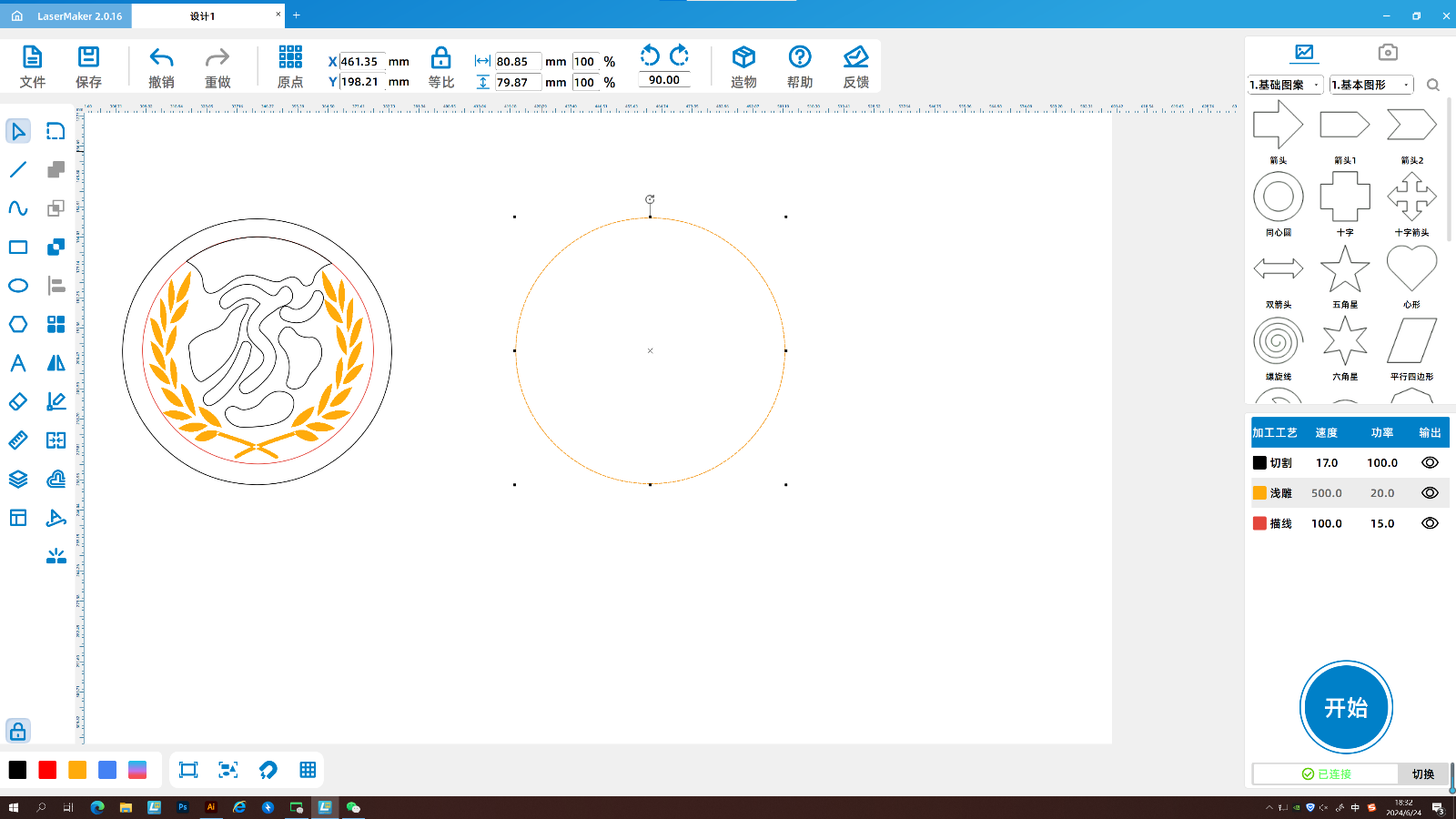
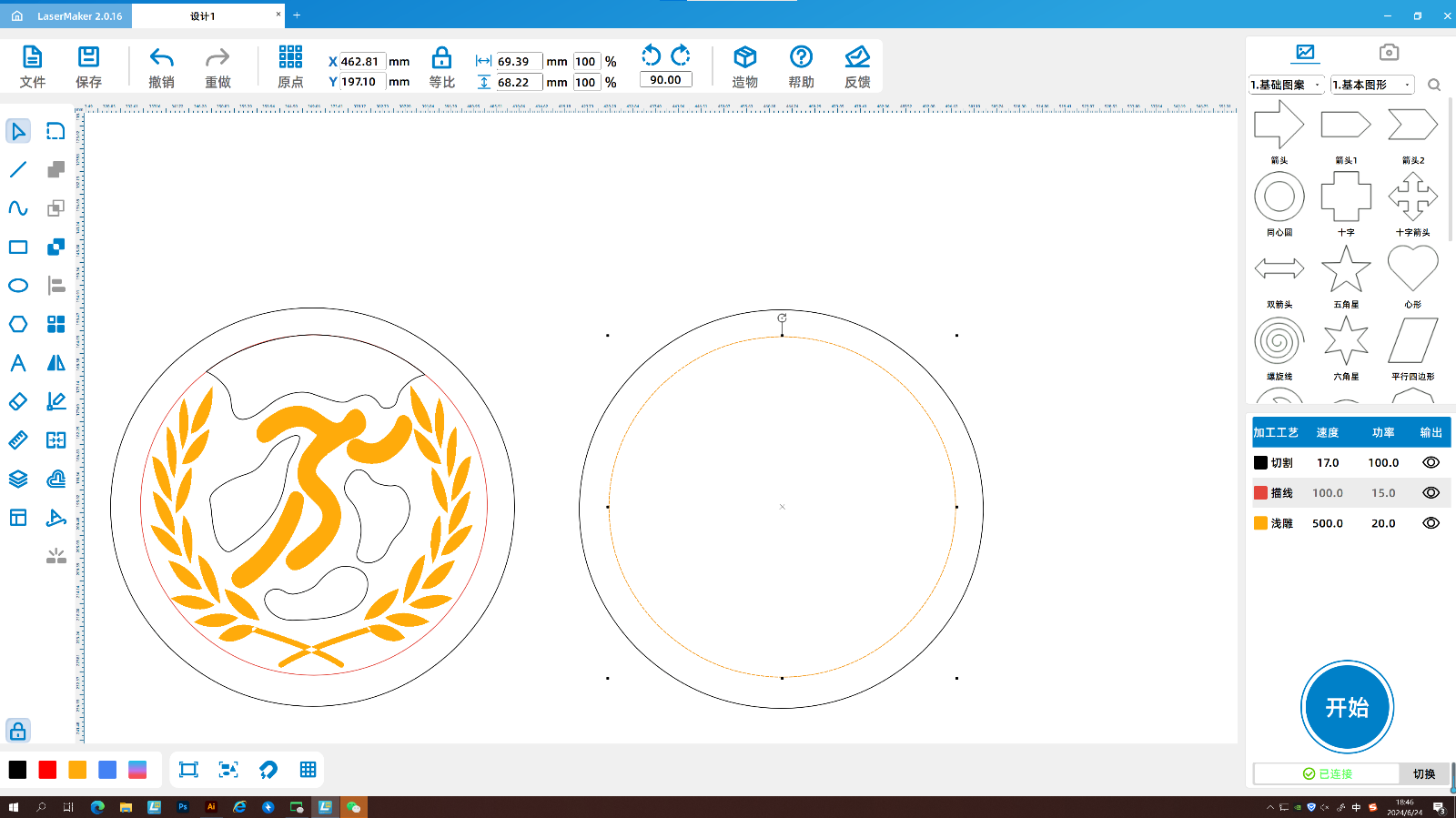
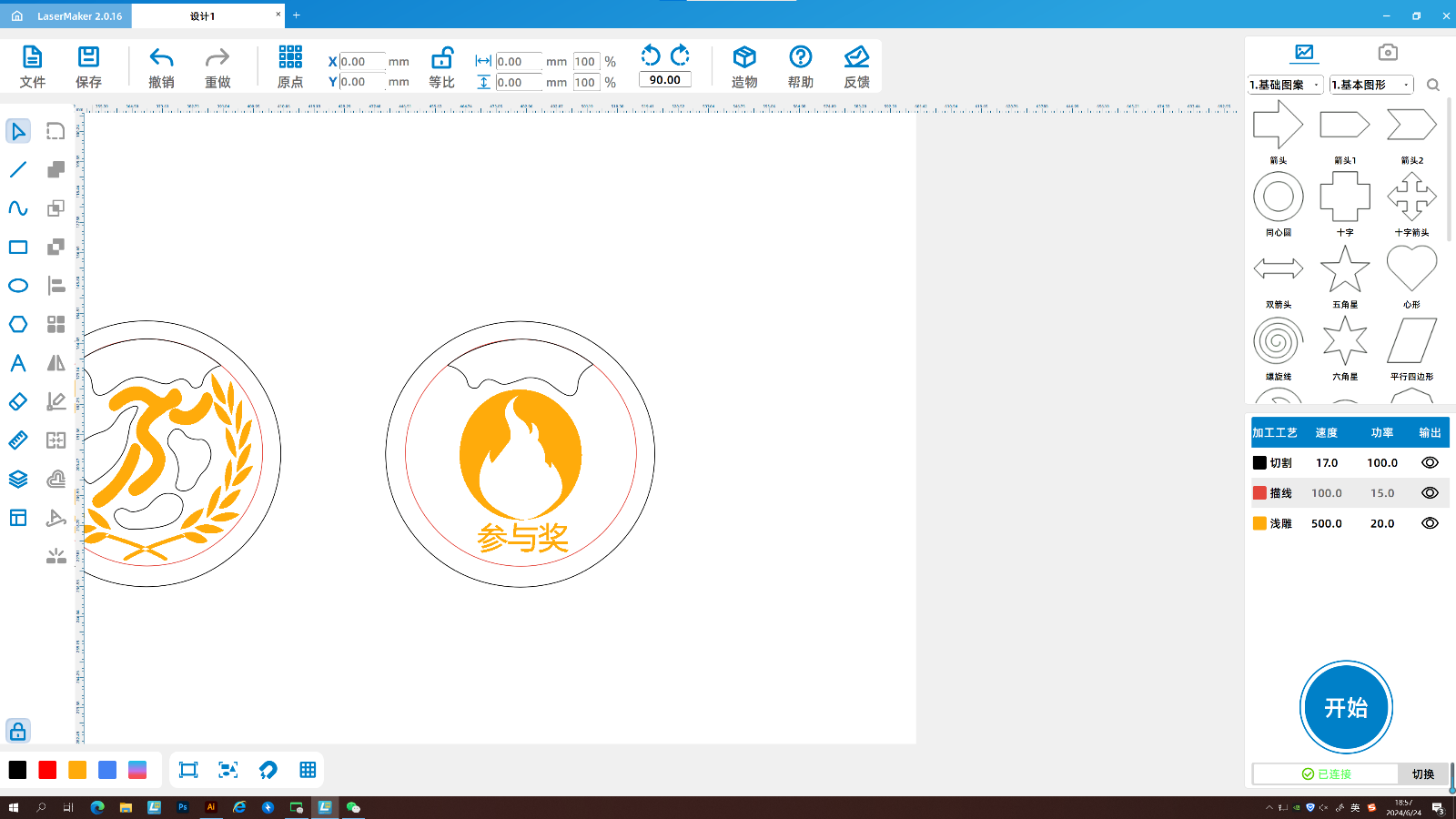
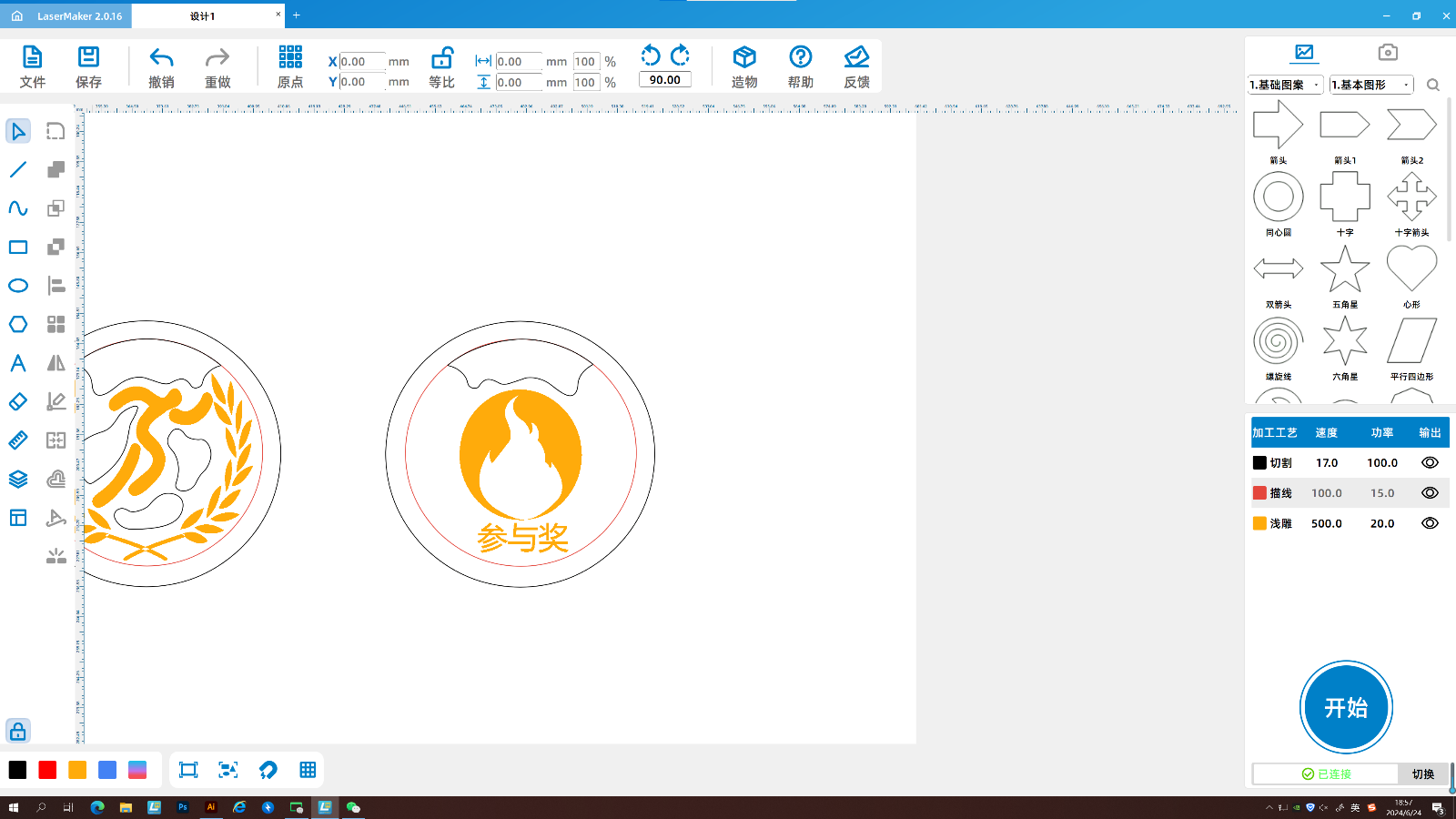
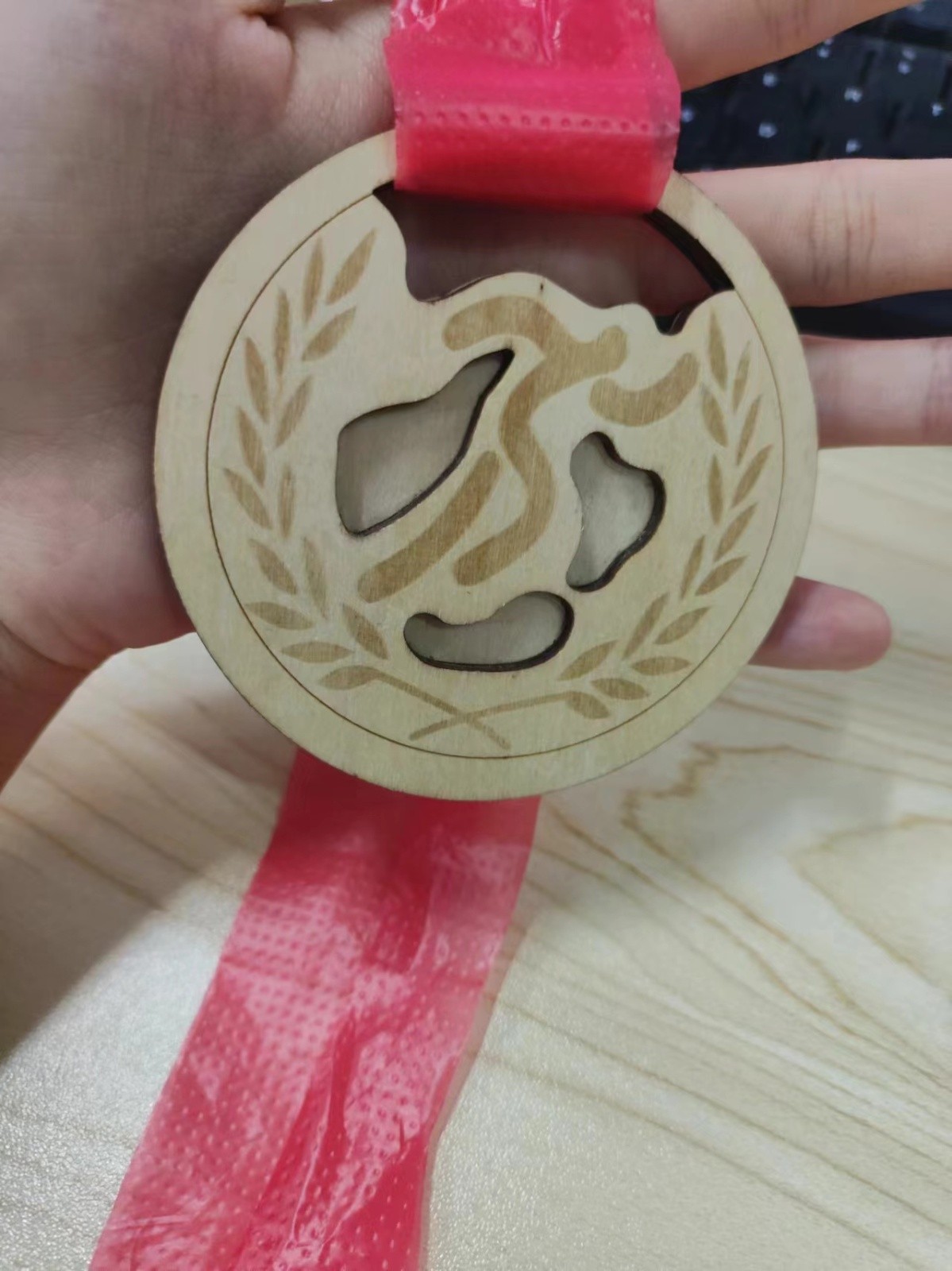
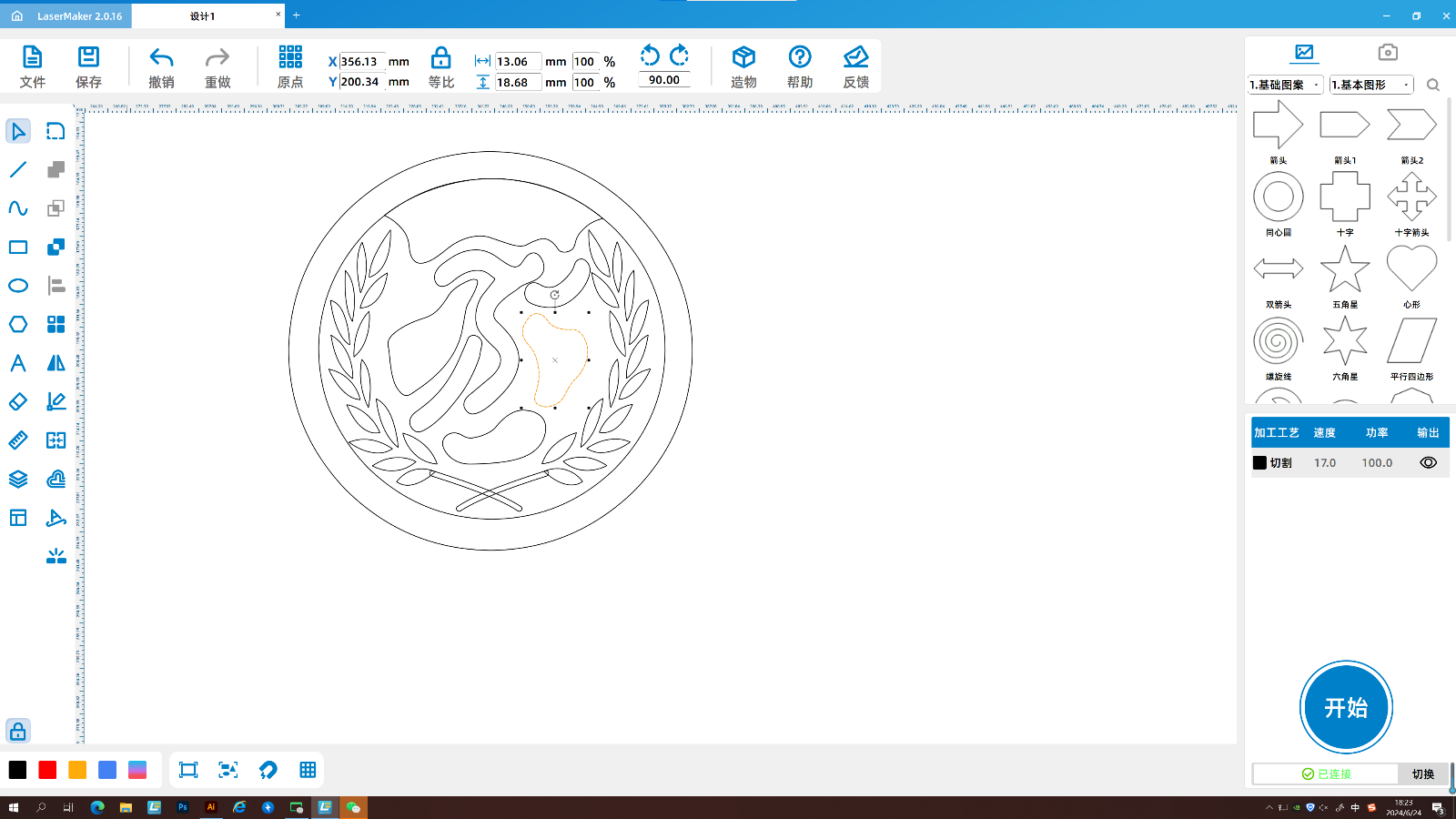
Inspiration source: The use of wheat ears, whose maturity and fullness symbolize achievement and honor. Displaying wheat ears on medals is a beautiful blessing to the winners. It also adopts the posture of athletes starting, which is the action of athletes fighting hard. The back of the medal uses the flame from the torch, which explains that it is a participation award and also an encouragement to those who did not win.
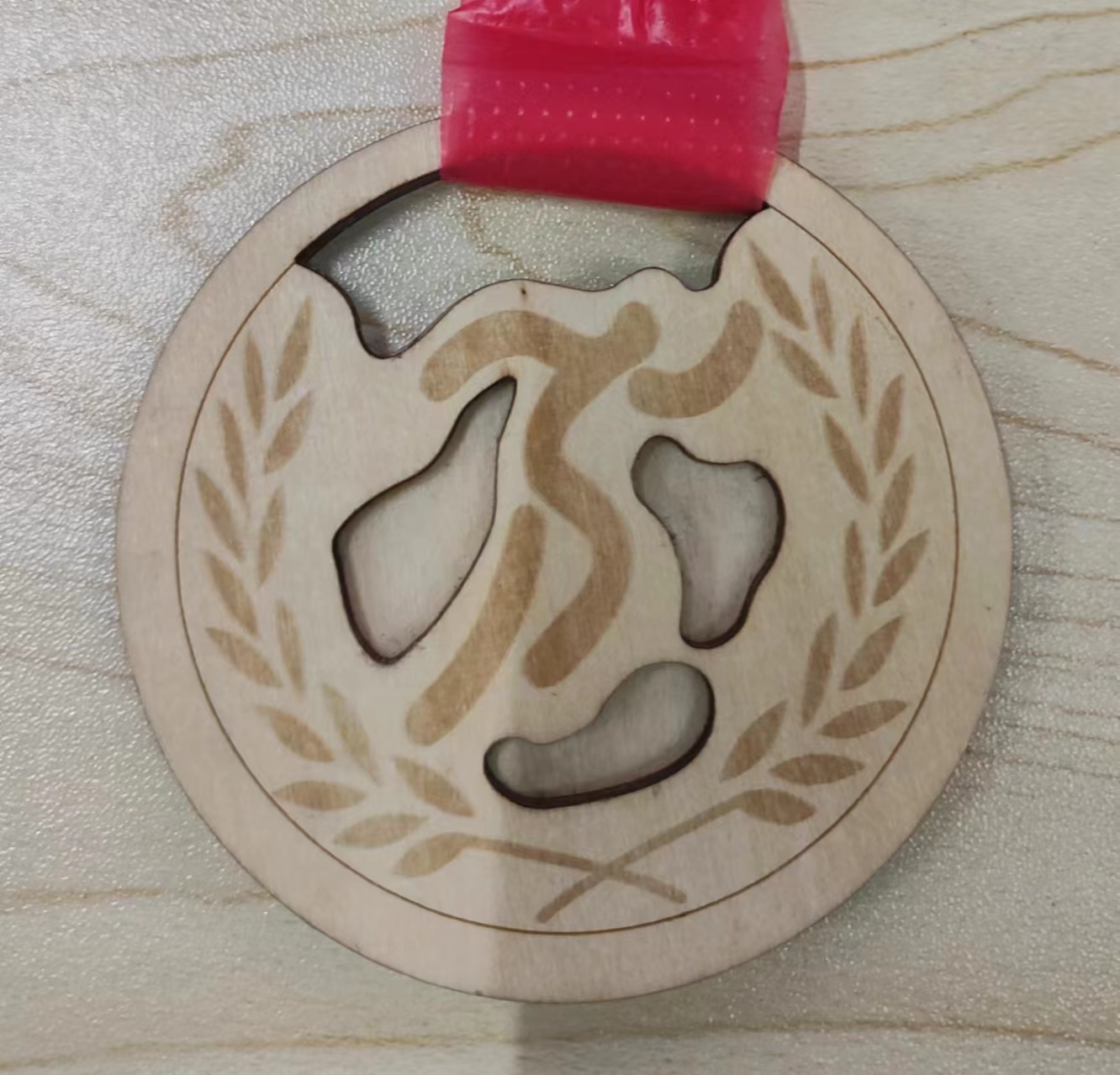
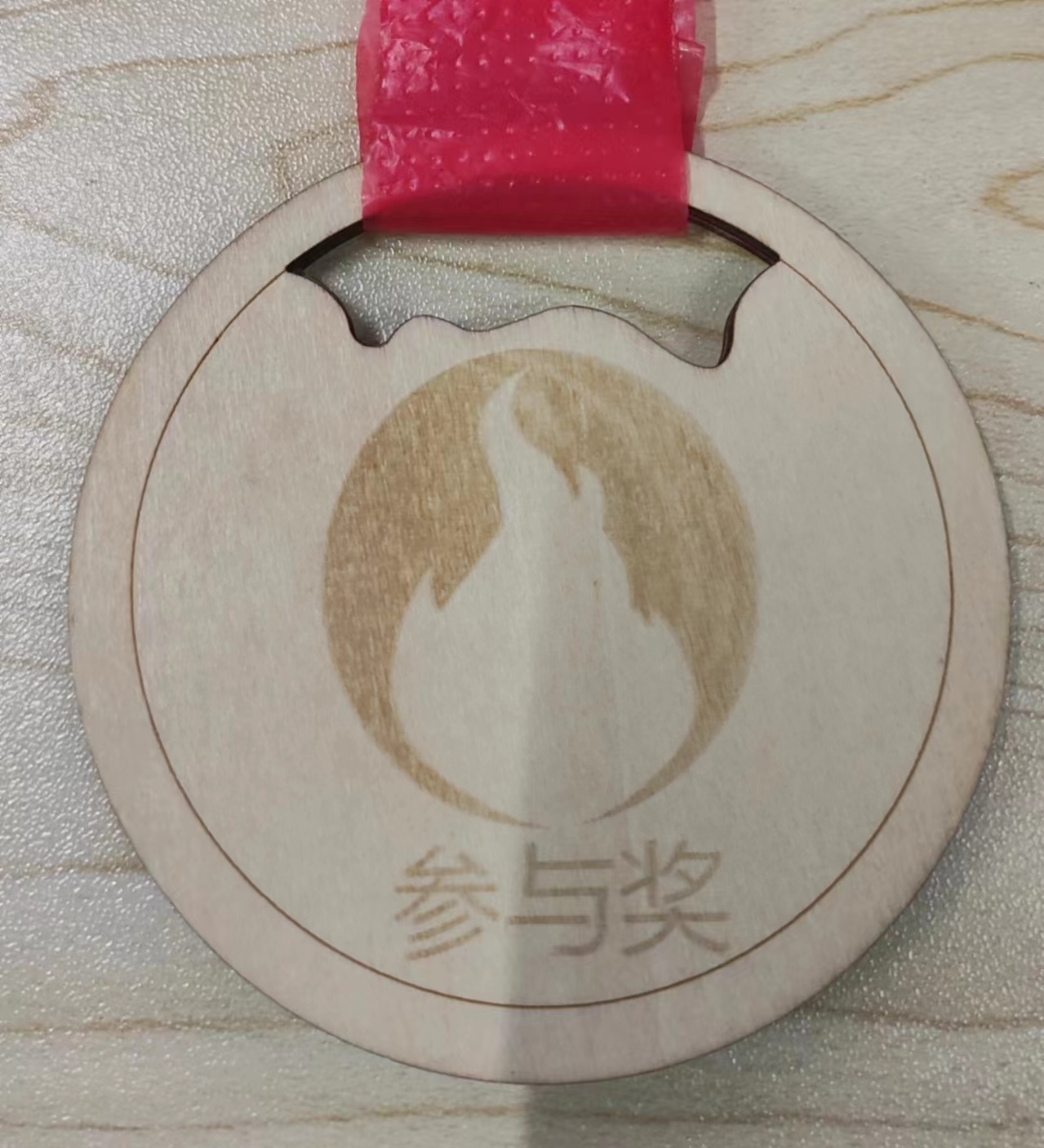
Inspiration source: The use of wheat ears, whose maturity and fullness symbolize achievement and honor. Displaying wheat ears on medals is a beautiful blessing to the winners. It also adopts the posture of athletes starting, which is the action of athletes fighting hard. The back of the medal uses the flame from the torch, which explains that it is a participation award and also an encouragement to those who did not win.