English
 简体中文
简体中文
 繁體中文
繁體中文
 Français
 Español
 عربي ،
 русский язык
 Português
 Deutsch

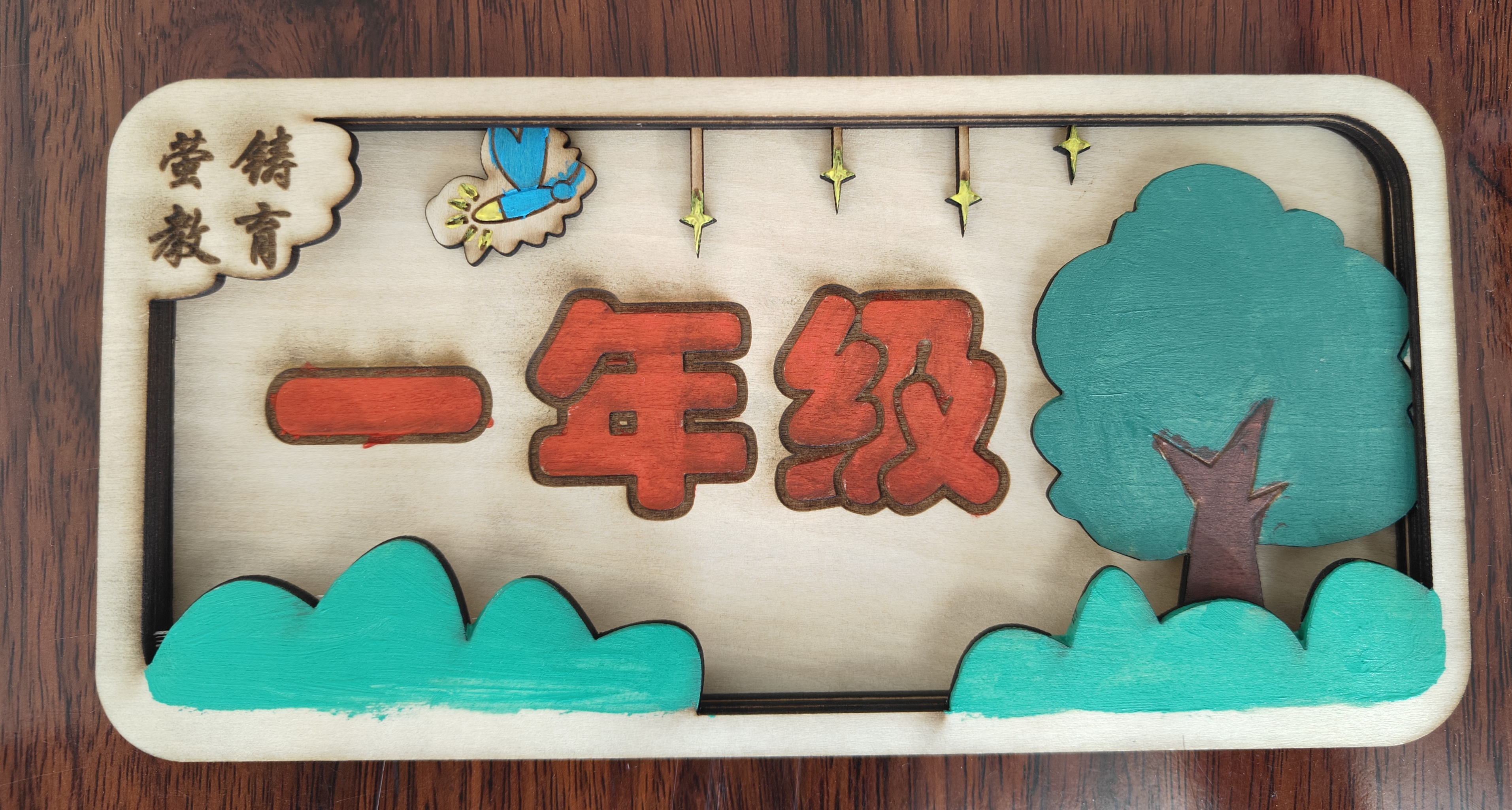
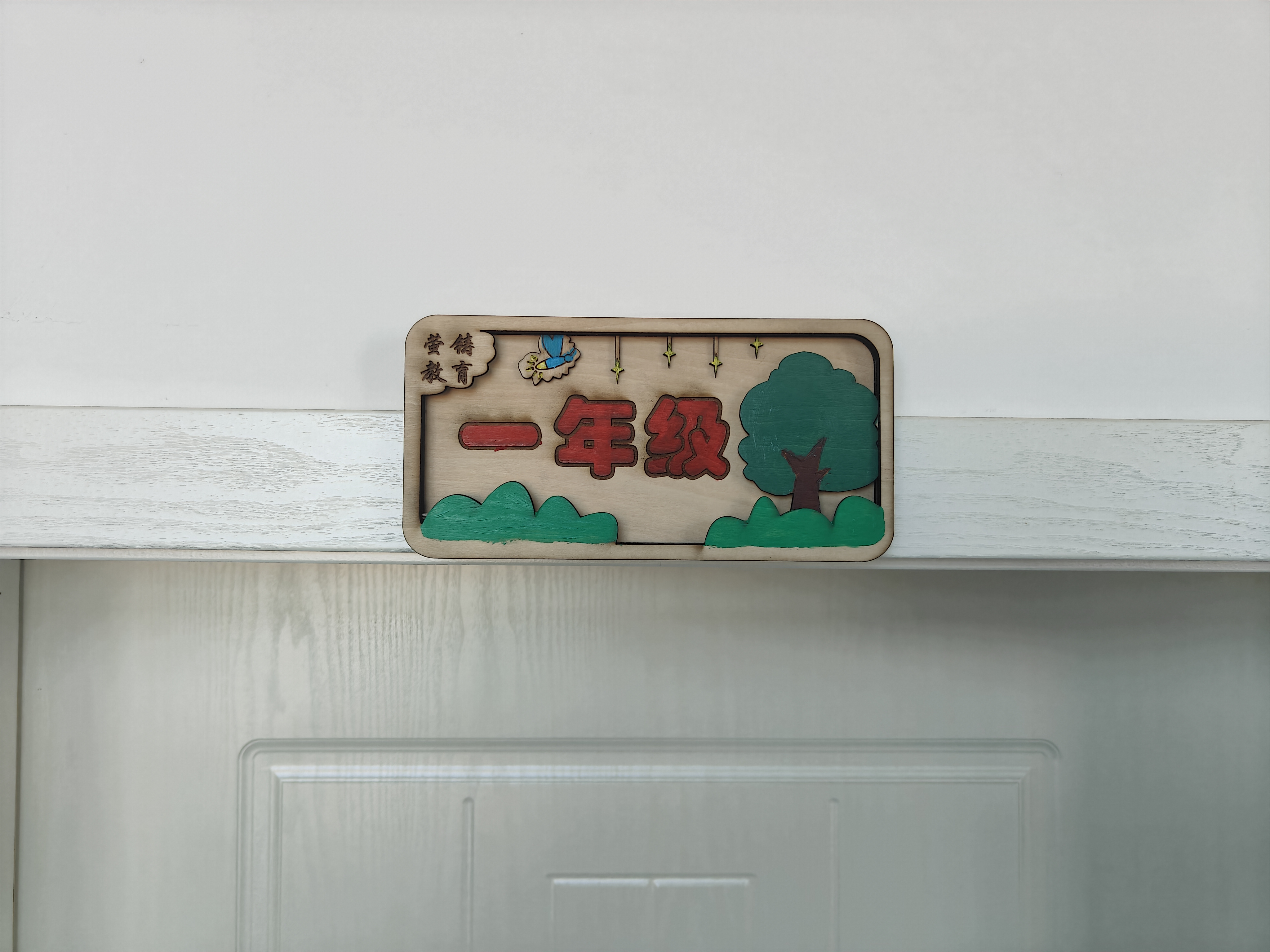
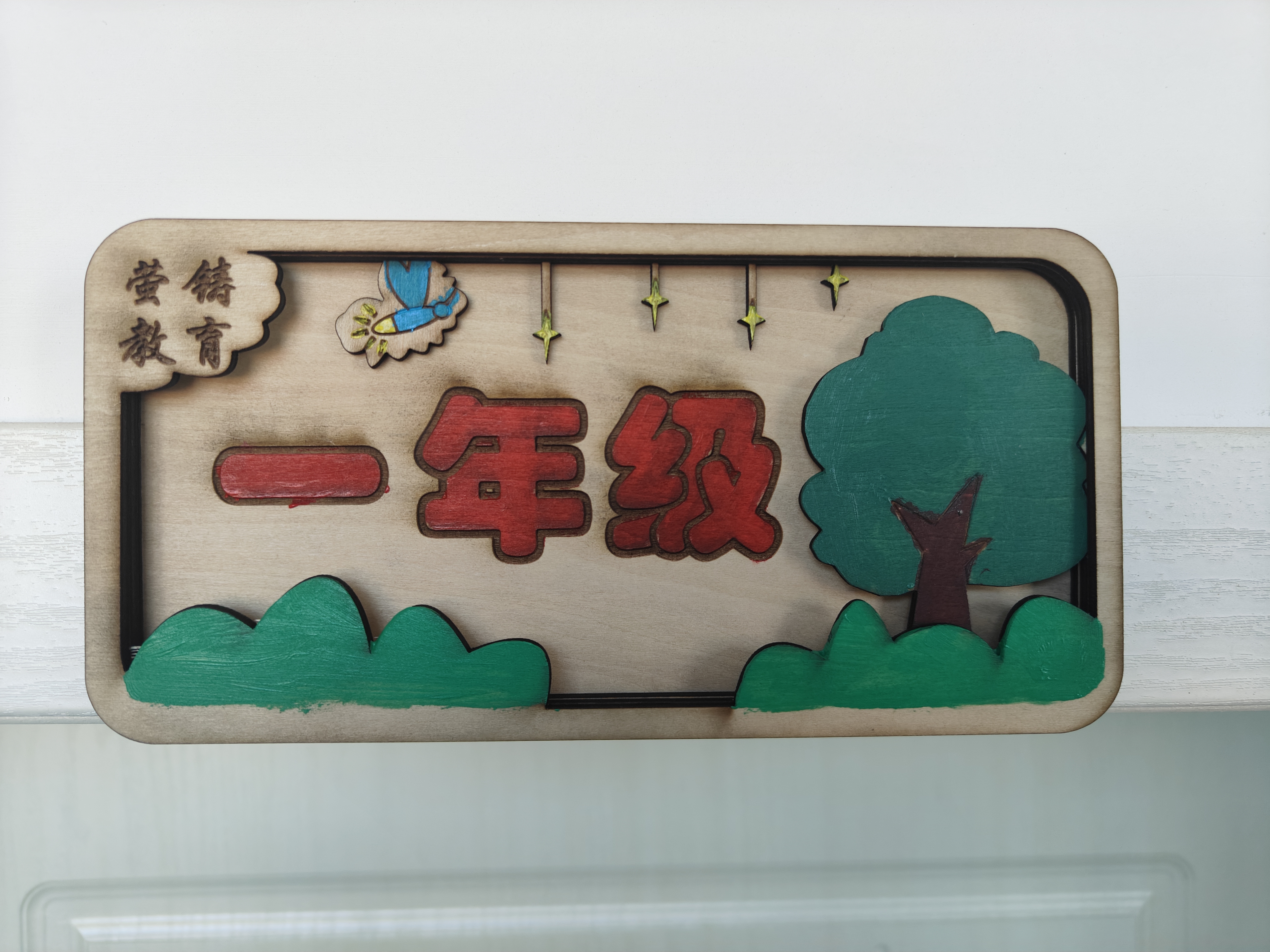
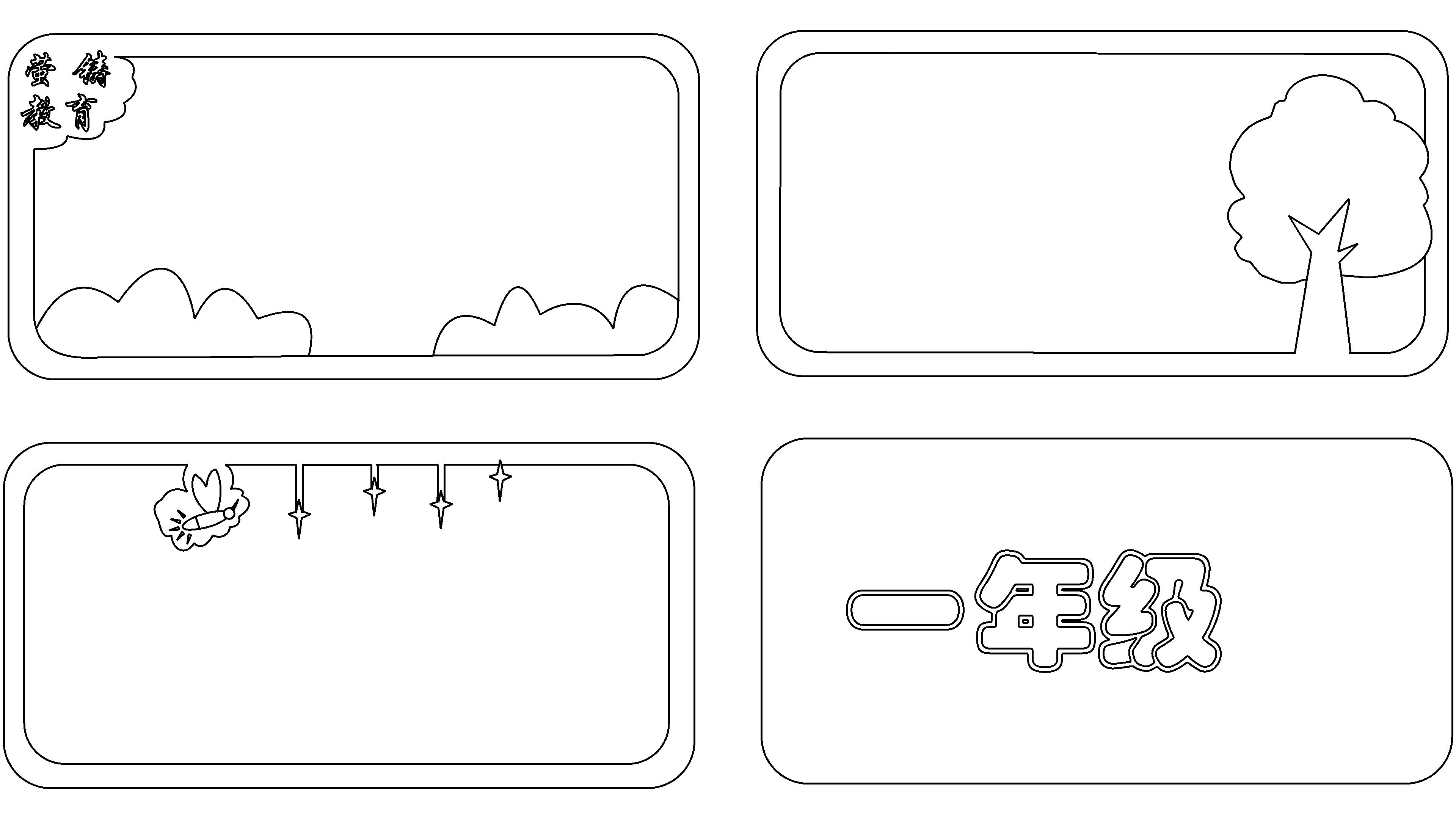
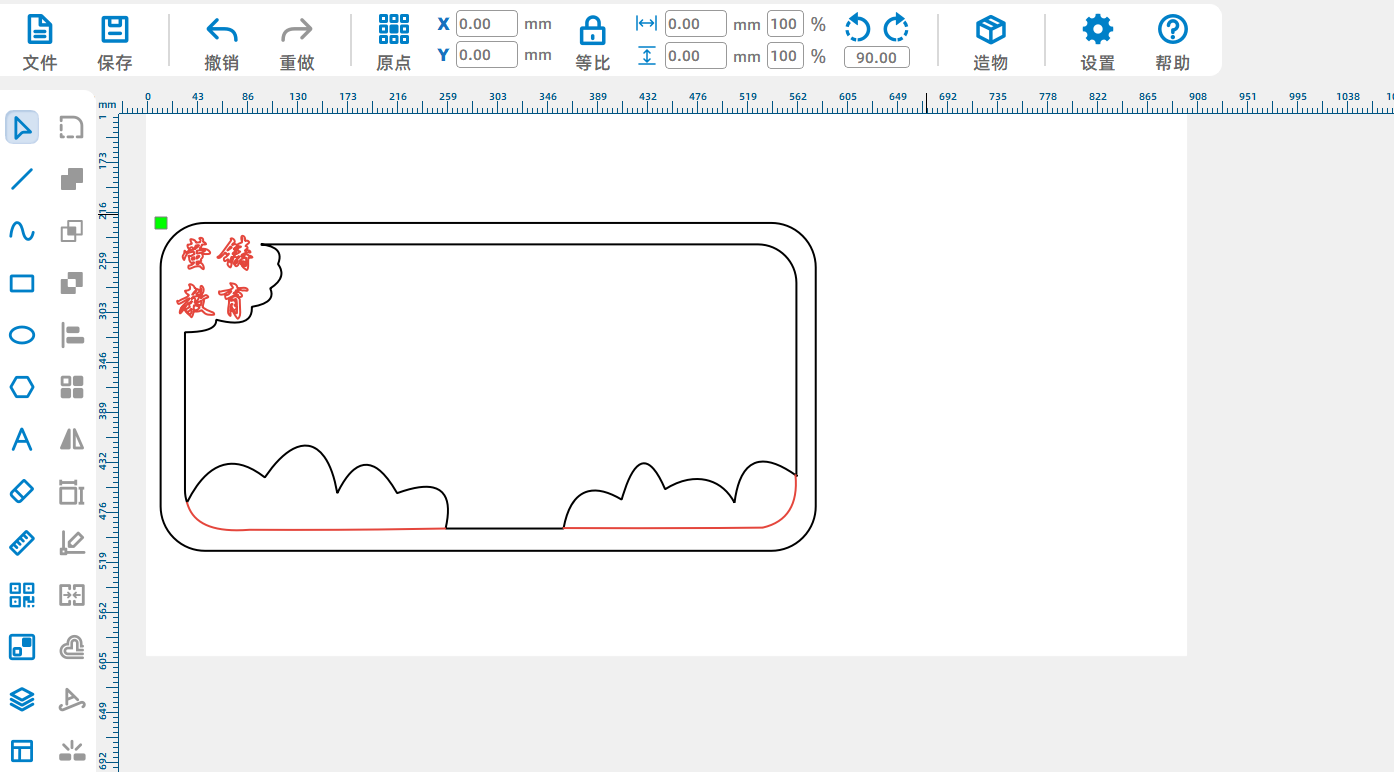
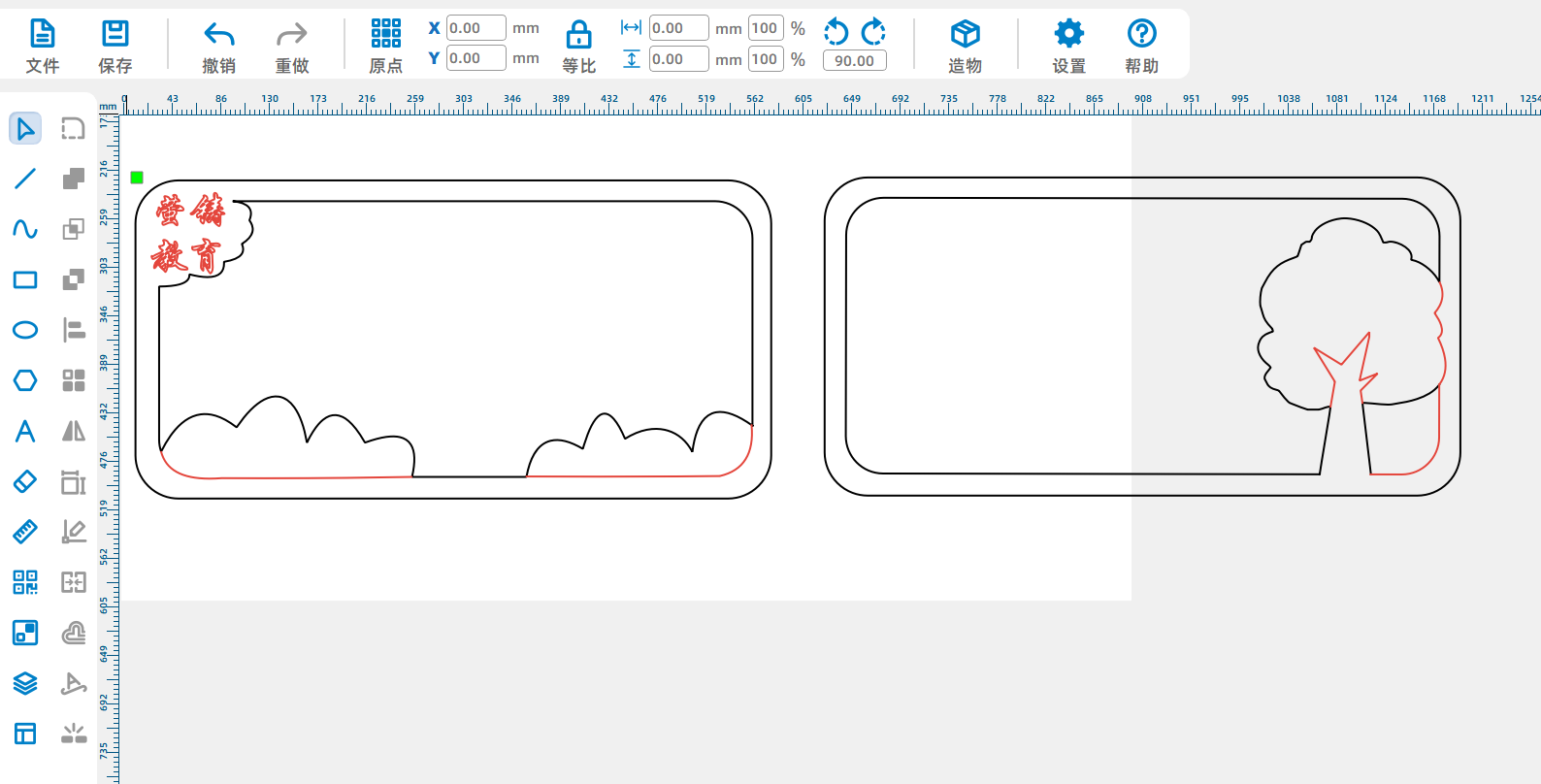
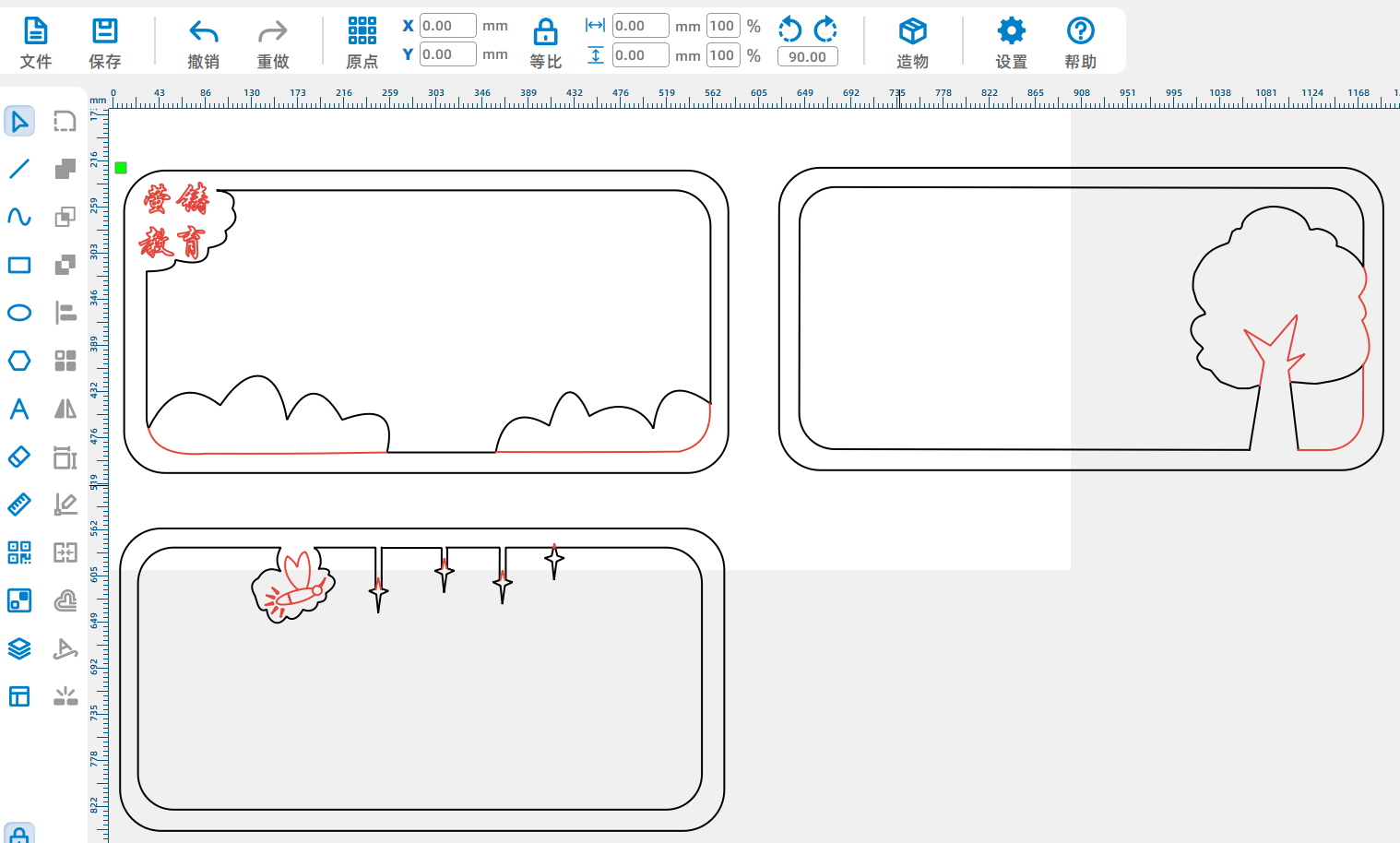
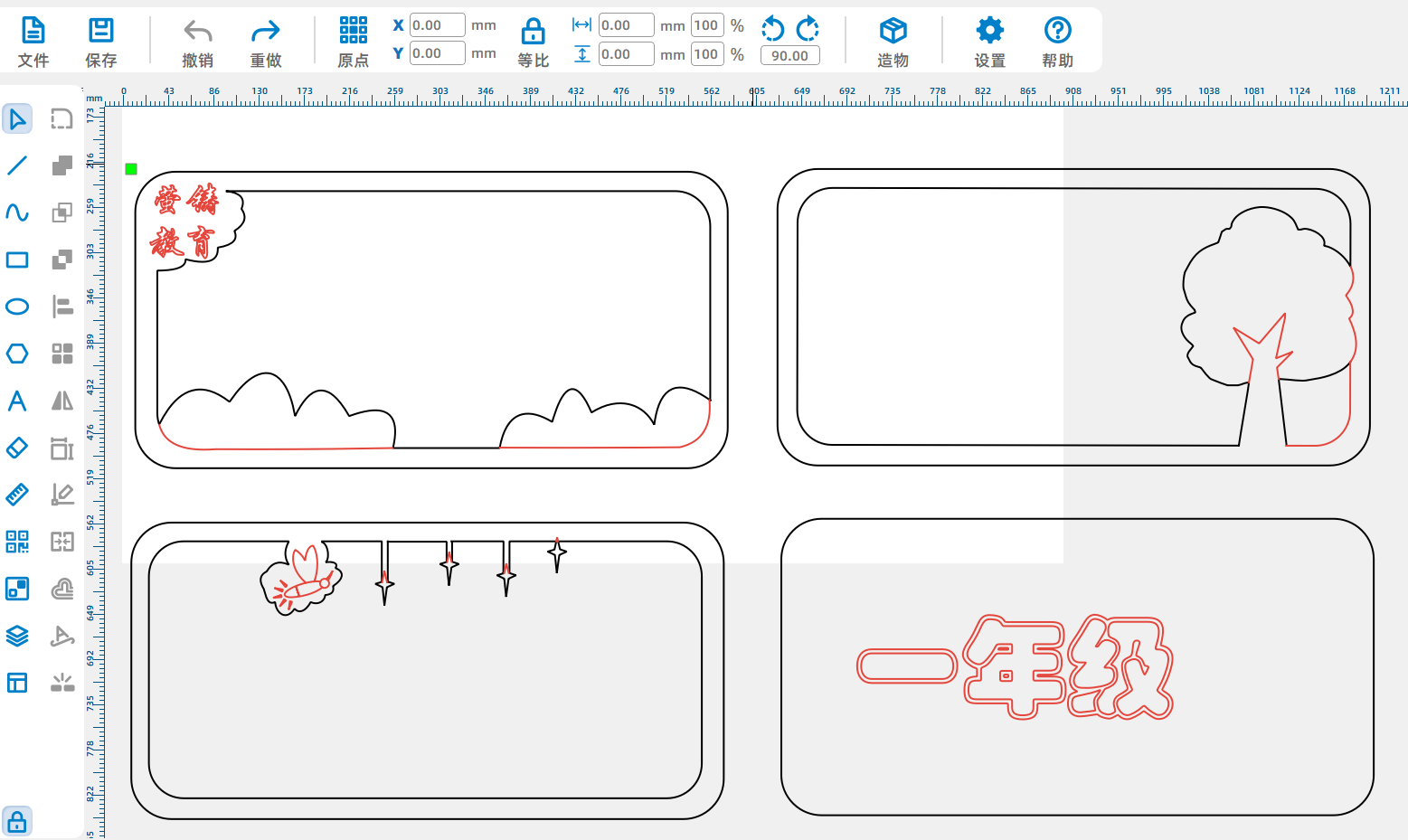
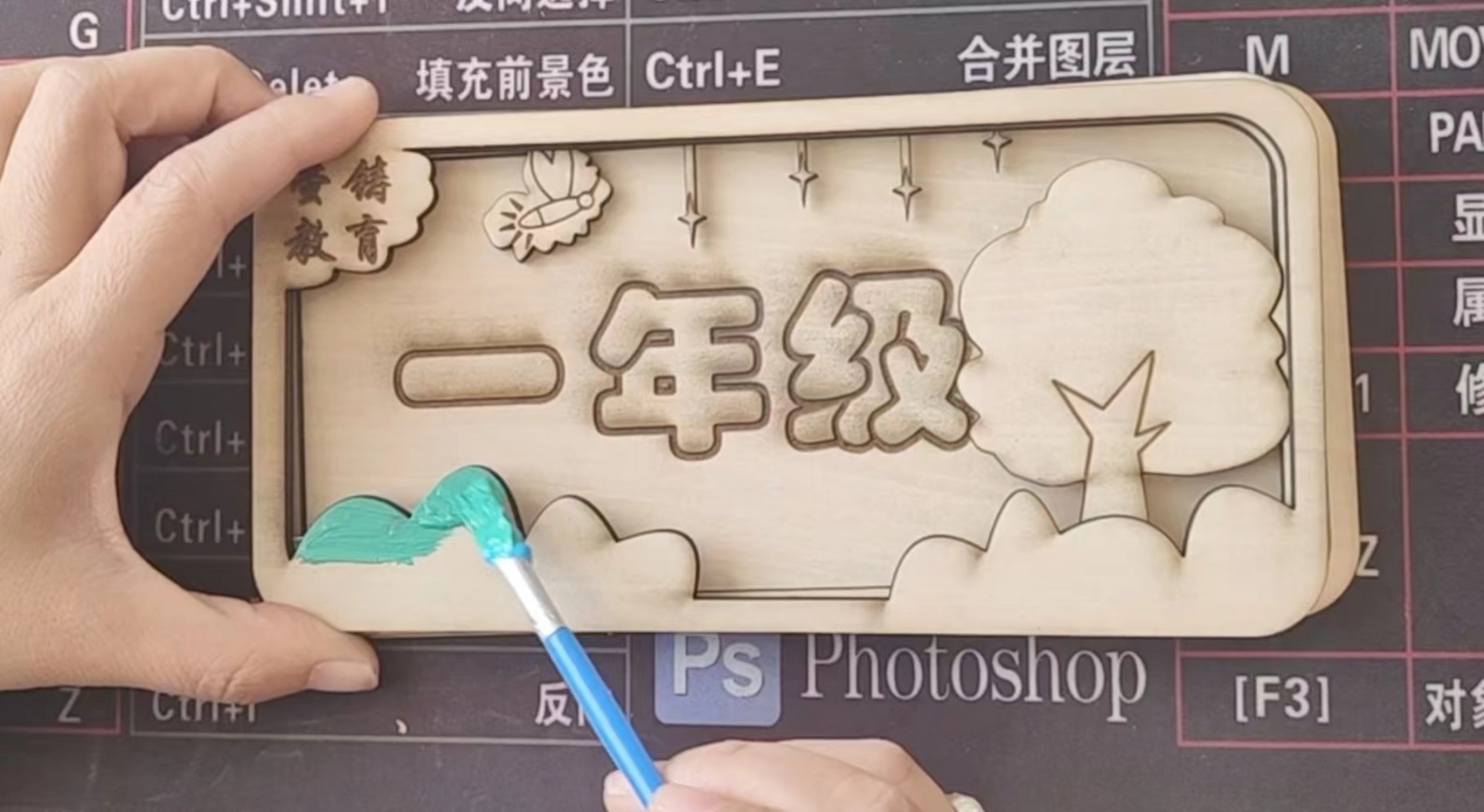
Design concept:1Nature and warmth: Wooden materials give people a warm and rustic feeling, blending with the vitality and vigor of the campus, creating a friendly and comfortable atmosphere, allowing class members and visitors to feel the warmth of home, relieving the pressure of learning and work, and bringing teachers and students closer together.2Cultural Inheritance: Wood has been used for a long time in human history, carrying traditional cultural heritage. The use of wood for class signage symbolizes knowledge inheritance, inspires students to absorb cultural essence, cultivates cultural confidence, and also symbolizes the respect and inheritance of traditional values by the class, enhancing the cohesion and centripetal force of the class.3Personalized customization: Wooden class signs are easy to carve, draw, imprint and other processing, facilitating the integration of class characteristic elements, showcasing the unique style and spiritual connotation of the class, inspiring students' sense of belonging and collective honor, and highlighting the individuality and innovation of the class.
Inspiration source: The grassland symbolizes the unity of classmates in the class. Every blade of grass is like a member of the class. Although individual strength is small, numerous small grasses converge into a grassland, representing the close unity of classmates and jointly creating a harmonious and stable class environment. The big tree symbolizes the class teacher, tall and upright, providing shade for the grass (students) under the tree, just like the class teacher provides guidance and protection for students, supporting the entire class in difficult times. Our school is a growing technology education characteristic school. Characteristic education is called "Yingzhu Education", which essentially uses the faint light of students' inner longing for technology to ignite the patriotic cup that will forge great achievements for the country in the future, and strives to become the backbone of the country. So fireflies and starlight were also added.
Inspiration source: The grassland symbolizes the unity of classmates in the class. Every blade of grass is like a member of the class. Although individual strength is small, numerous small grasses converge into a grassland, representing the close unity of classmates and jointly creating a harmonious and stable class environment. The big tree symbolizes the class teacher, tall and upright, providing shade for the grass (students) under the tree, just like the class teacher provides guidance and protection for students, supporting the entire class in difficult times. Our school is a growing technology education characteristic school. Characteristic education is called "Yingzhu Education", which essentially uses the faint light of students' inner longing for technology to ignite the patriotic cup that will forge great achievements for the country in the future, and strives to become the backbone of the country. So fireflies and starlight were also added.
related activities
This laser cutting design participated in the activity: the 6th LaserMaker Laser Creation Competition - Featured Sign Design