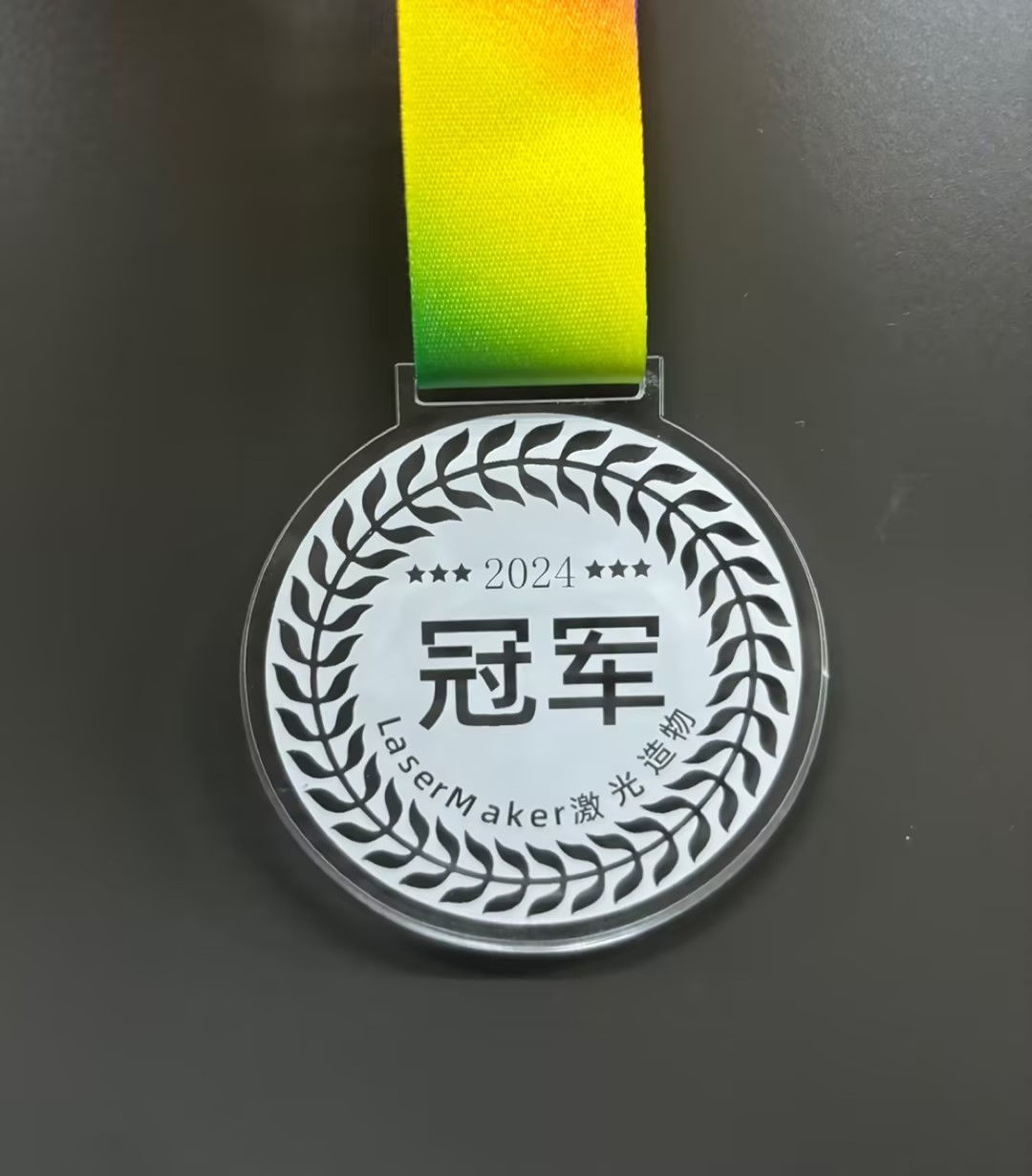
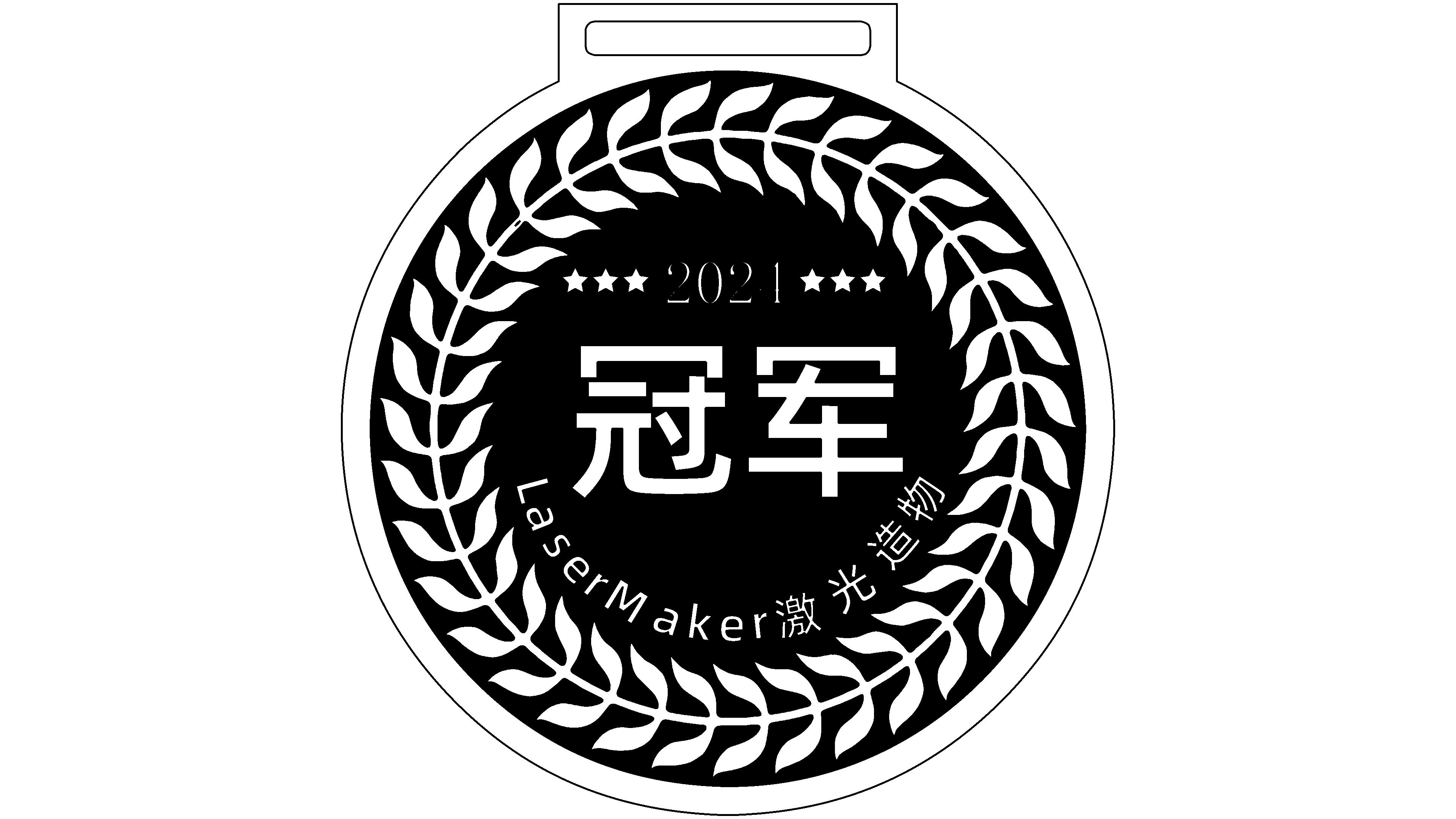
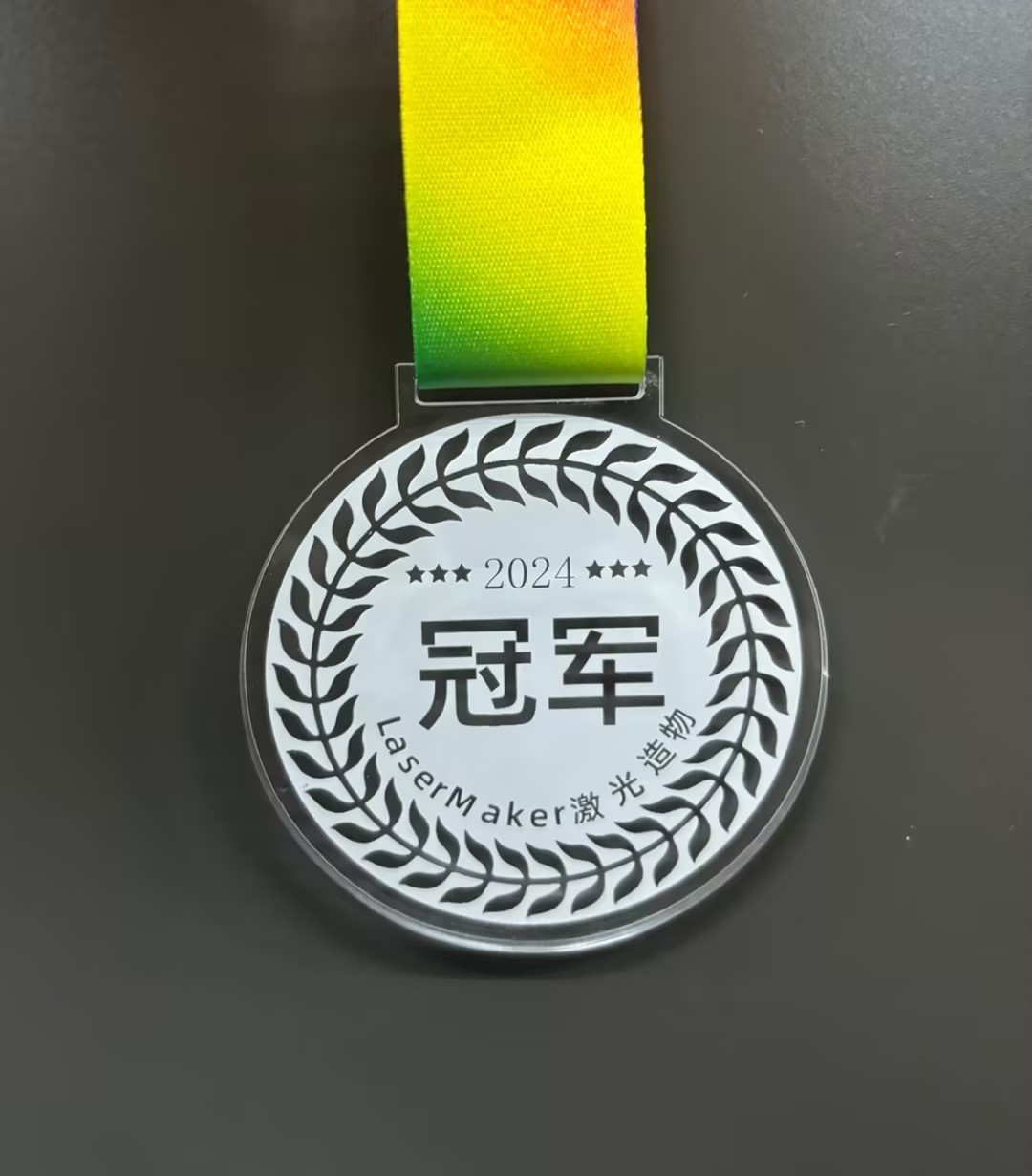
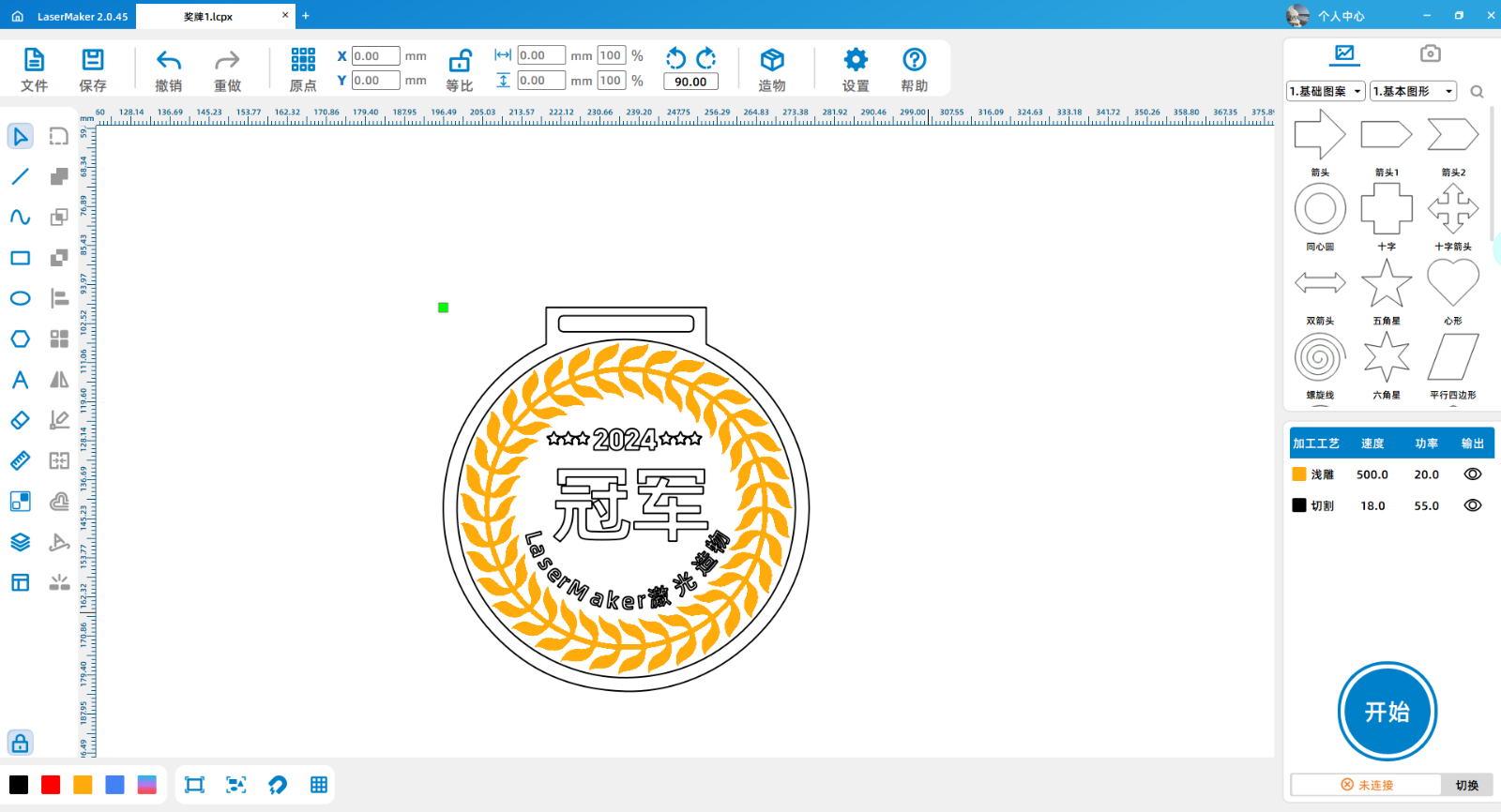
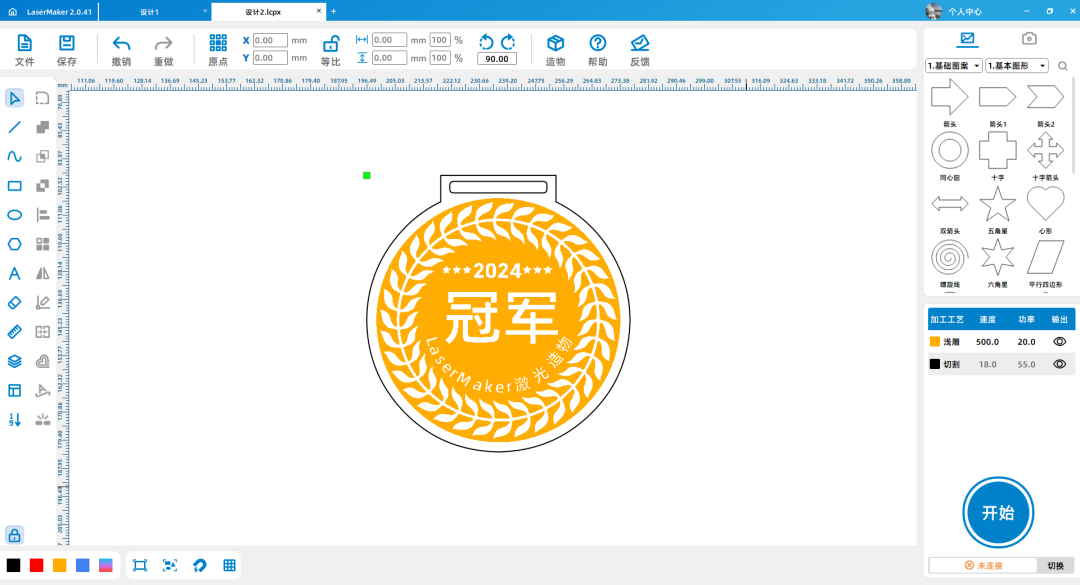
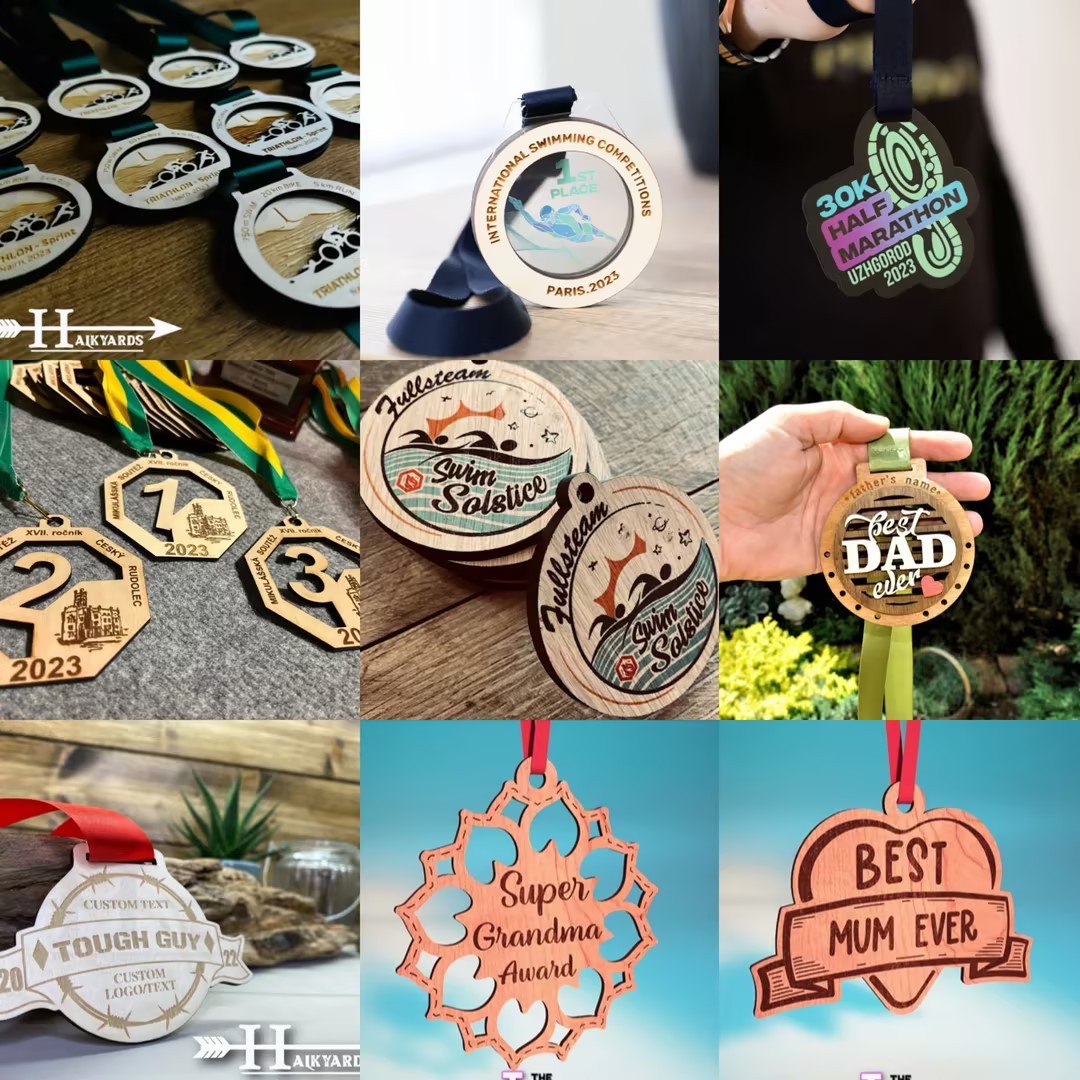
(Template for the 4th Laser Creation Competition!!) Champion Medal design project

1
2
3

Drawing Description

[p=null, 2, left]Design concept: Medals are shining symbols of honor and achievement, carrying the dreams and struggles of countless people. It is not just a plaque, but also a recognition of the hard work and unremitting efforts of the award winners. Each medal embodies the sweat and tears of the winners, witnessing their journey from ordinary to glorious. Every time the winner wears a medal, an indescribable sense of pride and excitement surges in their heart. It represents the spirit of perseverance and courage, inspiring people to constantly pursue excellence and challenge themselves in their respective fields. Every medal is a new starting point, telling the story of the past and indicating the future, leading people towards a more brilliant stage of life.[/p][p=null, 2, left]Inspiration source: The image of wheat ears was selected, and the maturity and fullness of wheat ears symbolize an achievement and honor. The use of wheat ear image aims to emphasize the outstanding achievements of the winner in a certain field or activity, which is a high recognition of their efforts and talents. At the same time, the wheat ear is also a symbol of life, representing hope and rebirth. Displaying wheat ears on the medal symbolizes good wishes for the future of the winners, hoping that they can continue to maintain excellence and create new brilliance.[/p][p=null, 2, left] Please include a picture of your most satisfactory work in the description, which will automatically become the cover of the work;② For self-produced works, please select the category of "Medal Competition Activity", and for outsourced works, please select the category of "Medal Competition Activity (Outsourcing)"
[/p][p=null, 2, left]
9e988e39-e69a-463d-aa37-c21e6049946a.jpg

[/p]

drawing documents

medal1
Drawing Cover - medal1
Basic Parameters
0:5:55

Appearance production

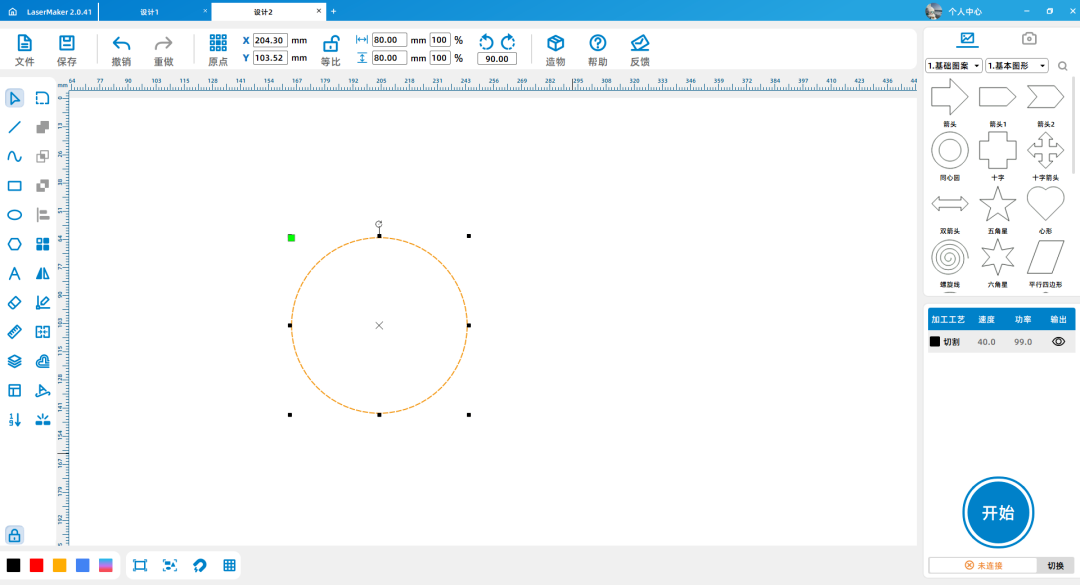
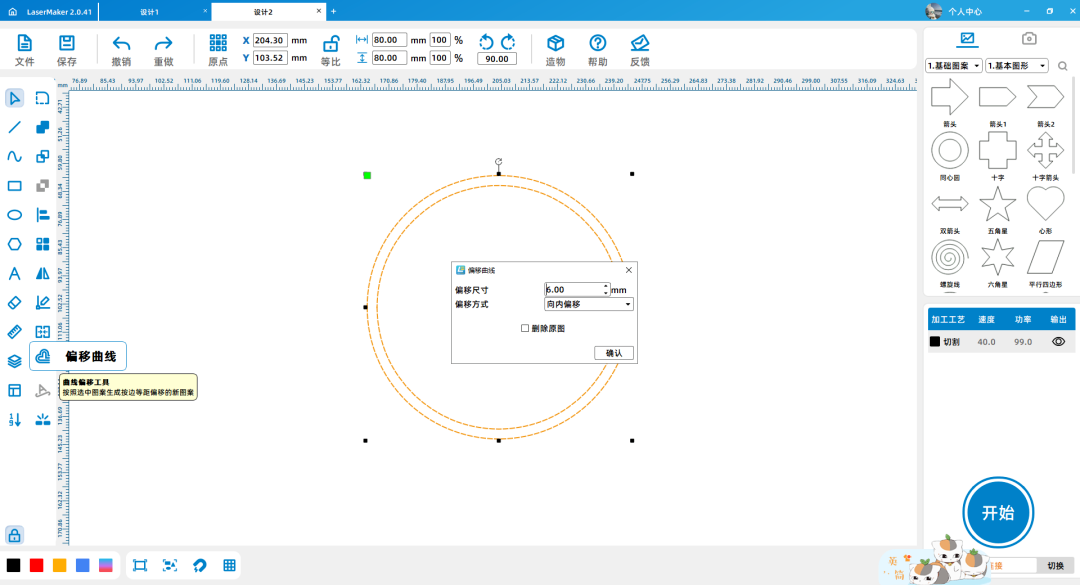
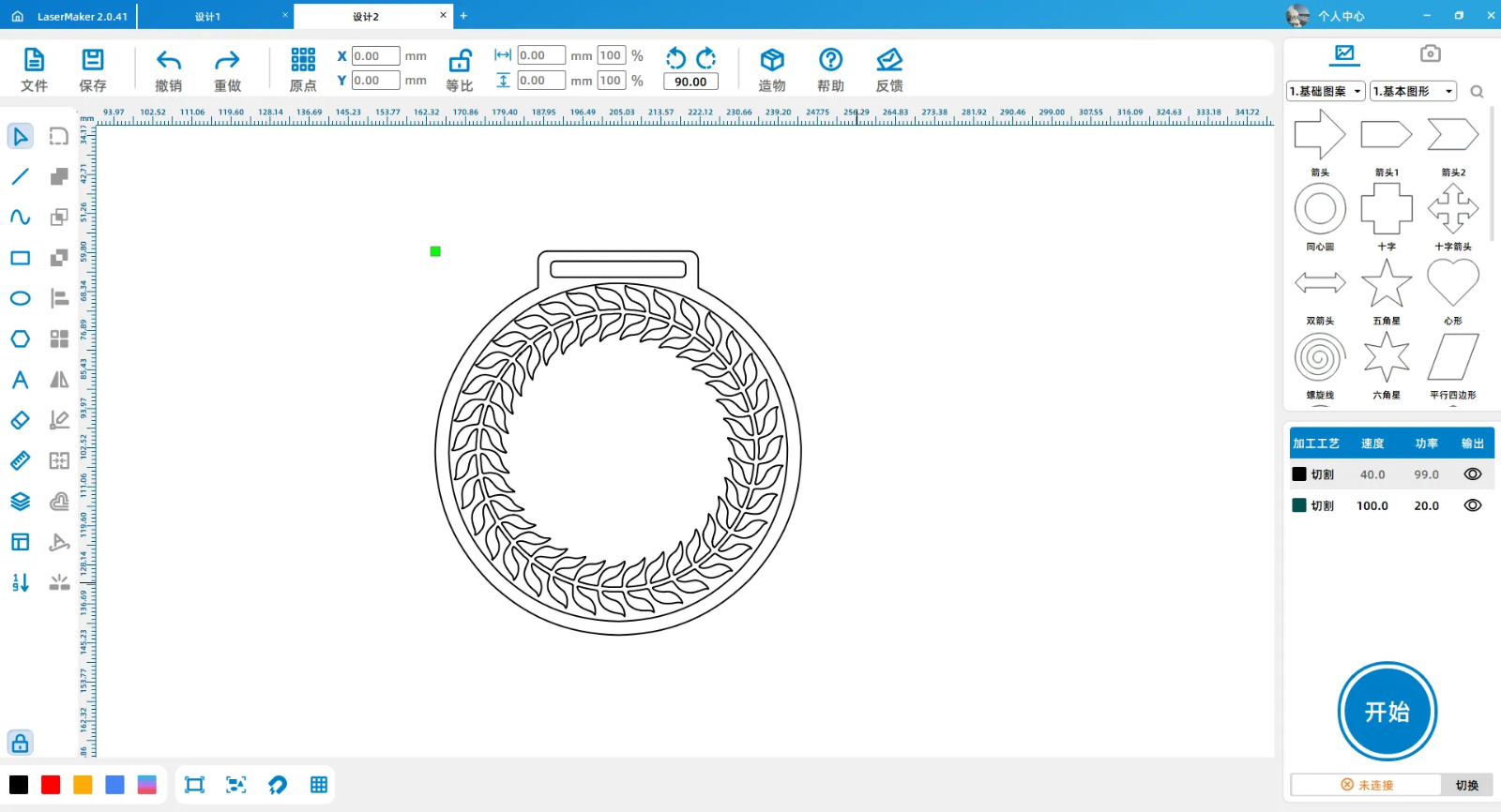
On the left side of the drawing toolbar, click on the ellipse tool to draw a80*80mmThe perfect circle. Select the image with the mouse, click on the offset curve, and choose to offset inward6mm.

1.png

2.png

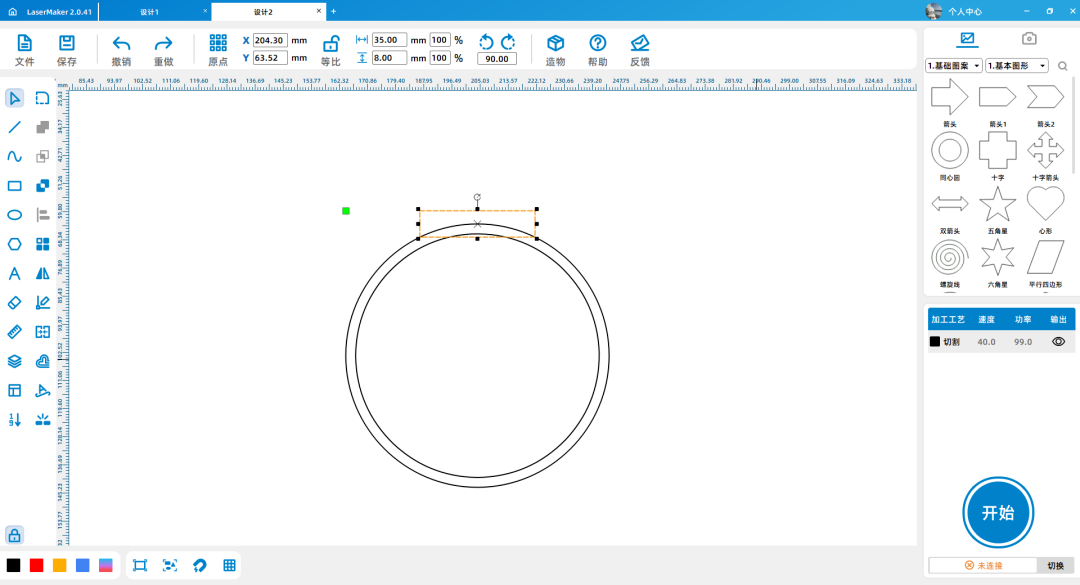
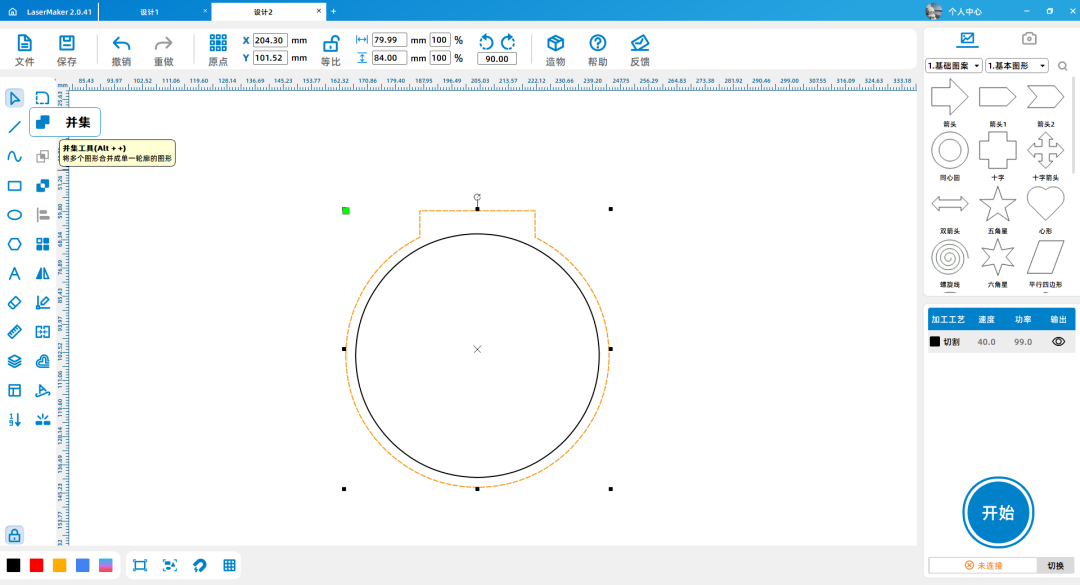
Click on the 'Rectangle' tool to draw a35*8mmThe rectangle. Click on the 'Rounded Corner' tool to convert the two right angles of the rectangle facing upwards into a radius of2mmThe rounded corners.

1716878386837330.png

1716878387728607.png

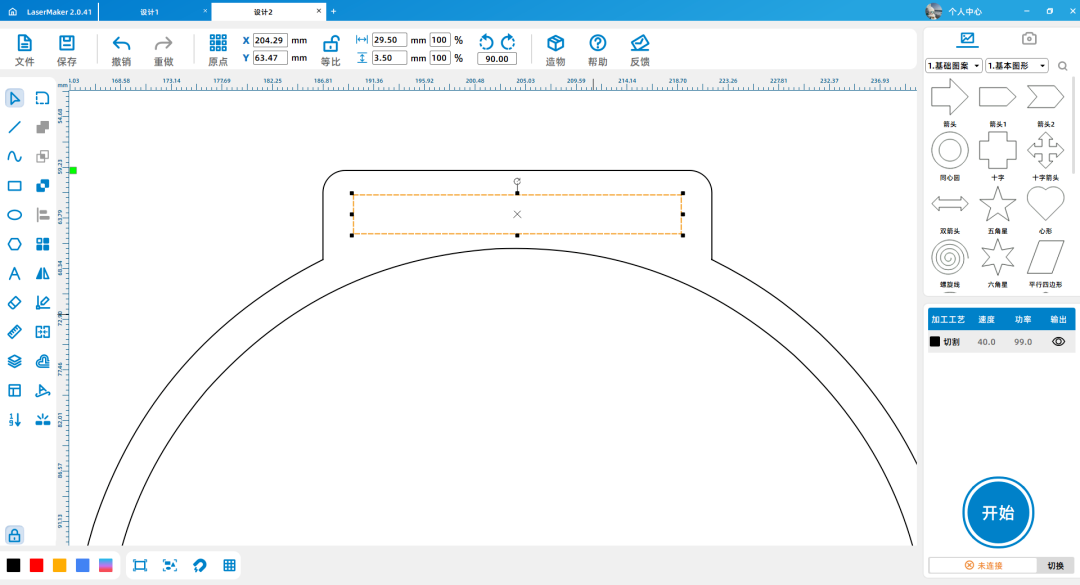
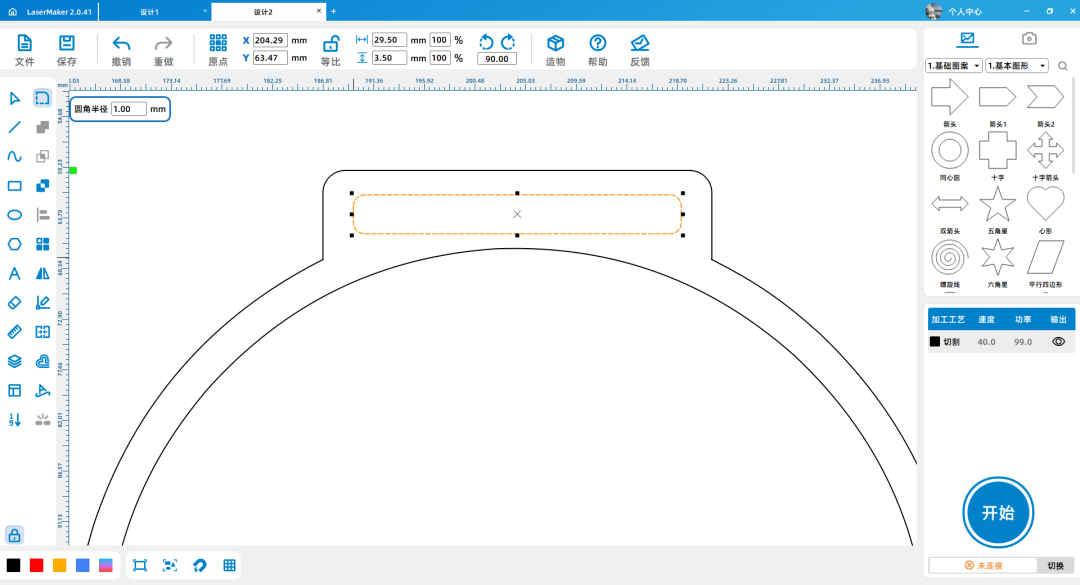
Click on the 'Rectangle' tool to draw a29.5*3.5mmThe rectangle. Click on the 'Rounded Corner' tool to convert the four right angles of the rectangle into a radius of1mmThe rounded corners.

1716878412621469.png

1716878412468177.png

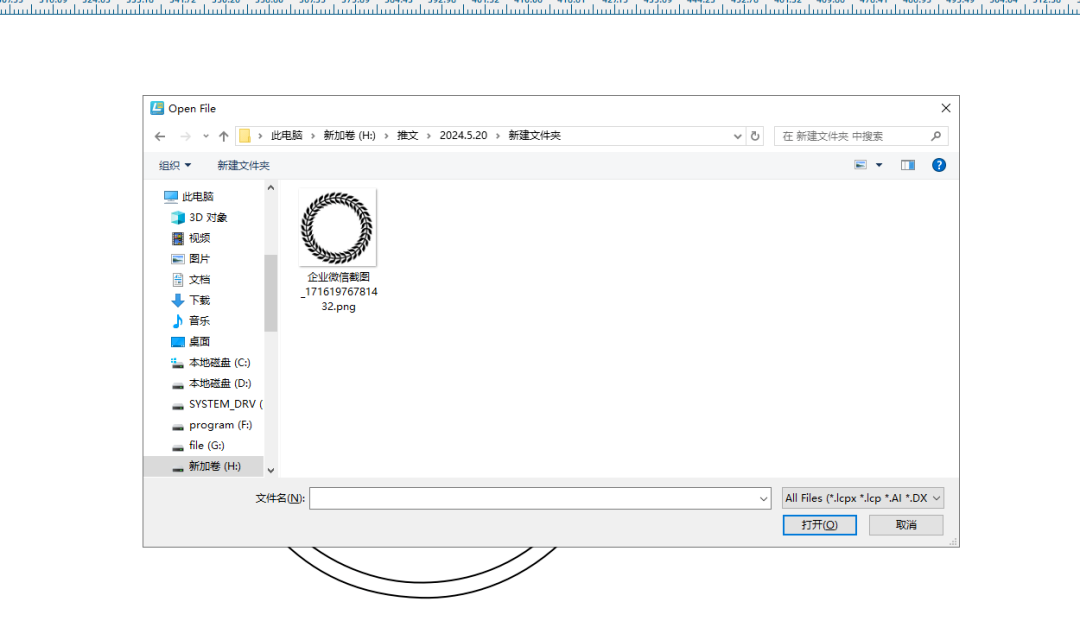
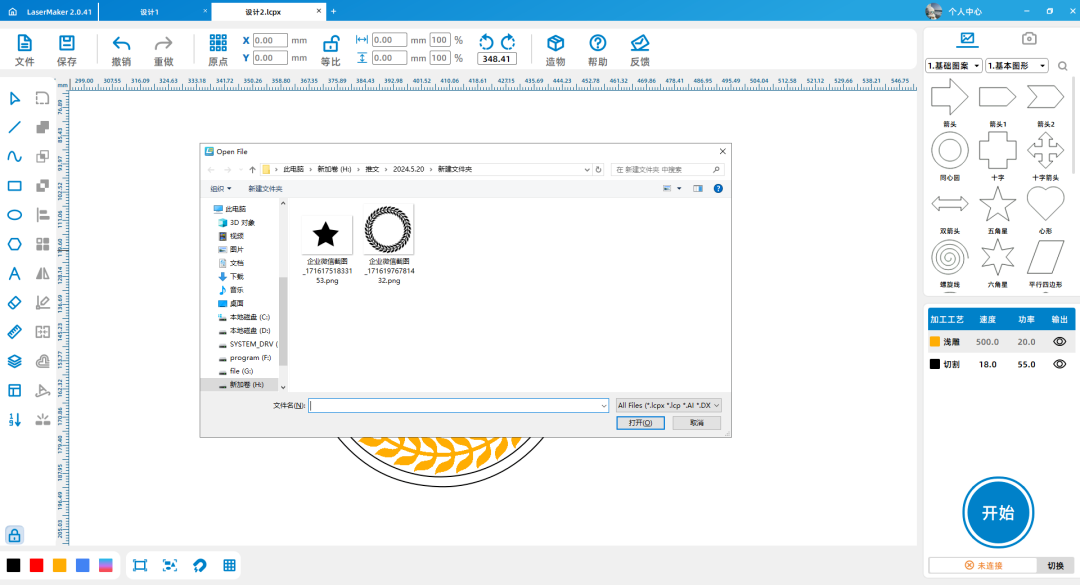
(2)Click on 'File' in the upper 'Function Area', then click on 'Open', double-click to open the saved wheat ear image.

1716878439239613.png

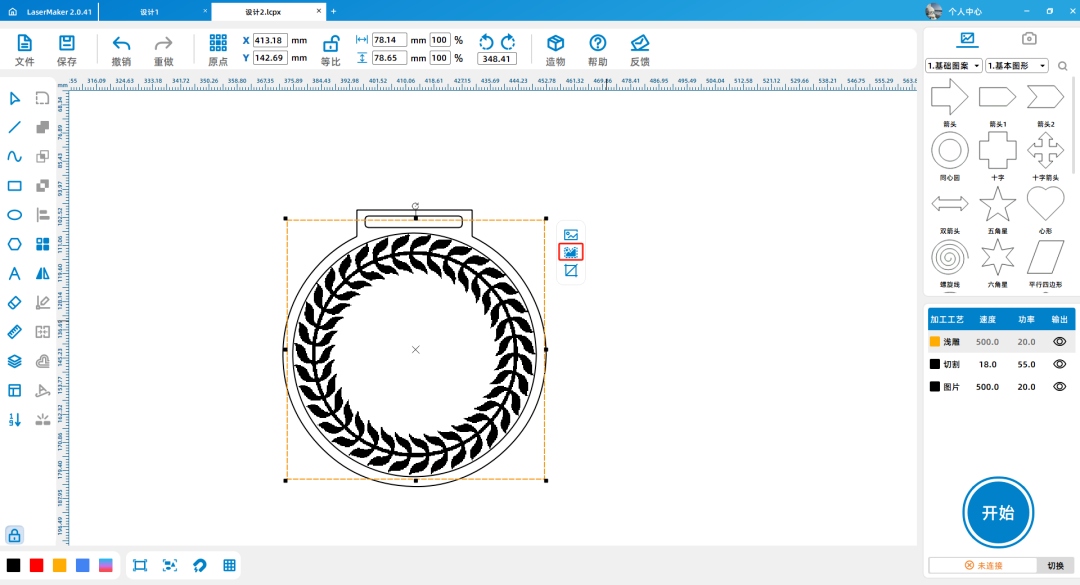
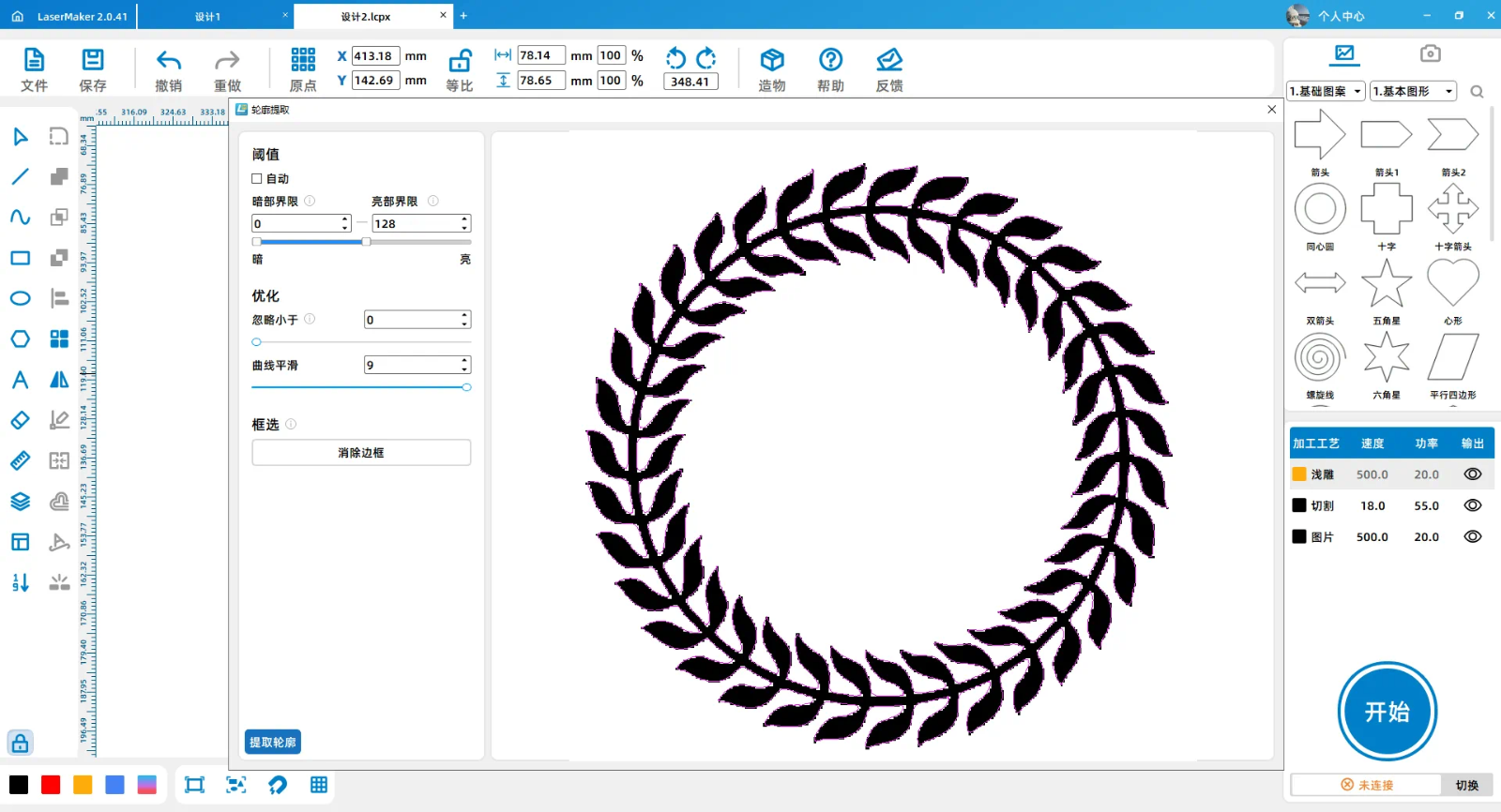
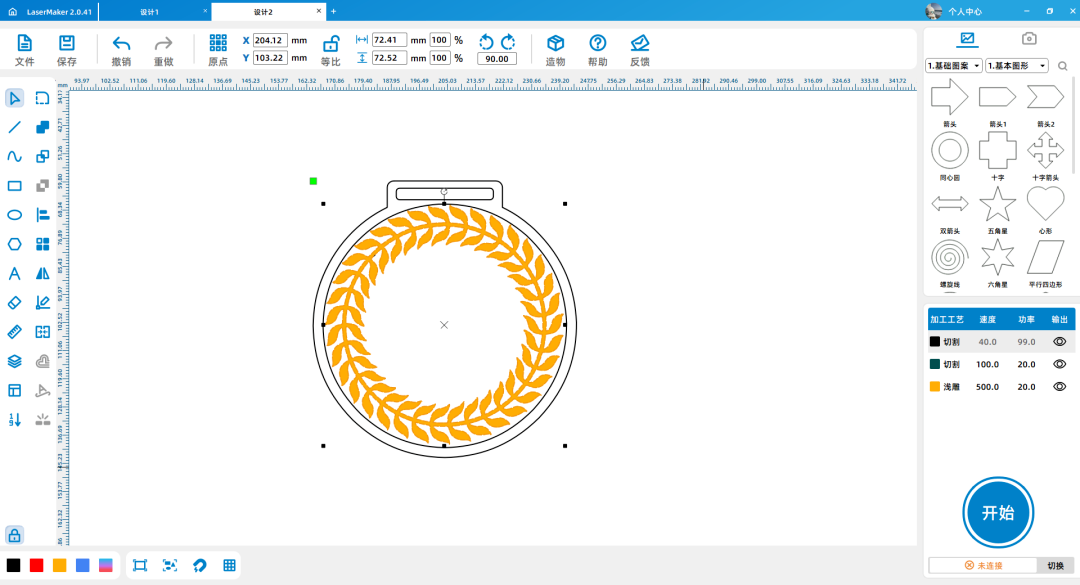
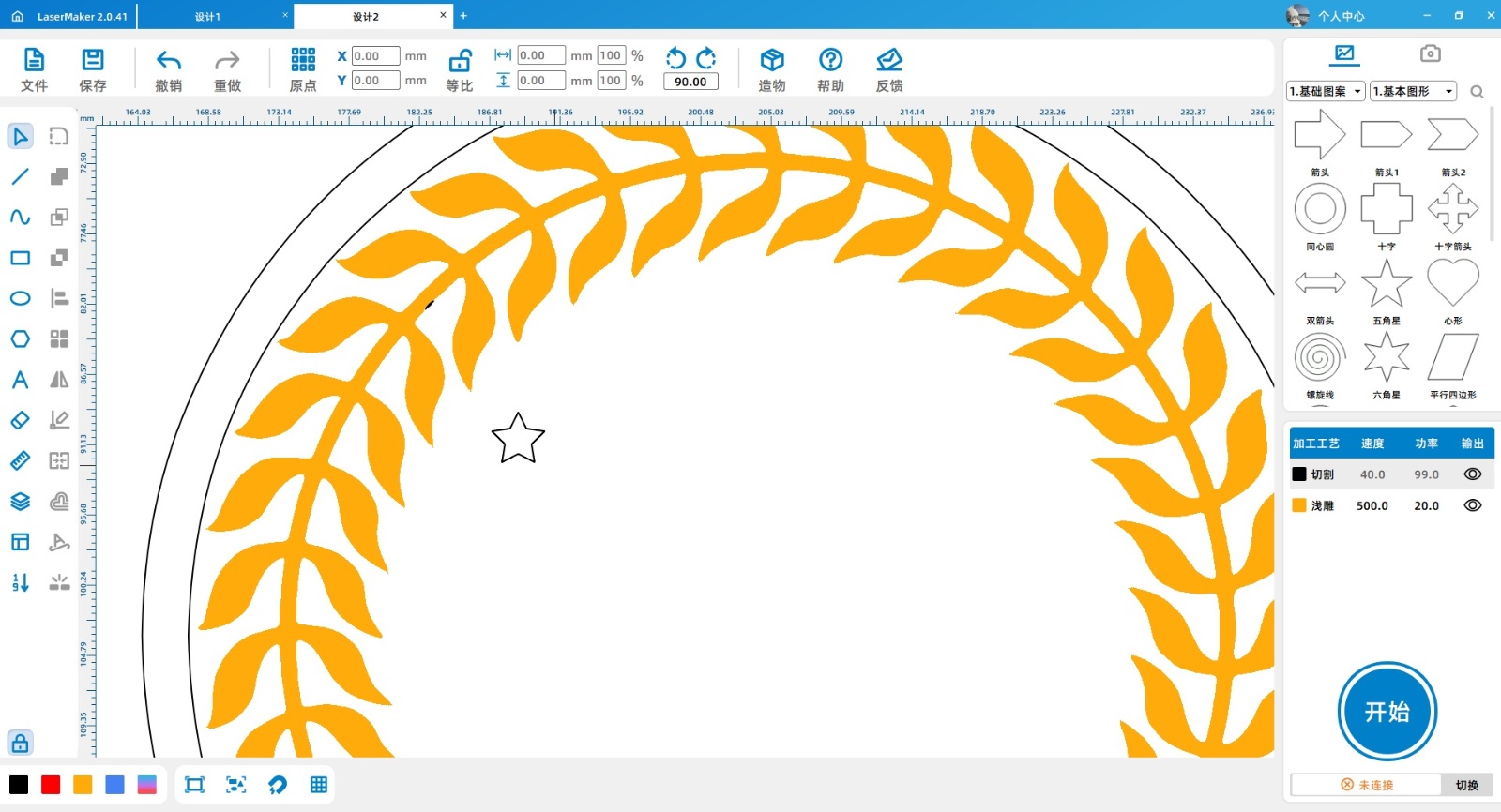
Click the left mouse button to select the image, then click to extract the contour and delete the image to obtain the shape of the wheat ear.

1716878439646241.png

1716878440687189.png

1716878495847466.png

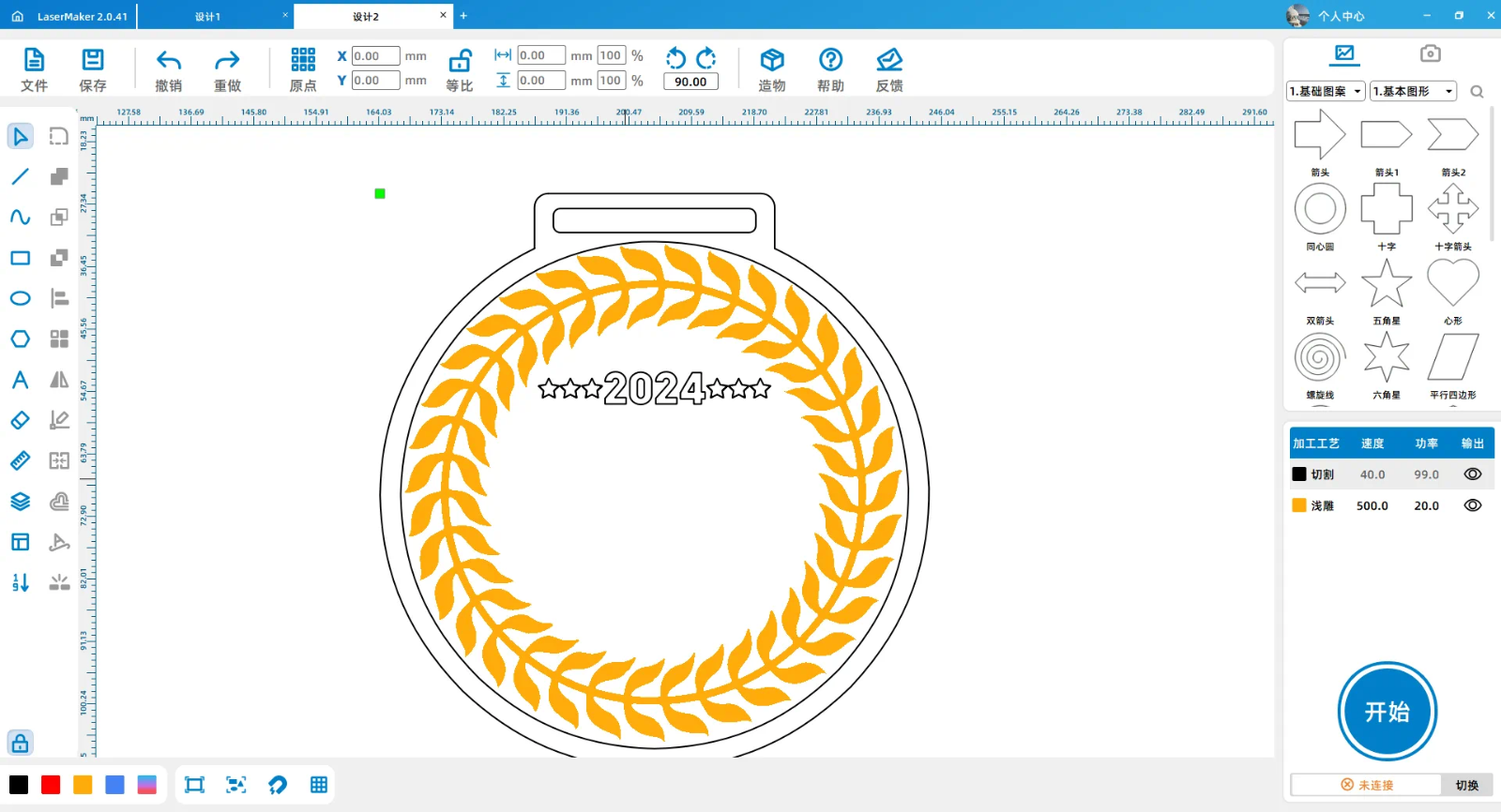
Click the mouse to select the shape of the wheat ear and modify it to yellow light carving.

1716878495217774.png

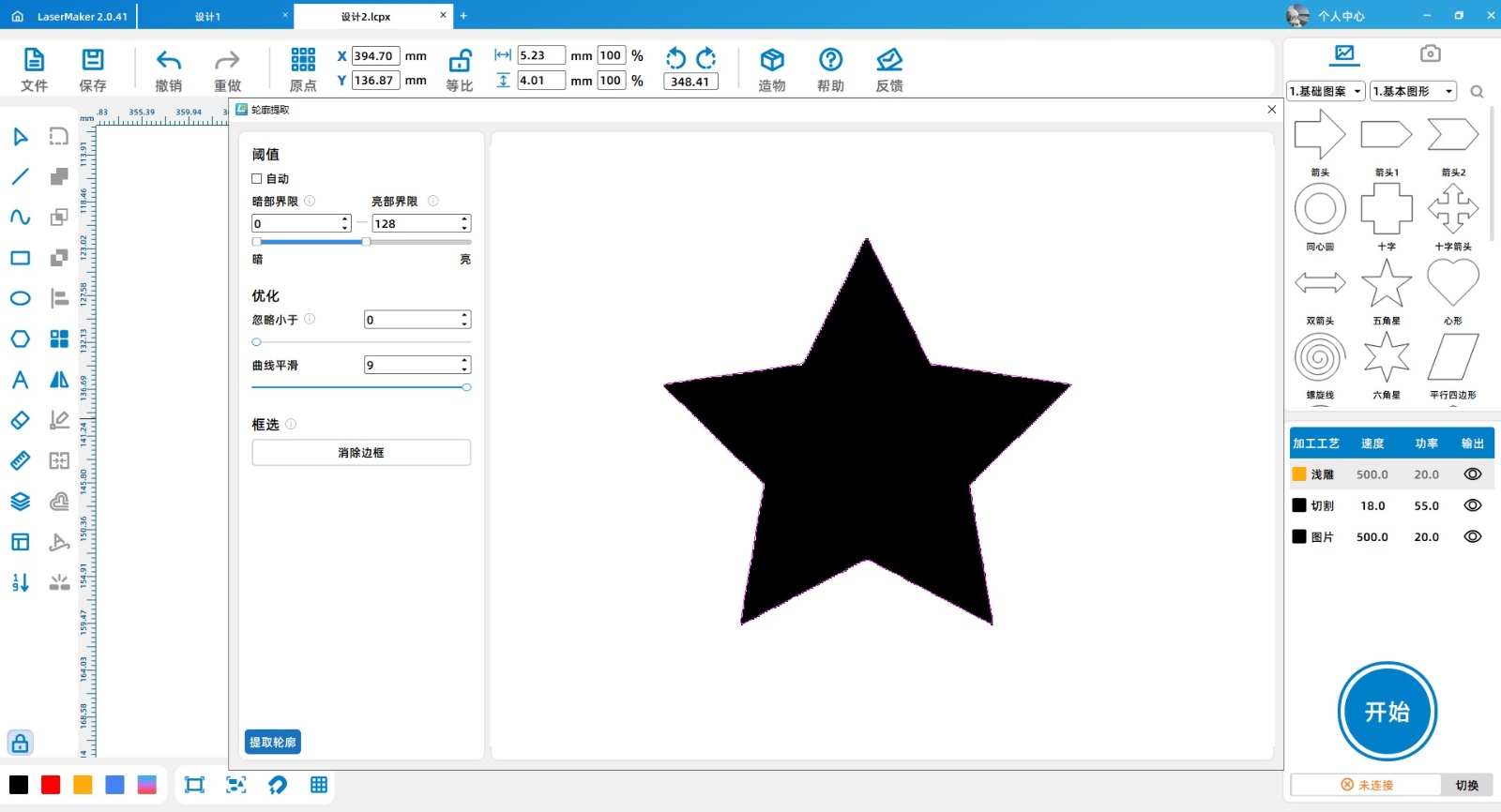
(3)Click on 'File' in the upper 'Function Area', then click on 'Open', double-click to open the saved pentagram image.

1716878496694574.png

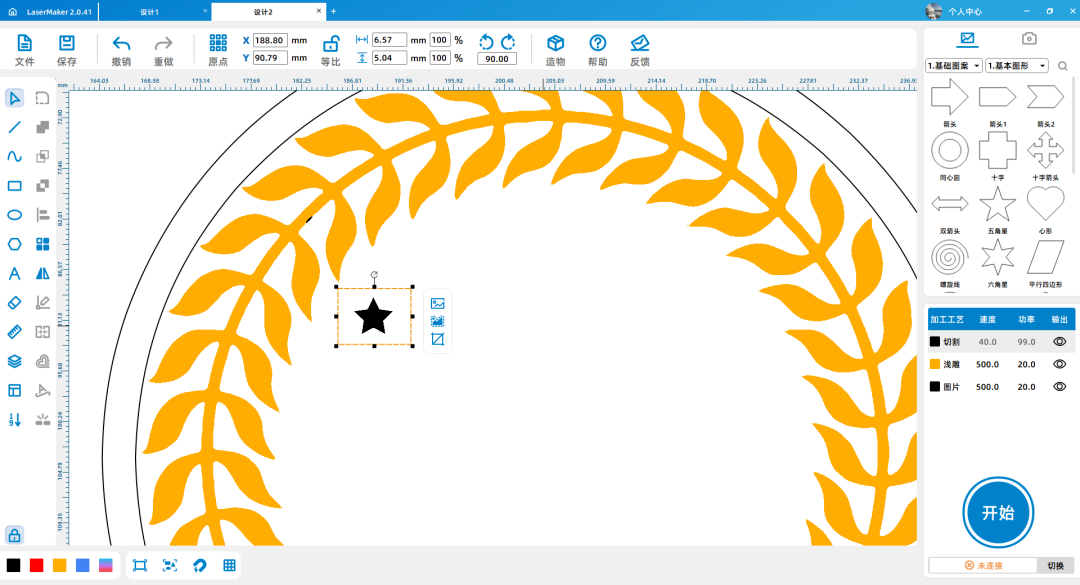
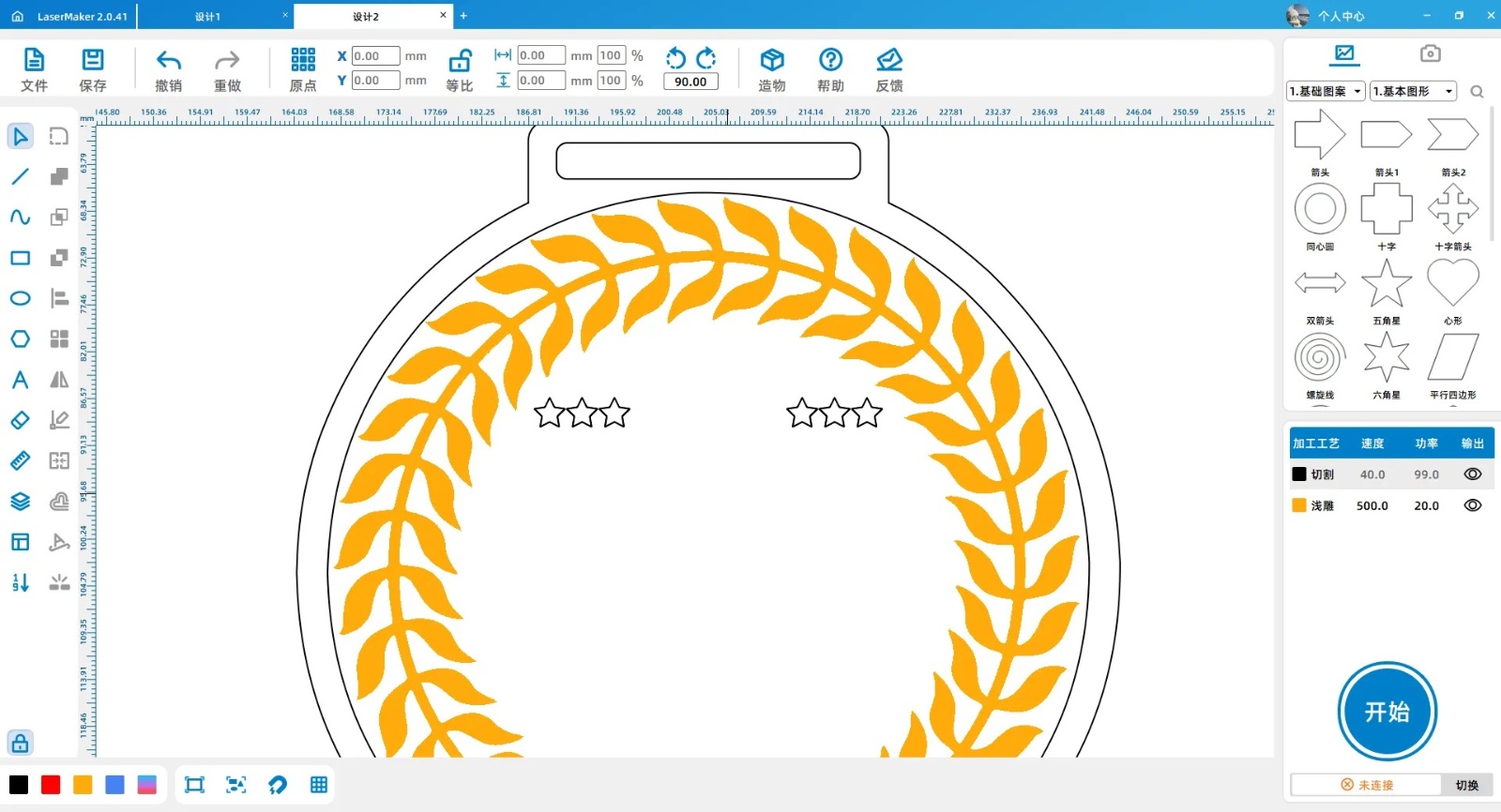
Click on the image with the left mouse button, then click on 'Extract Outline' to obtain the shape of a pentagram. Select the pentagram, copy and paste to obtain a total of six pentagrams.

1716878496766226.png

1716878497348702.jpg

1716878497166824.jpg

1716878497420436.jpg

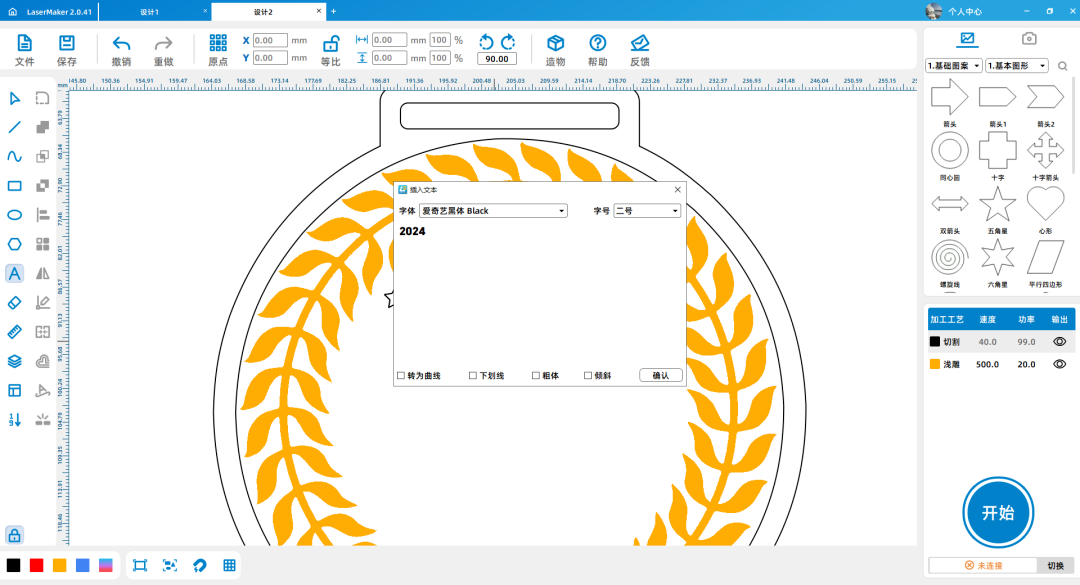
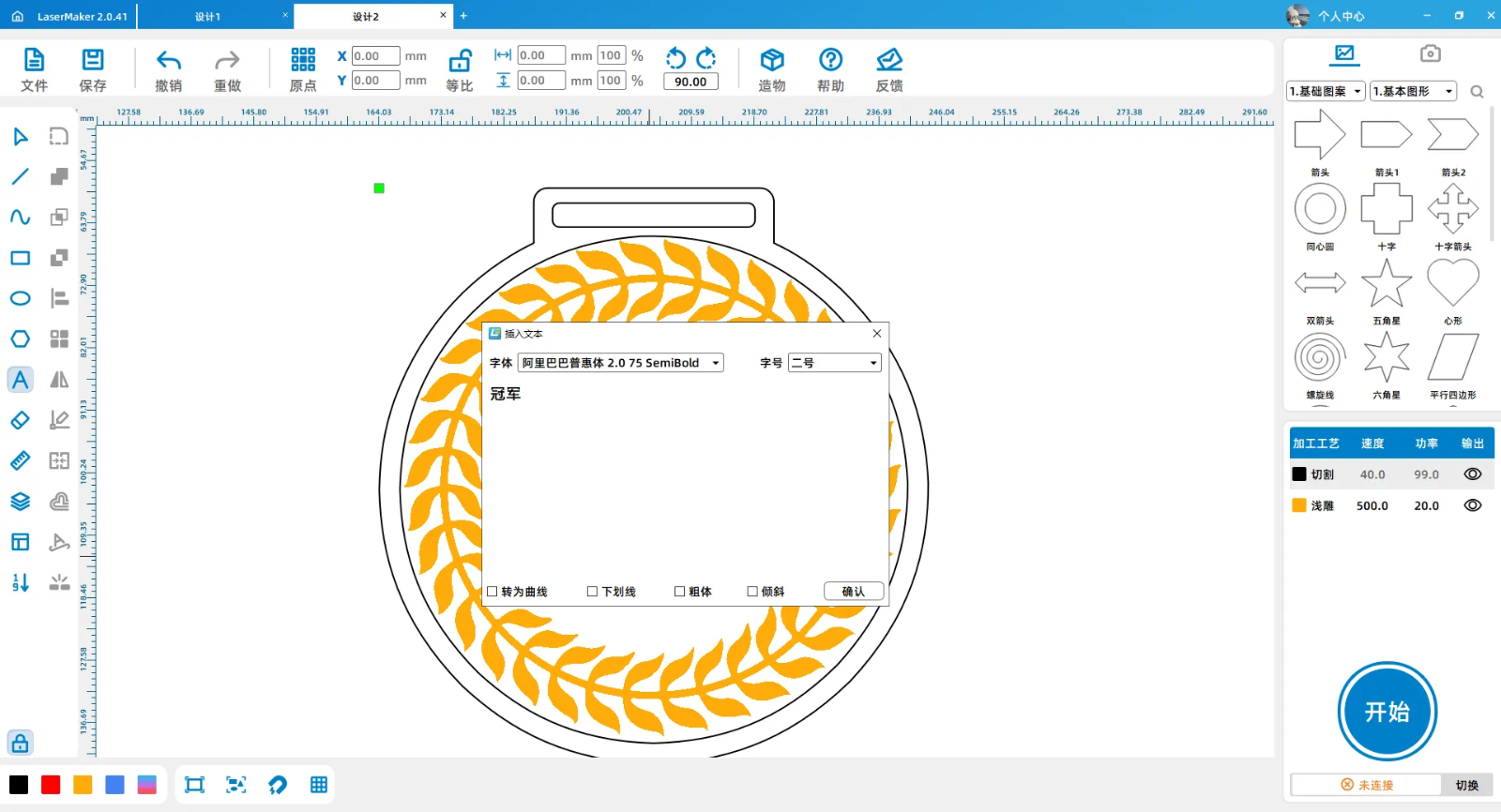
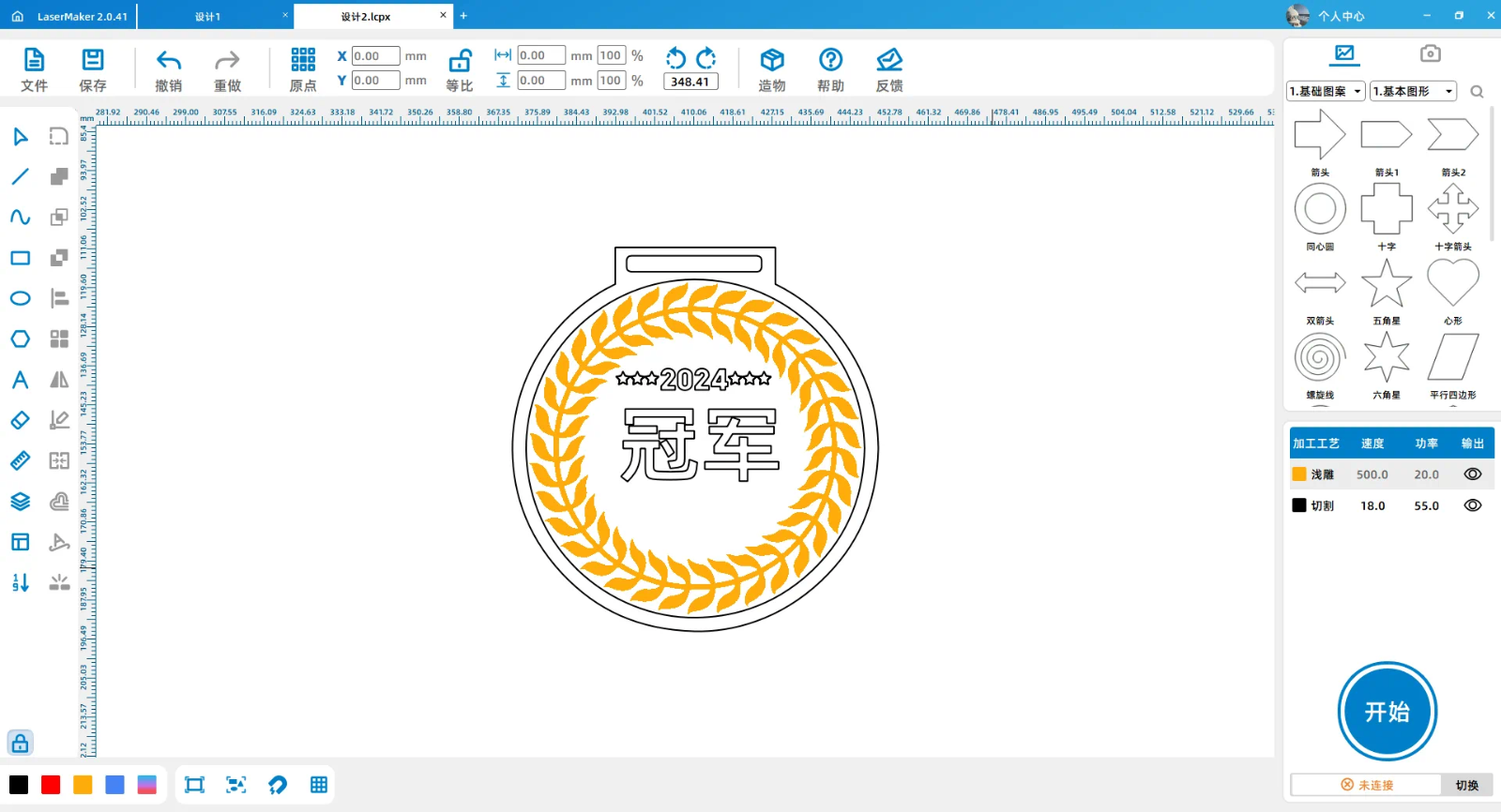
(4) Click on the 'Text' tool and enter“2024”. Click on the 'Text' tool and enter 'Champion'.

1716878497766662.png

1716878499316311.png

1716878499964803.png

1716878500287769.png

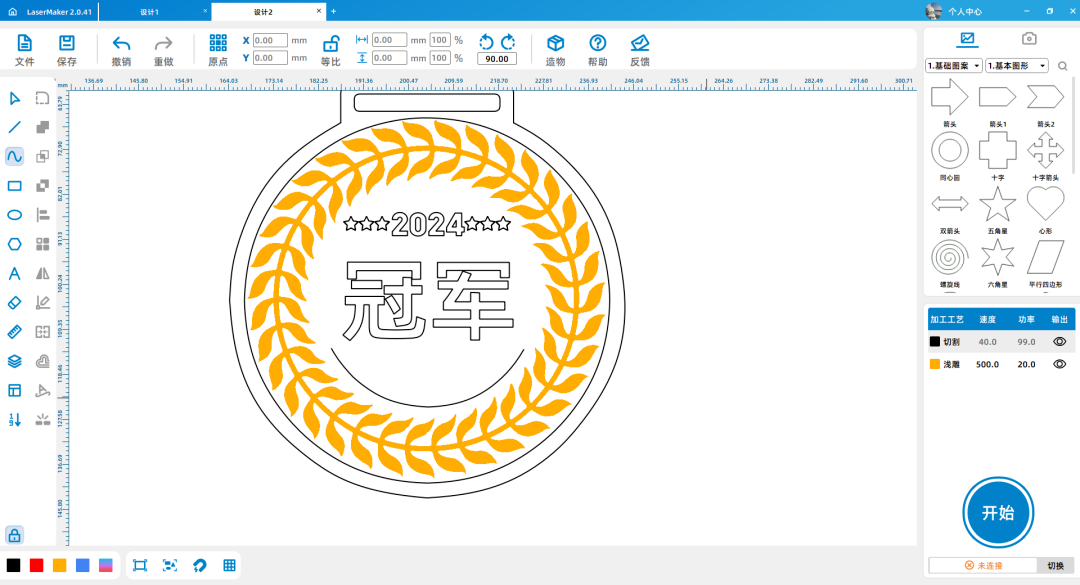
Click on the 'Curve' tool, draw a curve, and enter2024Select the curve with the mouse, click on the 'Curve Text' tool, and enter“LaserMakerLaser Creation.

1716878501132908.png

Screenshot of Enterprise WeChat_17168790551351.png

(5) Check the five pointed star with the mouse, set all text and the inner circle to yellow.

1716878501869473.png

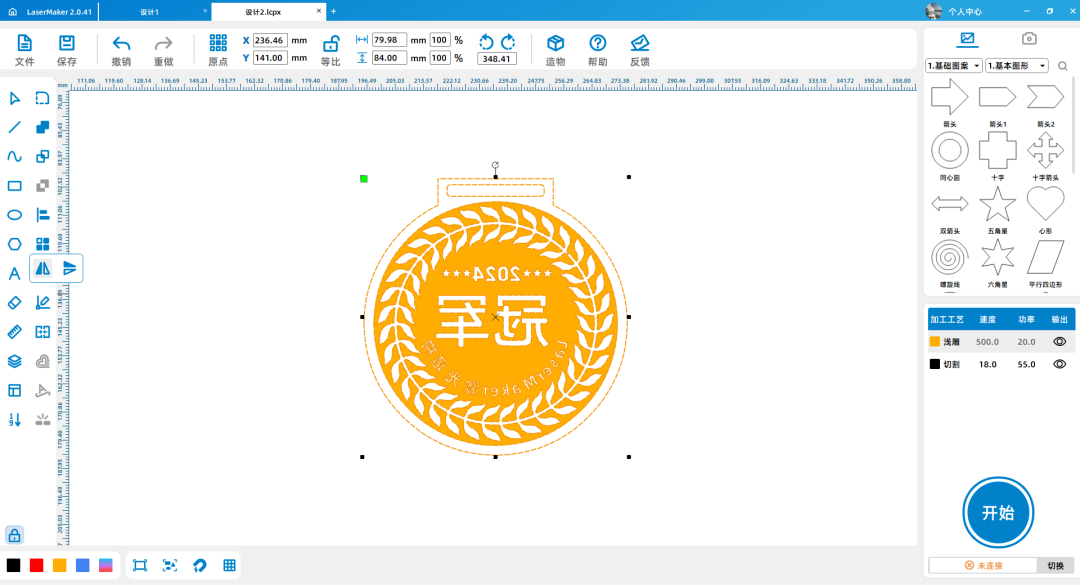
Select all graphics with the mouse and click on the 'Horizontal Mirror' tool.

1716878502571708.png

1716878502628652.png

1716878502606349.png


Laser processing

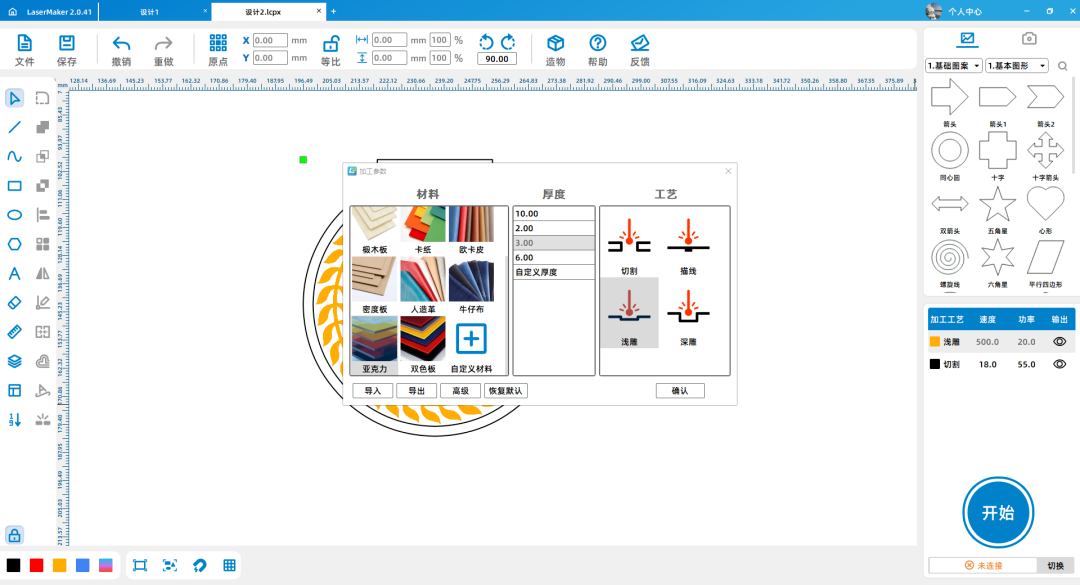
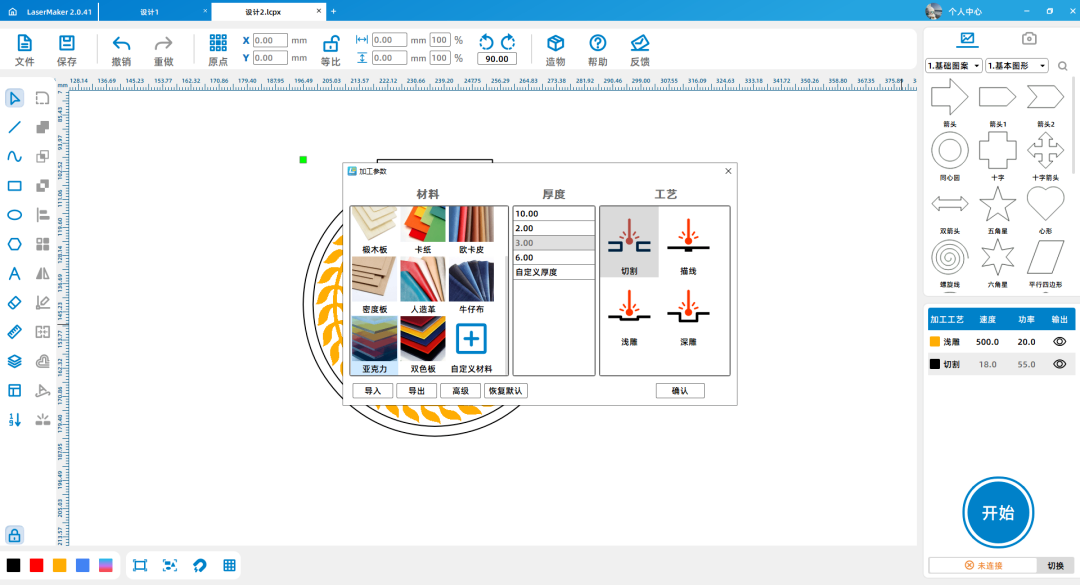
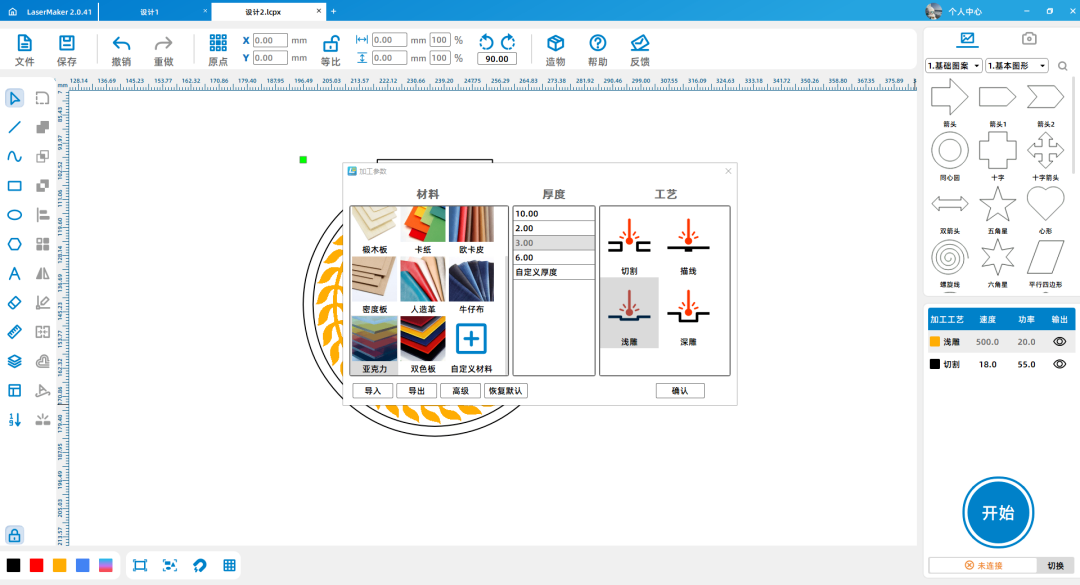
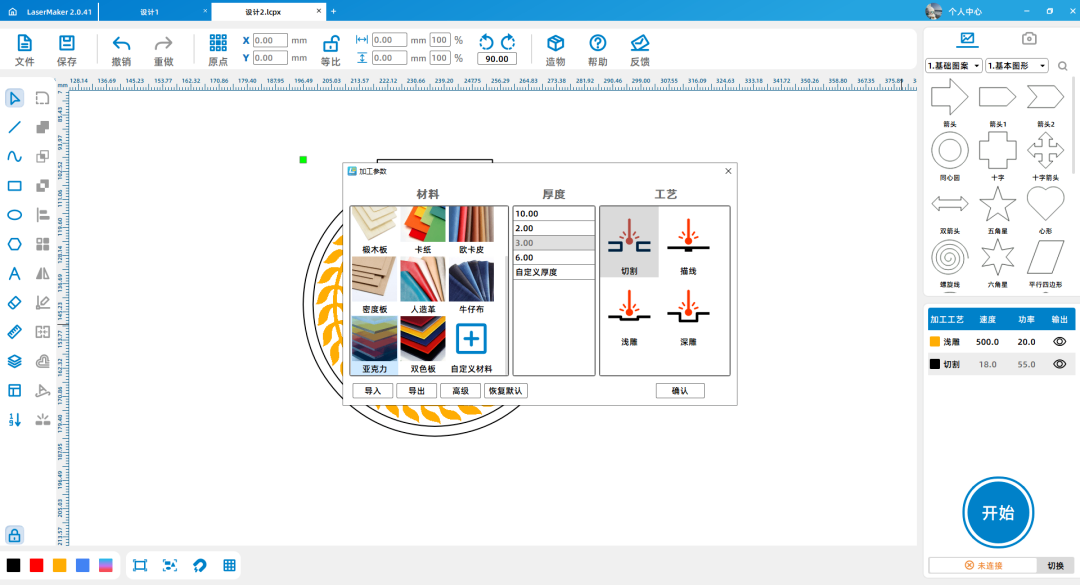
Adjust the layer order in the bottom right corner and sort them by "light carving, cutting" in sequence; Double click the yellow layer with the left mouse button to set the material, thickness, and process to acrylic5mmShallow carving; Double click the black layer with the left mouse button to set the material, thickness, and process to acrylic5mmCutting.

1716879240733146.png

1716879240729698.png


demo video

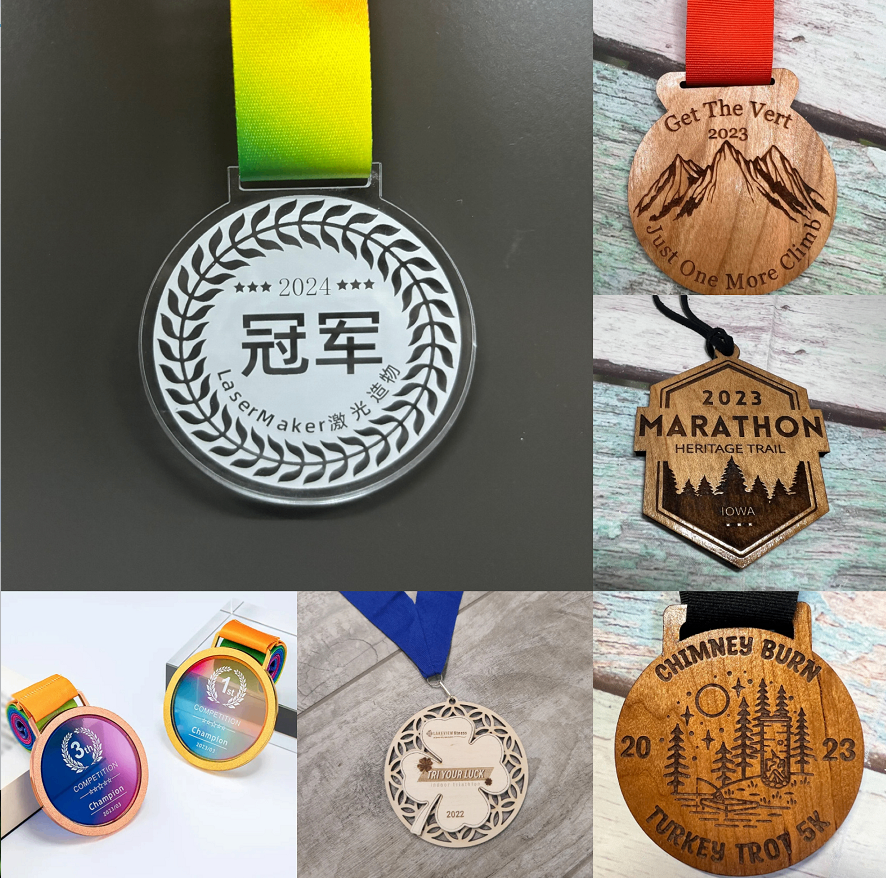
Please insert pictures and videos of the work display in the last step instructions (without affecting the score), with a video duration of no less than15Second, the medal needs to be applied to the real-life display.

Screenshot of Enterprise WeChat_17163425457839.pngd03d0416-a37e-4337-ae67-a3a8a40b99d7.jpg

The selection criteria for this competition are: exterior creative design, theme elements, completion of works (design drawings, image materials, documents), completion of design documents (design concepts, inspiration sources, design steps, work display images, and videos of actual scene applications)

The comprehensive score will be used as the evaluation result.


comment (0)
支持拖拽上传 · 最多 10 张 · 单张 ≤ 3MB
将图片拖拽到这里或点击“选择图片”上传(支持多张)
(Template for the 4th Laser Creation Competition!!) Champion Medal
drawing ID: SUCAI-326 2024-5-21 15:04
0
0
0
22
0Contribution points
Purchase points
collection
like
Grade discount
Basic Information
Update time 2024-5-21 15:04
advertisement