English
 简体中文
简体中文
 繁體中文
繁體中文
 Français
 Español
 عربي ،
 русский язык
 Português
 Deutsch

Required materials:
A clear moon phase image, dual color palette, photo frame, light strip, laser engraving machineLaserMaker Software.
Steps are as follows:
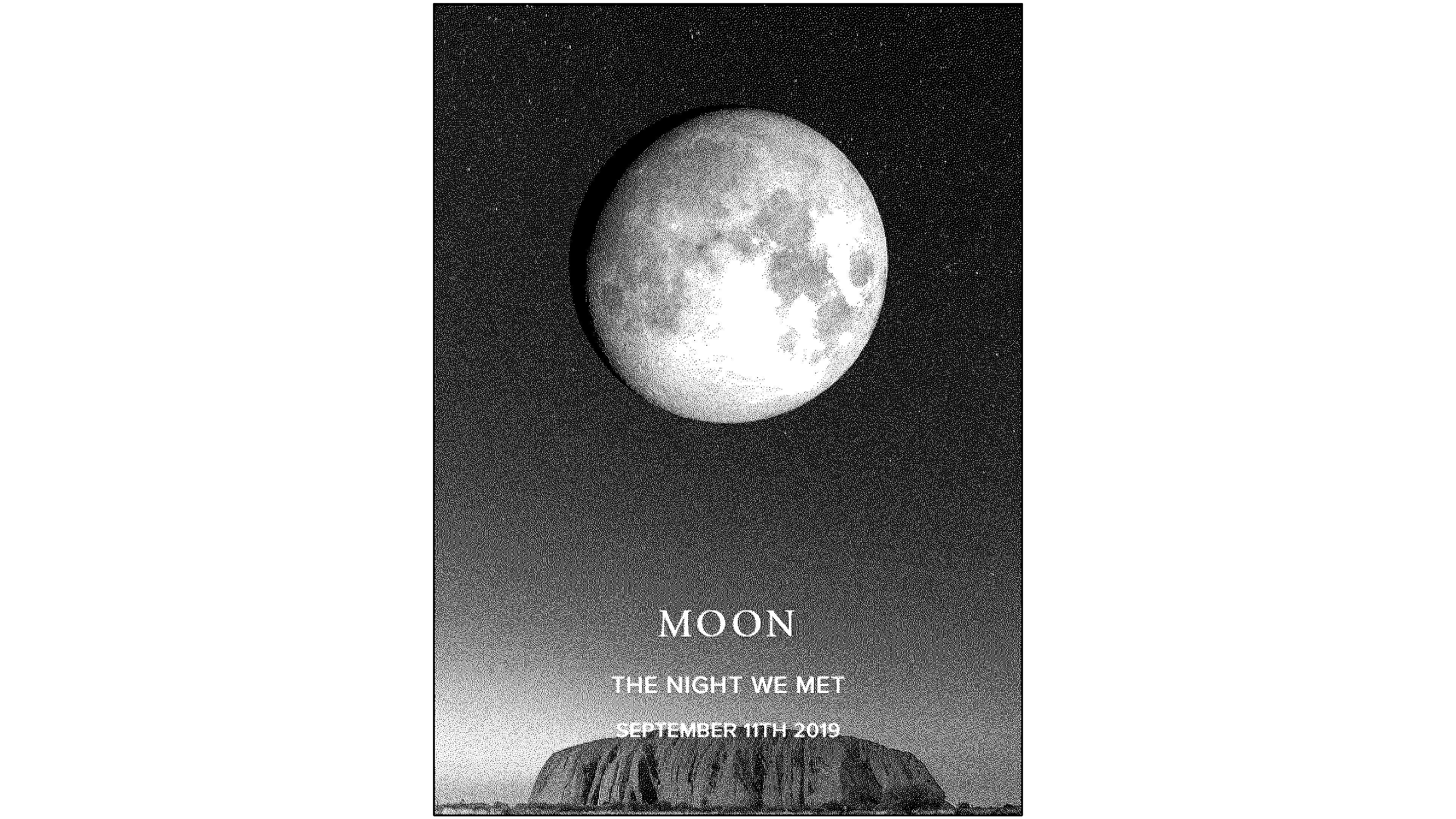
Firstly, on websites that can generate lunar phase diagrams, enter the date of birth to generate a lunar phase diagram for that day. The style can also be adjusted by yourself, and then the image can be downloaded and saved.
Import the downloaded images into LaserMaker Processing in software, images DPI Processing as 300Adjust the brightness to 10.
After the image is processed, set the processing parameters. The parameter for shallow carving is speed 500, Power 20Horizontal unidirectional; The cutting parameters are speed 10, Power 80The processing parameters of different machines are different, so you can flexibly adjust them according to your own equipment.
After setting the processing parameters, you can put the two-color palette into the processing panel for processing.
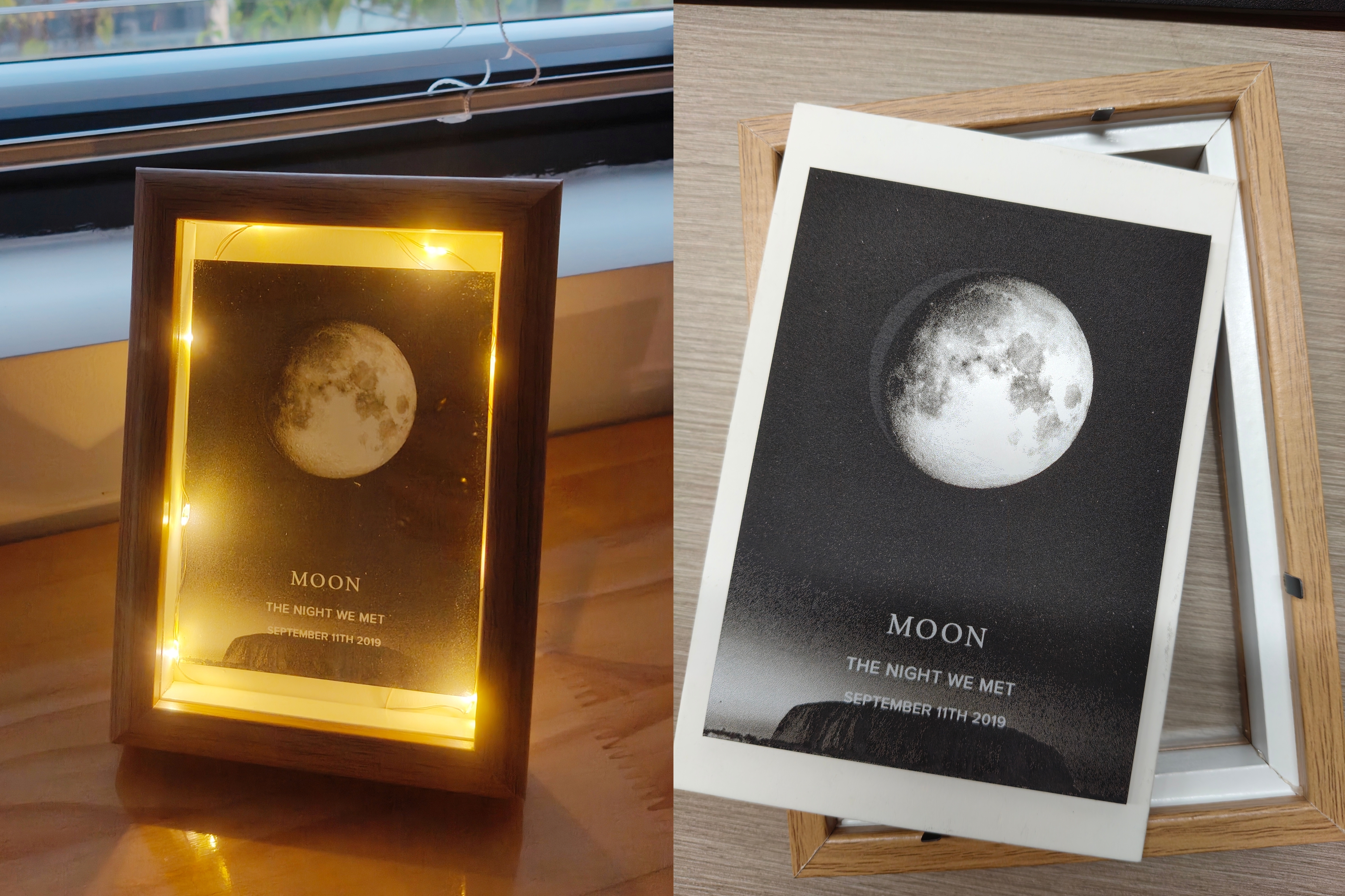
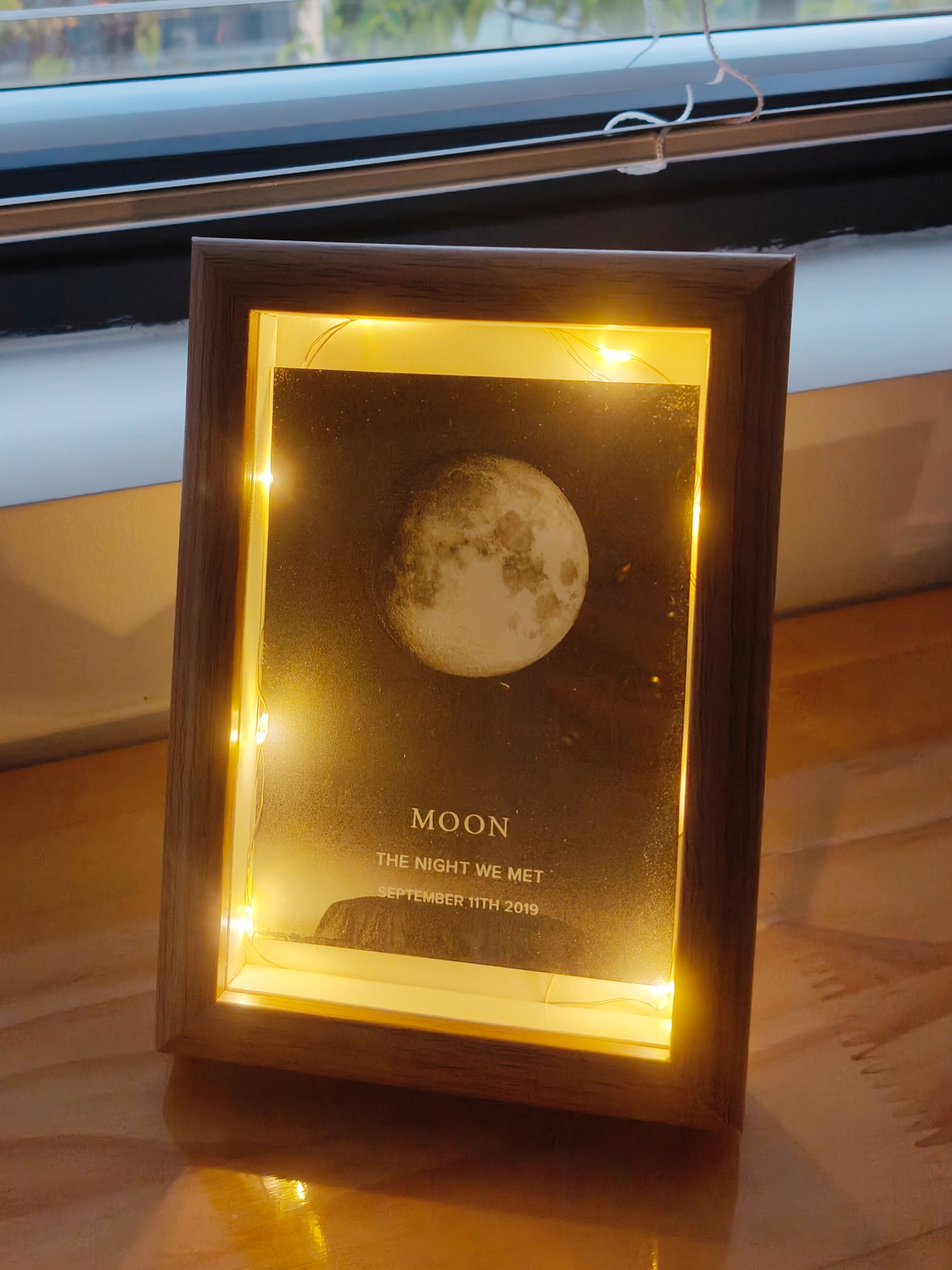
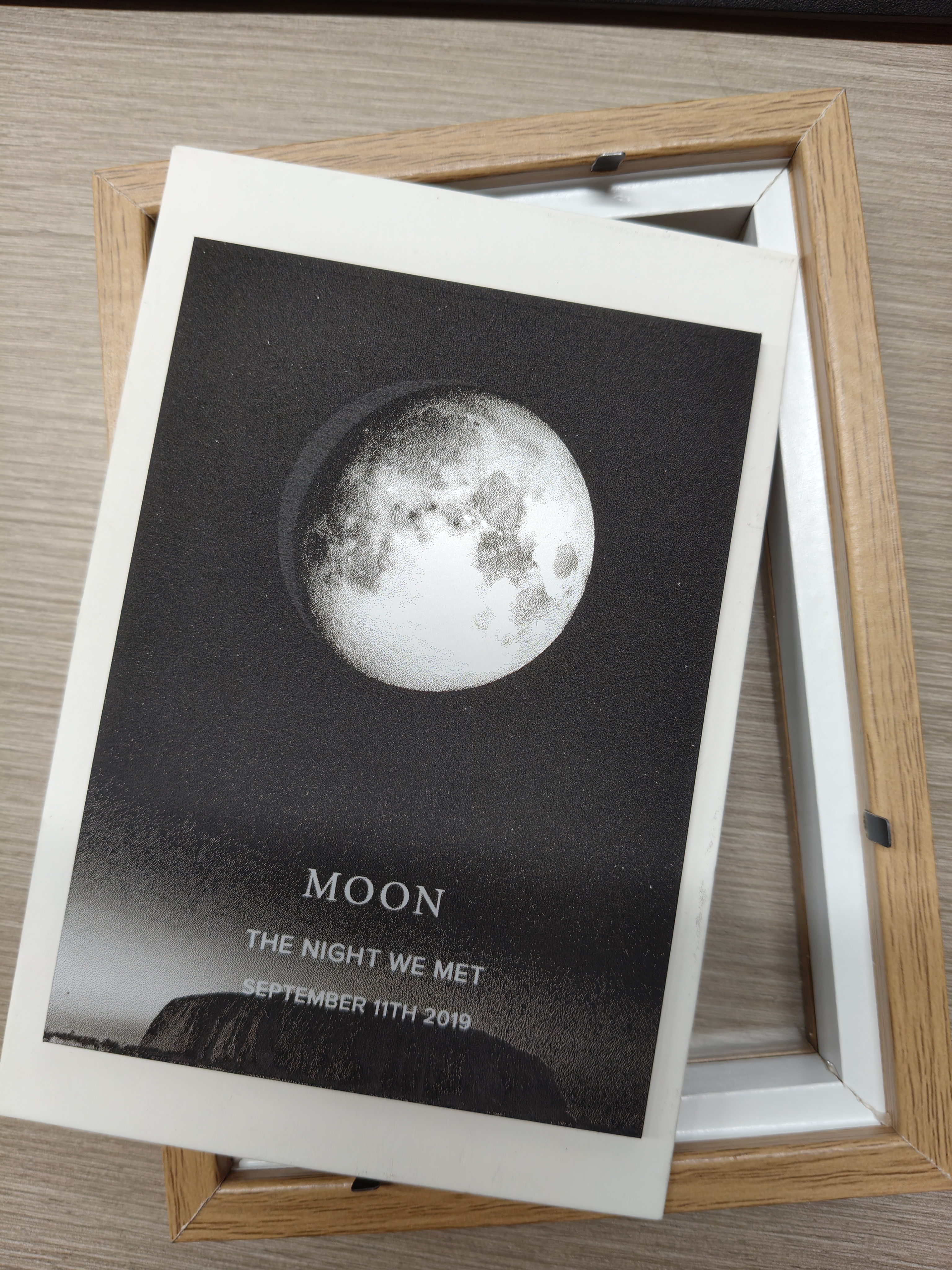
After the carving is completed, clean the dust on the surface, install the light strip and photo frame, and a unique moon phase diagram is ready!
A clear moon phase image, dual color palette, photo frame, light strip, laser engraving machineLaserMaker Software.
Steps are as follows:
Firstly, on websites that can generate lunar phase diagrams, enter the date of birth to generate a lunar phase diagram for that day. The style can also be adjusted by yourself, and then the image can be downloaded and saved.
Import the downloaded images into LaserMaker Processing in software, images DPI Processing as 300Adjust the brightness to 10.
After the image is processed, set the processing parameters. The parameter for shallow carving is speed 500, Power 20Horizontal unidirectional; The cutting parameters are speed 10, Power 80The processing parameters of different machines are different, so you can flexibly adjust them according to your own equipment.
After setting the processing parameters, you can put the two-color palette into the processing panel for processing.
After the carving is completed, clean the dust on the surface, install the light strip and photo frame, and a unique moon phase diagram is ready!