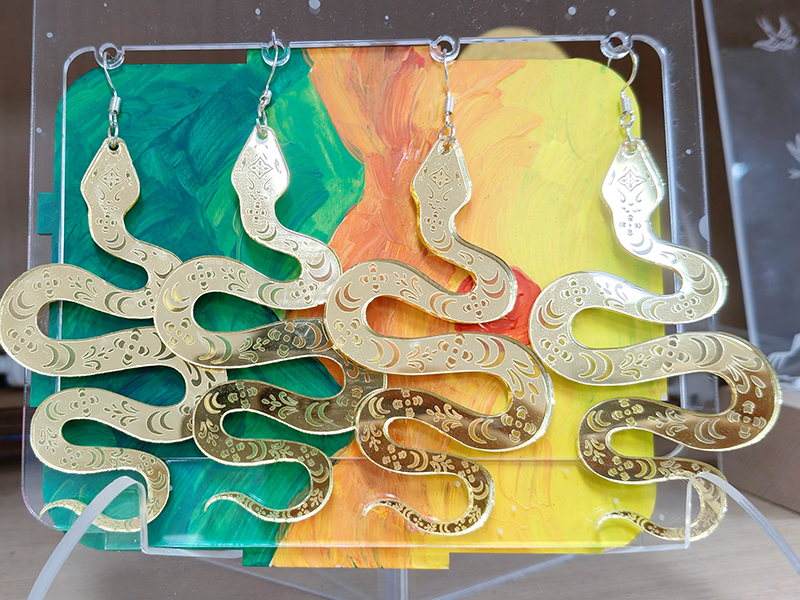
[Reference Example] Golden Snake Blessing Earrings design project

1
2
3
4
5

Drawing Description

Design concept:
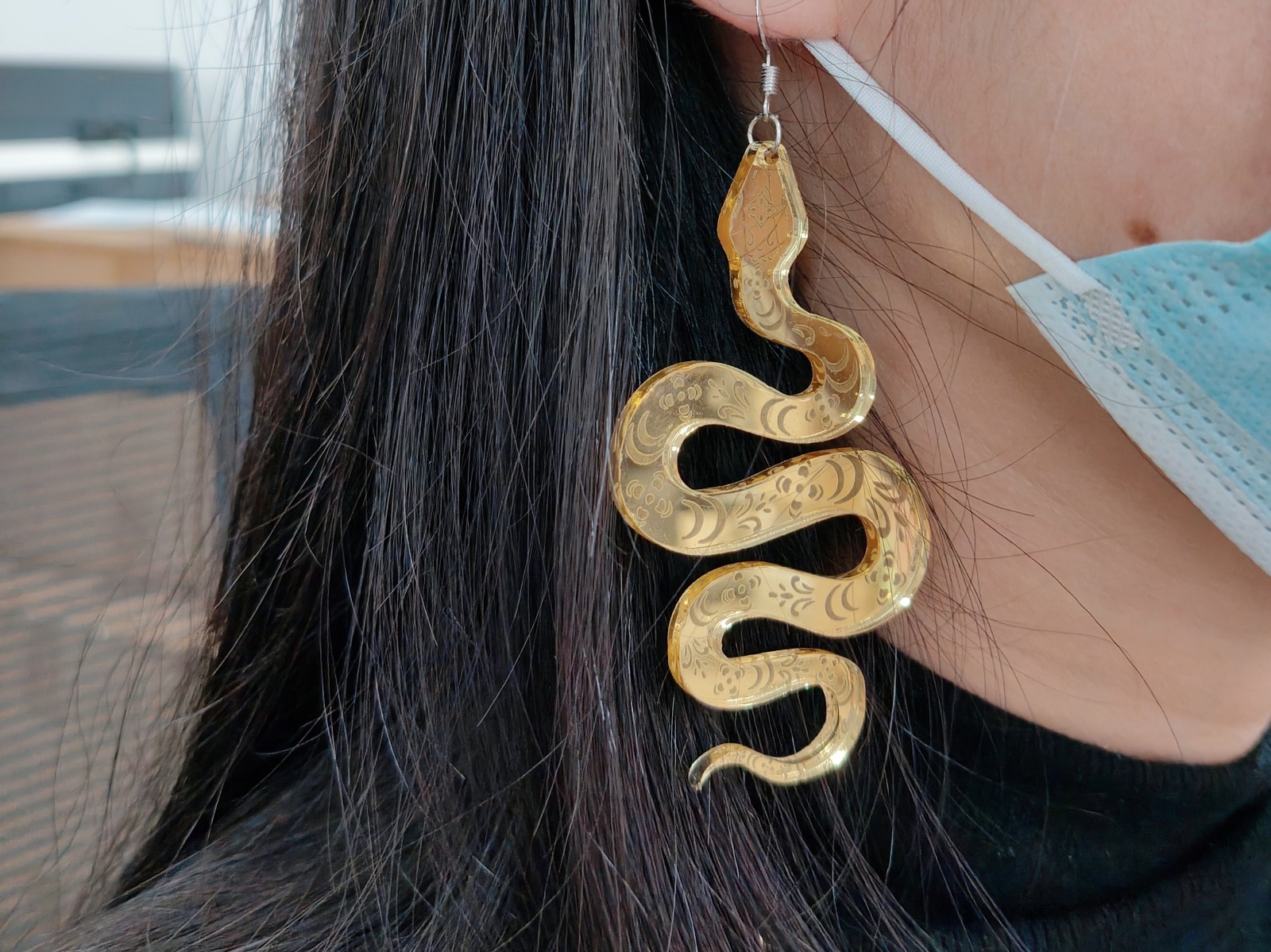
We ingeniously incorporated the image of a snake into the earring design, outlining the posture of a spirit snake with winding curves, perfectly blending softness and strength, symbolizing the endless vitality and intelligent agility.

Source of inspiration
In traditional Chinese culture, the snake is one of the twelve zodiac animals, symbolizing wisdom, mystery, and auspiciousness, and is a symbol of good fortune.2025Year is the Year of the Snake, and we draw inspiration from the cultural connotations of the Chinese zodiac snake. We hope to convey the beautiful symbolism of the snake to every wearer through this earring.


Special note: Please make sure to select the correct category when uploading your work. The selected category for this competition is' Accessories and Jewelry Competition '. Simultaneously participate in event theme selection【LaserMakerLaser Creation Creative Matching/Jewelry Design Competition.

WeChat image_20250222153958.jpg

drawing documents

Golden Snake Blessing Earrings
Drawing Cover - Golden Snake Blessing Earrings
Basic Parameters
0:1:37
process parameters
Processing Technology processed material pattern power(%) speed(mm/s) processing times
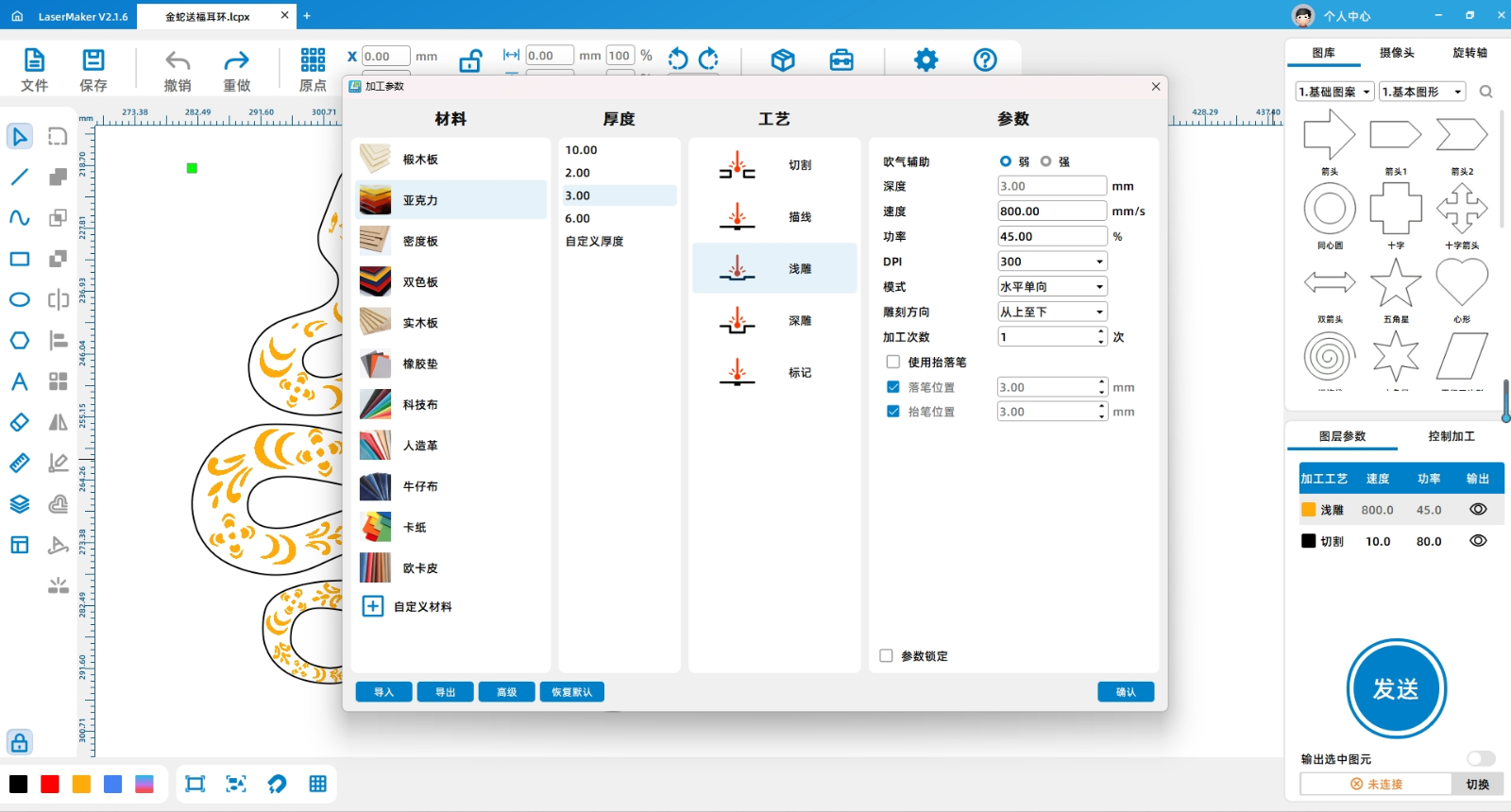
Shallow carving 3mmmirror acrylic Horizontal unidirectional 45 800 1
cutting 3mmmirror acrylic - 80 10 1

Bill of Materials

3mmMirror acrylic, earring accessories

Processing equipment:Thunder Bolt Plus

design process

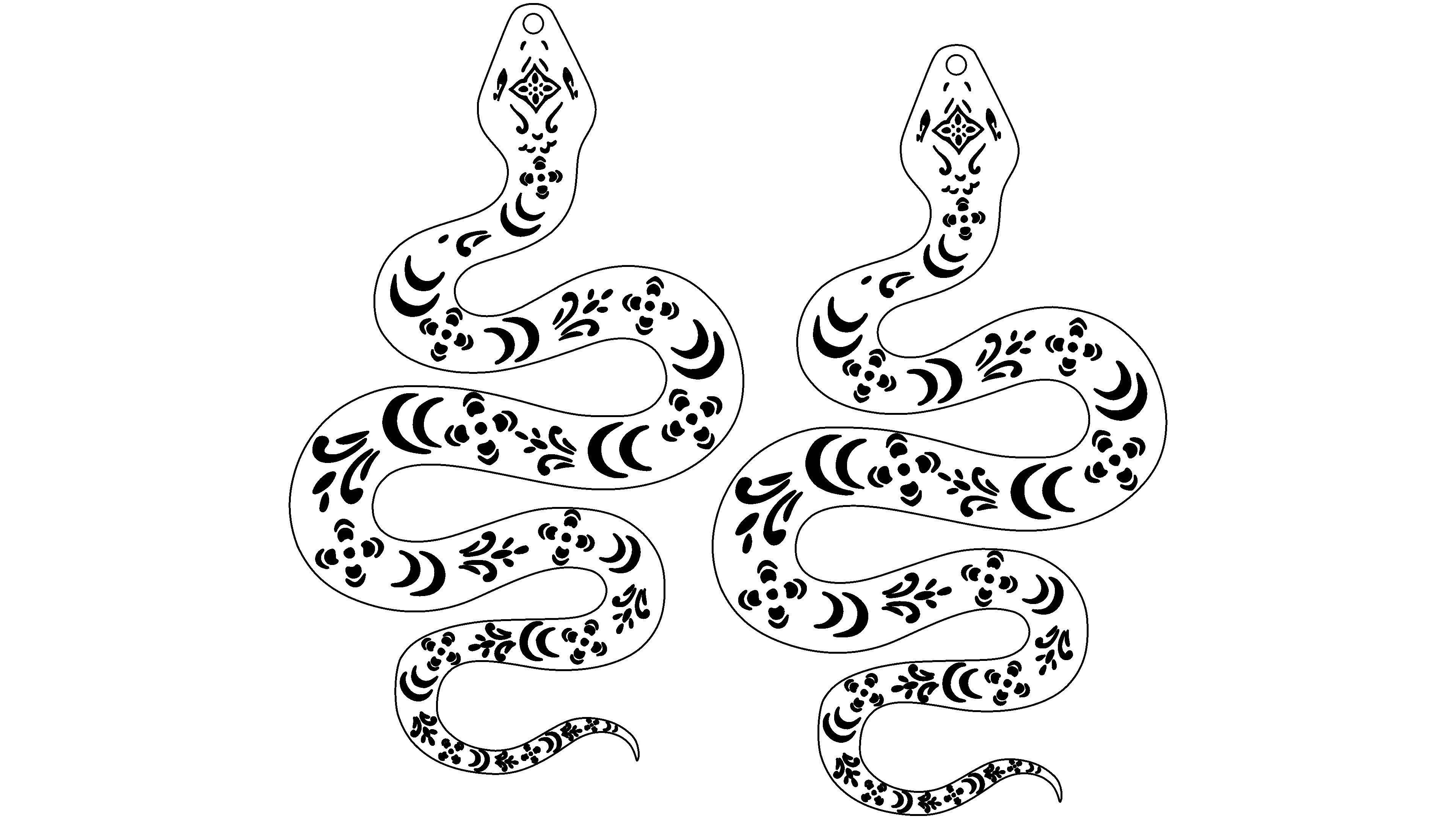
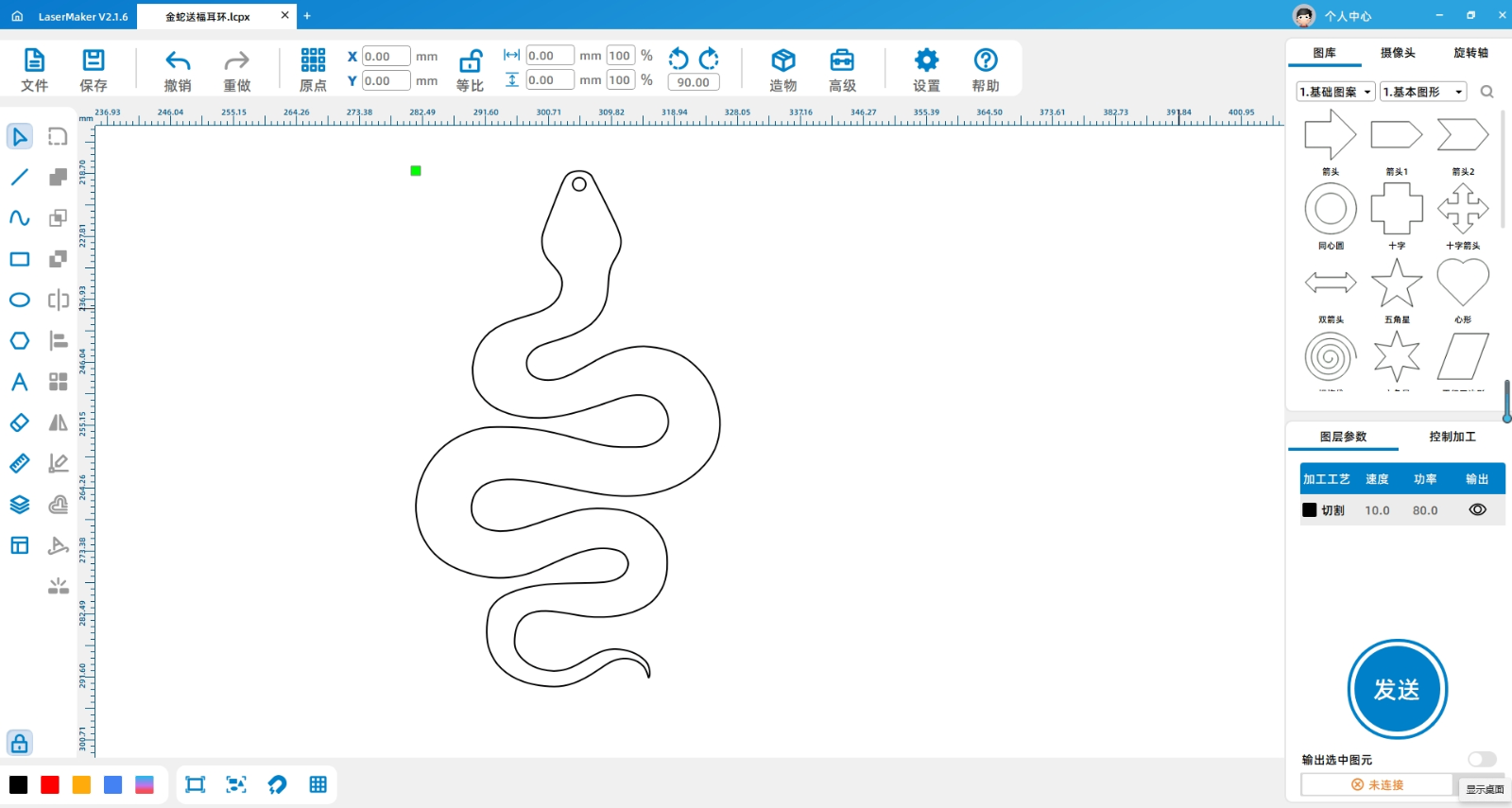
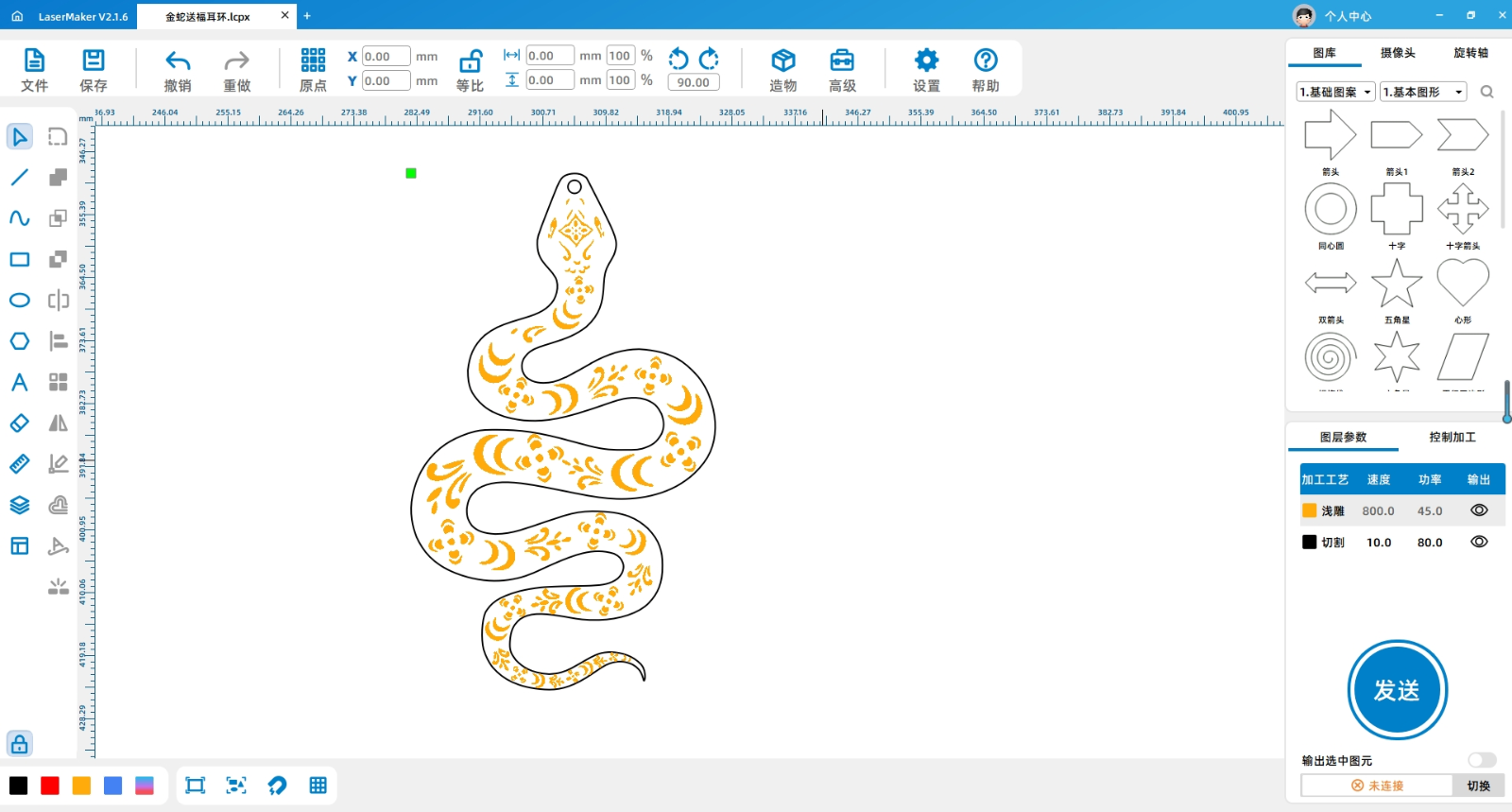
Using software drawing tools and contour tracing tools, draw the shape of a snake, add patterns on its body, and finally add a circular hole on the snake head for easy installation of earring accessories.

1740635775896330.png

1740635776420477.png

1740635776115205.png


Laser processing

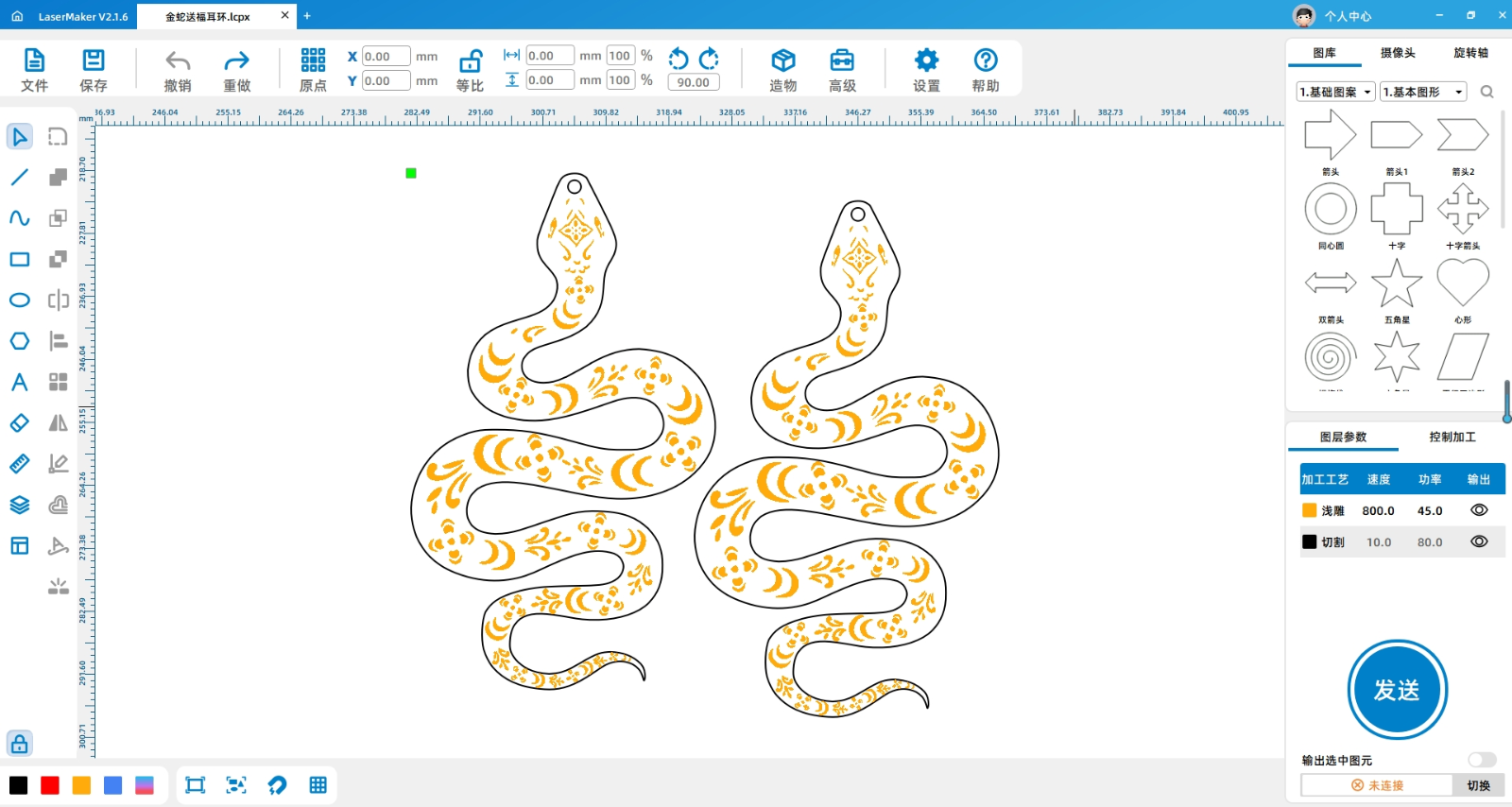
1Set processing layers and parameters

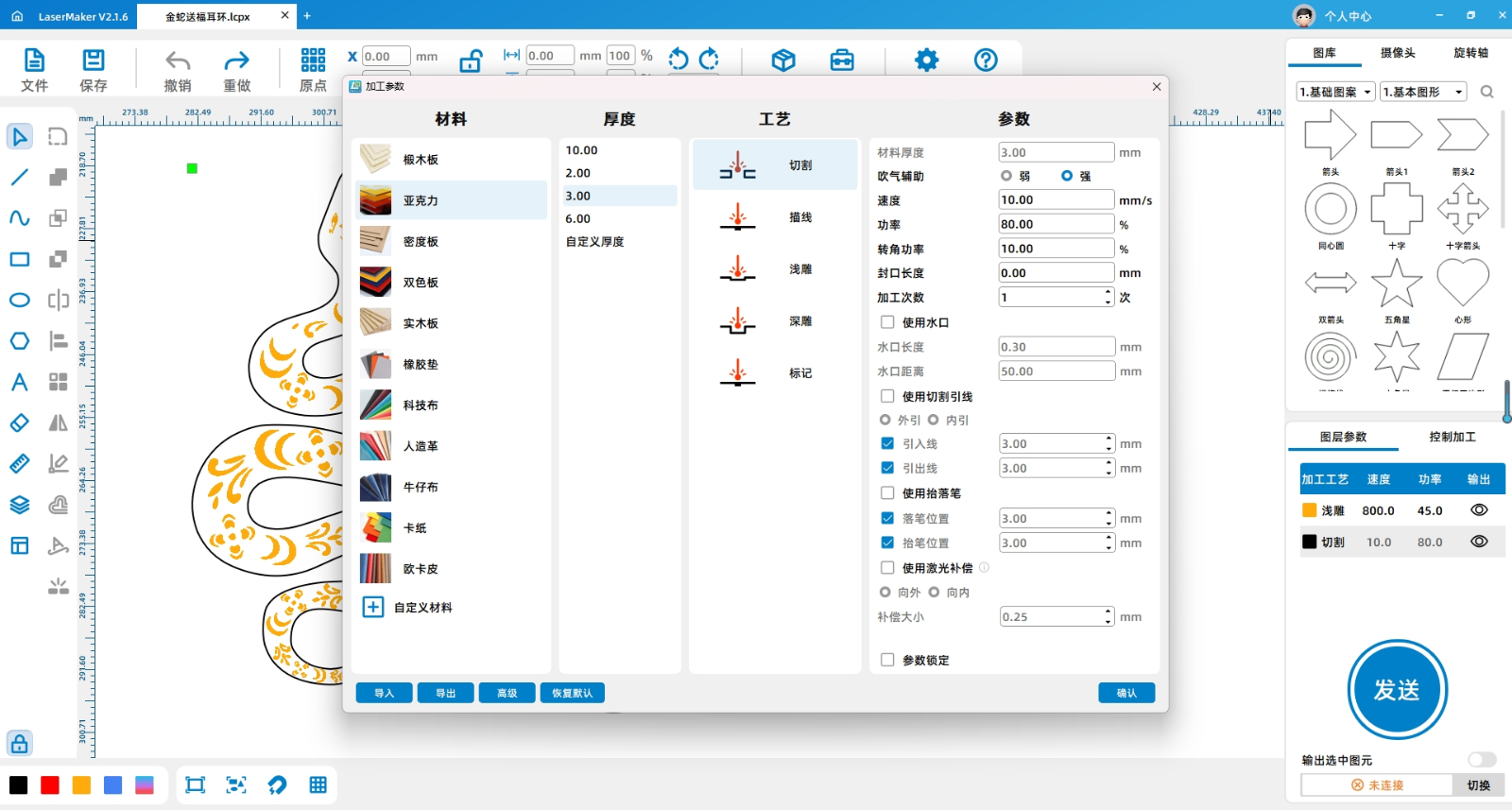
(1)Select the default light carved yellow layer for the pattern inside the snake, and the default cut black layer for the snake's appearance. Adjust the layer order in the bottom right corner and sort them by "light carved, cut" in sequence.

(2)Double click the yellow layer that needs to be lightly carved with the left mouse button, select acrylic,3mmShallow carving, set processing parameters: speed is800The power is45Horizontal unidirectional, weak blowing.

WeChat screenshot_20250222164722.png

(3)Double click the black layer that needs to be cut with the left mouse button, select acrylic,3mmCutting, setting processing parameters: speed is10The power is80Strong blowing.

WeChat screenshot_20250222164732.png


2Processing of drawings

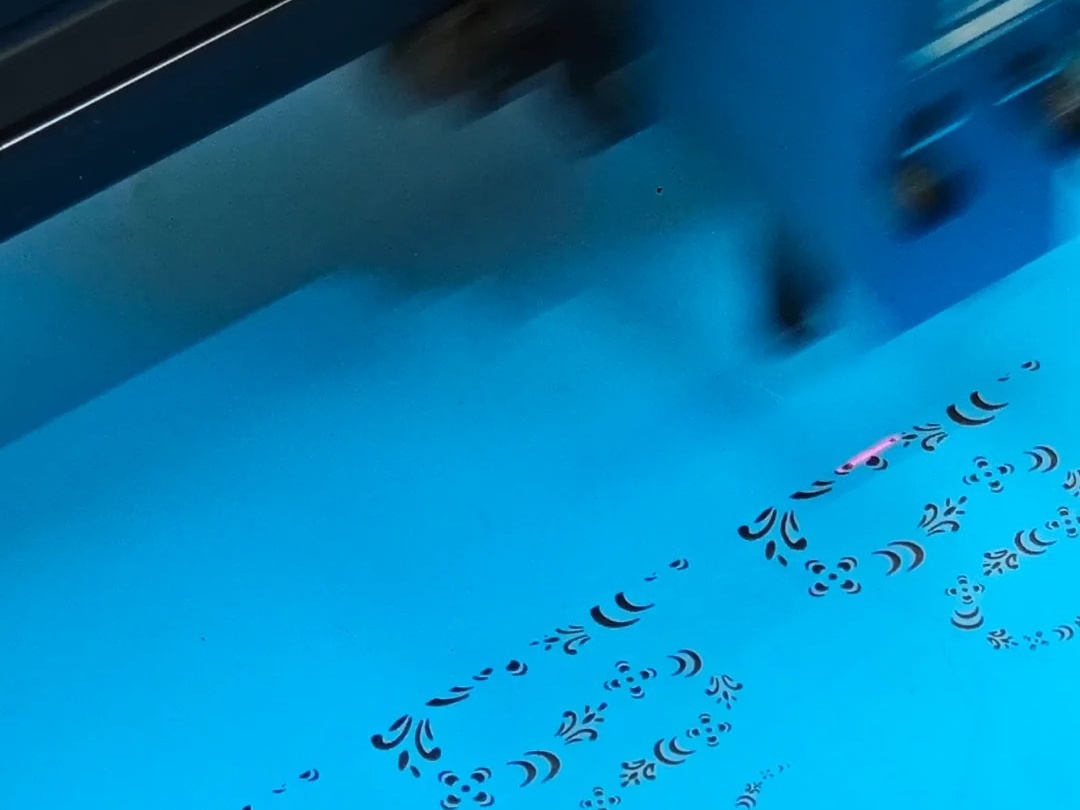
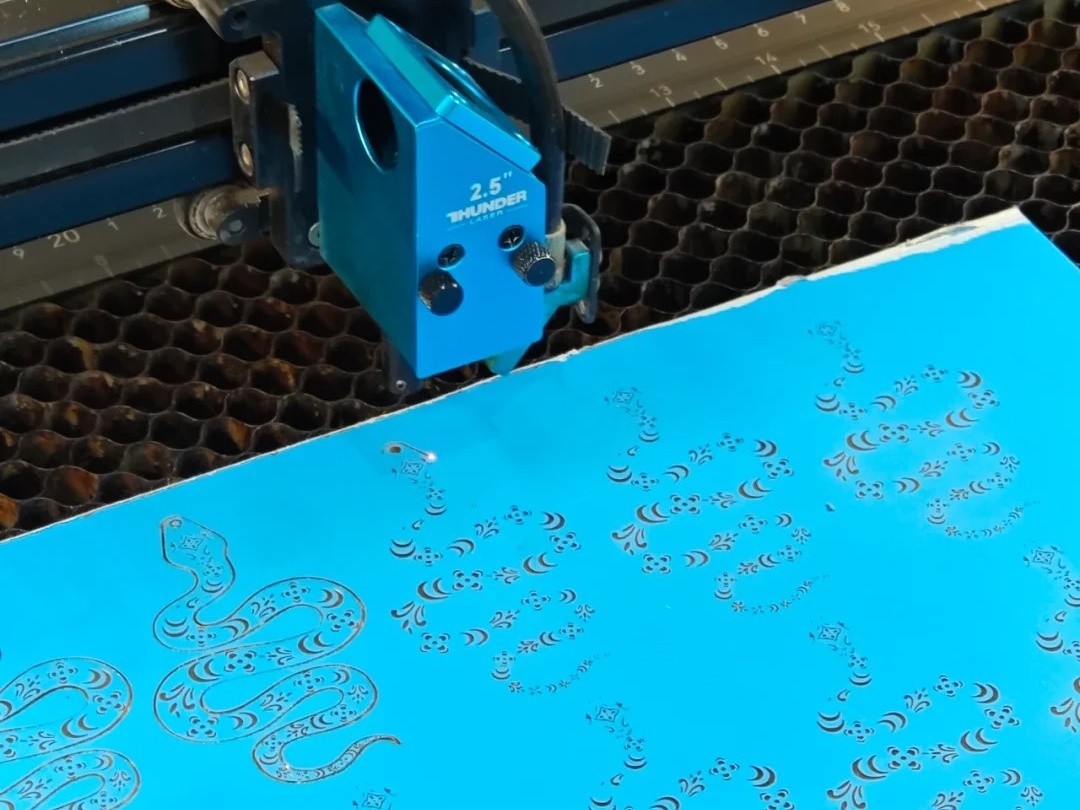
After setting the processing parameters, the file can be sent to the equipment for processing. Kind reminder: To achieve the processing effect of mirror acrylic and highlight the pattern of the snake body, pay attention to carving on the coated side.

1740636105732816.jpg

1740636106203562.jpg

Entrepreneurship! It's just simple_4_Lei Xiaoyu_From the web version of Xiaohongshu_copy.jpg

finished product assembly

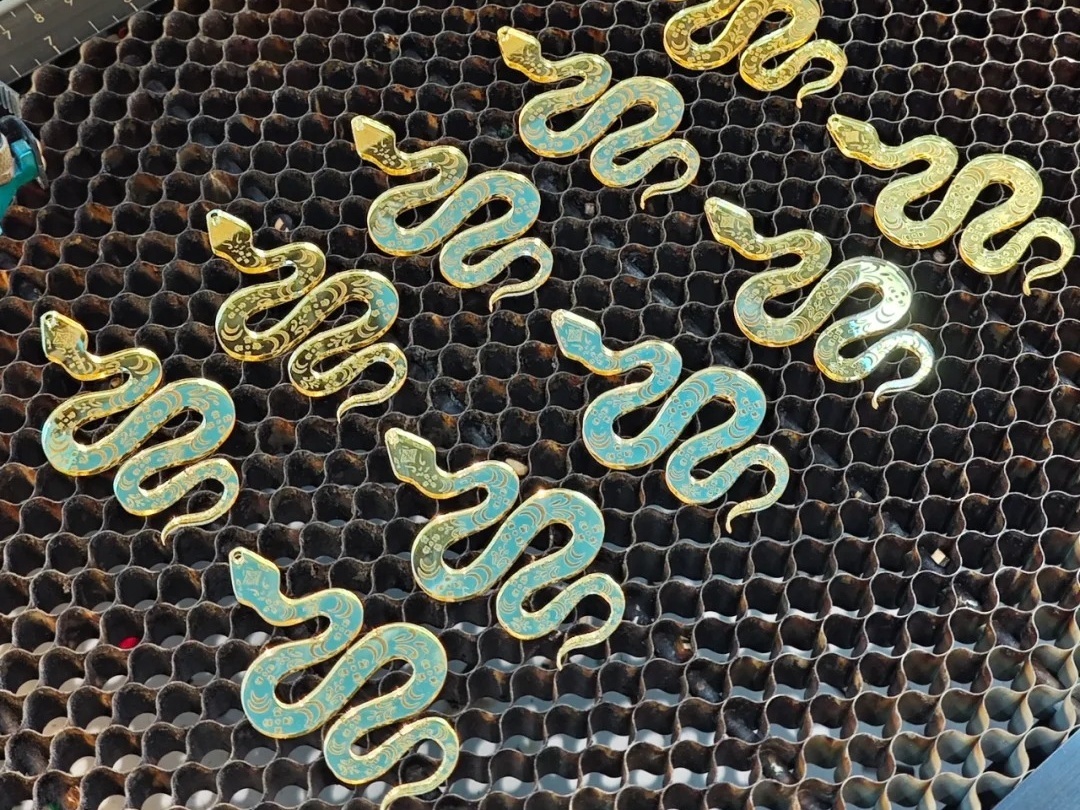
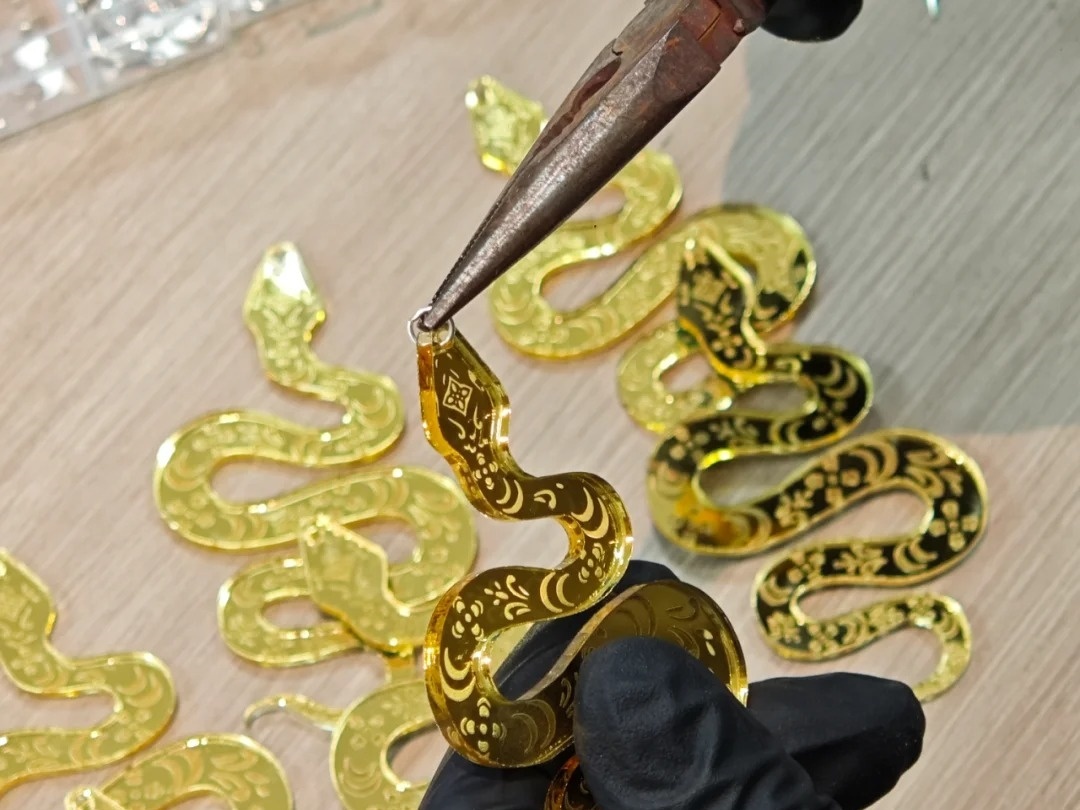
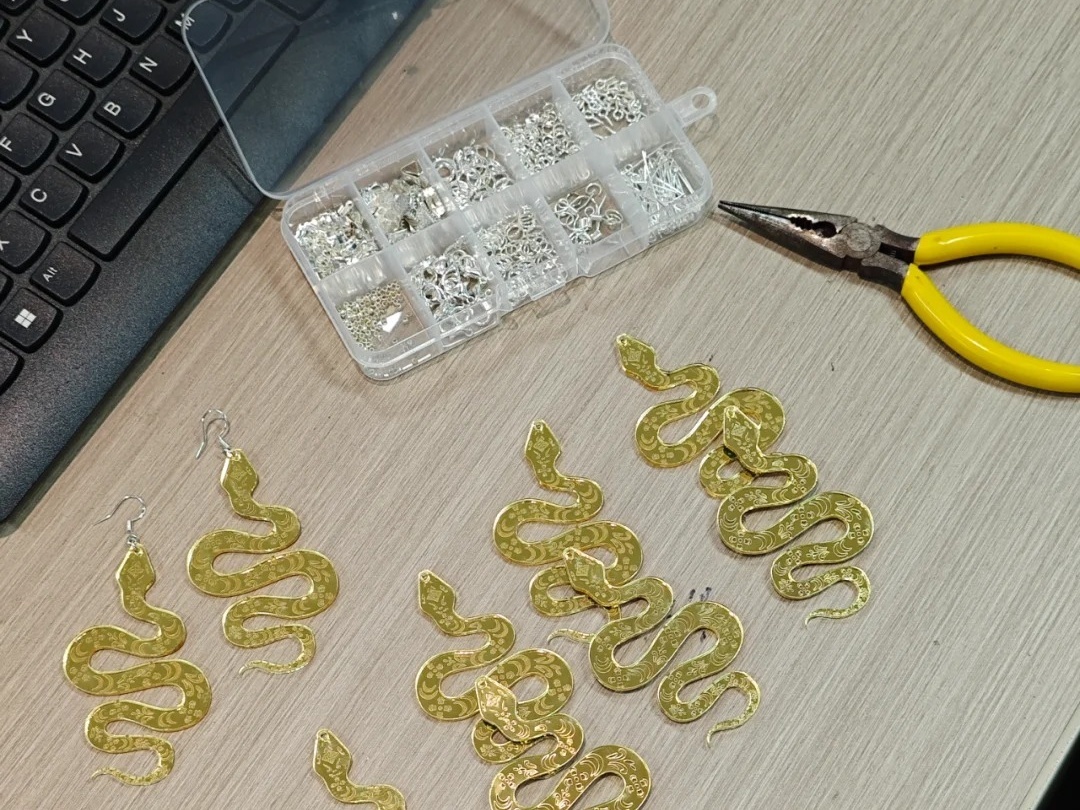
Clean the surface dust of the processed snake pattern with a tissue, install earring accessories, and complete the work.

1740636347752870.jpg

1740636347461662.jpg

WeChat image_20250221150326_copy.jpg

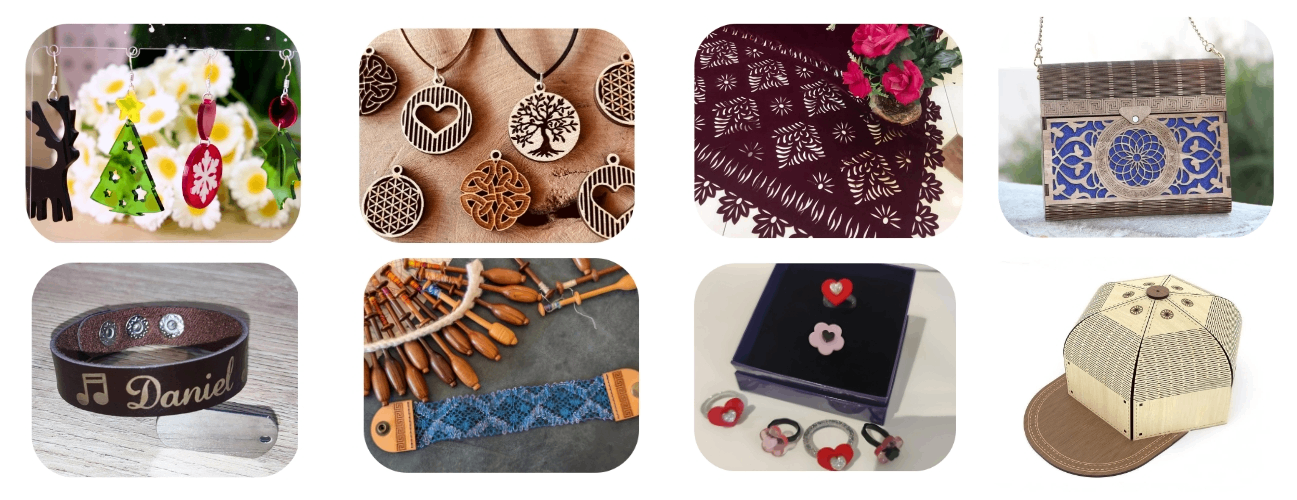
Here are more reference cases about accessories and jewelry. Welcome everyone to unleash unlimited creativity together!

WeChat screenshot_20250226141654.png

Create a video

comment (0)
支持拖拽上传 · 最多 10 张 · 单张 ≤ 3MB
将图片拖拽到这里或点击“选择图片”上传(支持多张)
[Reference Example] Golden Snake Blessing Earrings
drawing ID: SUCAI-758 2025-2-27 14:16
0
0
0
14
0Contribution points
Purchase points
collection
like
Grade discount
Basic Information
Update time 2025-2-27 14:16
advertisement