English
 简体中文
简体中文
 繁體中文
繁體中文
 Français
 Español
 عربي ،
 русский язык
 Português
 Deutsch


Design concept:
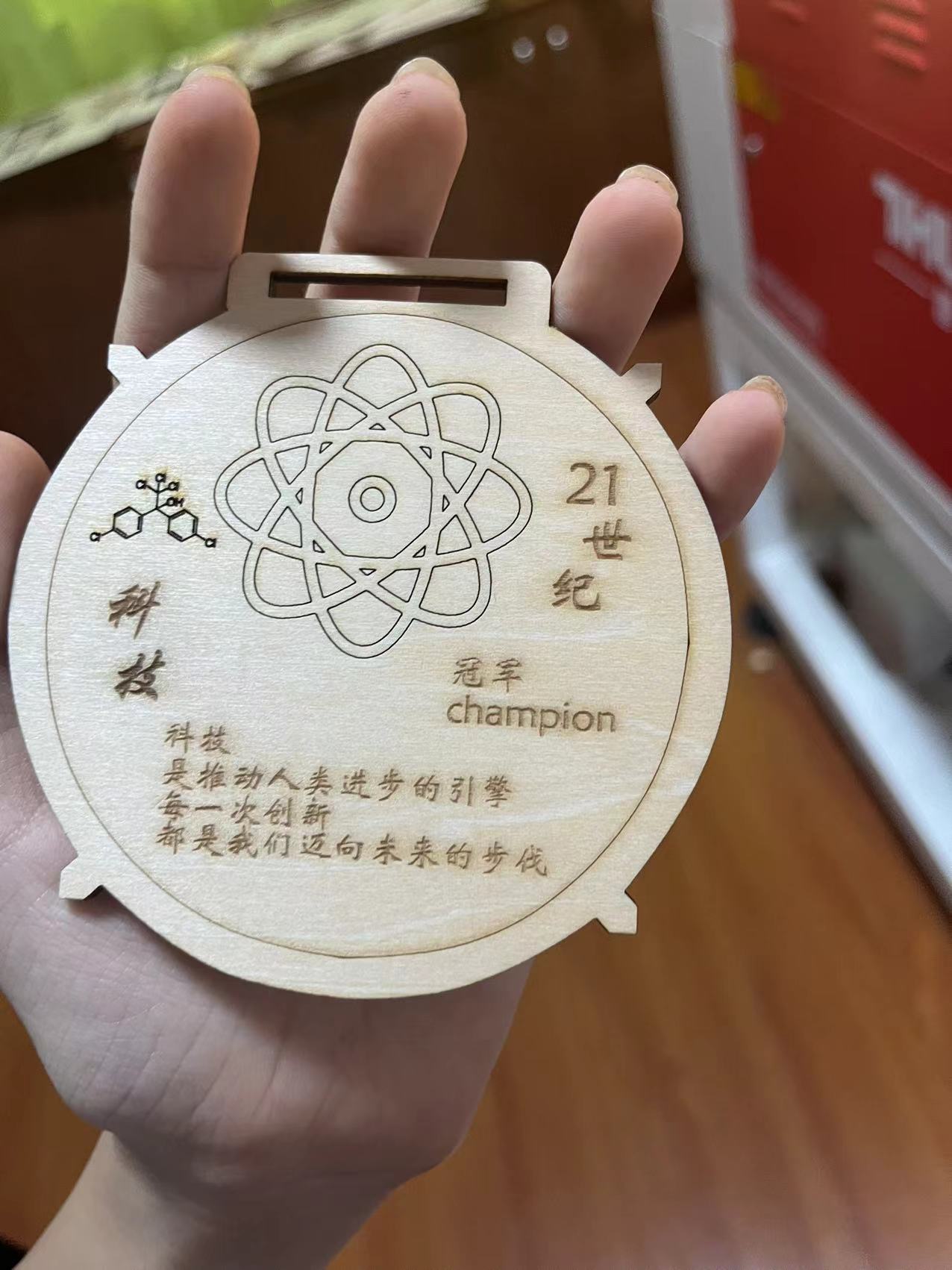
For those who participate in technology related competitions, burning plaster to follow the sundial, hanging beams to prick their thighs, and striving hard during the competition
The fruits of labor finally presented after winning the crown
Inspire people to boldly innovate and constantly explore truth
Give people courage
Source of inspiration
In recent years, China has received continuous good news on the path of technological development towards the stars and the sea
For example, plasma shielding technology from Peking University in China, brain computer interface technology from Tsinghua University, etc
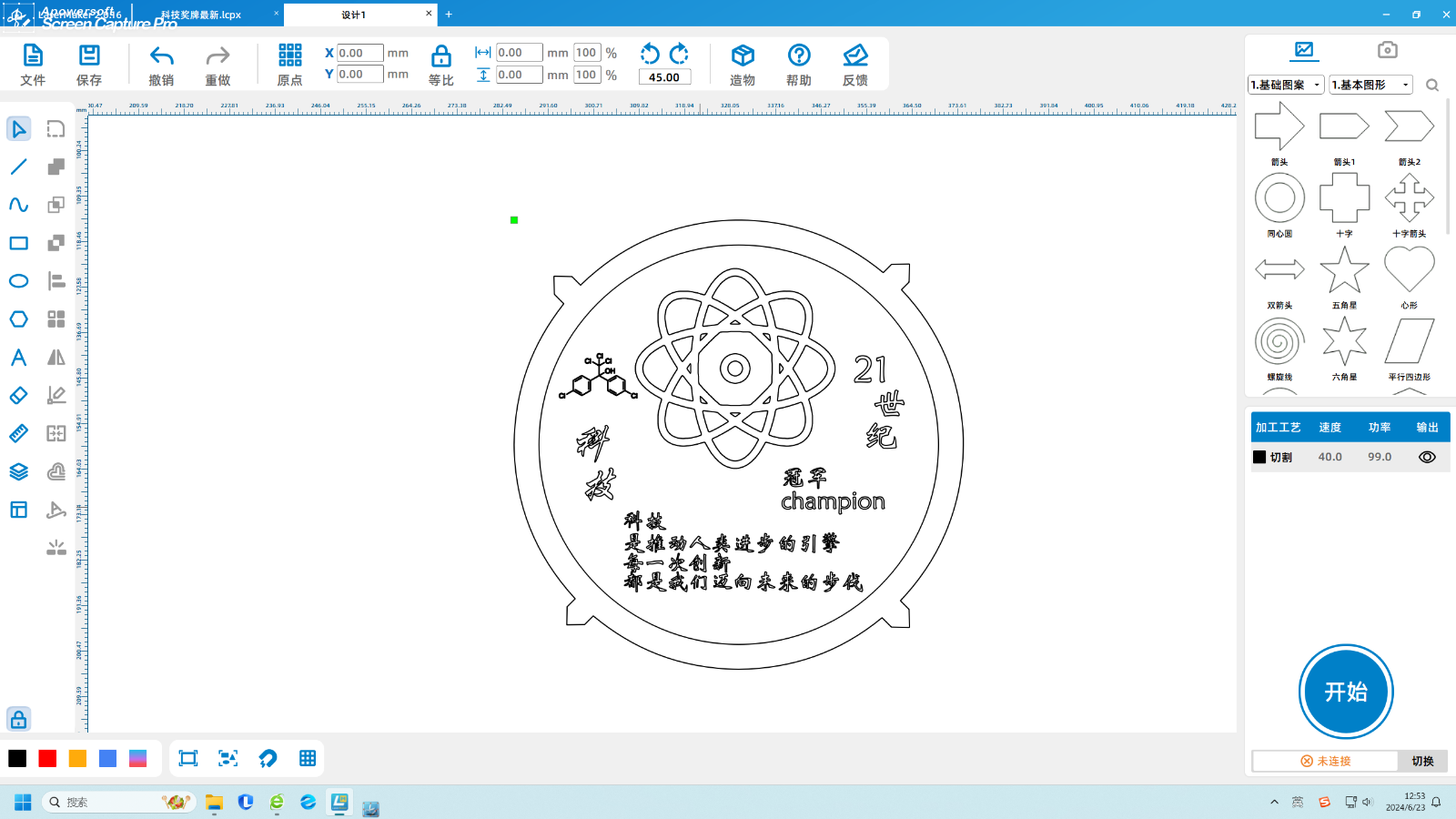
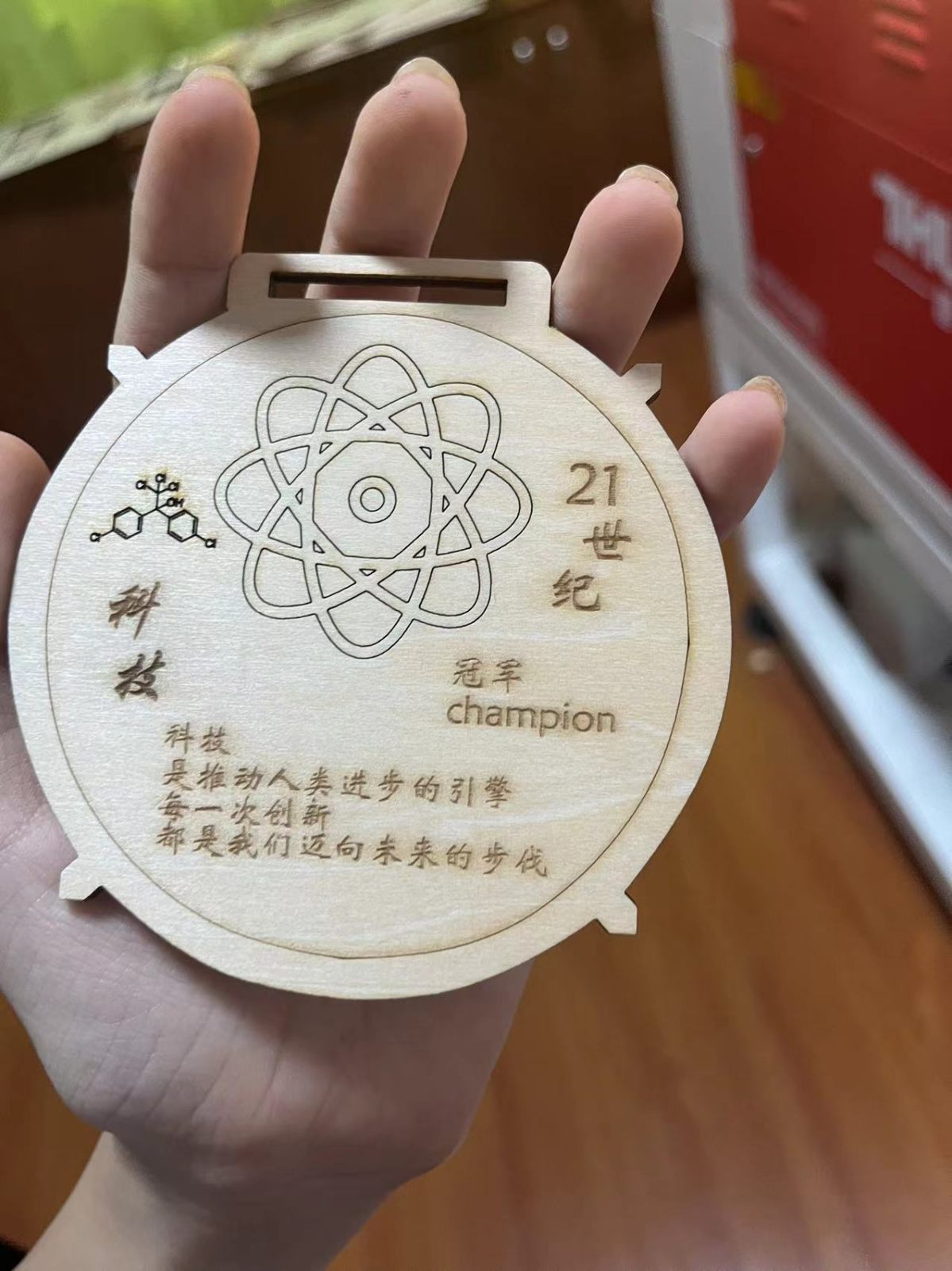
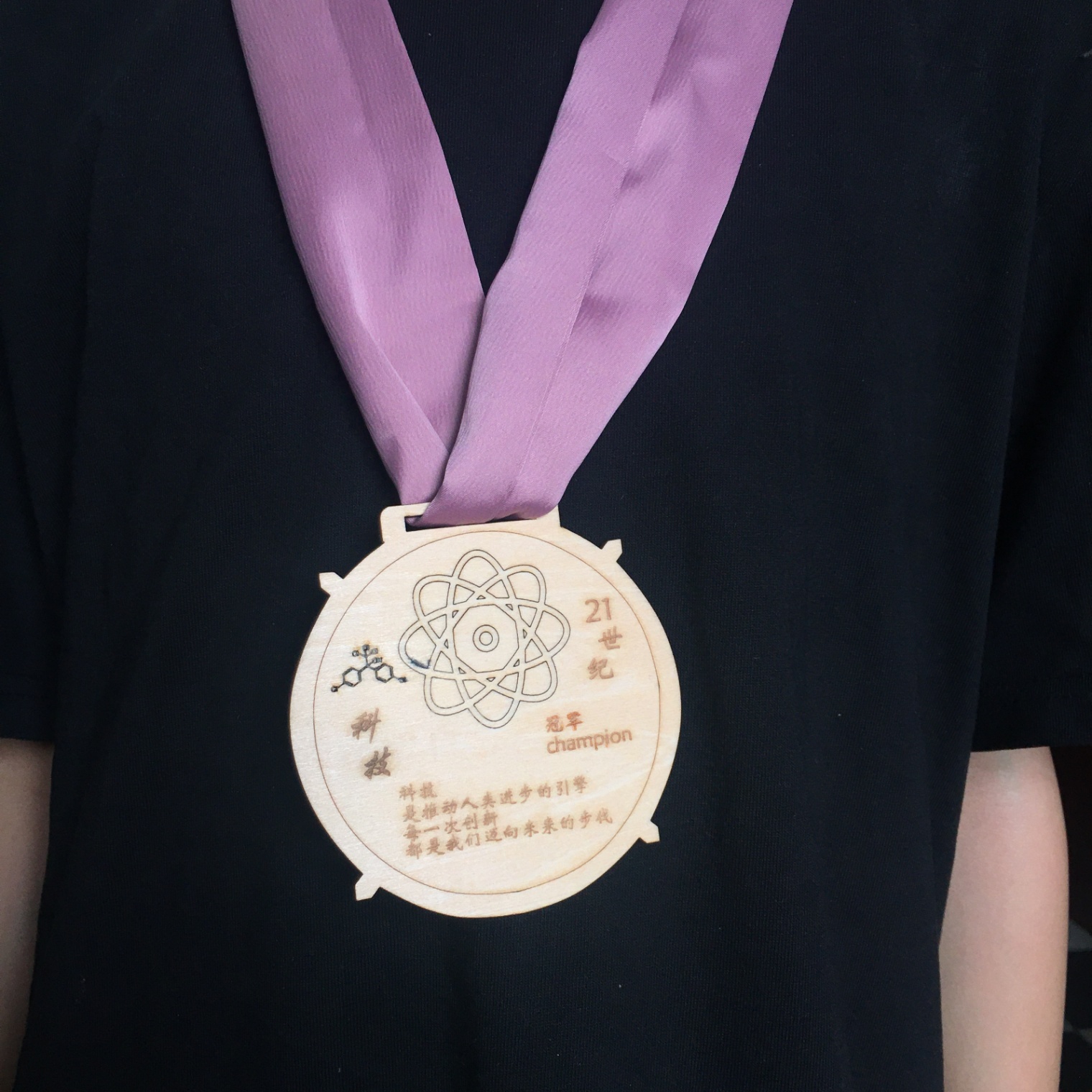
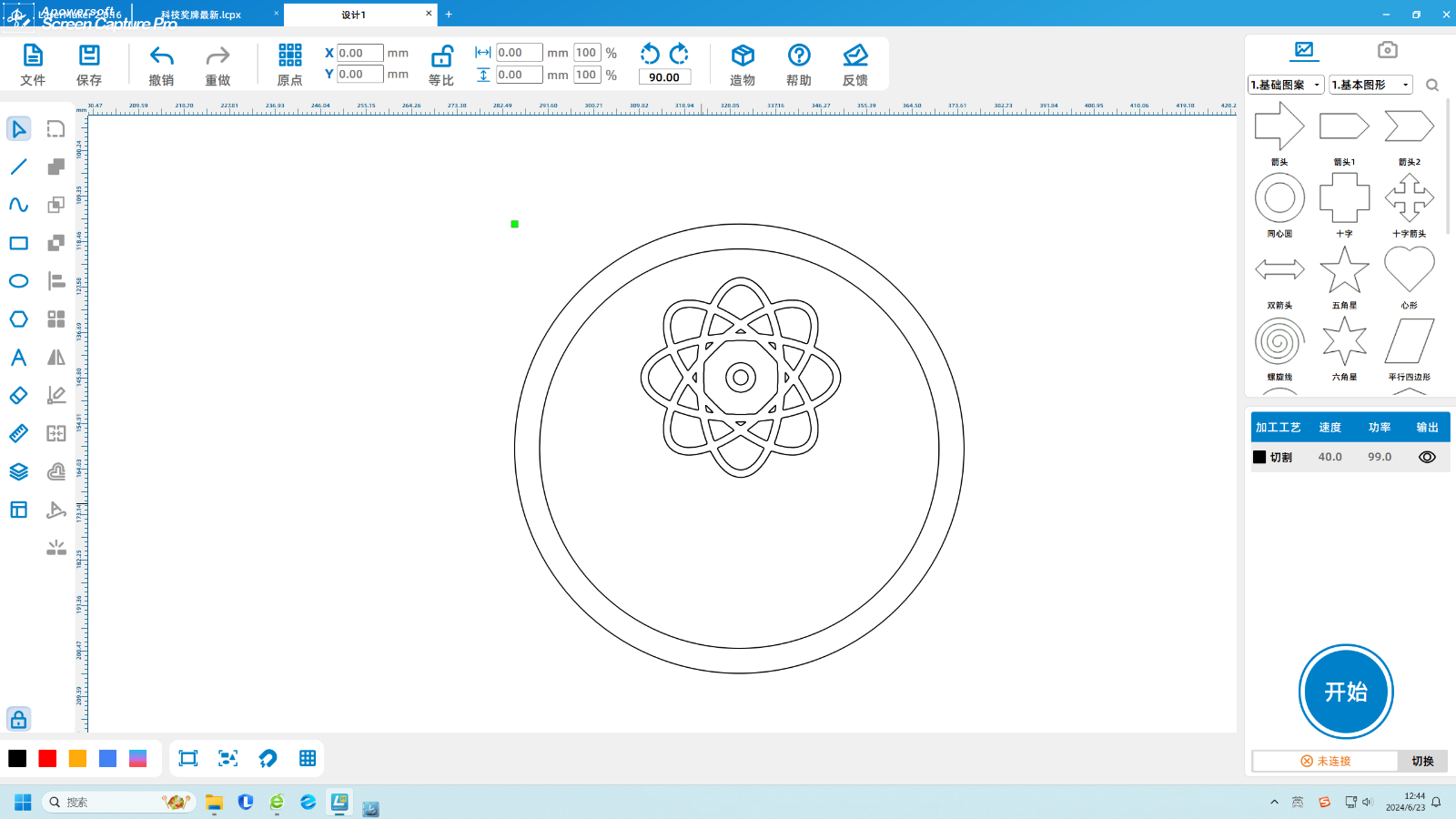
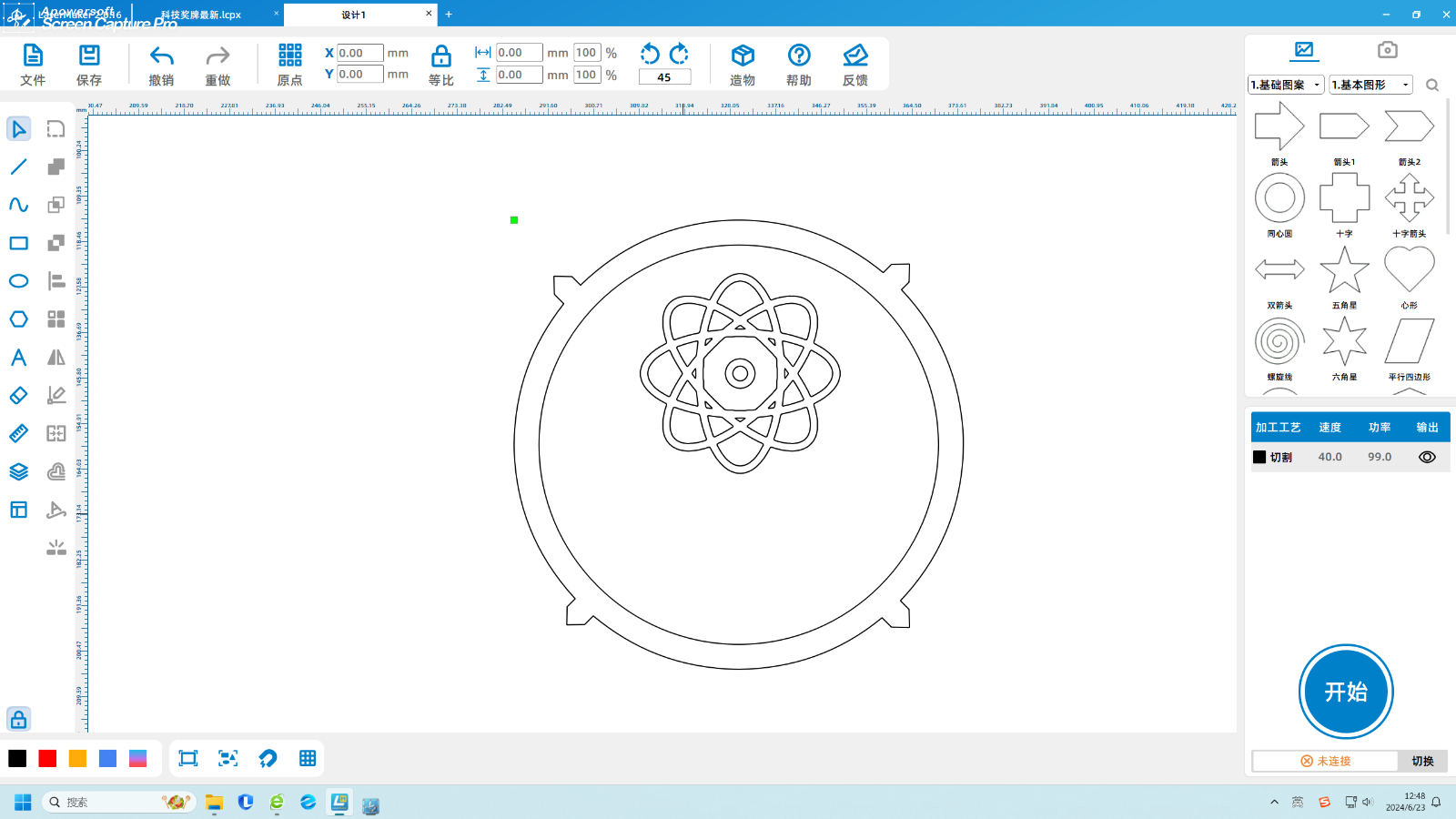
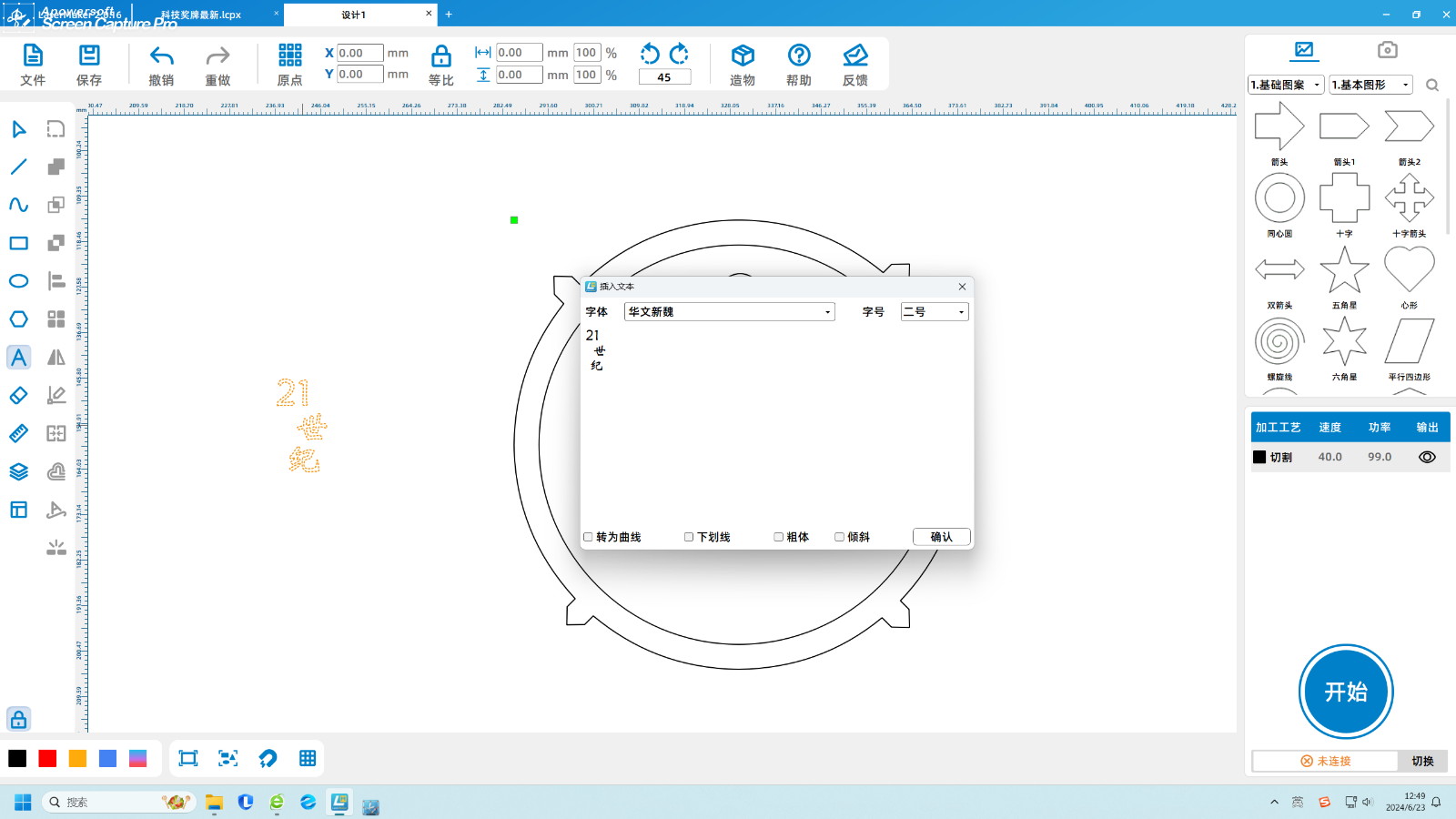
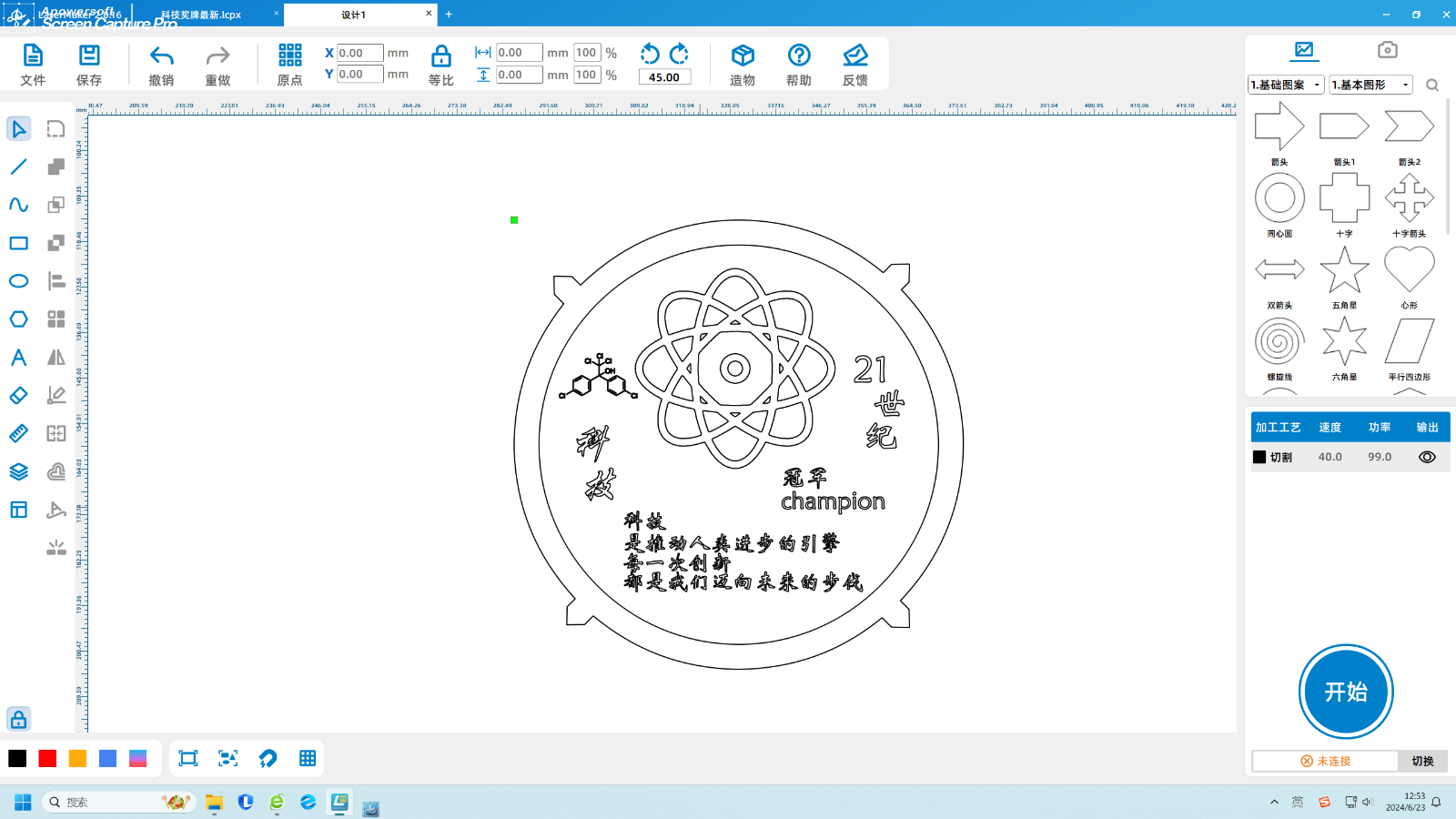
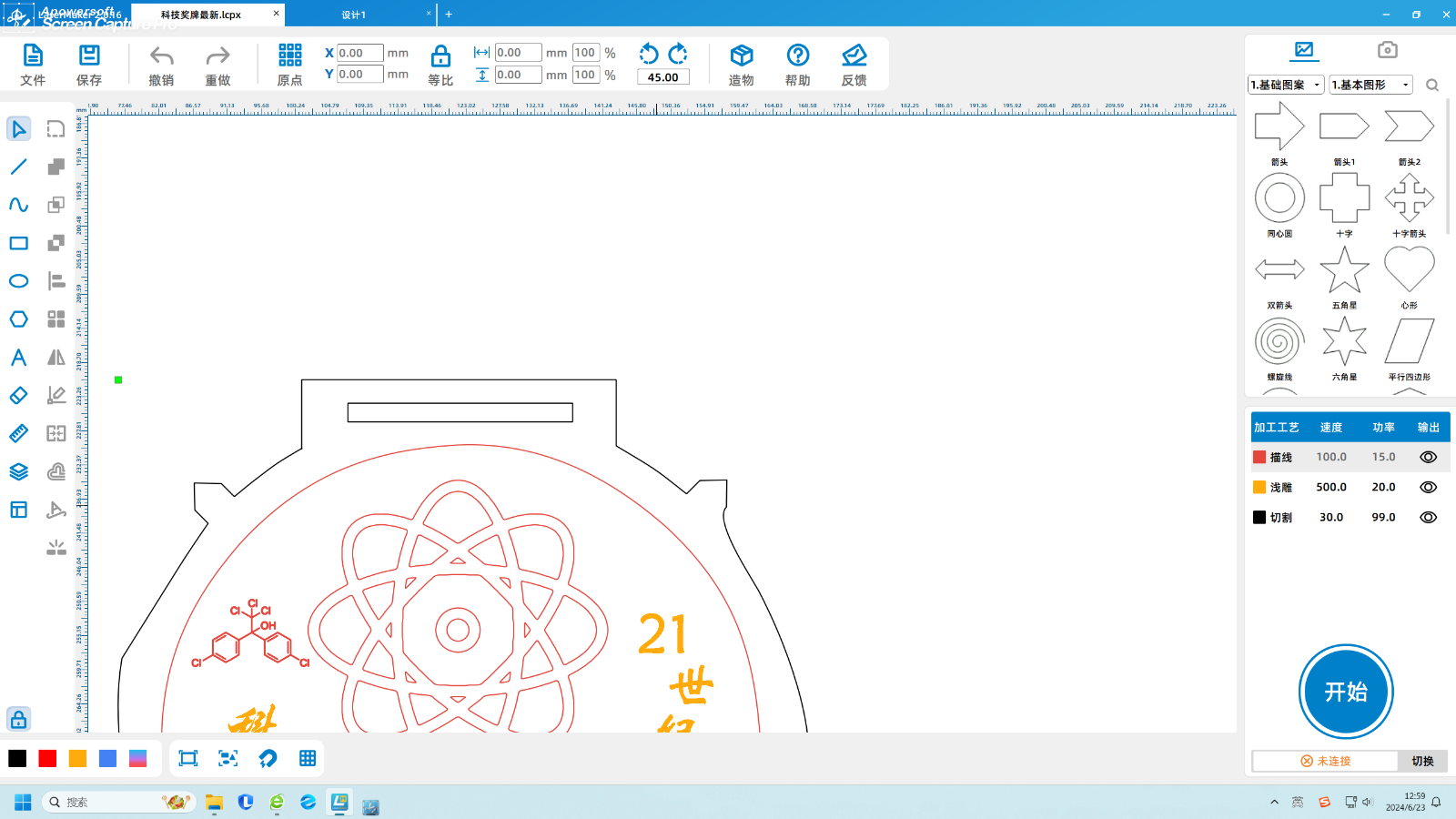
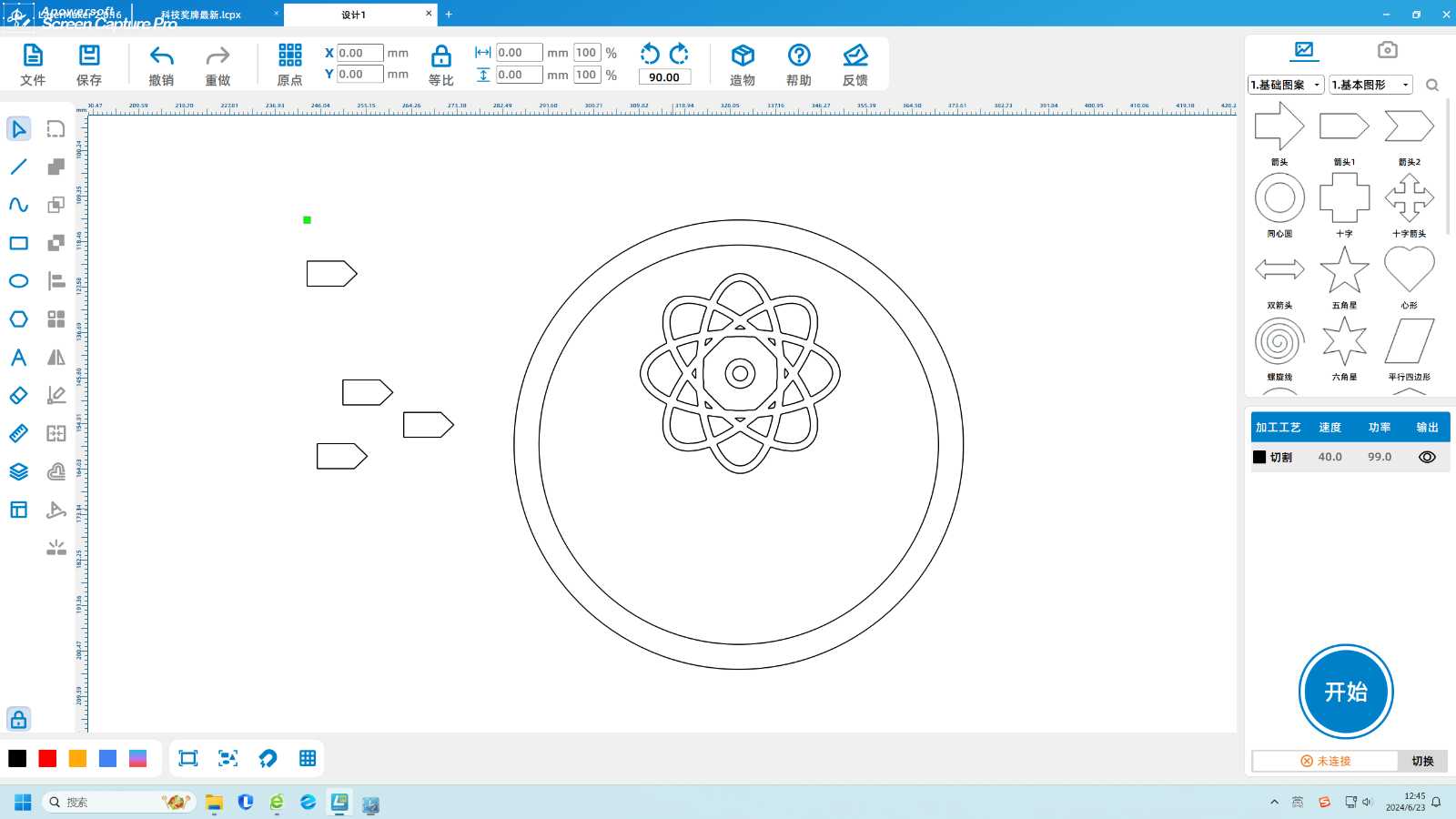
For this, I want to create a medal related to technology
It is not only a tribute and praise to the predecessors who have worked tirelessly for the rise of China, but also a tribute to them
It is once again an incentive and expectation for future generations to take over the baton of their predecessors and continue to explore the truth
For those who participate in technology related competitions, burning plaster to follow the sundial, hanging beams to prick their thighs, and striving hard during the competition
The fruits of labor finally presented after winning the crown
Inspire people to boldly innovate and constantly explore truth
Give people courage
Source of inspiration
In recent years, China has received continuous good news on the path of technological development towards the stars and the sea
For example, plasma shielding technology from Peking University in China, brain computer interface technology from Tsinghua University, etc
For this, I want to create a medal related to technology
It is not only a tribute and praise to the predecessors who have worked tirelessly for the rise of China, but also a tribute to them
It is once again an incentive and expectation for future generations to take over the baton of their predecessors and continue to explore the truth