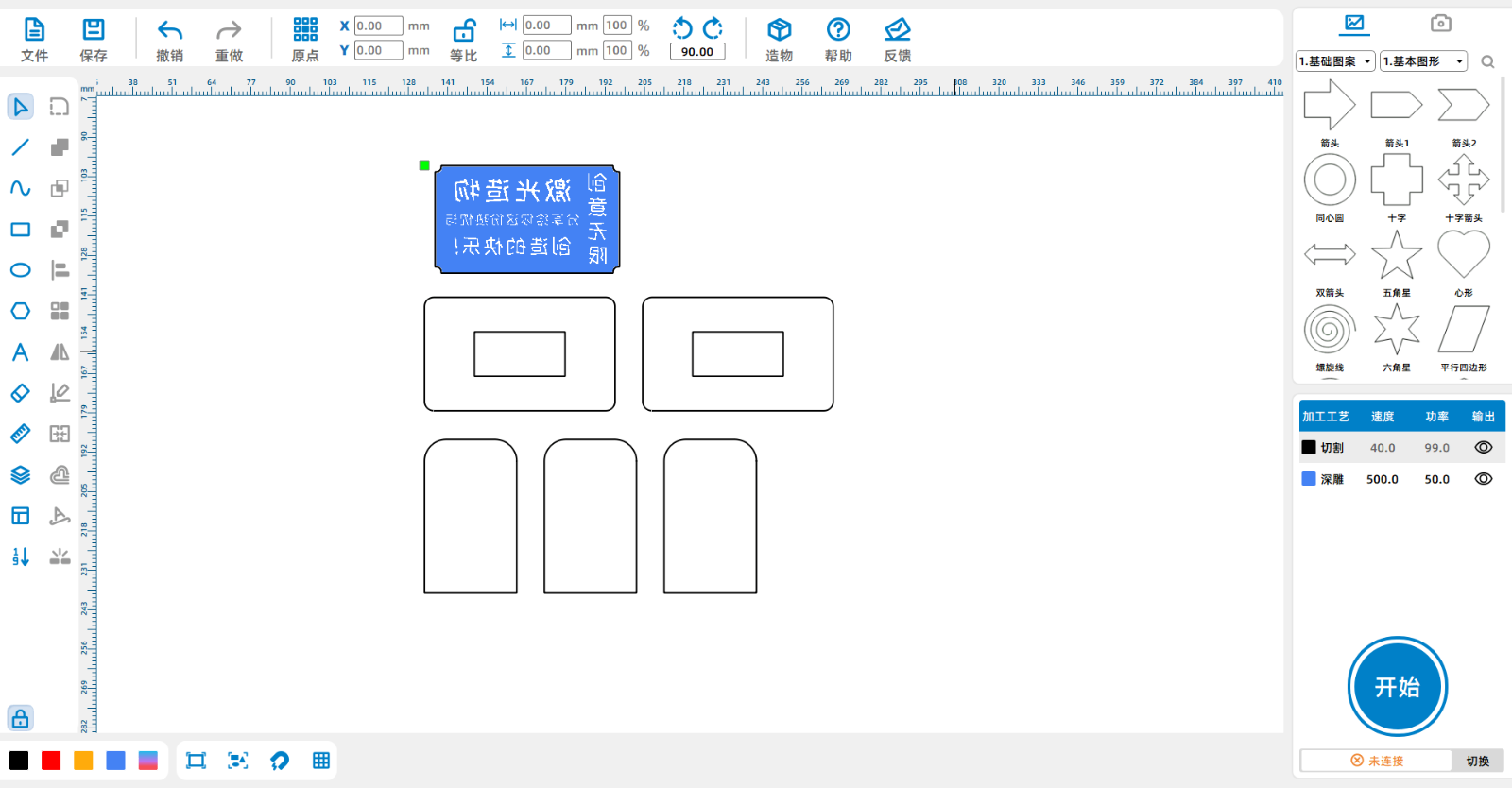
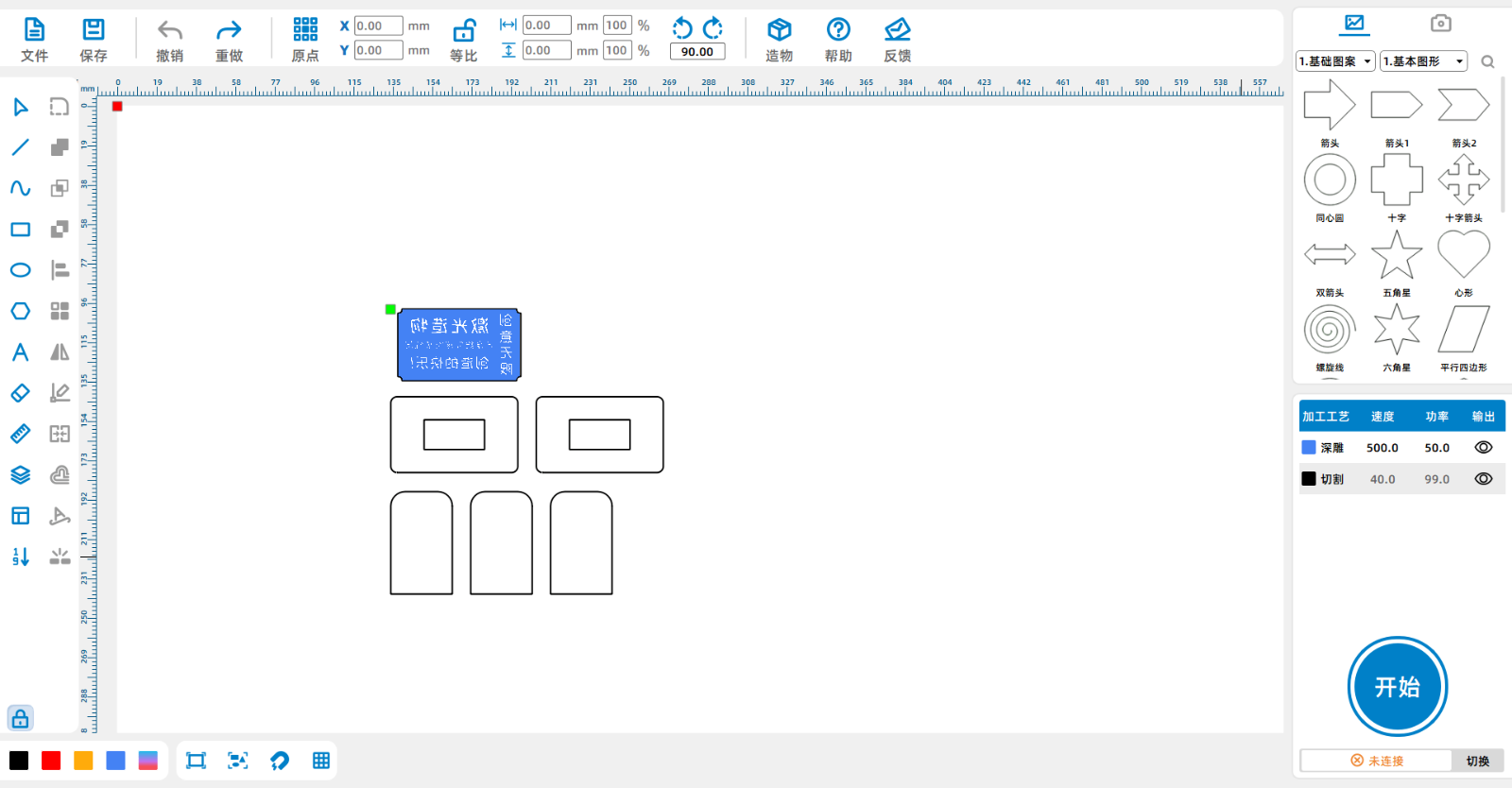
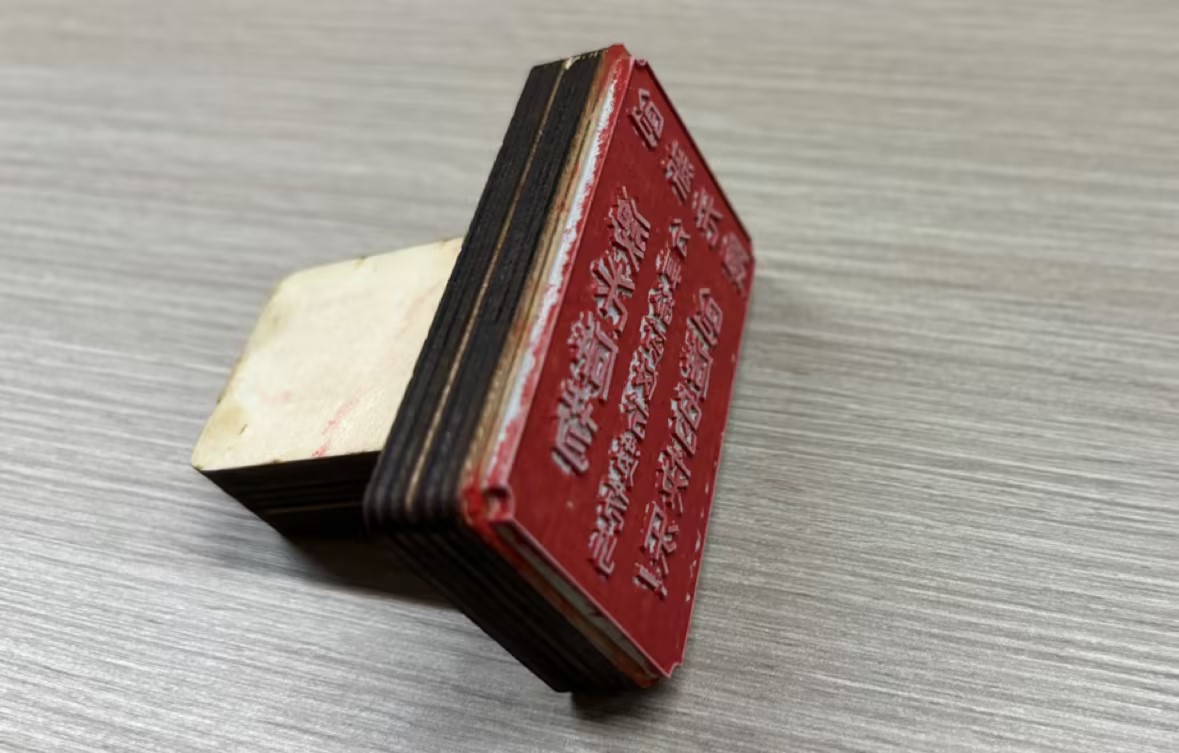
seal design project

1
2
3
4

Drawing Description

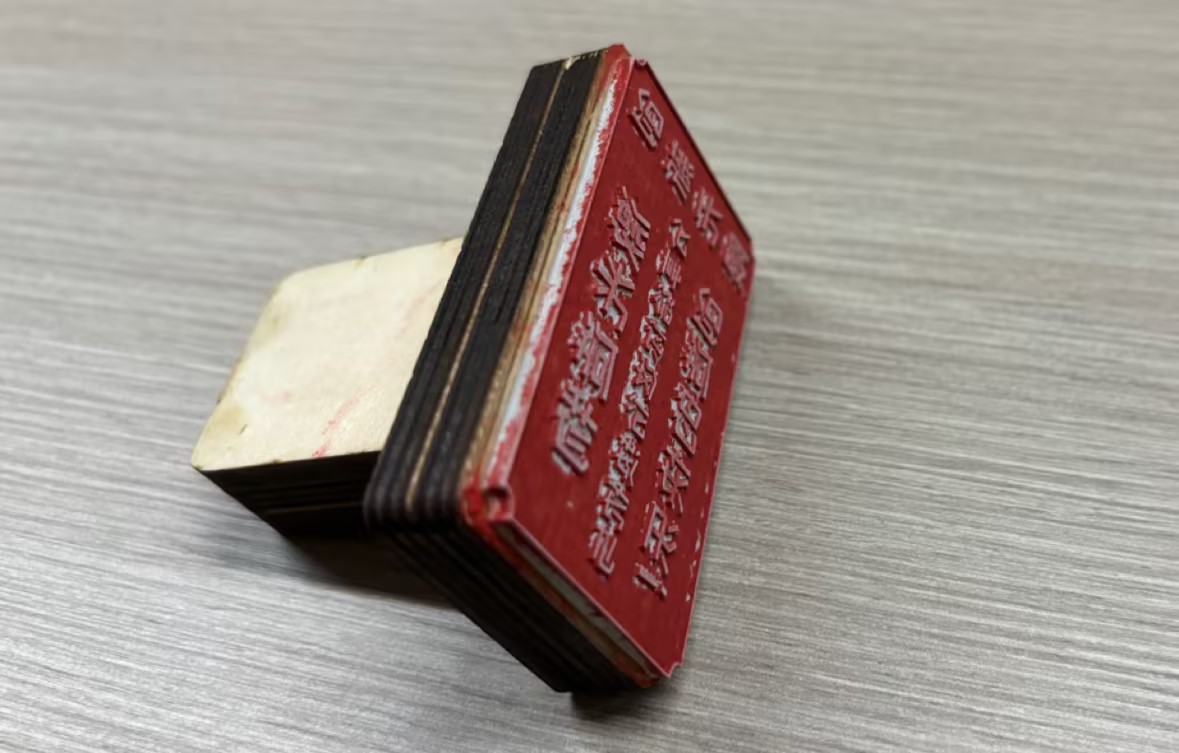
The seal culture in China has a long history and is one of the four traditional arts of China. Seals originated as certificates of exchange for goods in commerce, and later developed into legal documents to prove the rights and interests of those in power. They are often used in politics and become "seals". With the development of the times, the symbolic function of seals has gradually weakened, while the proof function of seals has become the main function, for example, every company or enterprise has its own official seal. Observe the shape and structure of the seal and think about how to use it[font=Calibri]LaserMakerDesign and create a unique seal for oneself. 、
fea5182b-89f8-412f-b2cb-99a710f329b9.jpg


drawing documents

seal
Drawing Cover - seal
Basic Parameters
0:2:27

Step 1

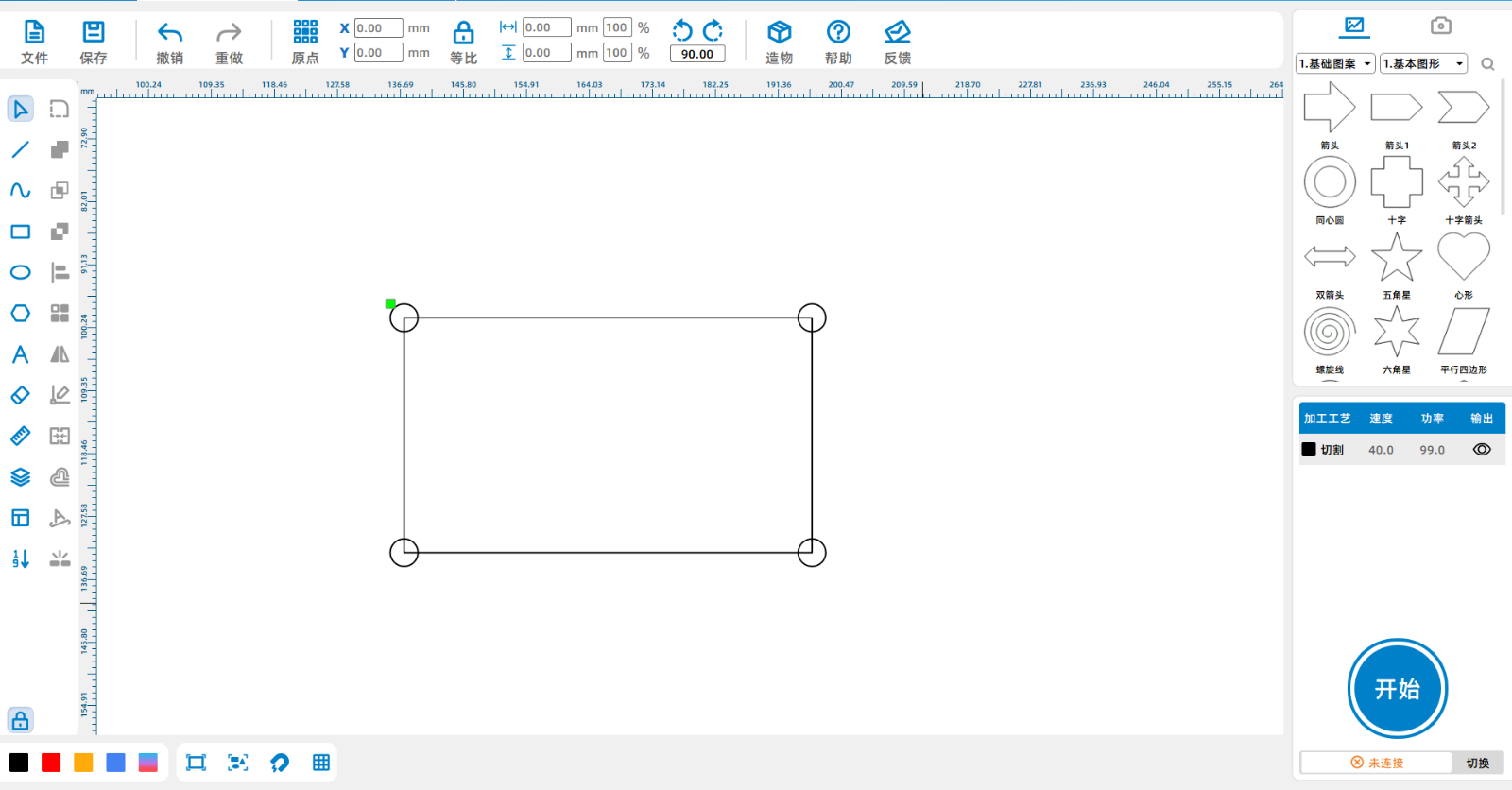
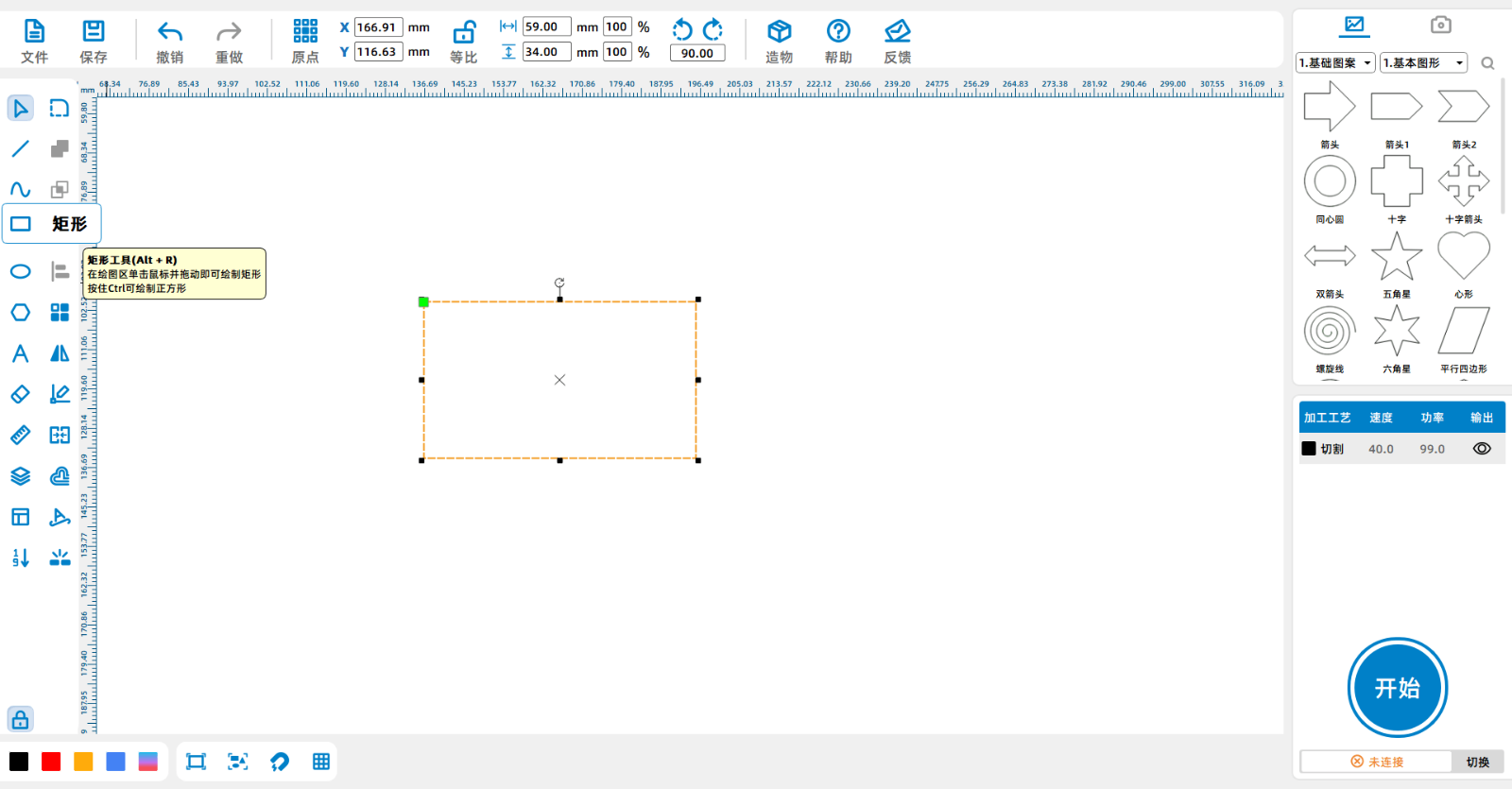
Click on the 'Rectangle Tool' in the left menu barLaserMakerDraw a picture on the interface59*34mmThe square.

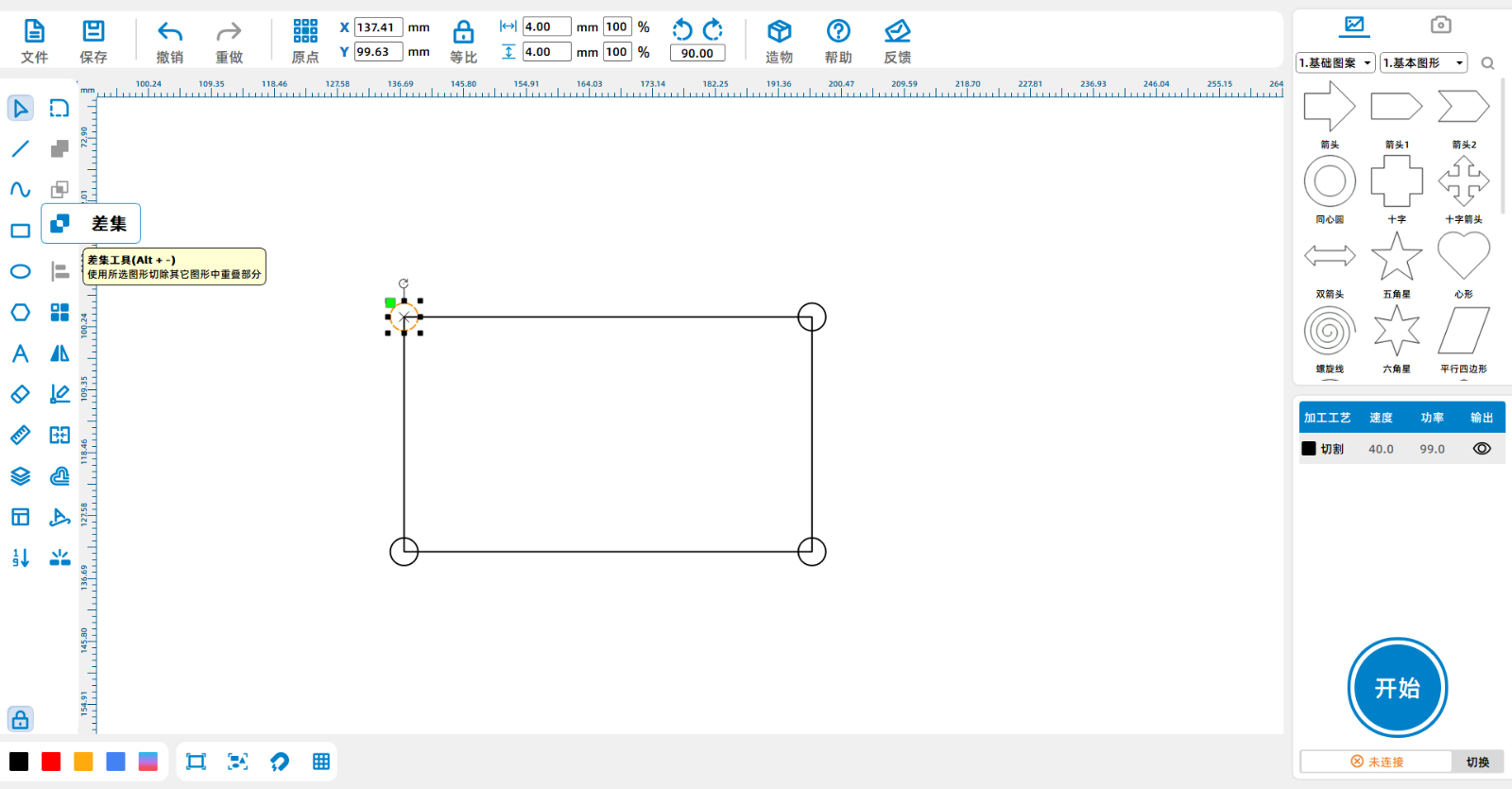
Screenshot of Enterprise WeChat_17151400026265.pngClick the "Ellipse" tool to draw a diameter of4mmThe perfect circle.
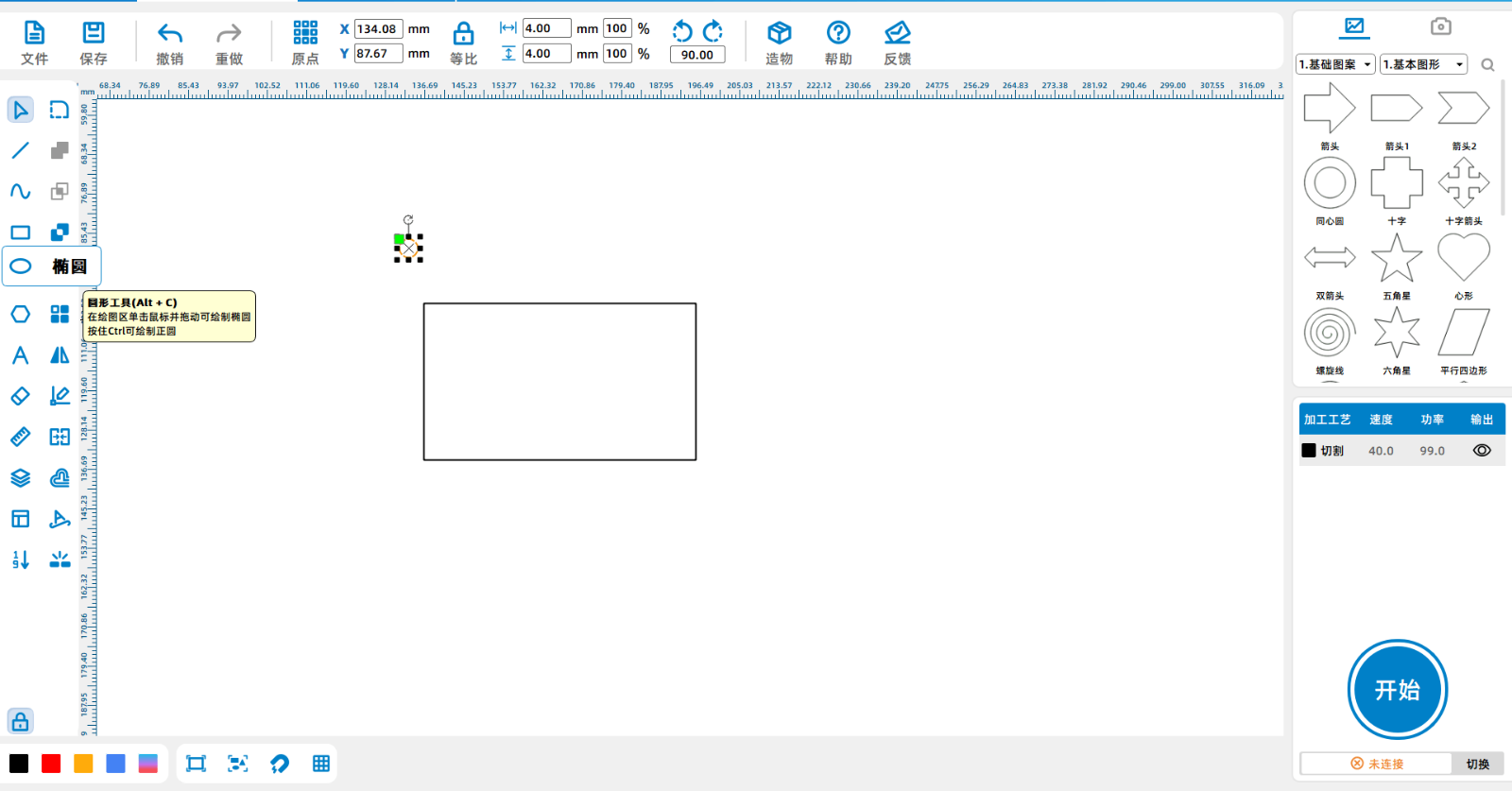
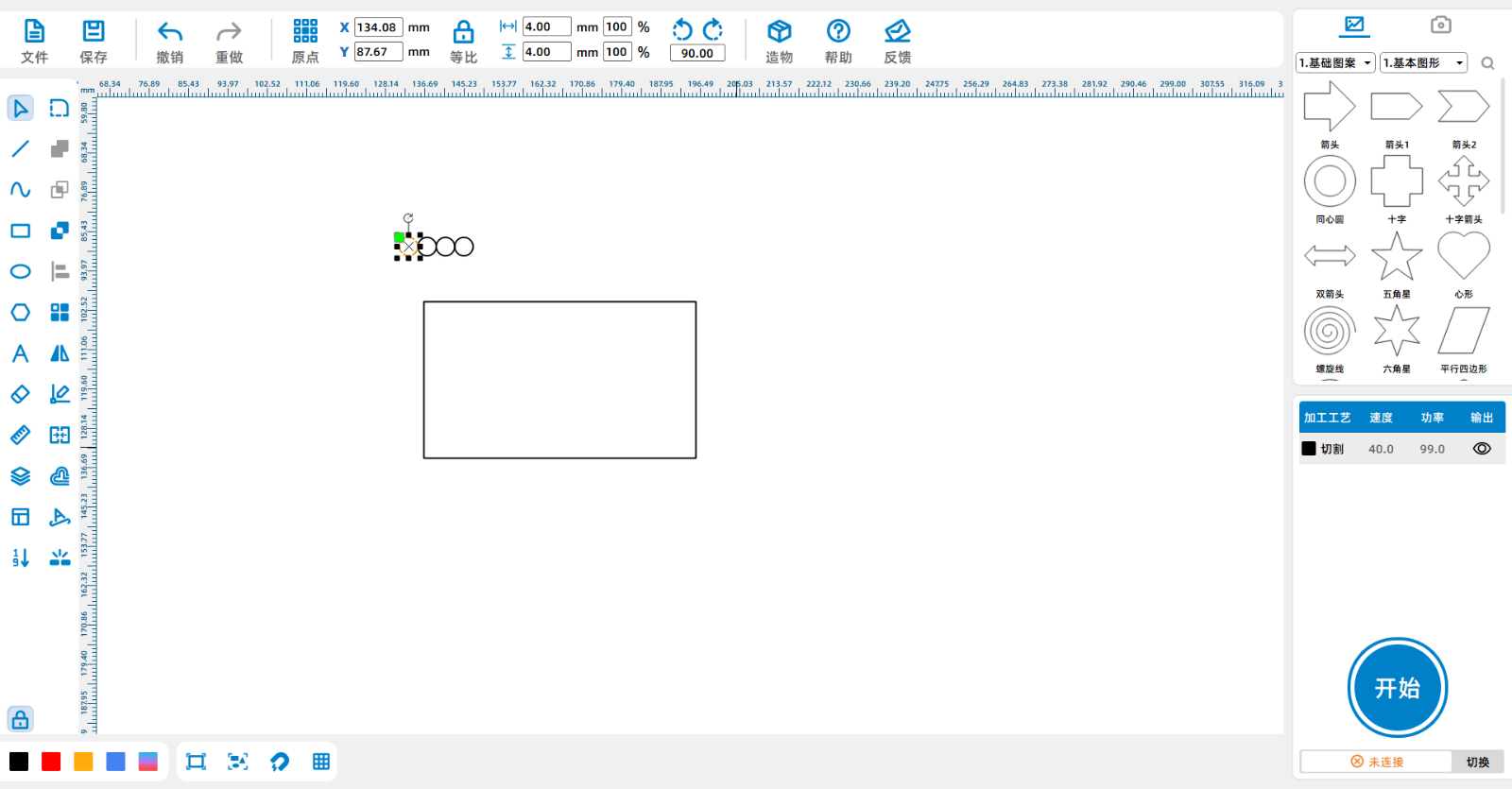
Screenshot of Enterprise WeChat_17151472192055.png

Copy three identical circles, select the square, right-click to copy three identical circles, for a total of four circles.

Screenshot of Enterprise WeChat_17151472397992.png

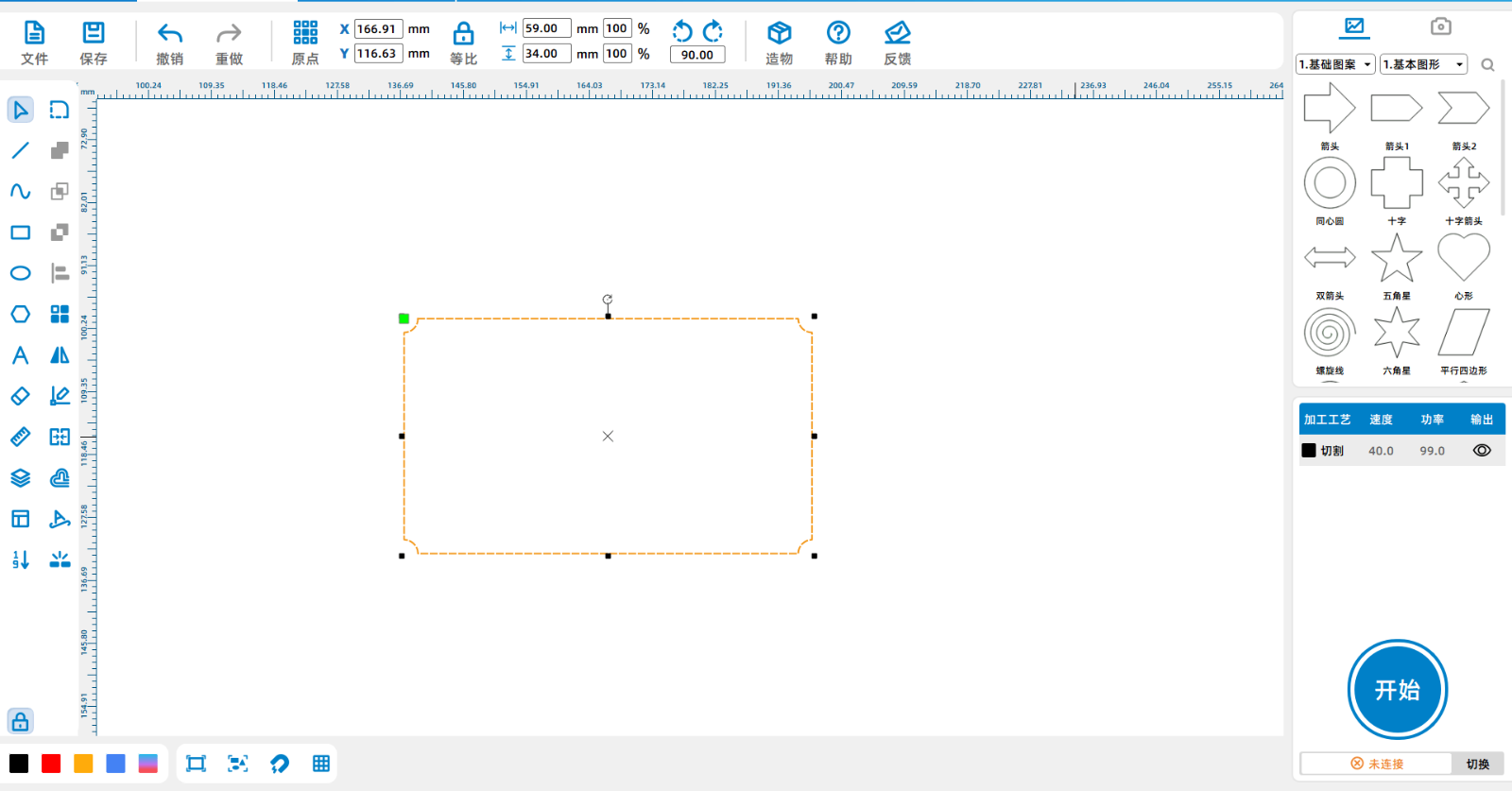
Place the four circles at the corners of the rectangle, select each one, and click the "Difference Tool".

Screenshot of Enterprise WeChat_17151473021845.png

Screenshot of Enterprise WeChat_17151473259664.png

Screenshot of Enterprise WeChat_17151473487545.png

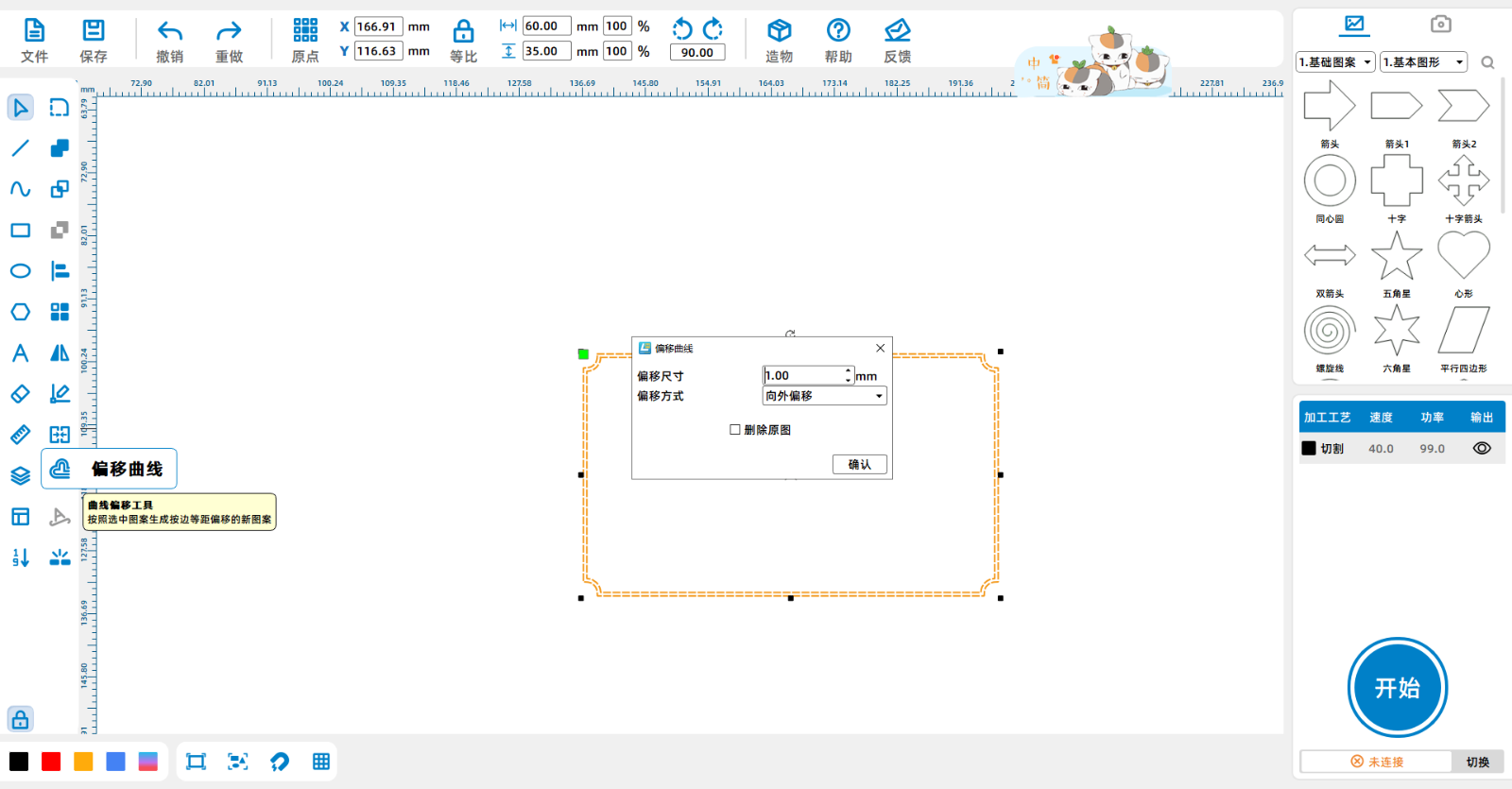
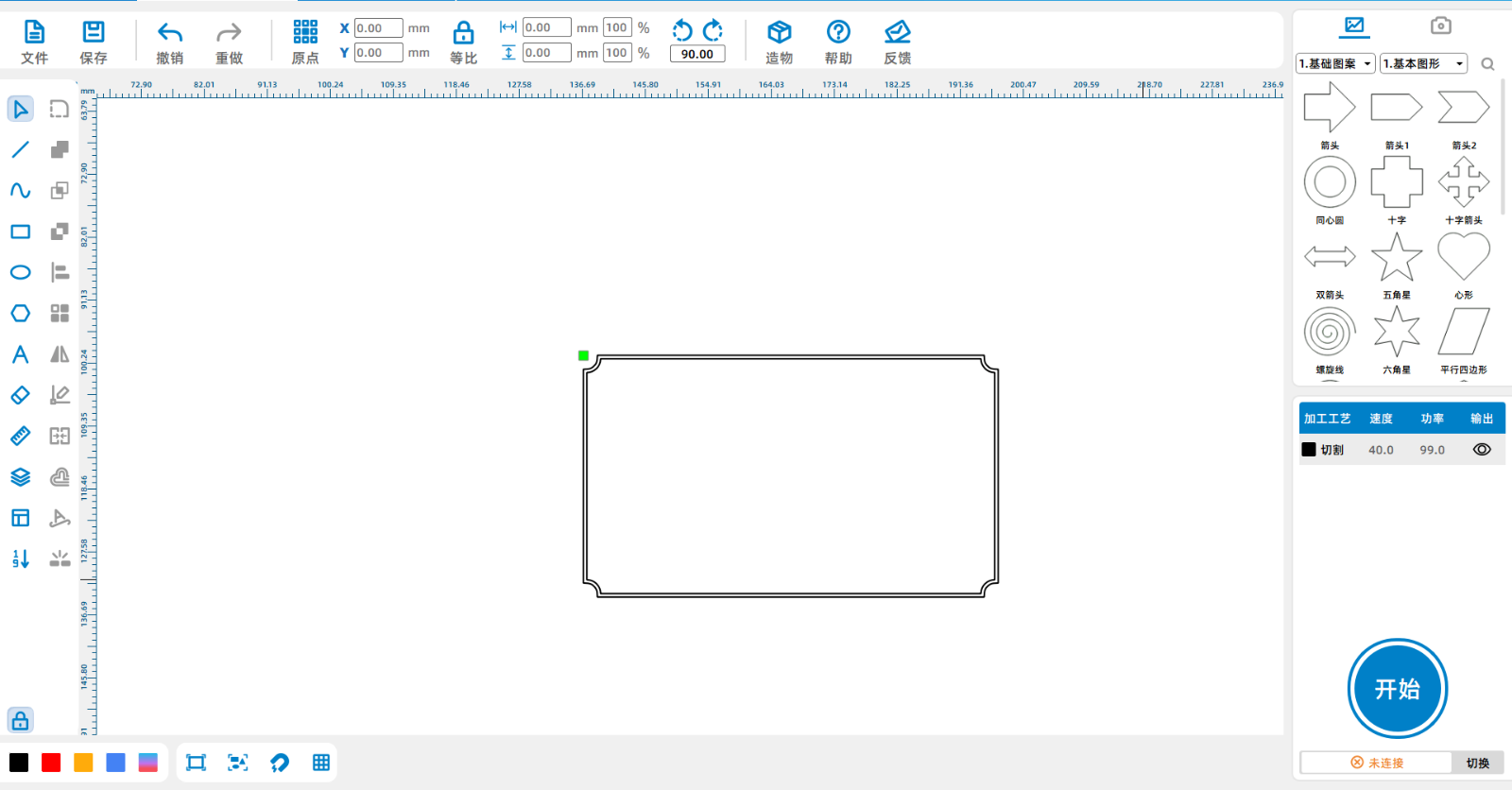
Select the rectangle, click on the 'Offset Curve Tool', and offset outward1mm.

Screenshot of Enterprise WeChat_1715147412359.png

Screenshot of Enterprise WeChat_17151474287672.png

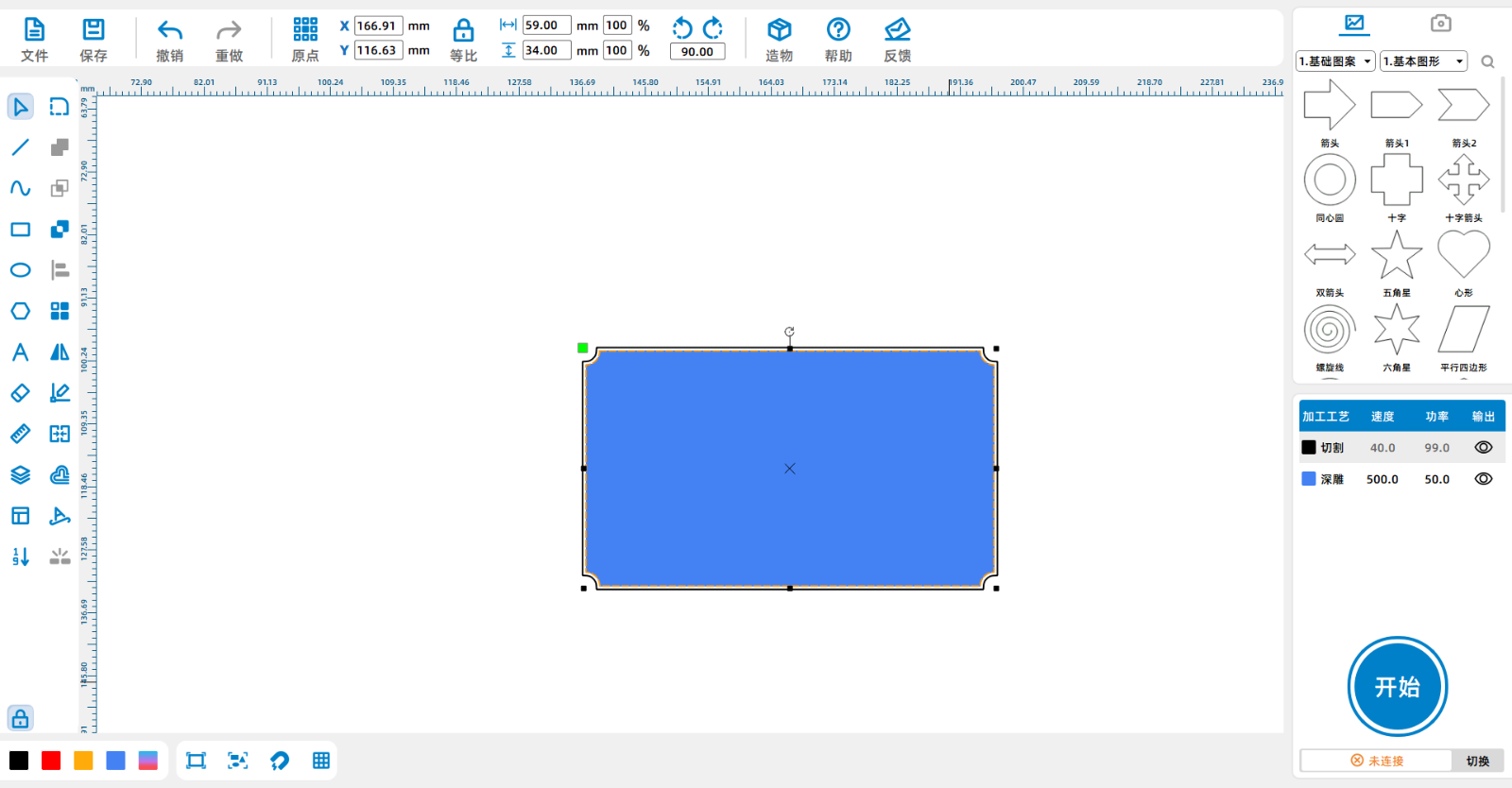
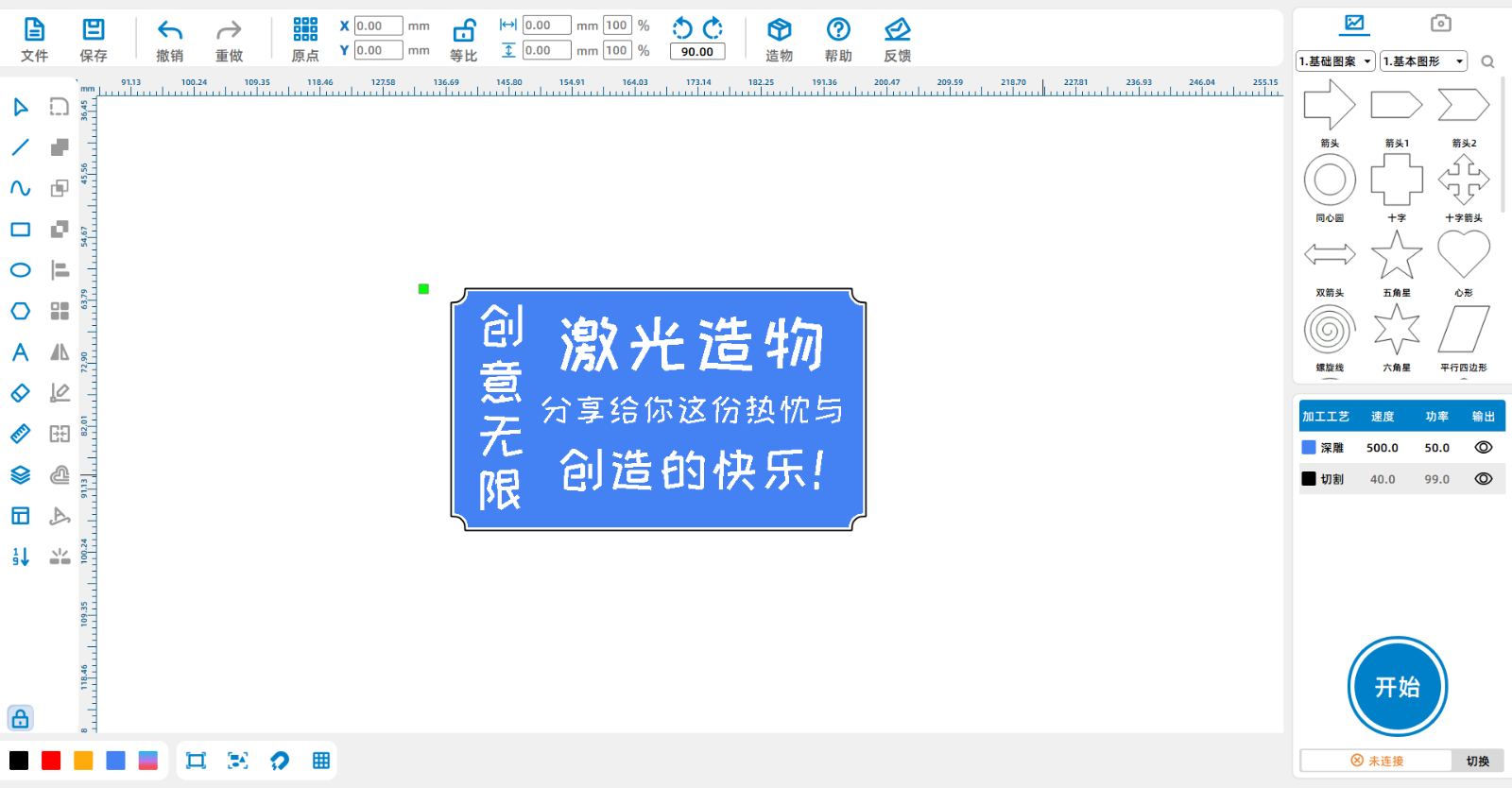
Select the rectangle inside, change the color to navy blue, and set it to deep carving.

Screenshot of Enterprise WeChat_17151478674412.png

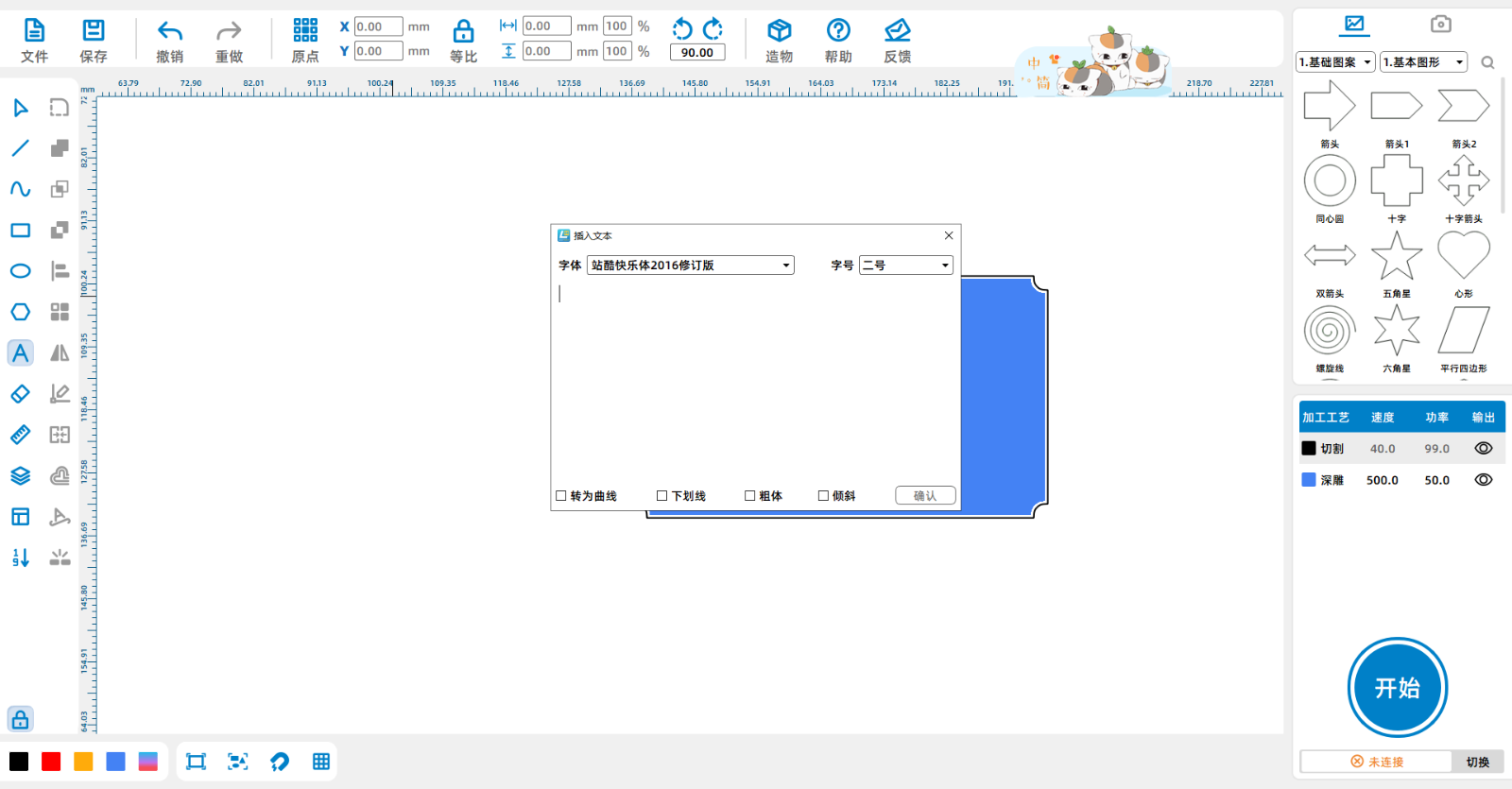
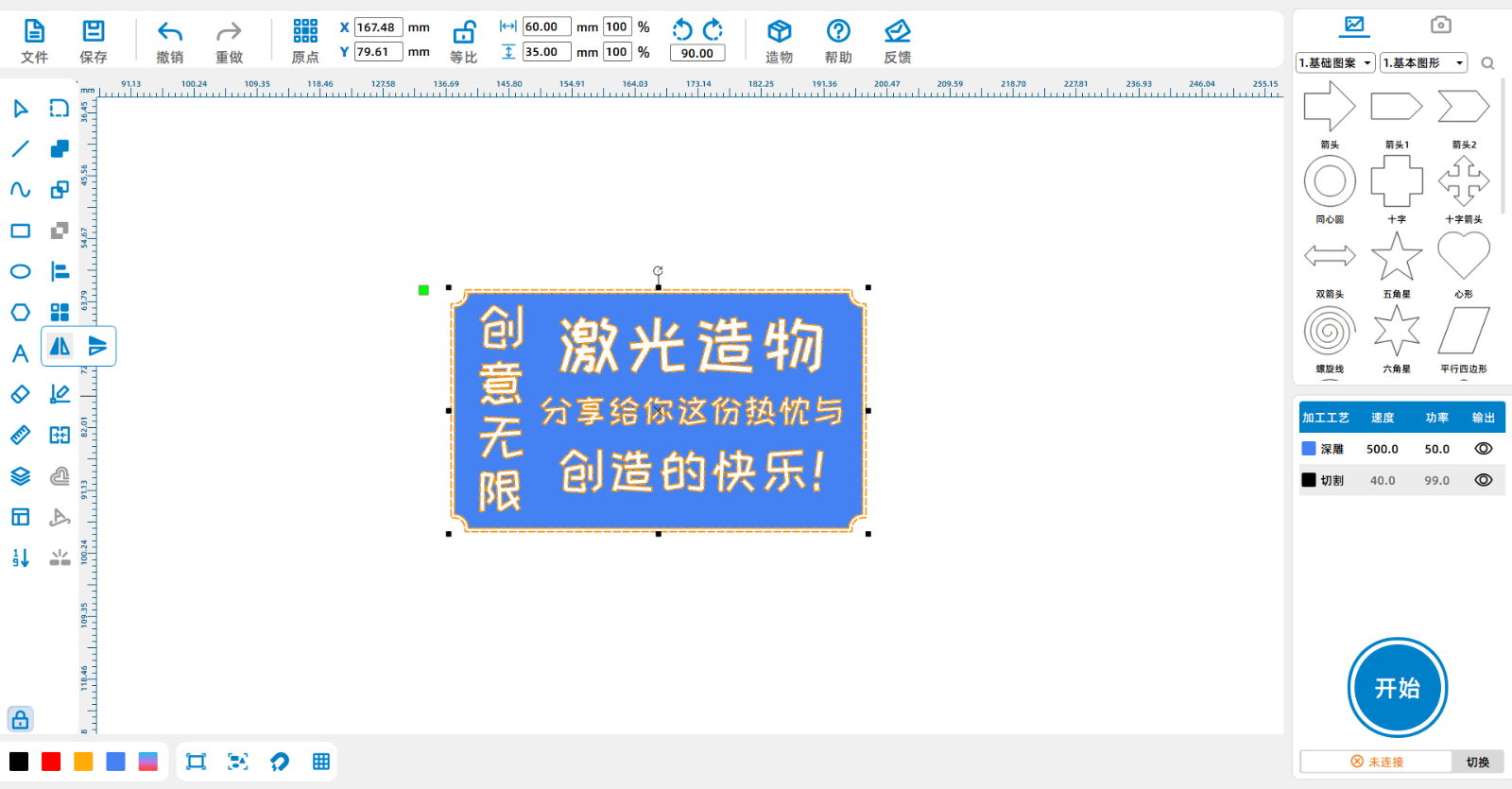
Click on "Text Input" on the left menu bar of the software to bring up the text input dialog box. Enter the text you need to engrave and set the font and size.

Screenshot of Enterprise WeChat_17151482582854.pngScreenshot of Enterprise WeChat_17151591861942.png

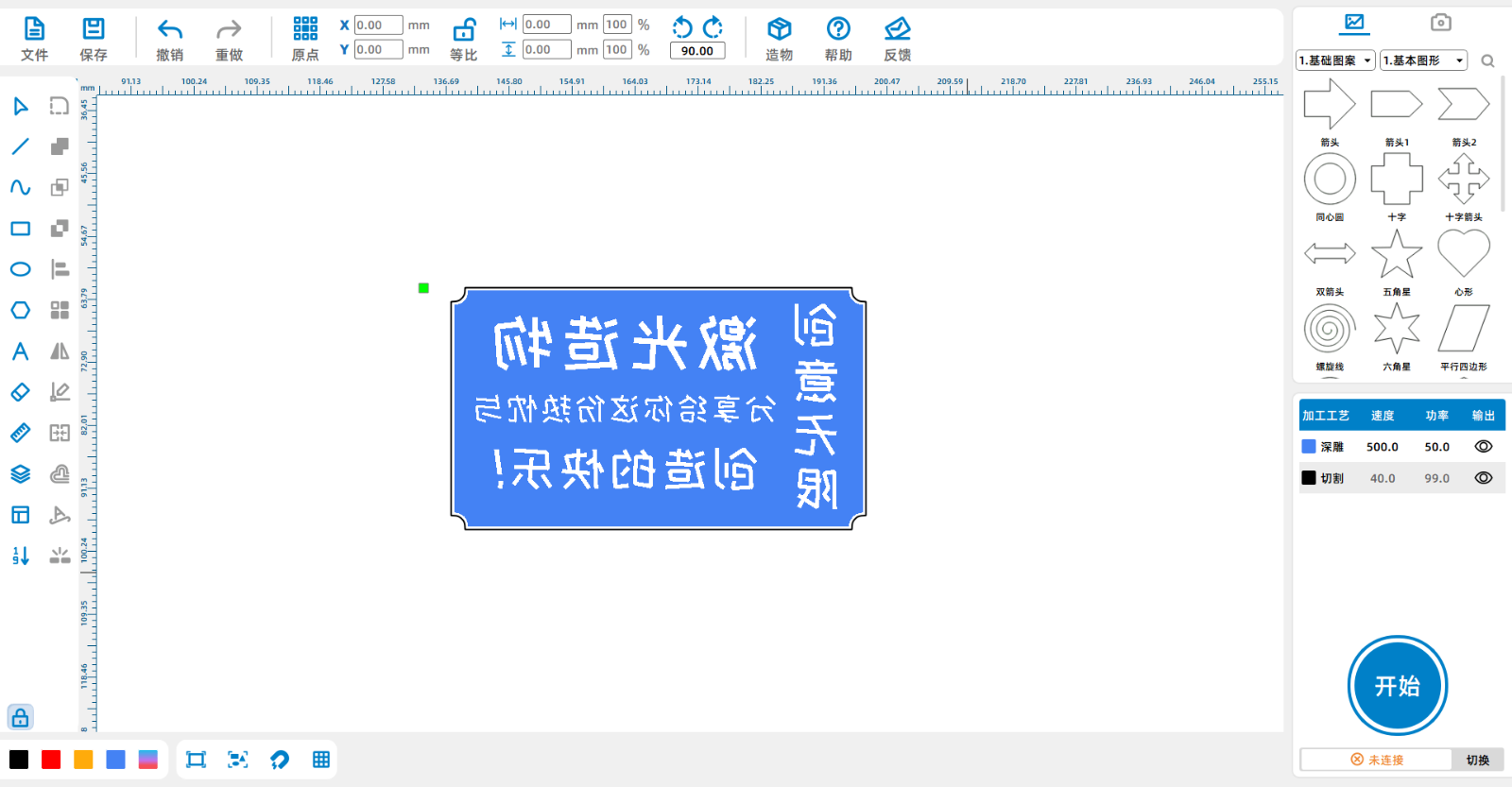
Select the shape and click on the 'Horizontal Mirror Tool'

Screenshot of Enterprise WeChat_1715160458950.png

Screenshot of Enterprise WeChat_17151605473545.png

Step 2

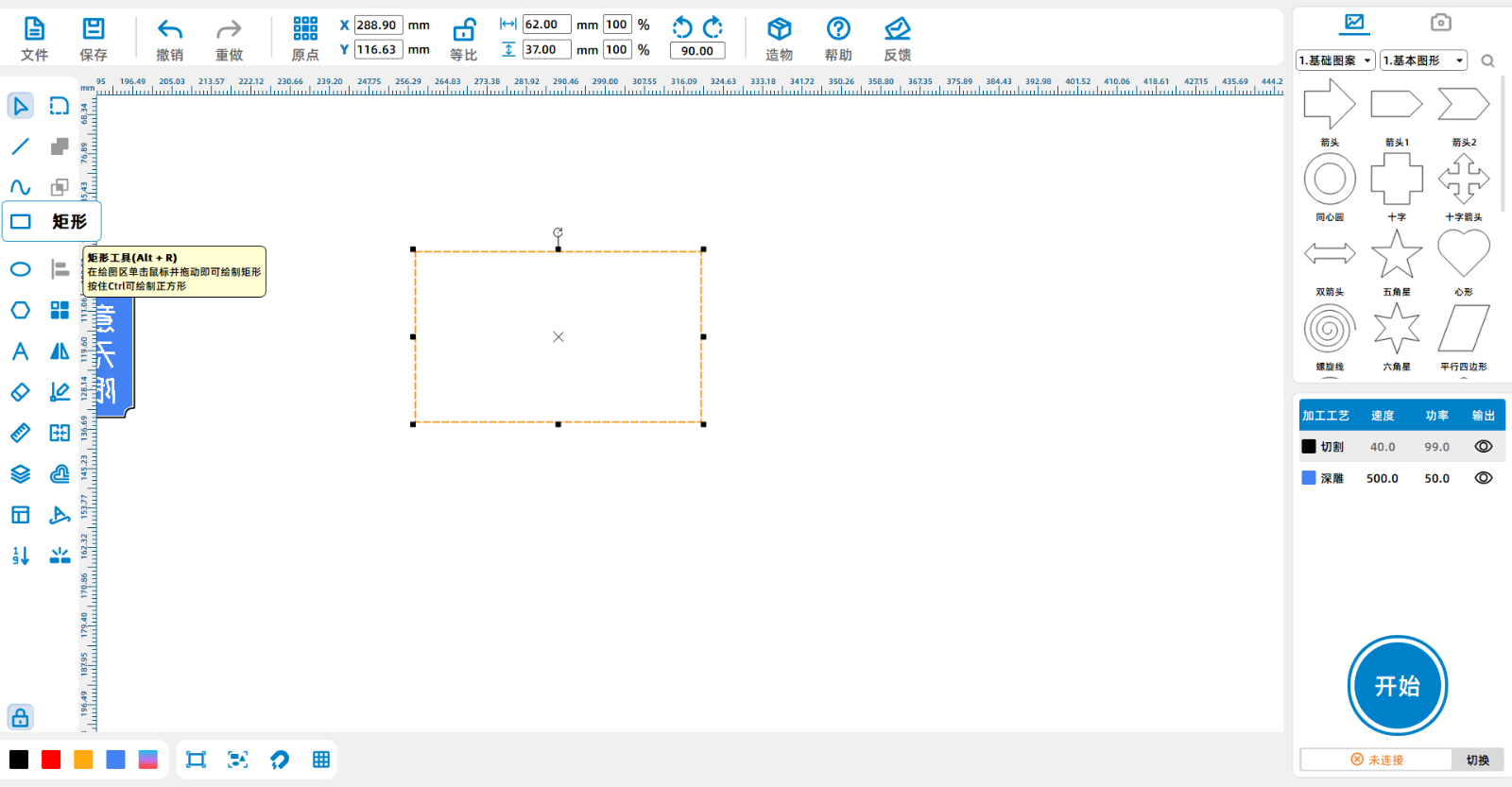
Click on the 'Rectangle Tool' in the left menu bar to draw a62*37mmThe rectangle

Screenshot of Enterprise WeChat_17151538165495.png

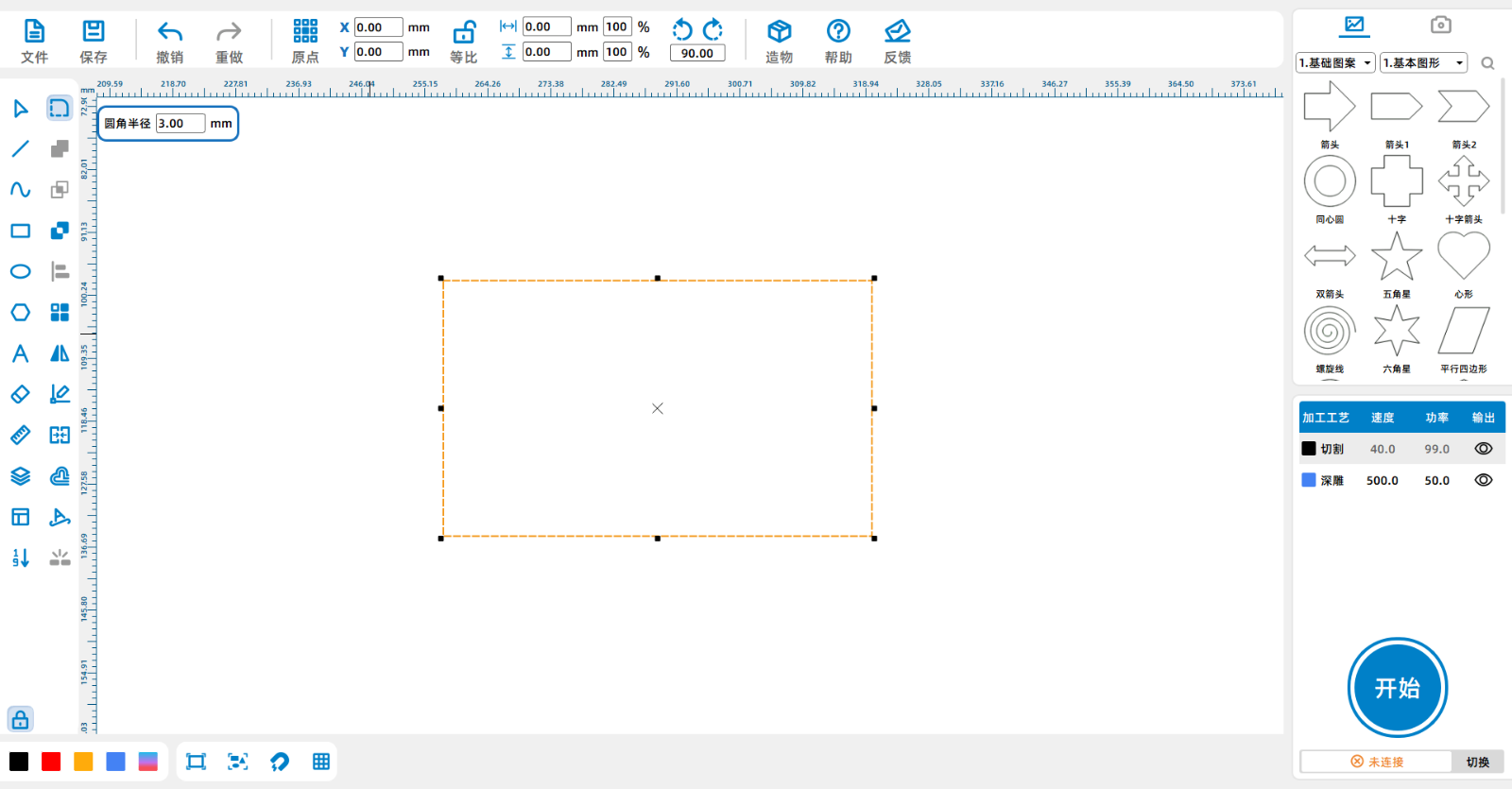
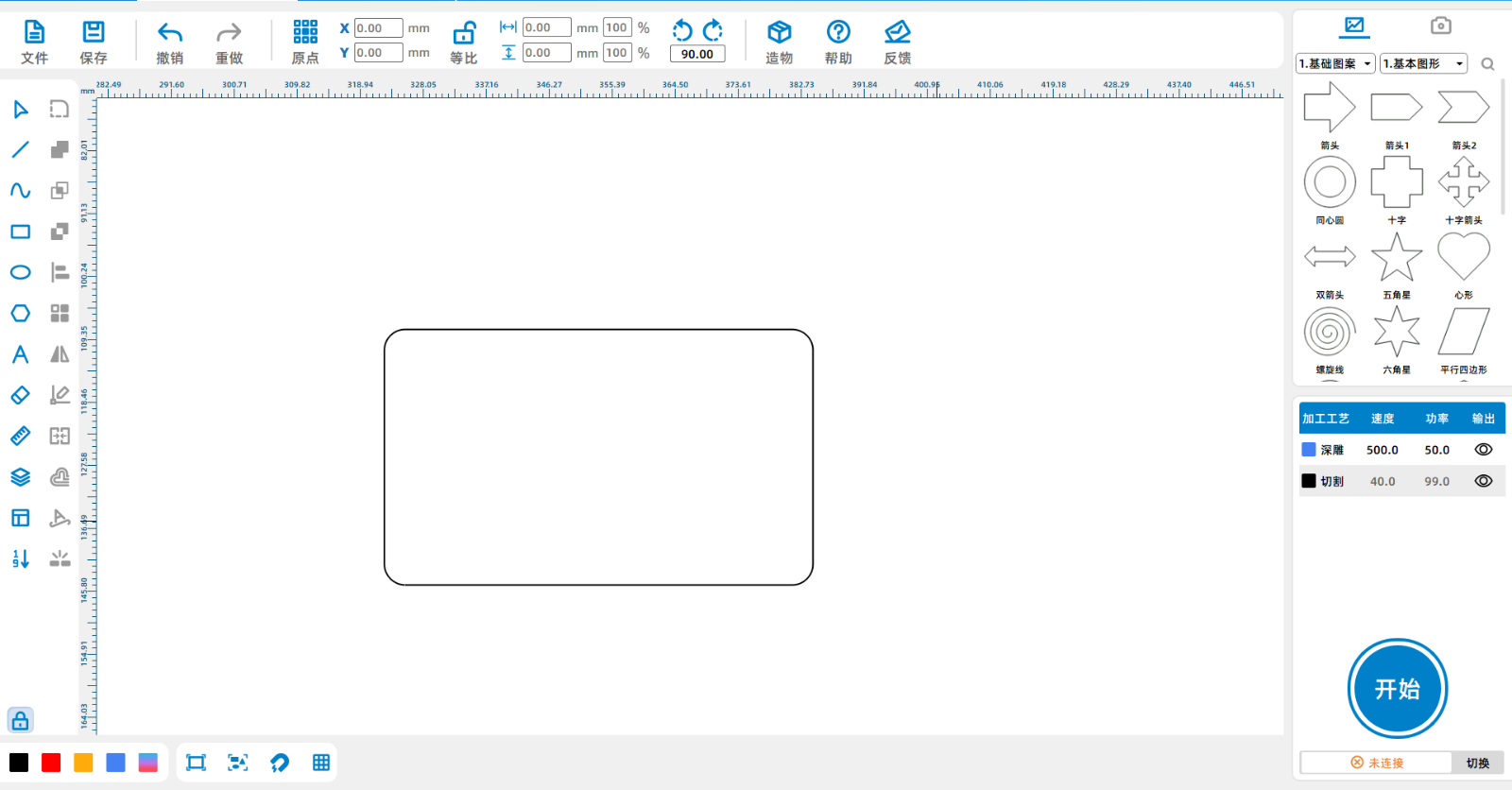
Click on the 'Corner Tool' and set the corner radius to3mmRound the four corners of the rectangle.

Screenshot of Enterprise WeChat_17151540474290.png

Screenshot of Enterprise WeChat_171516072178.png

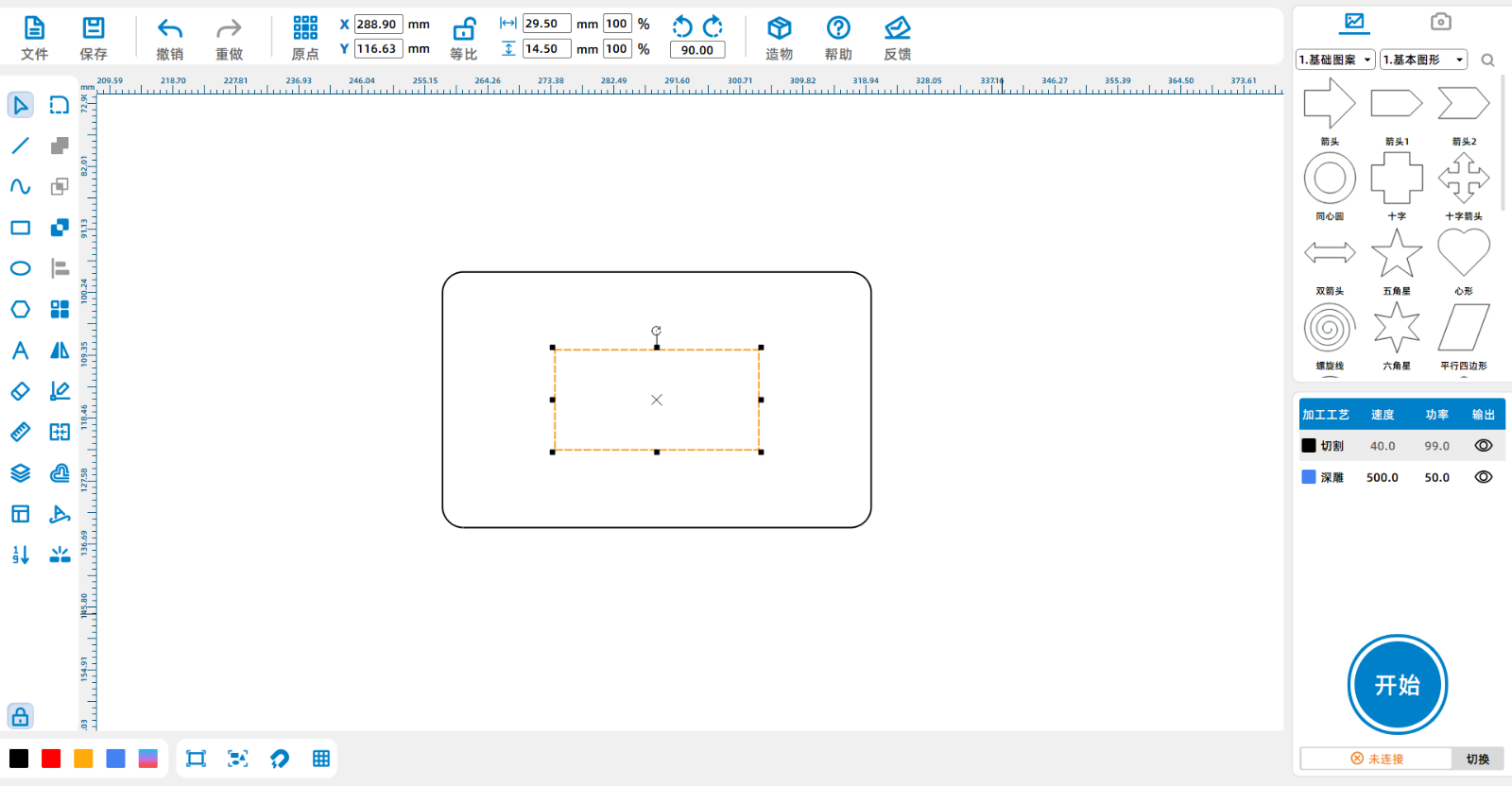
Click on the 'Rectangle Tool' to draw a rectangle in the middle of the image29.5*14.5The rectangle.

Screenshot of Enterprise WeChat_17151541056775.png

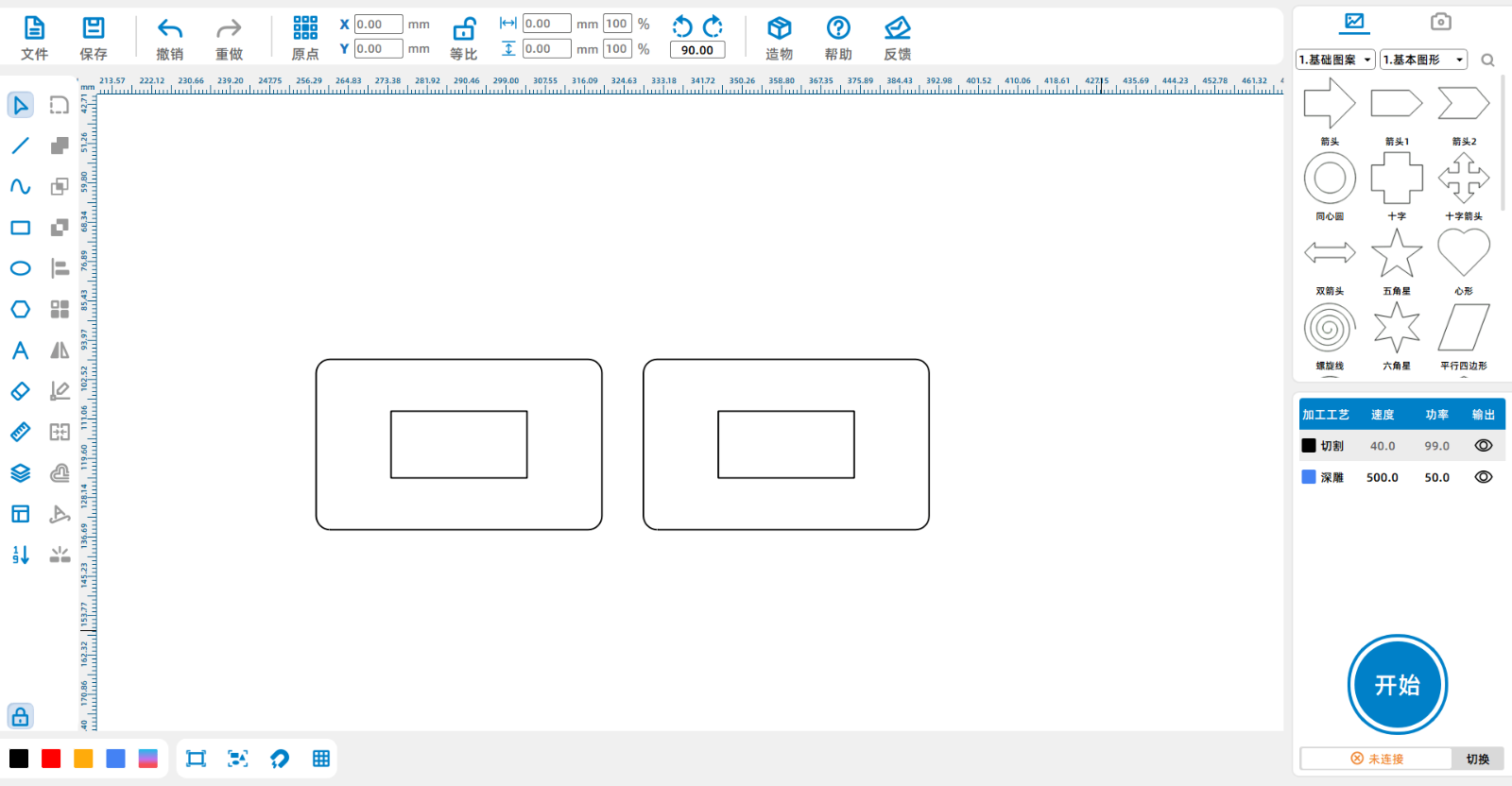
Select two rectangles and copy paste them.

Screenshot of Enterprise WeChat_17151544286242.png

Step Three

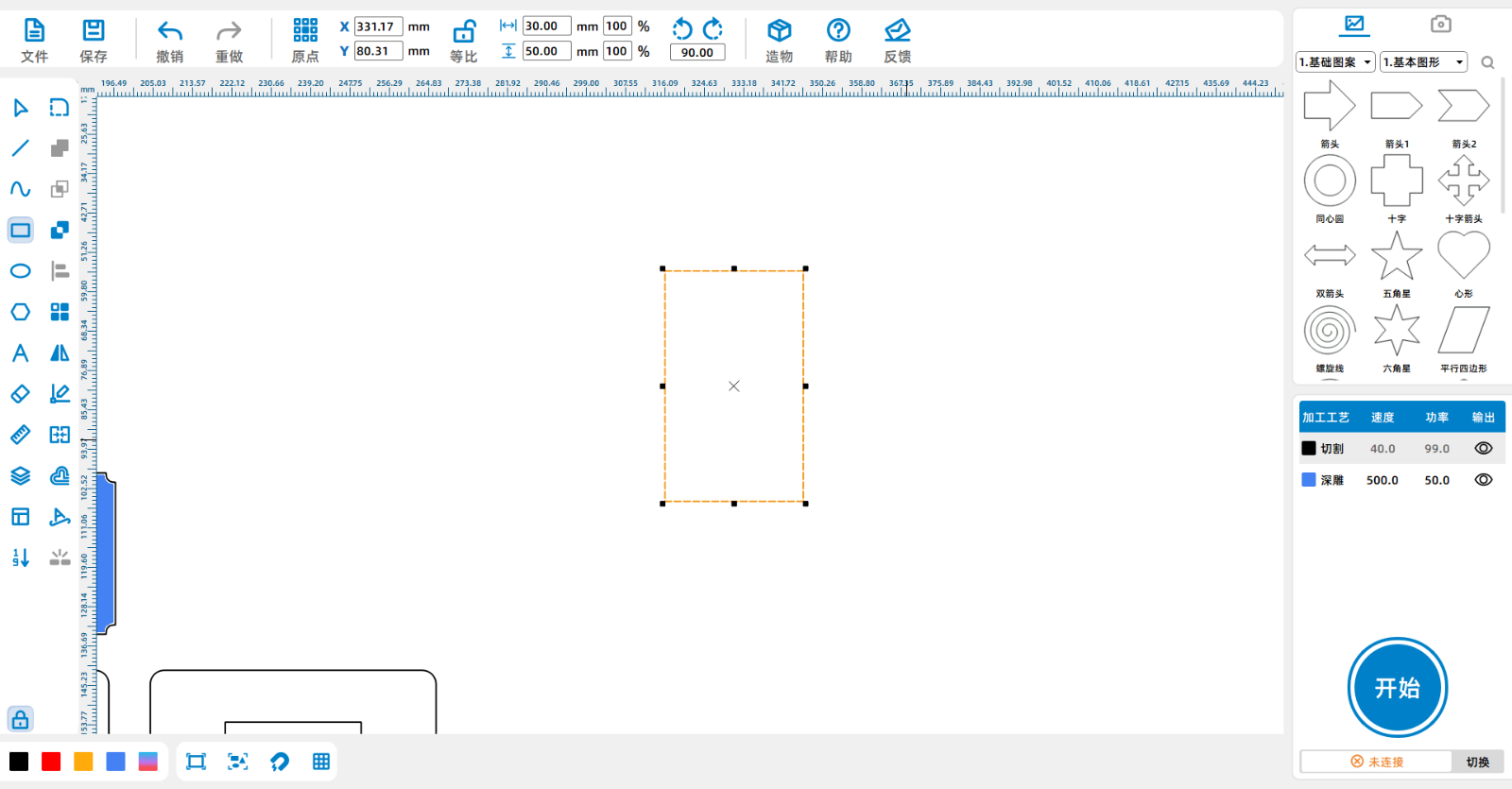
Click on the menu bar on the leftRectangulartooldraw a30*50mmofrectangle

Screenshot of Enterprise WeChat_17151553991739.png

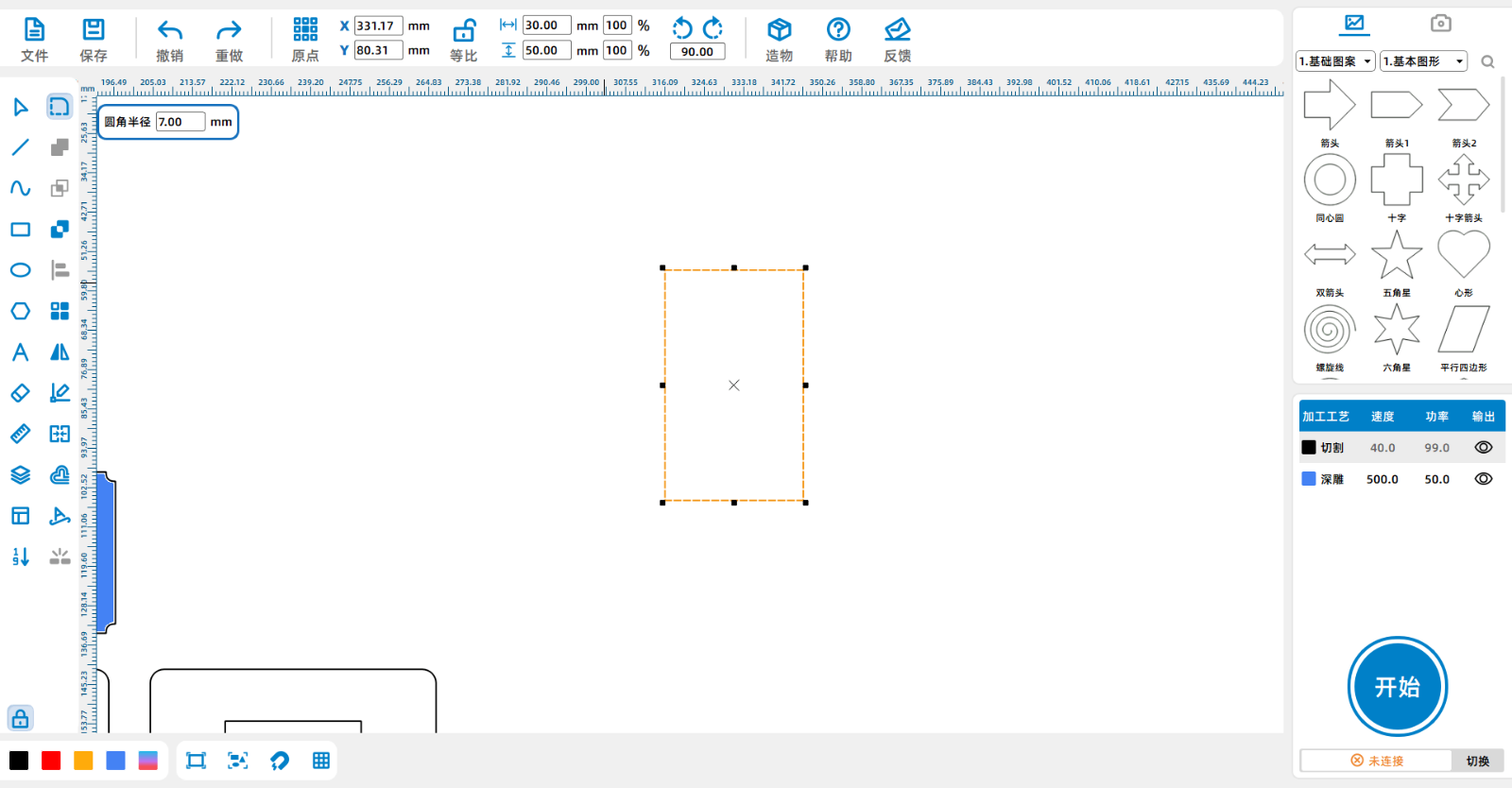
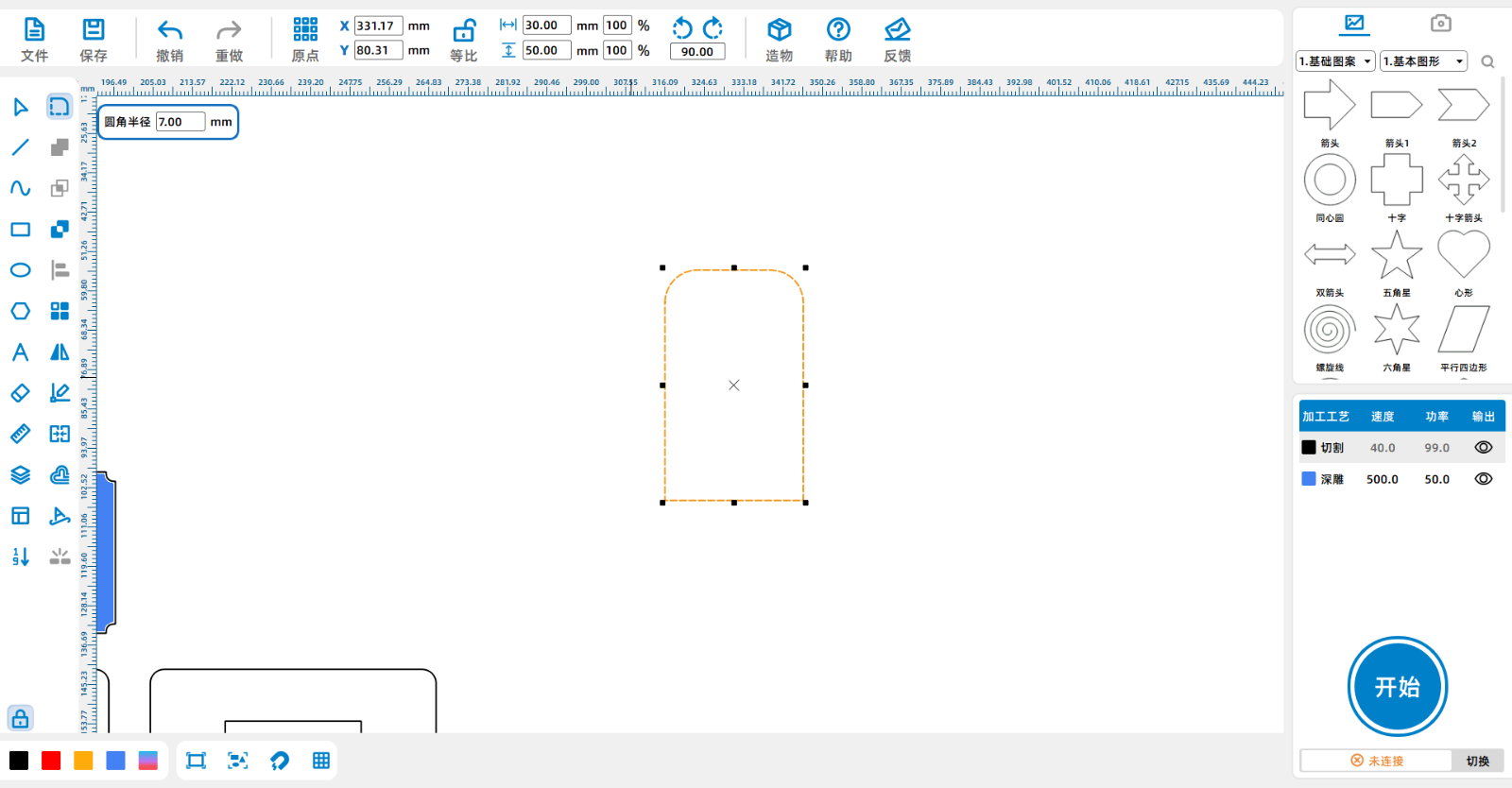
Click on the 'Corner Tool' and set the corner radius to7mmMake rounded corners on the top two corners of the rectangle.

Screenshot of Enterprise WeChat_17151554338735.pngScreenshot of Enterprise WeChat_17151554445223.png

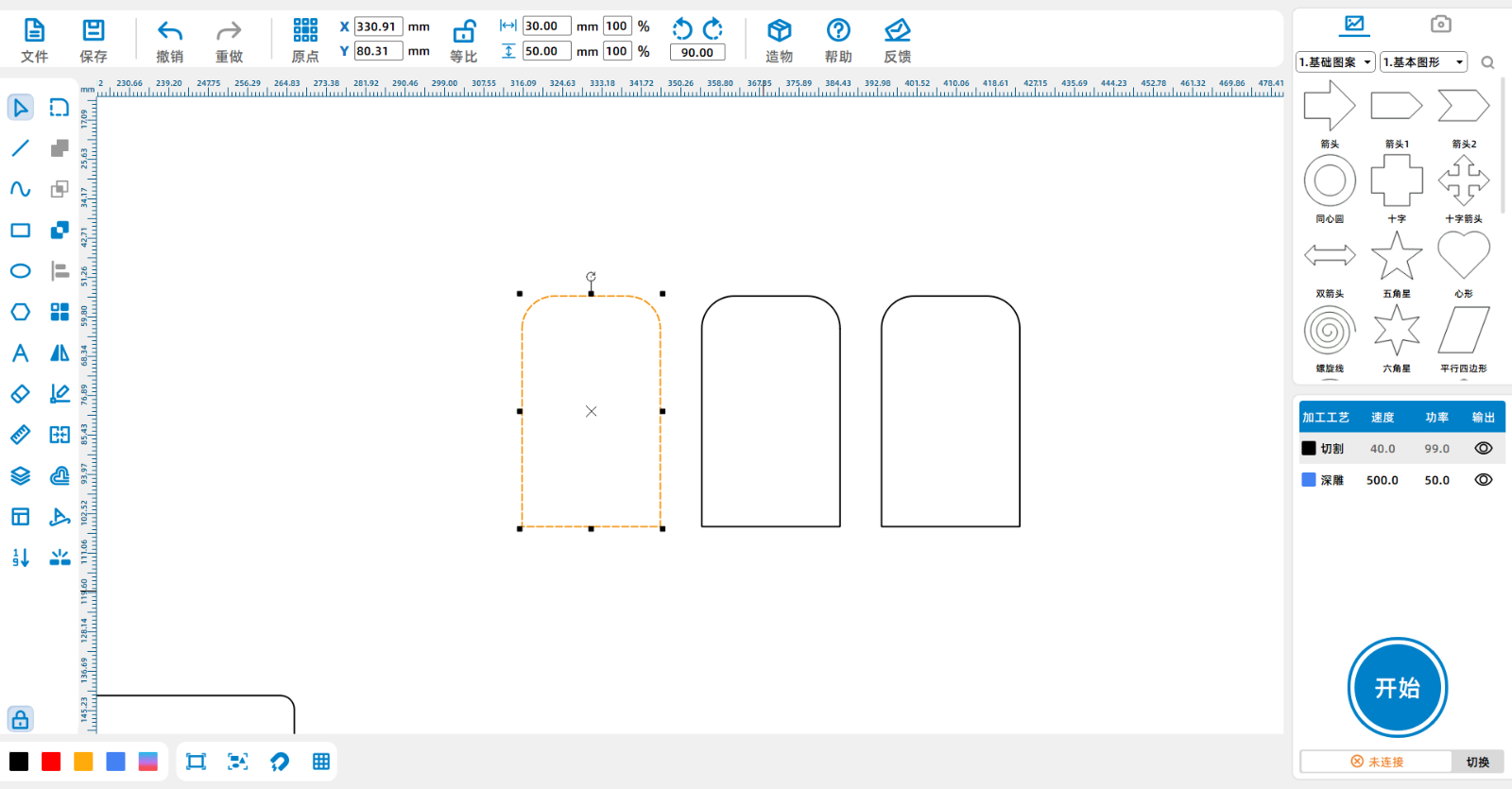
Select the graphic, copy and paste two.

Screenshot of Enterprise WeChat_17151554799836.png

Step Four

Arrange all the graphics neatly

Screenshot of Enterprise WeChat_17151555376880.png

Left click on the black layer and drag it to the bottom of the layer. Double click on the red deep carving layer in the bottom right corner, and set the material, thickness, and craftsmanship to oak board5mmDeep carving, setting the material, thickness, and craftsmanship of the black cutting layer to oak board5mmCutting.Screenshot of Enterprise WeChat_17151618804353.png


comment (0)
Most pictures available 10 Zhang · Attachment support dxf/plt/lcp/lcpxAt most 3 a
将图片拖拽到这里或点击“选择图片”上传(支持多张)
seal
drawing ID: SUCAI-172 2024-5-8 17:51
2
0
0
34
0Contribution points
Purchase points
collection
like
Grade discount
Basic Information
Update time 2024-5-8 17:51
advertisement