English
 简体中文
简体中文
 繁體中文
繁體中文
 Français
 Español
 عربي ،
 русский язык
 Português
 Deutsch

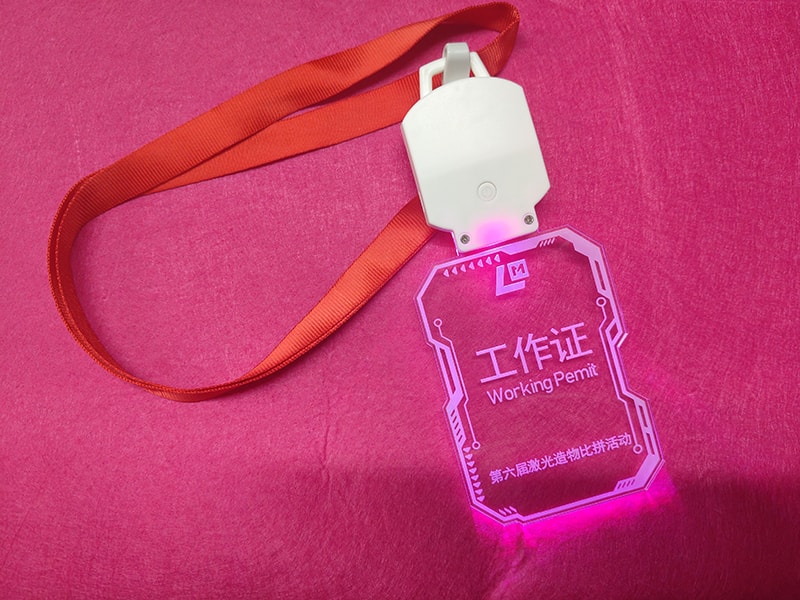
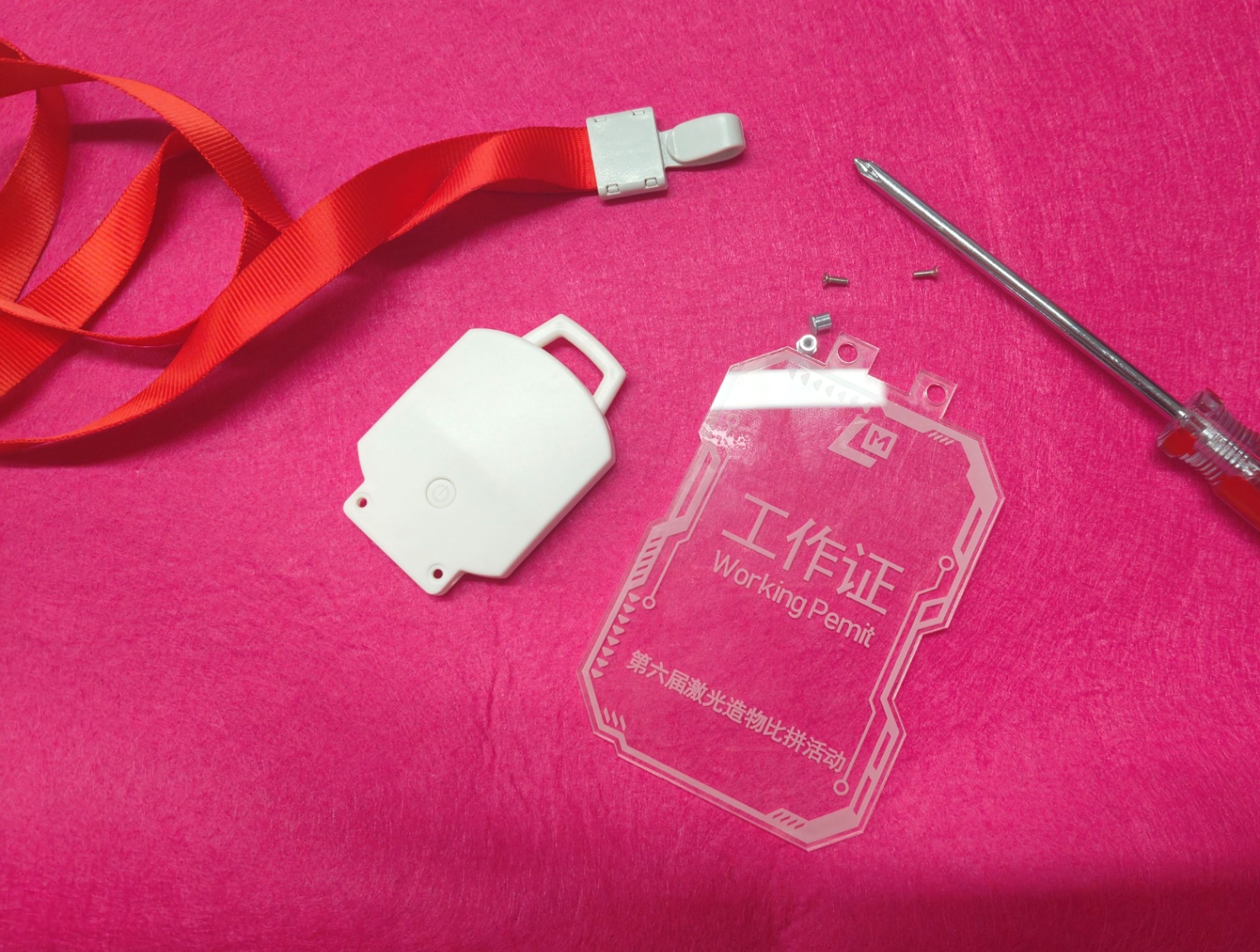
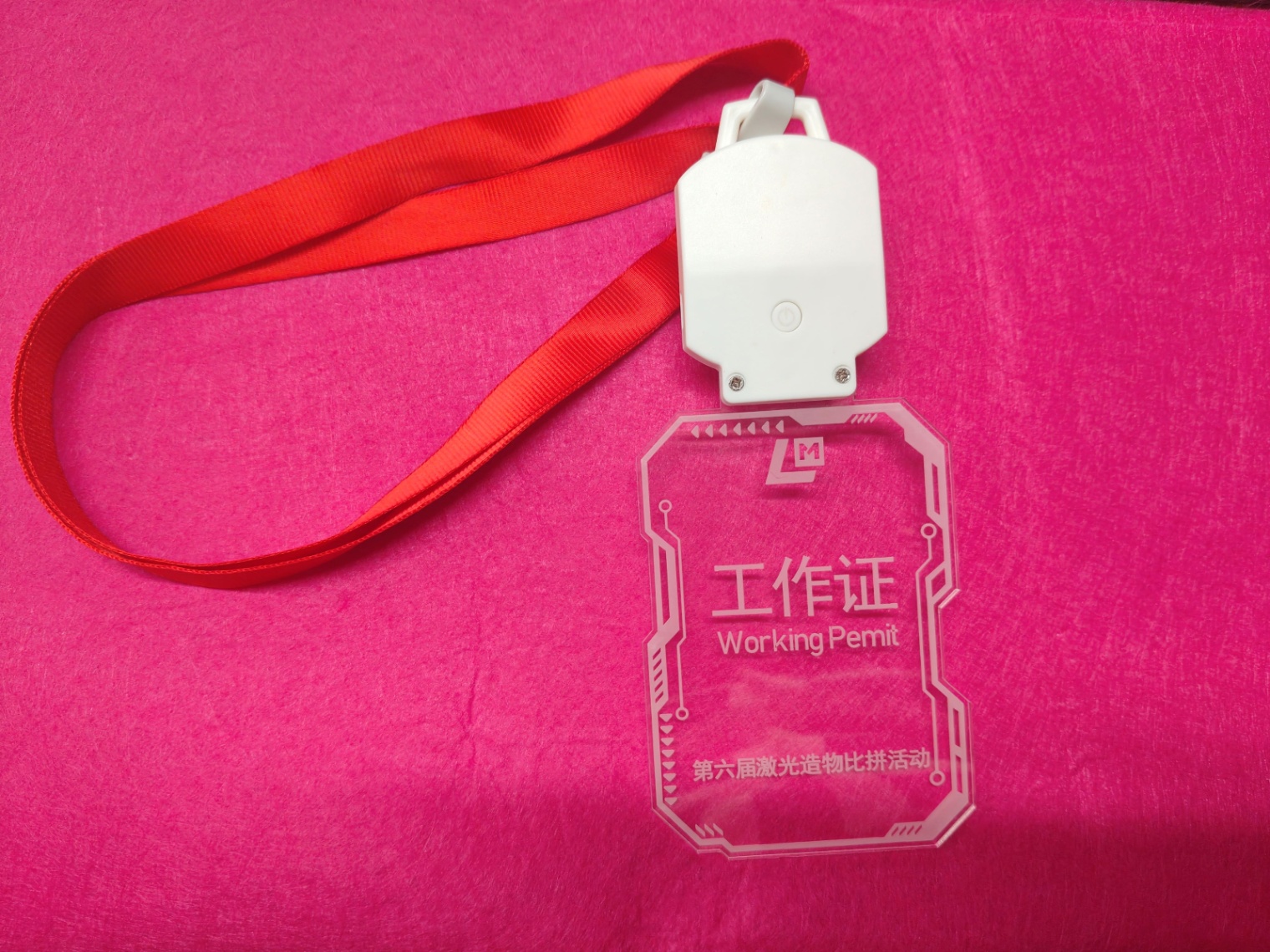
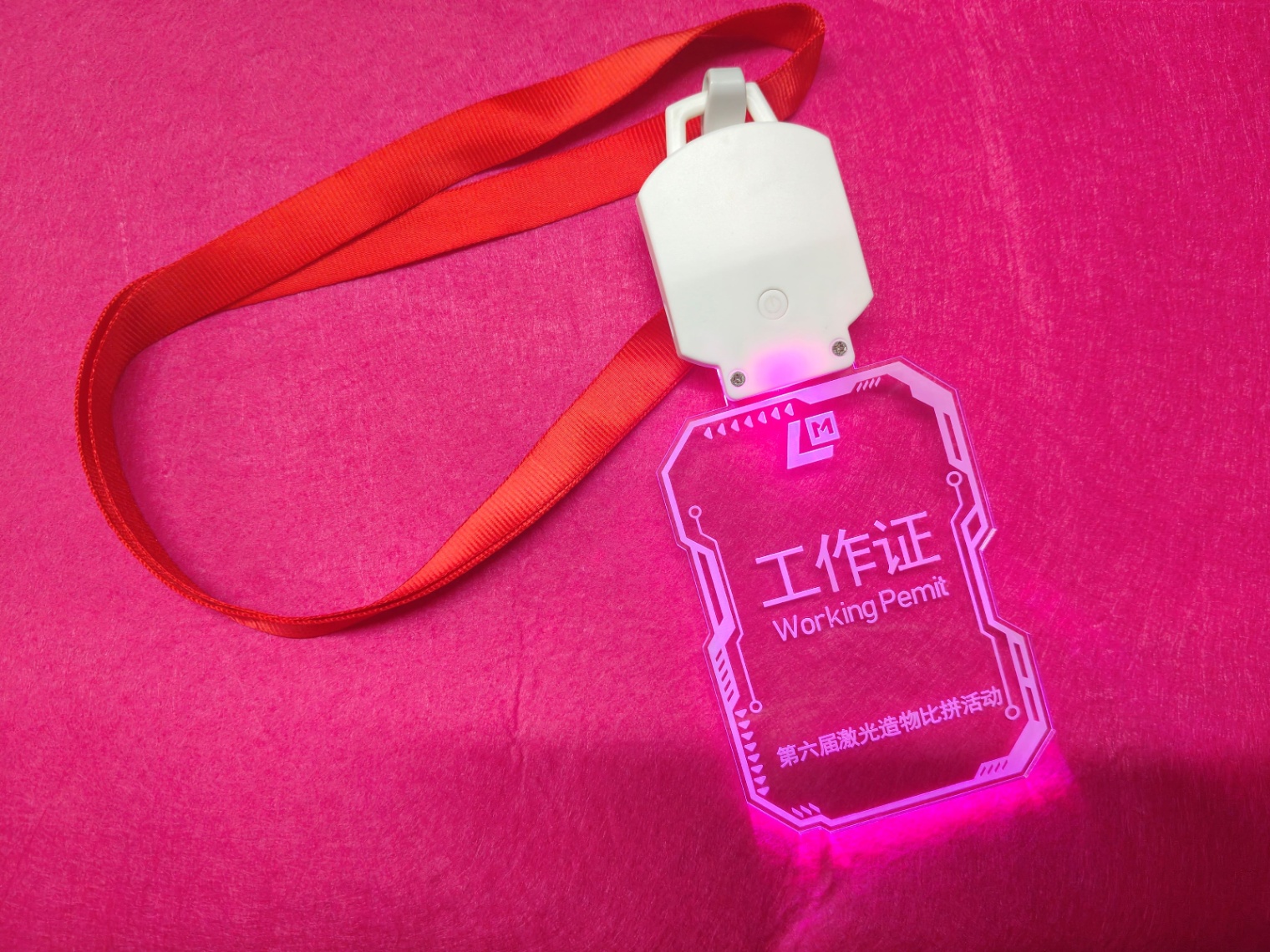
Design concept:In daily life, we often use identification cards such as work cards, competition cards, and campus cards, but traditional identification cards are often generic and lack individuality. We break the norm and bring a brand new alien glowing work badge, which is not only a practical equipment, but also a fashionable item that showcases personality.
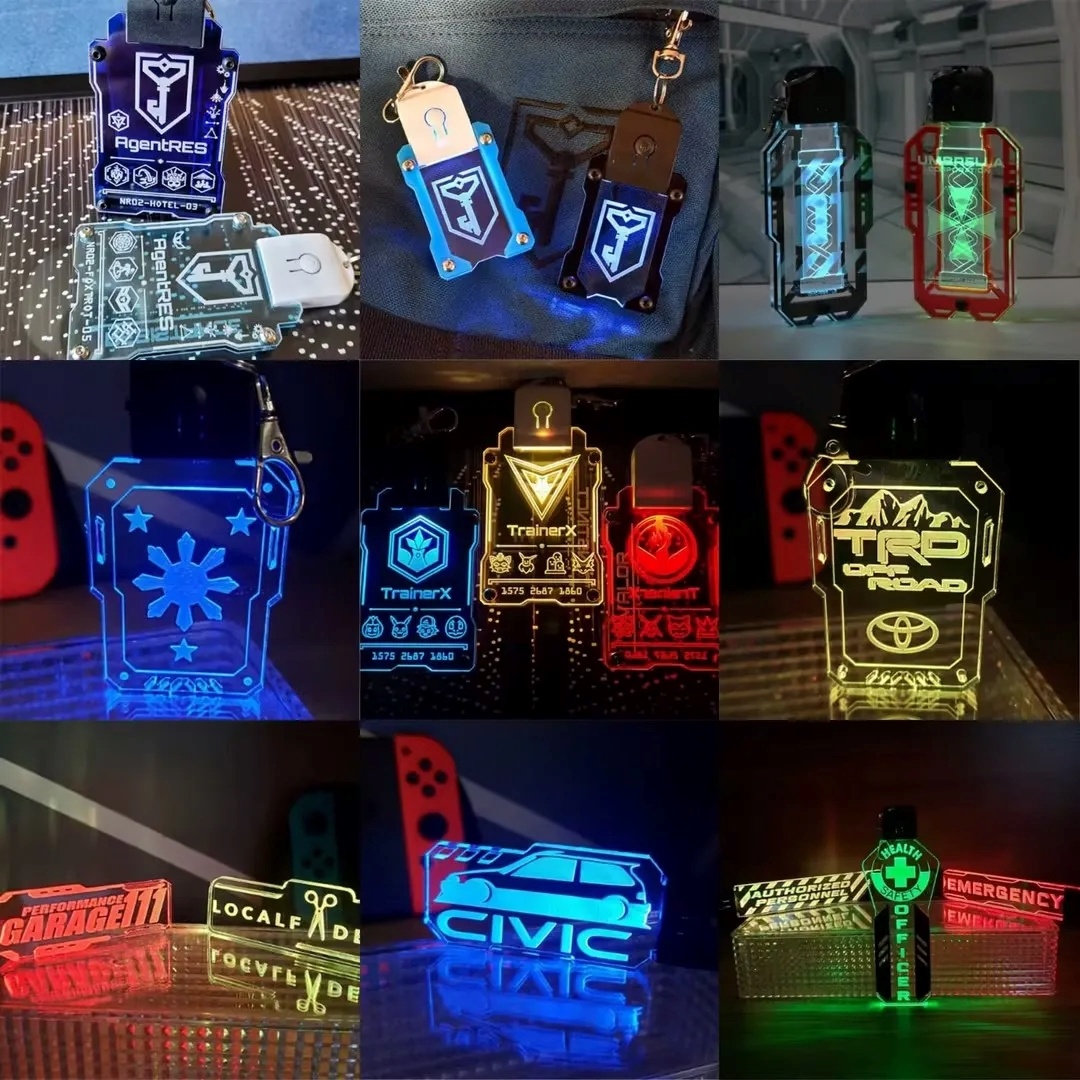
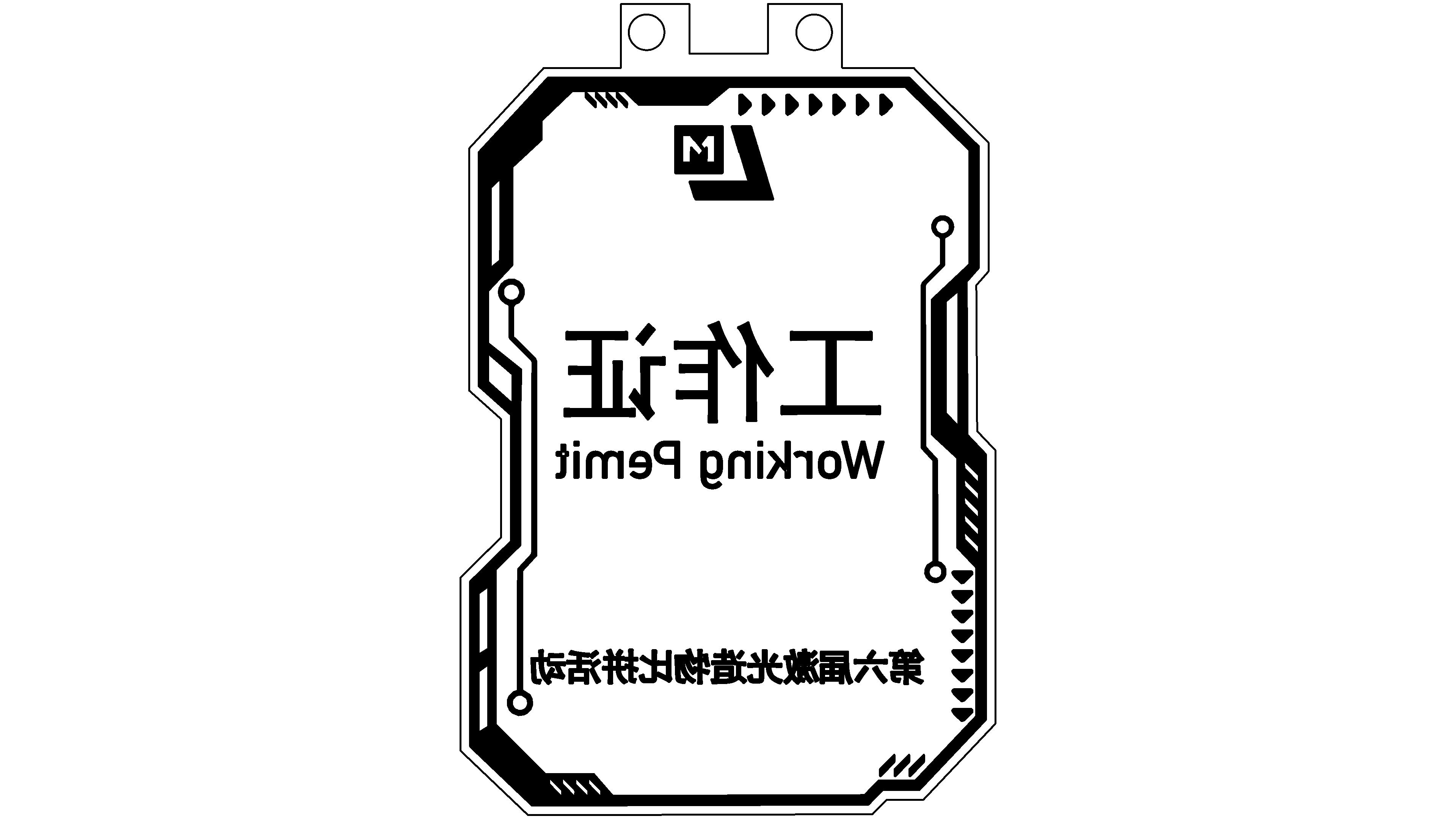
Source of inspirationAdopting a framework design of the opposite sex, different from conventional rectangular work boards, giving people a high-tech feel. Added itLaserMakeroflogoThe text on the 'Work Permit' and '6th Laser Creation Competition' can highlight the usefulness of this work badge. Assembled with luminous accessories, the work card can present different color effects, and different colors can be used to distinguish different work properties, making the function of the work card more flexible.
Special note: When uploading your work, please make sure to select the correct work category. The selected work category for this competition is the 'Identification Label Competition'. At the same time, it is necessary to choose the theme of the 6th eventLaserMakerLaser Creation Competition Event.
[attachmentID:1366 - Attachment does not exist]
Source of inspirationAdopting a framework design of the opposite sex, different from conventional rectangular work boards, giving people a high-tech feel. Added itLaserMakeroflogoThe text on the 'Work Permit' and '6th Laser Creation Competition' can highlight the usefulness of this work badge. Assembled with luminous accessories, the work card can present different color effects, and different colors can be used to distinguish different work properties, making the function of the work card more flexible.
Special note: When uploading your work, please make sure to select the correct work category. The selected work category for this competition is the 'Identification Label Competition'. At the same time, it is necessary to choose the theme of the 6th eventLaserMakerLaser Creation Competition Event.
[attachmentID:1366 - Attachment does not exist]