 English
 简体中文
简体中文
 繁體中文
繁體中文
 Français
 Español
 عربي ،
 русский язык
 Português
 Deutsch


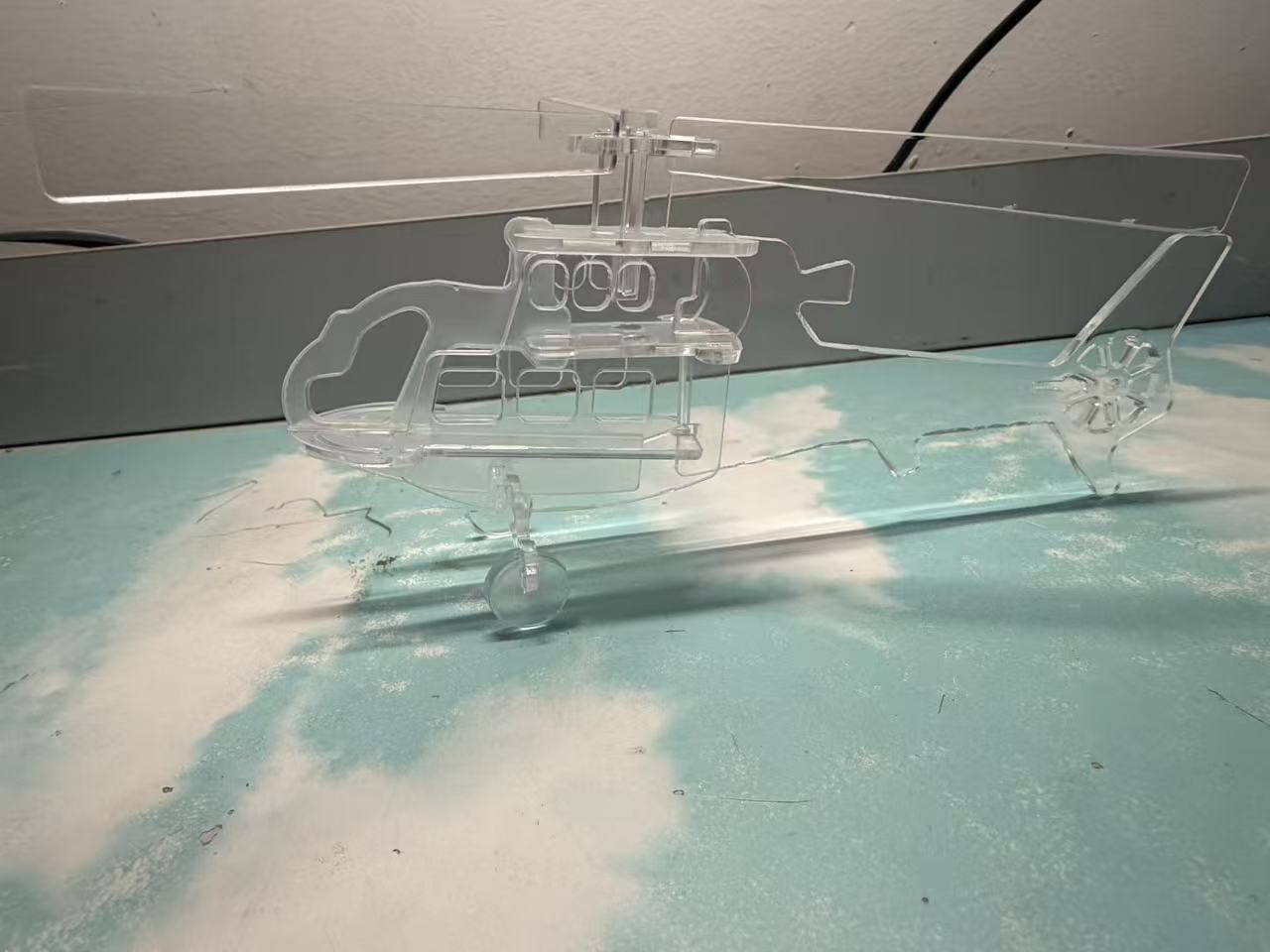
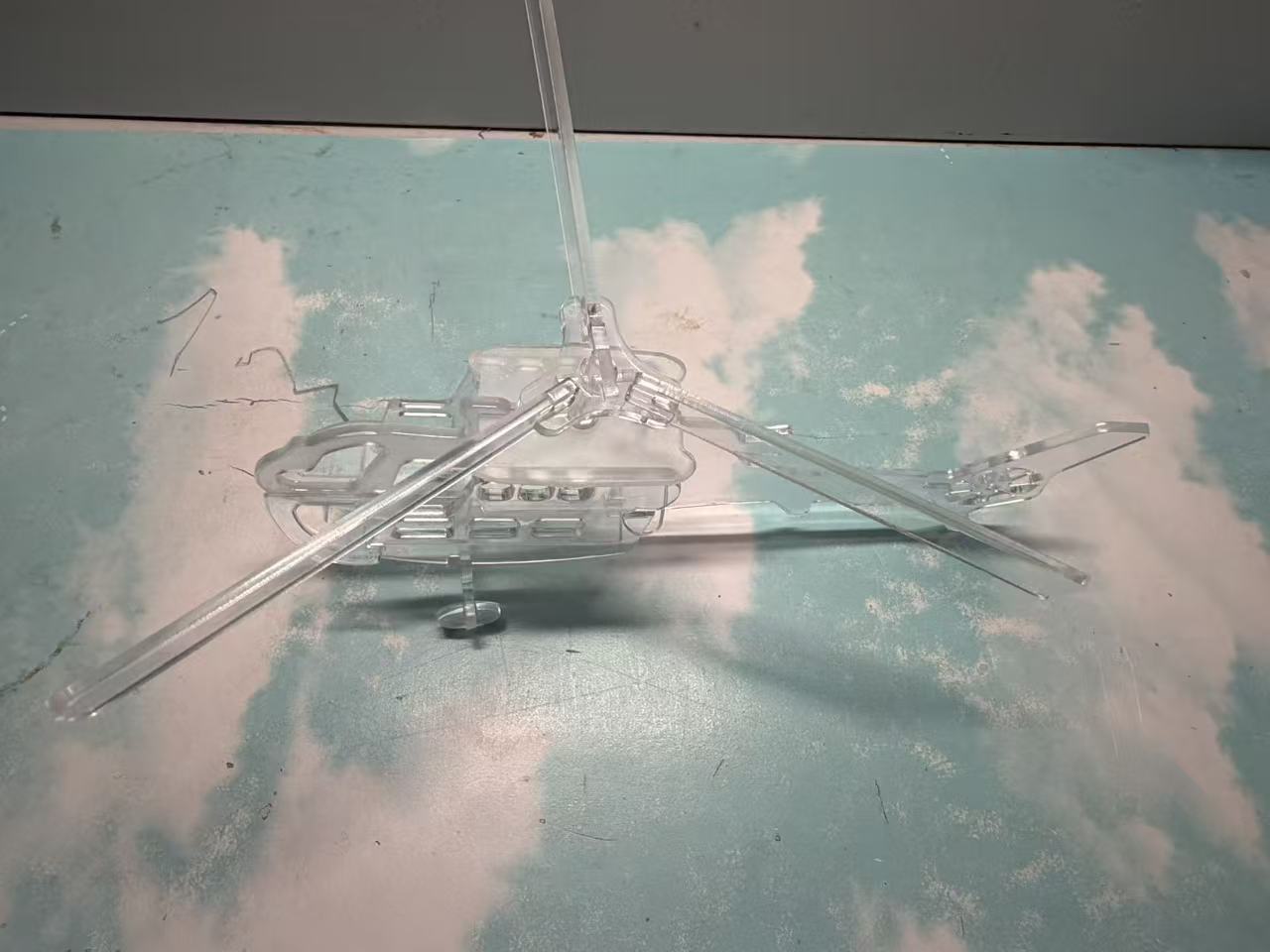
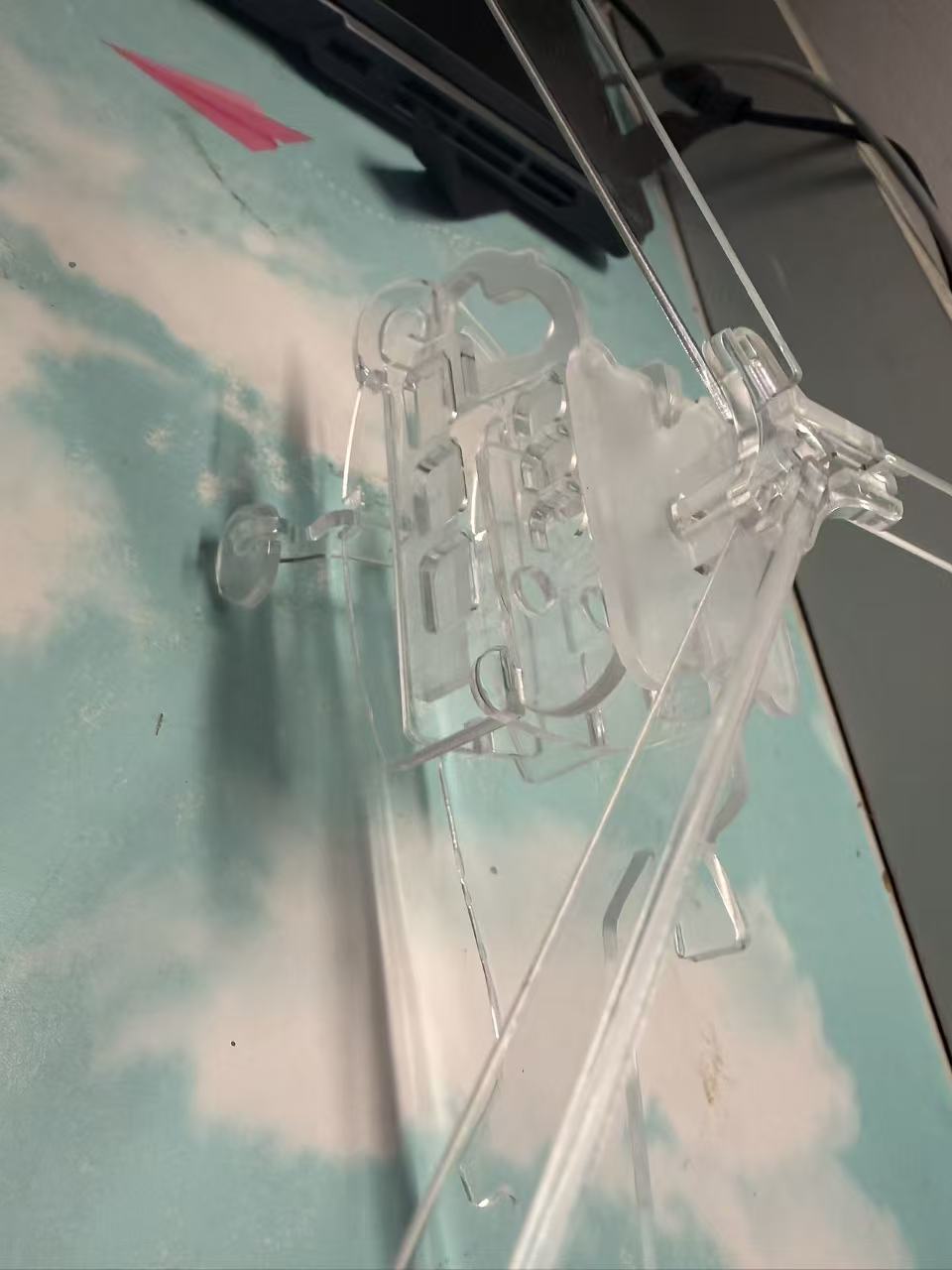
1、 Overview of the work
This work is a helicopter shaped decorative ornament made of transparent acrylic material, based on a common general-purpose helicopter. It is presented through laser cutting and assembly technology, combining the structural beauty of industrial machinery with the lightweight texture of transparent materials. It can be used as a desktop decoration and spatial display item.
2、 Design concept
Breaking away from traditional metals with the core of deconstructing mechanical forms through 'transparency'/The heaviness of the plastic model is weakened by the transparency of acrylic, which weakens the mechanical "industrial hardness" while retaining the iconic structure of the helicopter (rotor, cabin, tail rotor), transforming "mechanical function" into "visual aesthetics" and achieving a balance between "industrial form and lightweight texture".
3、 Inspiration source
1. Simplification of the Form of Realistic Machinery: Derived from the Classic Structure of General purpose Helicopters, Extracting the 'Rotor'-cabin-The core contour of the "tail rotor" removes complex details and restores the mechanical recognition with minimalist lines;
2. The interaction between material and light and shadow: Inspired by the "light and shadow penetration" of glass sculptures, acrylic material is chosen to create layered light and shadow when light passes through the work, giving static ornaments dynamic visual changes.
4. Innovation Points
1. Design innovation: With a minimalist approach of "removing color and retaining structure", the mechanical shape is presented using a single transparent material, which not only retains the recognition of the helicopter, but also gives it a "light artistic sense" through transparency, distinguishing it from the realistic style of traditional models;
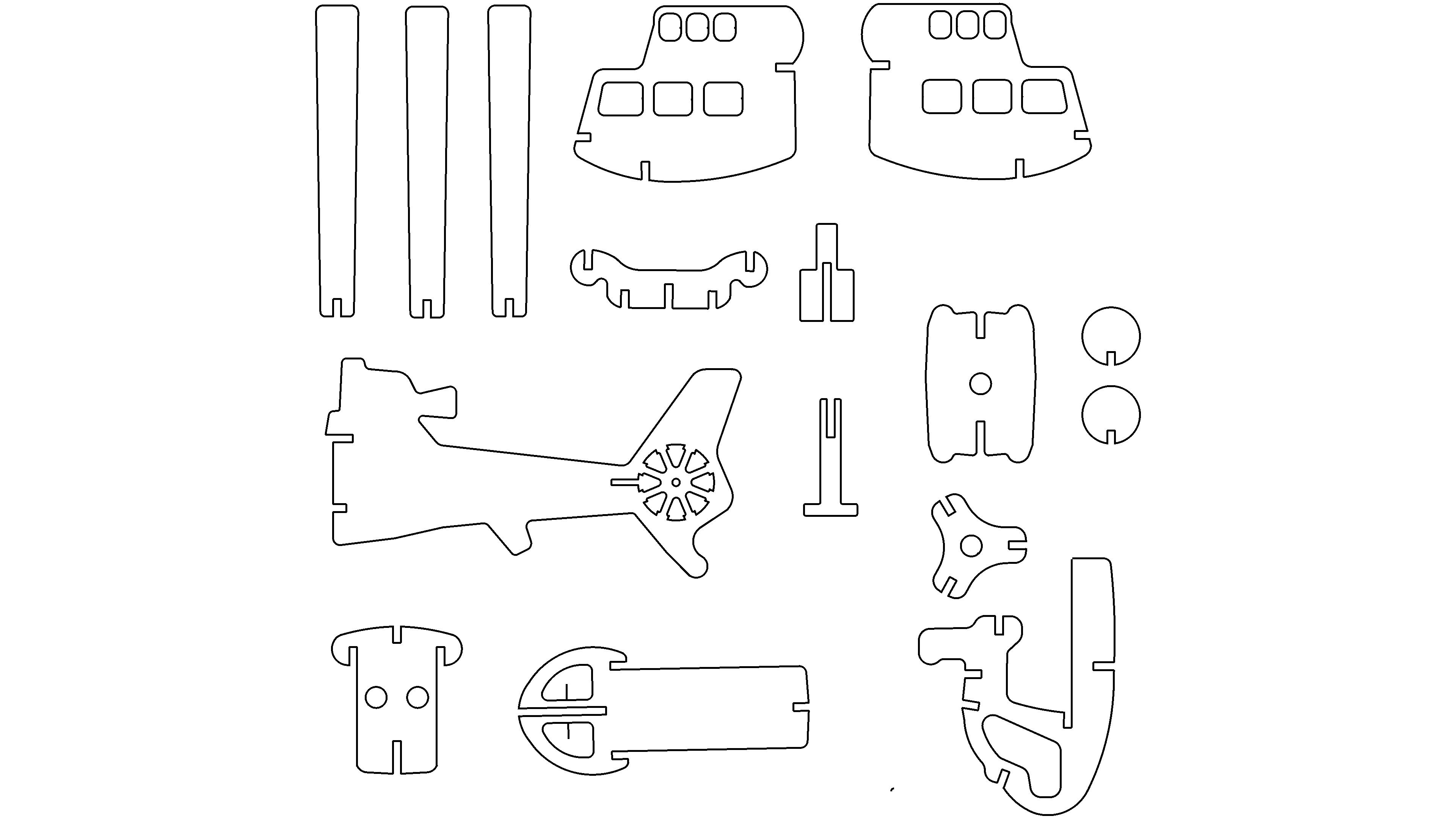
2. Structural innovation: adopting 'flat cutting'+The method of "three-dimensional assembly" disassembles the three-dimensional structure of the helicopter into acrylic sheet components, and completes the shape through slot type splicing, balancing the convenience of production and structural stability;
3. Visual Function Innovation: By utilizing the translucency of acrylic, the artwork can adapt to different lighting environments (such as desktop desk lamps and window spotlights). When light and shadow penetrate, a "mechanical contour projection" is formed on the background, allowing the ornament to have a dual visual function of "display decoration" and "light and shadow installation".

No urging, no urginghj